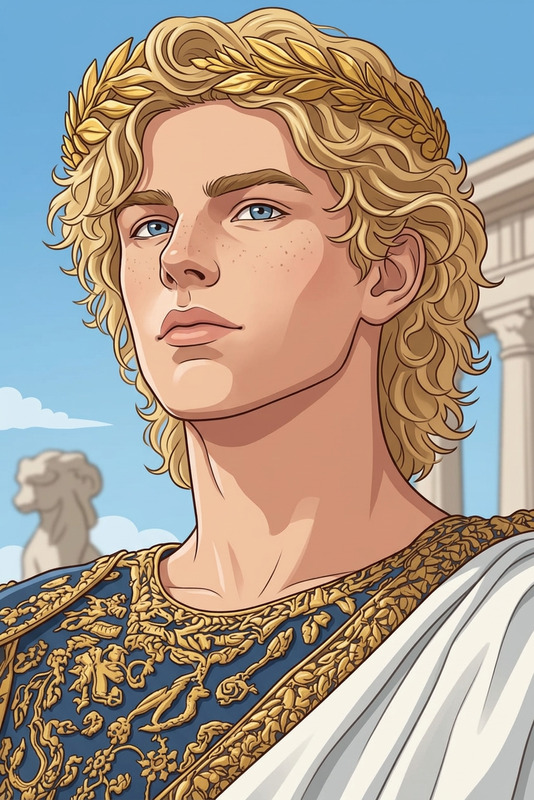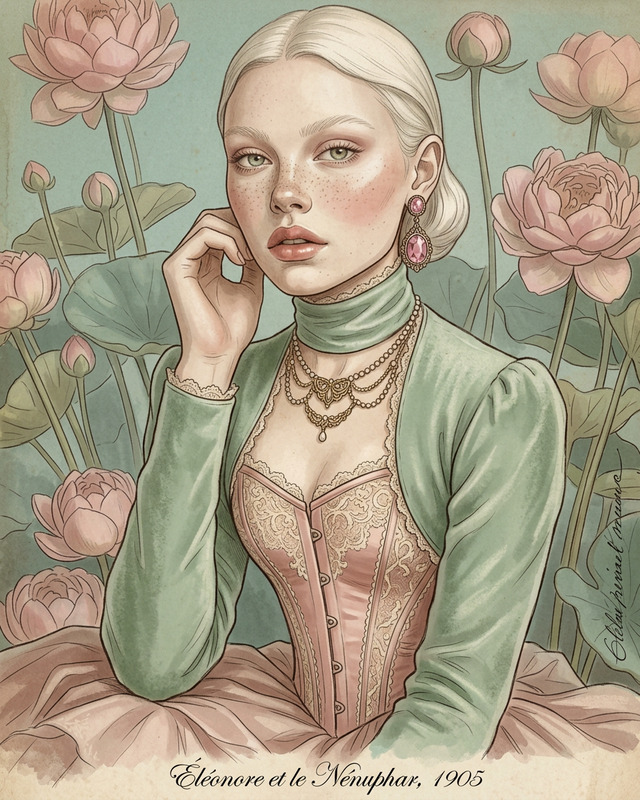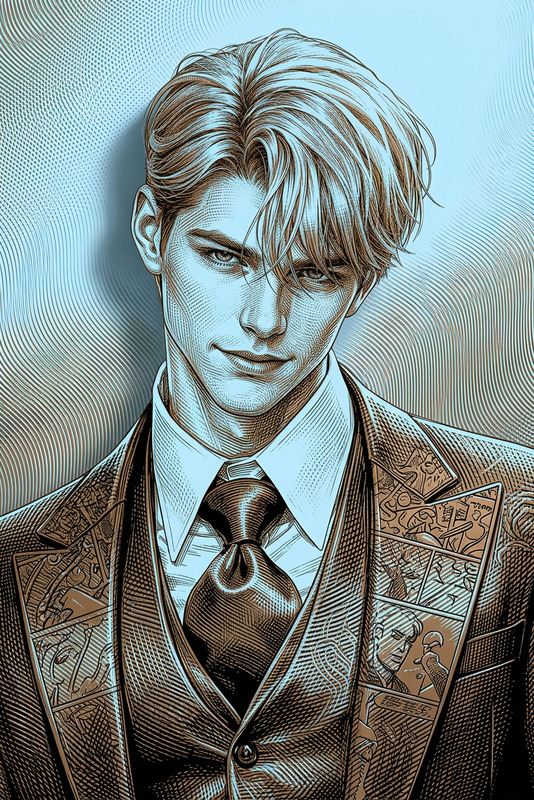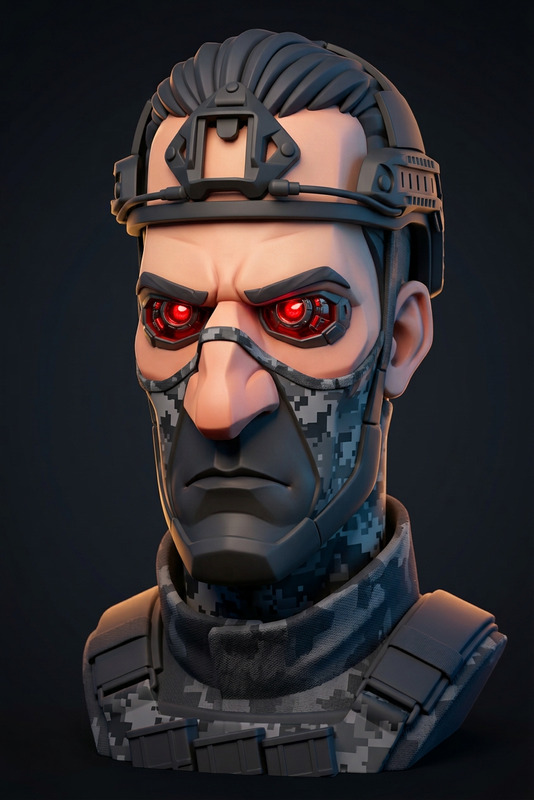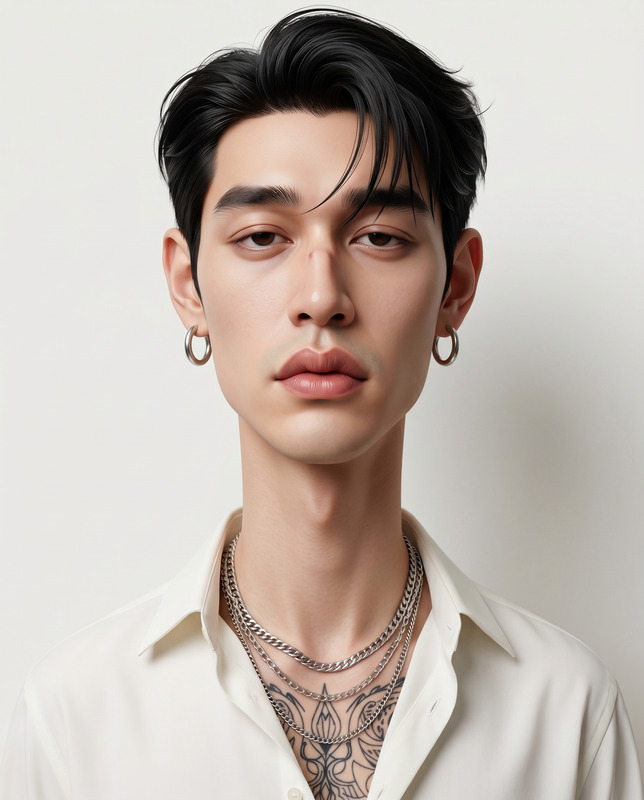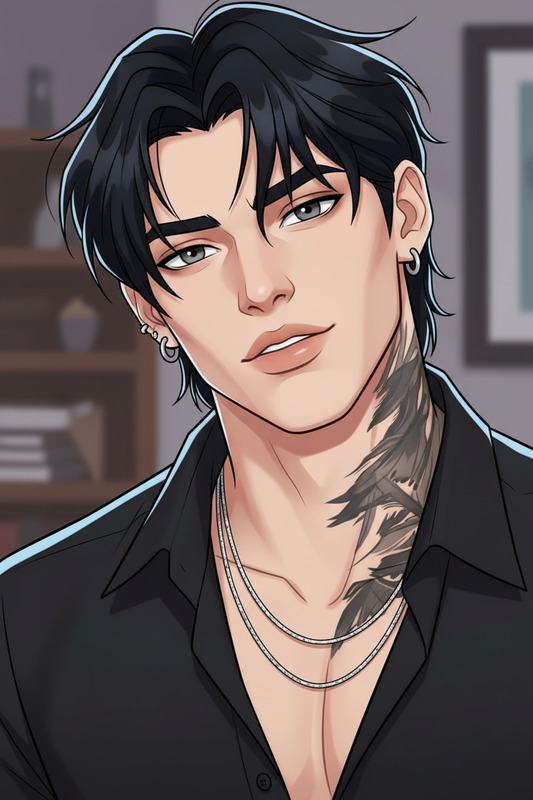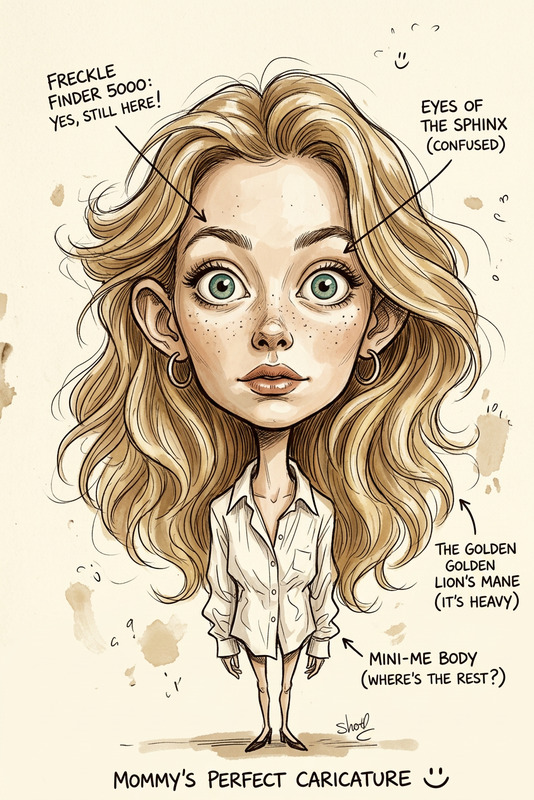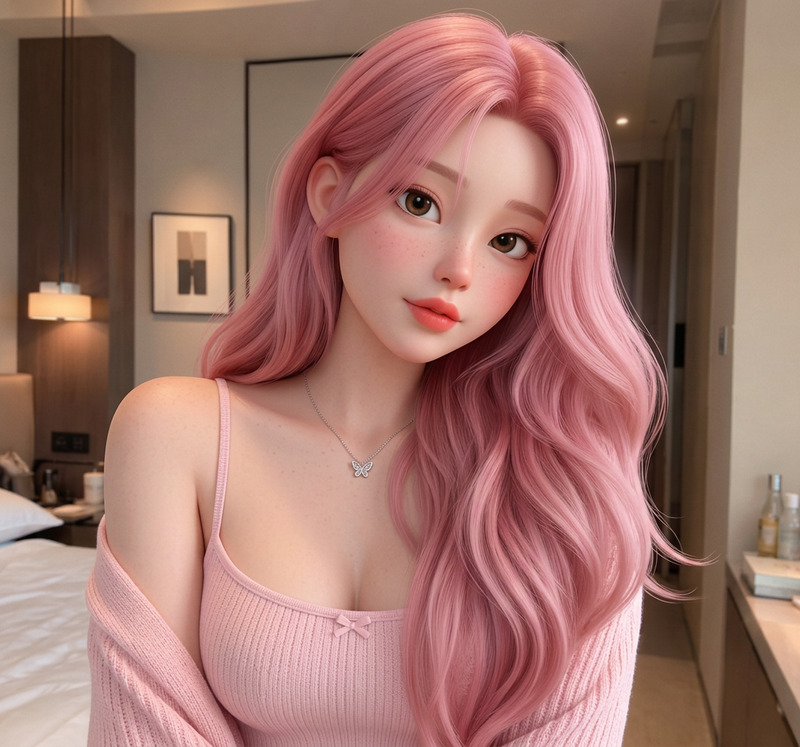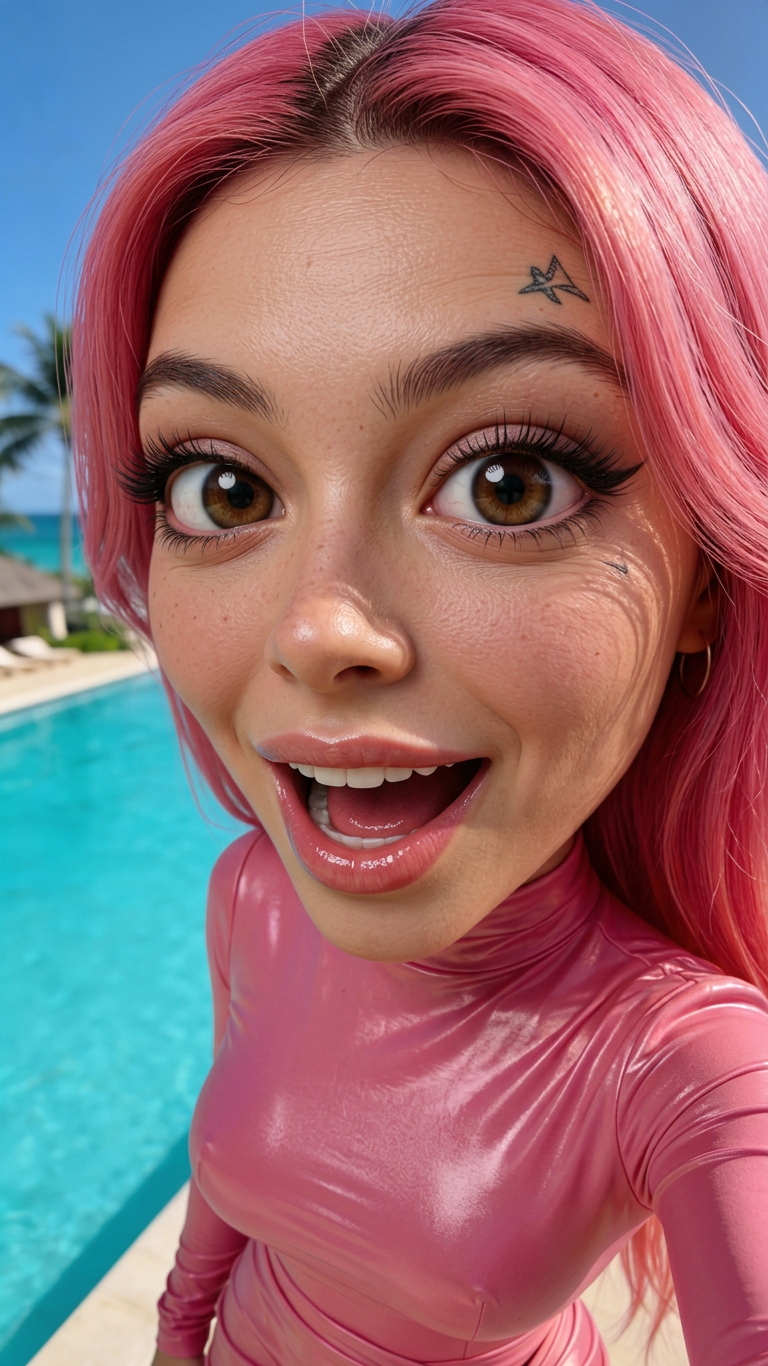
Pinky Girl Cricature
- Model
- Nano Banana 2
- Image
- 768 × 1366 px
Prompt
Transform this photo into an ultra-realistic, highly detailed 3D caricature with a lifelike, expressive finish. Preserve and emphasize the subject's unique facial structure, skin texture, hairstyle, clothing, and posture with extreme precision. Ensure the final result remains instantly recognizable and faithful to the original image, maintaining the distinctive character traits and mood. Highlight exaggerated expressions and a stylized, oversized head while using micro skin details (like pores, wrinkles, and facial lines), and lifelike fabric textures. The style should resemble high-end animated film characters.
Any aspect ratio
Overview
The "Pinky Girl Cricature" template offers a sophisticated approach to transforming standard photos into lifelike, 3D caricatures. Designed with precision and artistic flair, this template is part of our AI Image Editor suite, leveraging the powerful nano-banana-2 model to enhance facial details, textures, and expressions for an ultra-realistic depiction. Ideal for creative visual projects, it captures the essence of the subject with a blend of exaggerated and detailed features.
What It Does
This template allows users to convert photos into 3D caricatures that are both visually stunning and realistic. It emphasizes and preserves unique facial structures and expressions, complemented by detailed skin textures, hairstyles, and clothing. The resultant image maintains the core characteristics and mood of the original photo while projecting a high-end animated film style.
By utilizing this template, creators can explore stunning visual effects and create compelling images perfect for marketing materials, artwork, or personal collections. For enhanced outputs, consider pairing this with our AI Image Upscaler to preserve clarity and quality at a larger scale.
Who It's For
This template is ideal for artists, photographers, and digital creators seeking to expand their design toolbox with dynamic caricatures. It's particularly useful for professionals involved in character design and animation, as well as those in marketing and content creation spaces aiming to produce impactful visual narratives. Additionally, it caters to enthusiasts in need of creating eye-catching, unique social media content.
For those developing complex imaging projects, our AI Image Generator can complement this tool by offering a broader range of creative possibilities.
Summary
The "Pinky Girl Cricature" effectively transforms traditional photos into animated-style caricatures, highlighting and enhancing individual facial features with precision. It's a perfect tool for artists and marketers who demand high-quality outputs without compromising the distinctiveness of the original image. Explore the capabilities of other tools in our portfolio like AI Headshot Generator for additional creative enhancements.
How To Structure
Choose

Customize

Generate

Use Cases
Character Design
- Enhanced details for realistic animations
- Perfect for storyboard development
Marketing Materials
- Distinctive characters for brand promotion
- High engagement potential on social media
Digital Art
- Focus on detailed and expressive art
- Ideal for personal projects and exhibitions
Best Practices
Select High-Quality Images
Ensure your original images are of high resolution to achieve the best output. This helps in capturing fine details like skin textures and fabric patterns.Refine Facial Expressions
Adjust the intensity of facial expressions minimally to maintain a balance between realism and exaggeration, ensuring the transformation remains true to the subject's essence.Combine with Upscaler
For larger prints or displays, use the AI Image Upscaler to retain sharpness and quality in your final caricatures.