Caricature 3D Studio

Caricature 3D Studio

ai-image-editor

1 clip
0 uses

Any aspect ratio

Prompt

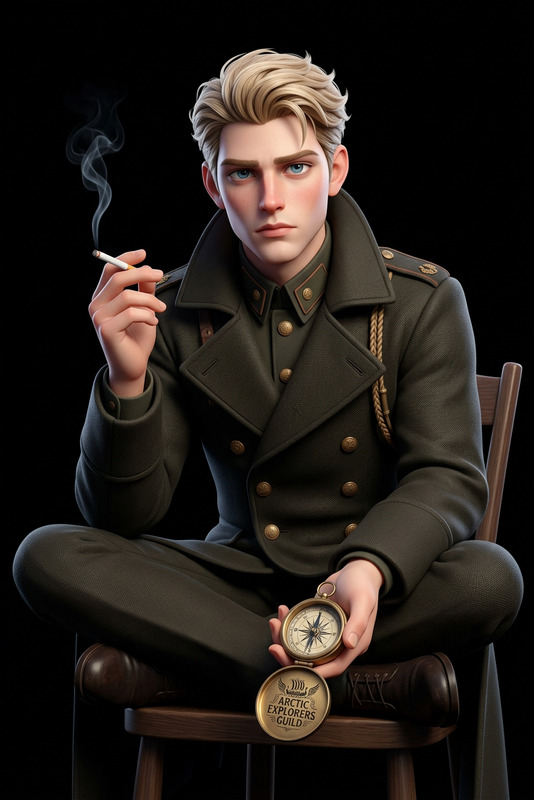
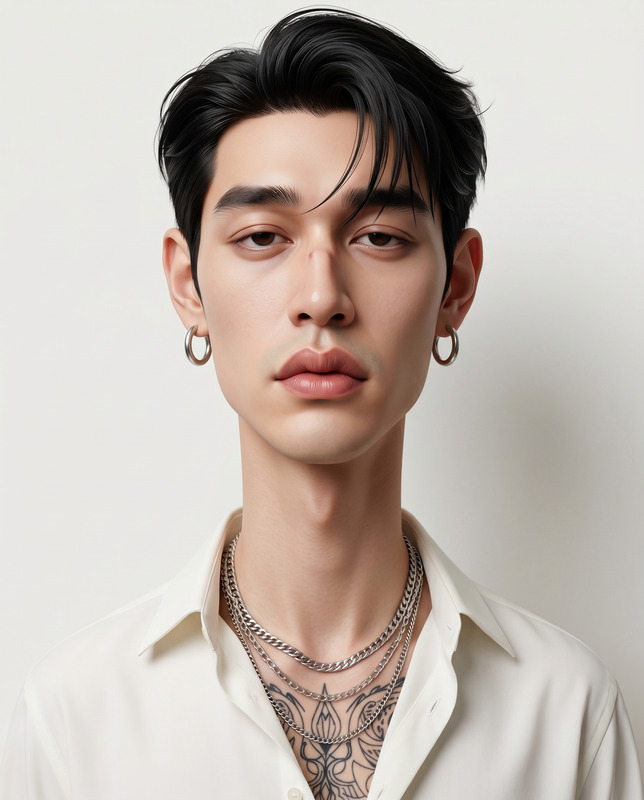
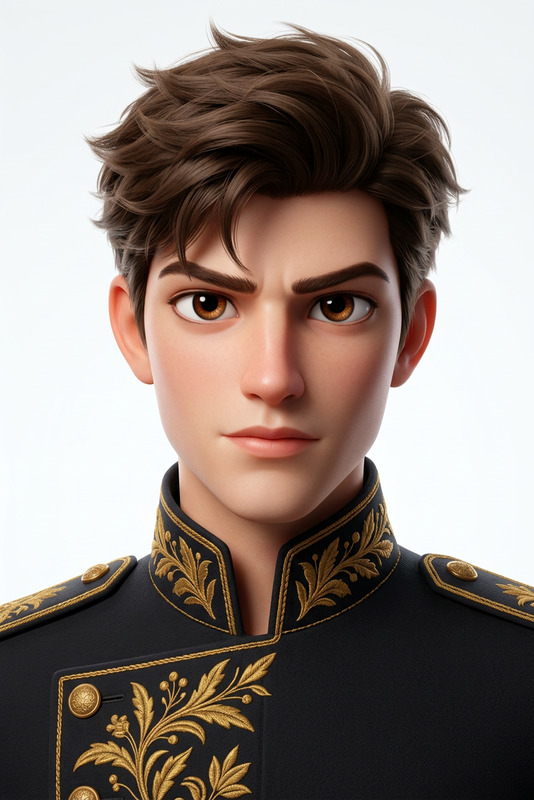
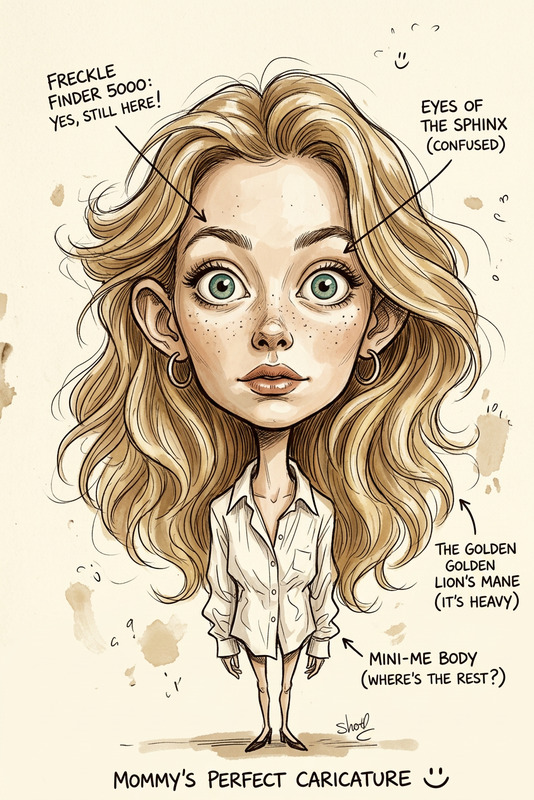
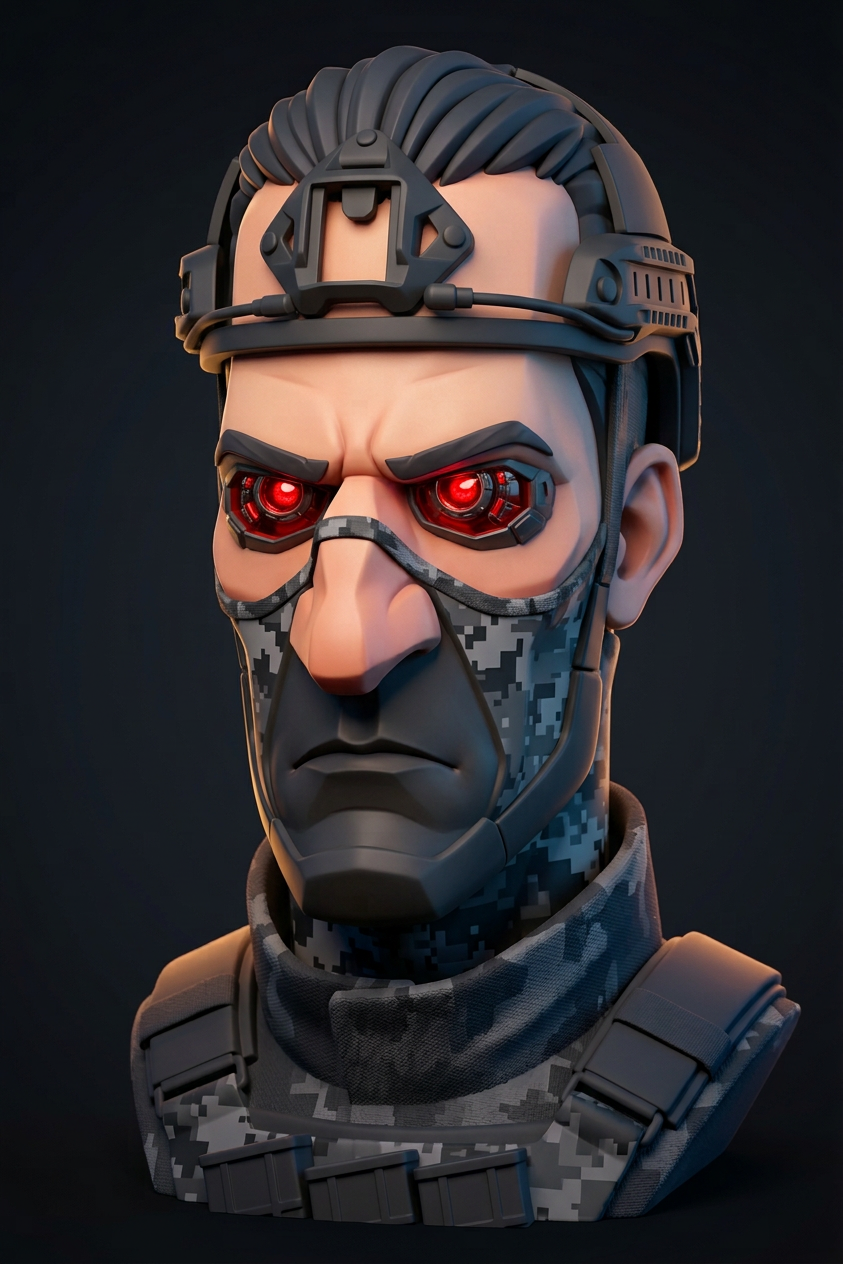
Subject rendered as a stylized 3D caricature bust with an elongated rectangular head and oversized nose, featuring sharp angular facial planes, deep-set eyes, and a serious expression; hair sculpted into clean stylized strands, clothing minimal and secondary; set in a dark gradient studio background with subtle depth; high-end CGI render using smooth subdivision surfaces and controlled toon shading; palette of deep charcoal, cool blue shadows, warm peach skin, and soft amber rim light; crisp silhouette, matte materials, and polished editorial character design.

AI Image Editor Template: Remixable Image Editing for Fast Creative Work

Use this AI Image Editor–based template as a starting point to create production‑ready images in minutes—without leaving your browser. It’s designed for creators, marketers, founders, and product teams who need high‑quality visuals quickly and want a reusable, remixable workflow inside Magic Hour.


What This Template Is For

This template is built on the AI Image Editor and is optimized for:

  • Reworking existing images (campaign visuals, product shots, thumbnails, mockups)
  • Rapid iterations for A/B tests and experiments
  • Turning rough ideas into polished, on‑brand assets
  • Non‑destructive editing you can easily remix and repurpose

You can adapt it for:

  • Marketing & growth – ad creatives, social posts, landing hero images, email banners
  • Product & UX – UI mockups, feature illustrations, empty‑state art
  • Content & media – YouTube thumbnails, podcast/album covers, blog headers
  • Brand & design – style explorations, concept art, visual systems

How to Remix This Template in Magic Hour

You can recreate and extend this template directly in Magic Hour by combining the AI Image Editor with other Magic Hour tools.

1. Start with a base image

You can use:

  • A product shot, logo, or UI screenshot
  • A portrait, headshot, or lifestyle photo
  • A rough sketch or concept image

If you don’t have a strong starting image, generate one first with:

2. Open it in the AI Image Editor

Import your base image into the AI Image Editor. From here you can:

  • Change or refine backgrounds
  • Replace or add objects
  • Adjust style (photorealistic, illustration, anime, etc.)
  • Clean up distractions or artifacts

For targeted edits, pair with:

3. Iterate and branch versions

Treat this template as a branchable node in your workflow:

  • Duplicate your best version and try alternative concepts (colors, angles, scenes)
  • Generate variants for different channels (feed vs story, desktop vs mobile)
  • Keep “good failures” as inspiration for future remixing

For specific use cases:

4. Enhance quality and details

Once the composition is right, finalize quality:


Example Workflows You Can Build from This Template

Use this template as a building block in larger Magic Hour workflows:

1. Ad creative / landing page hero

  1. Generate a hero concept using AI Background Generator or Architecture Generator
  2. Insert or refine product visuals in the AI Image Editor
  3. Create on‑brand iconography with AI Icon Generator
  4. Export versions sized for ads, landing pages, and social

2. Creator branding and content assets

  1. Create a stylized portrait via AI Selfie Generator or Avatar Generator
  2. Refine it in the AI Image Editor (colors, background, lighting)
  3. Turn that image into a YouTube thumbnail using Thumbnail Maker or an episode visual using Album Cover Generator or Book Cover Generator

3. Product, app, or game concept art

  1. Generate environments with Fantasy Map Generator, AI Interior Design Generator, or Architecture Generator
  2. Add characters using Animated Characters Generator, Superhero Generator, or Pokemon Generator
  3. Combine and refine everything in the AI Image Editor
  4. Turn key frames into motion previews with Image to Video or Text to Video

Turning Edited Images into Video, GIFs, and Interactive Assets

Once you’ve created a strong image via this template, you can extend it across formats:

For social and community content:


Best Practices for Using This Template Effectively

Think in systems, not single images

  • Define a visual language (color, tone, style) and reuse it across campaigns
  • Use this template as your “source of truth” for how images are edited in your brand
  • Maintain a few core variations and branch off them for experiments

Combine tools for leverage

This template becomes significantly more powerful when combined with:

Optimize for performance, not just aesthetics

  • Create multiple variants for different audiences and channels
  • Make small, controlled edits between variants so results are measurable
  • For video campaigns, combine this template with:

Who This Template Is Designed For

This AI Image Editor template is especially useful if you are:

  • A founder or marketer iterating fast on landing pages and ads
  • A creator who needs consistent, high‑quality visuals across platforms
  • A product or UX designer prototyping visuals before committing design time
  • A startup team building a repeatable asset production pipeline

You can use this as a drop‑in editing node in your broader Magic Hour stack: generate → edit (this template) → upscale → animate → publish.


Remix This Template to Fit Your Workflow

You don’t need to use this template “as is.” In Magic Hour, you can:

  • Start from this template and customize it to your brand or product
  • Fork it into specialized templates (e.g., “thumbnail editor,” “DTC product editor,” “SaaS hero editor”)
  • Combine it with downstream tools like Thumbnail Maker, Album Cover Generator, or AI Meme Generator to create fully automated content flows

Use this AI Image Editor template as your base, then layer on other Magic Hour tools to build an image editing system that is fast, repeatable, and tailored to your team’s needs.

More Like This