Neon Whisper – Cyber Spotlight
- Model
- Qwen Edit
- Image
- 568 × 1024 px
Prompt
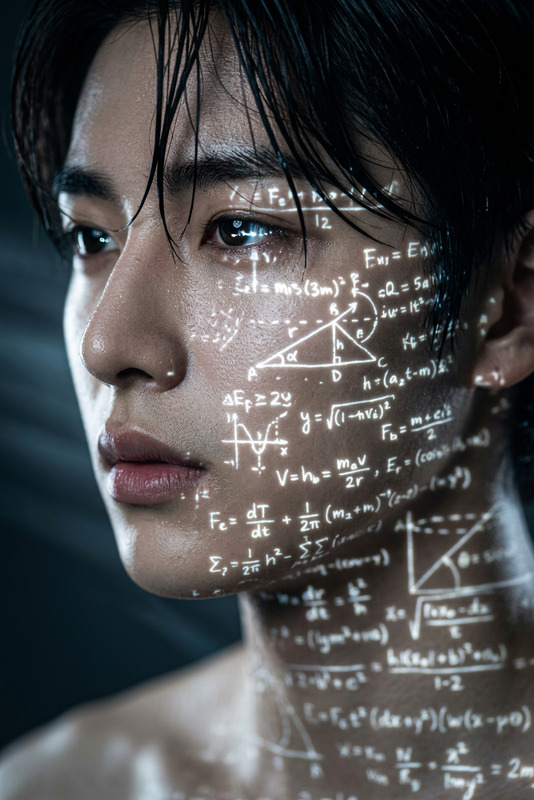
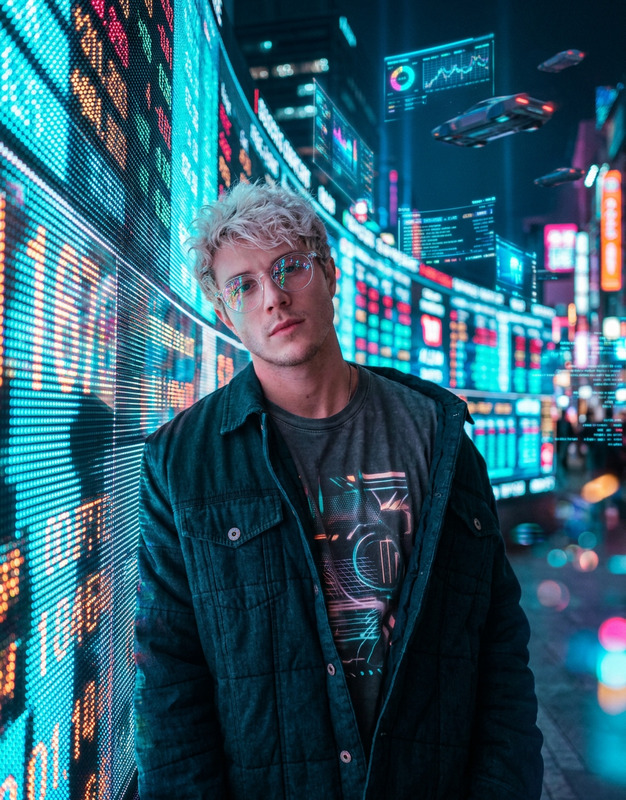
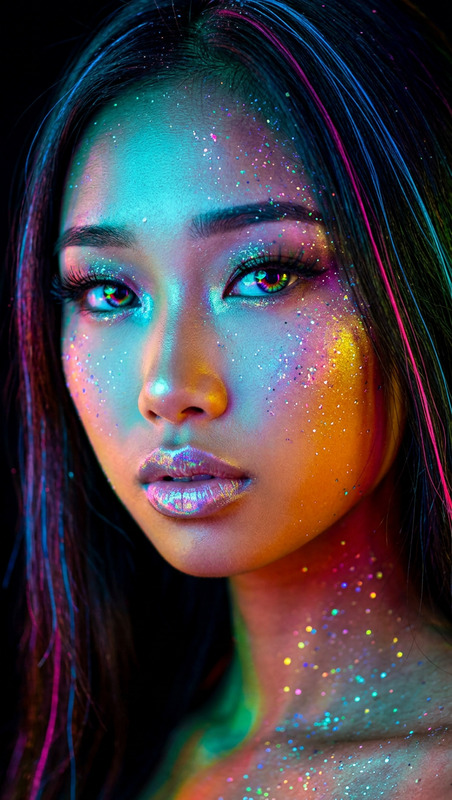
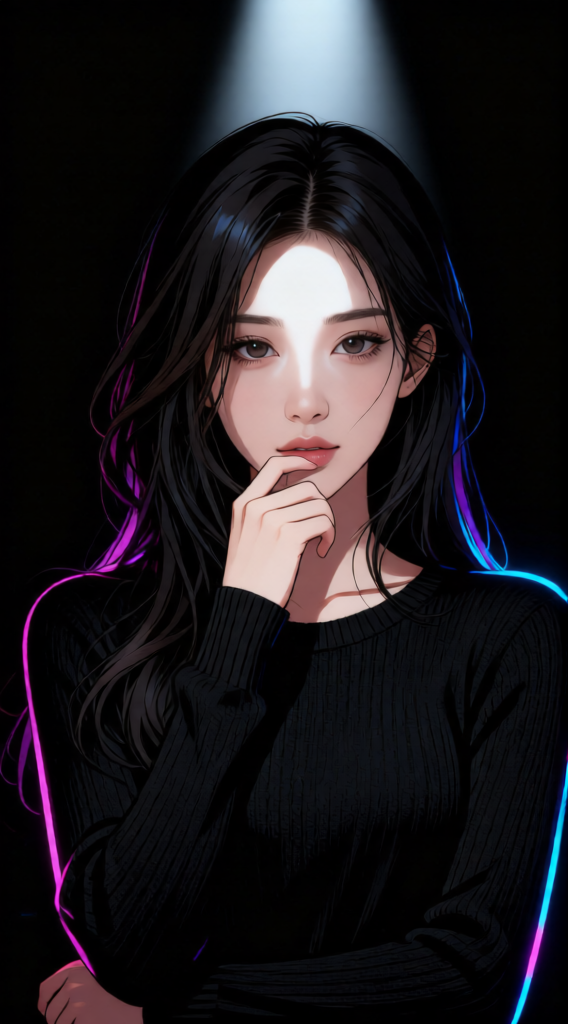
A subject wearing a black long-sleeve knit sweater, standing against a completely black background. The subject has long dark hair with loose strands falling over the face, and looks directly at the camera with a mysterious expression. One hand is raised gently to the lips in a shy, hesitant gesture. Hyperrealistic anime portrait style, blending realism with stylized features. Lighting uses a narrow beam spotlight focused on the center of the face, with sharp, dramatic edges and strong contrast against the darkness. Cyberpunk cartoon aesthetic with neon accents, subtle glowing highlights, futuristic tones, and a moody, high-tech atmosphere.
Any aspect ratio
Overview
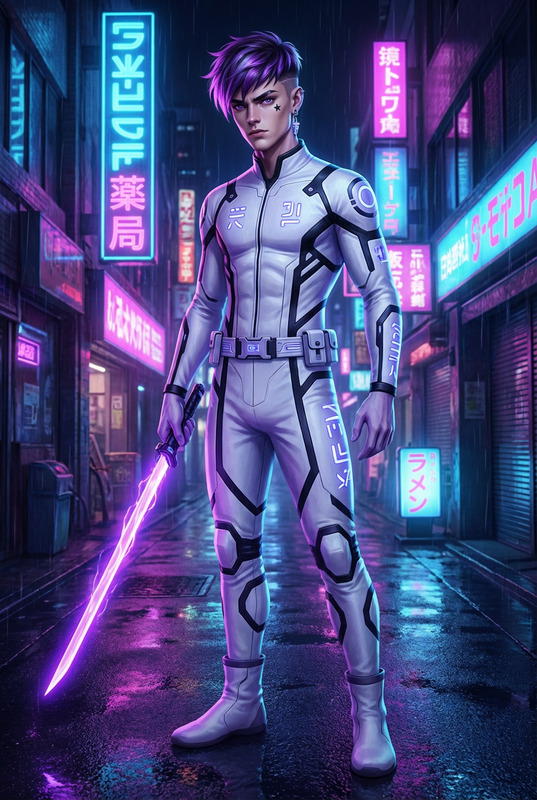
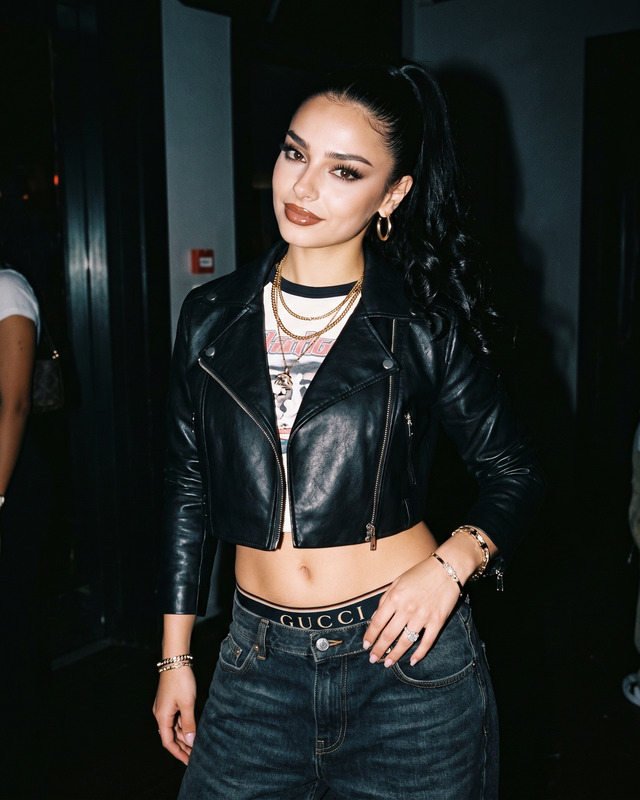
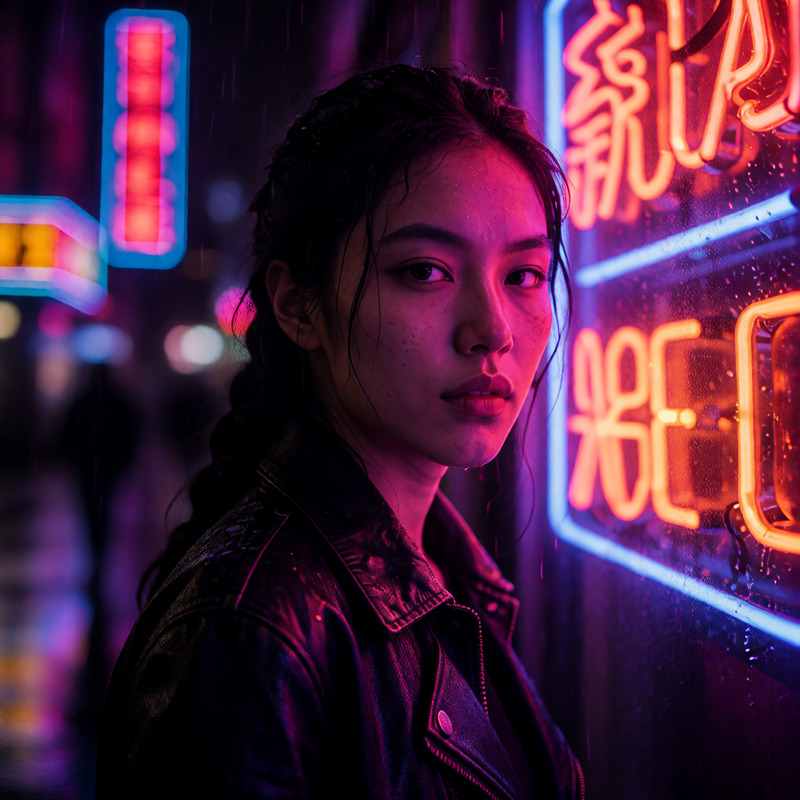
Neon Whisper – Cyber Spotlight is an AI Image Editor template perfect for creating striking visuals with a cyberpunk edge. Designed using the advanced Qwen Edit model, this template offers a hyperrealistic anime portrait style that uniquely blends realism with stylized features.
What It Does
This template crafts a high-impact image of a subject wearing a black sweater in a dramatic setting. With neon accents and a spotlight on the subject's face, it produces an intriguing image that embodies a mysterious, cyberpunk style. The image balance of light and shadow, along with glowing highlights, provides a futuristic touch.
Who It's For
The Neon Whisper – Cyber Spotlight template is ideal for digital artists, graphic designers, and content creators seeking to infuse their work with a sci-fi aesthetic. Whether you're enhancing character concept art or creating content for a technologically-themed project, this template provides the tools you need.
Summary
Designed for a comprehensive image editing experience, this template helps users develop vivid and stylized images with ease. Leverage the power of a AI Image Generator to explore different styles and video enhancements, making it a versatile choice for various projects.
How to Use
Choose the Template

Customize Your Inputs

Generate and Download

Use Cases
Character Concept Art
- Futuristic attire
- Neon lighting effects
Digital Comics
- Anime style portraits
- High contrast imagery
Marketing Materials
- Post-apocalyptic themes
- Unique branding images
Best Practices
Optimize Lighting
Use the narrow beam spotlight wisely to highlight key features of your subject.Balance Neon Accents
Ensure the glowing highlights complement rather than overpower the subject.Fine-Tune Expressions
Adjust the expression settings to convey the right mood and emotion.