Fashion Designer OOTD – Q-Style 3D
- Model
- Nano Banana 2
- Image
- 768 × 1376 px
Prompt
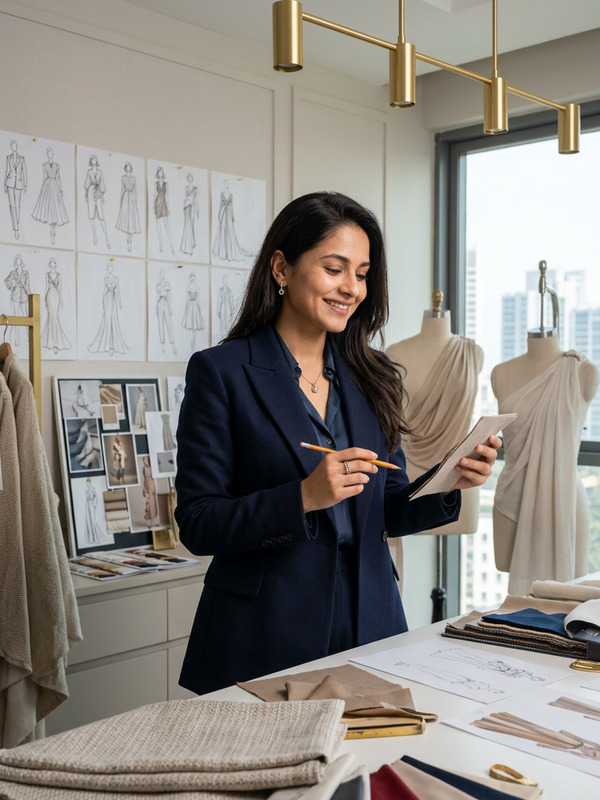
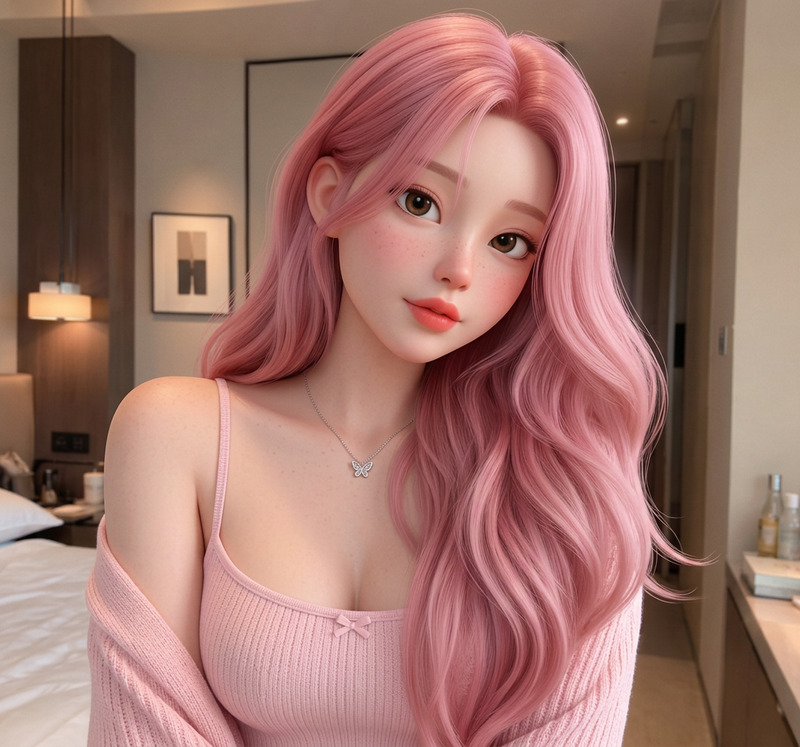
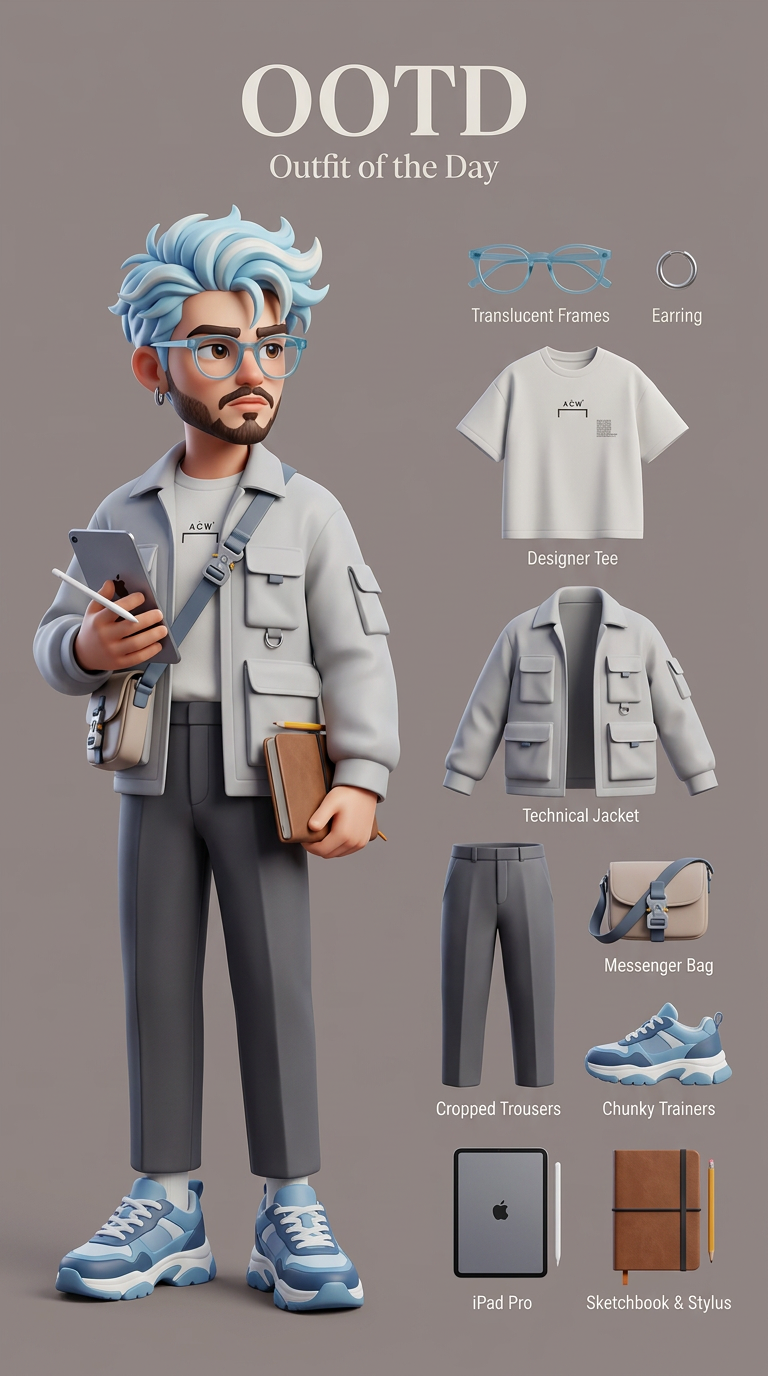
"Generate a Q-style 3D C4D-rendered character based on the person in the photo, preserving the original facial features and character pose. Stylize the character with cute, long-legged chibi proportions and smooth, high-quality 3D rendering. Dress the character in a fashion-forward “outfit of the day” inspired by a fashion designer, including trendy designer clothing, stylish shoes, and accessories such as glasses, a sketchbook or tablet. Ensure the outfit feels modern, creative, and high-fashion. Use a solid background color that complements the character’s palette (no gradients or textures). Composition in 9:16 aspect ratio: place the text “OOTD” at the top; on the left side, show the full-body chibi character wearing the complete outfit; on the right side, display individual clothing items and accessories laid out separately like a clean style breakdown. Ensure balanced spacing, polished lighting, and a cohesive, product-style presentation."
Any aspect ratio
Overview
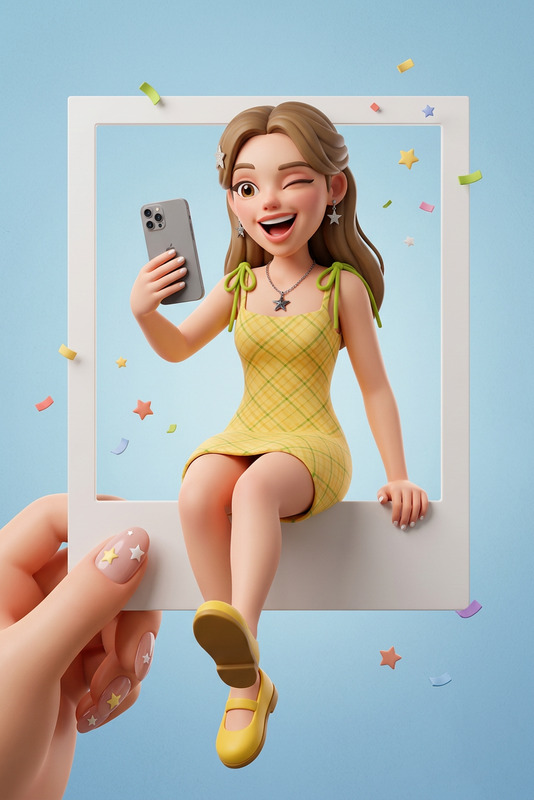
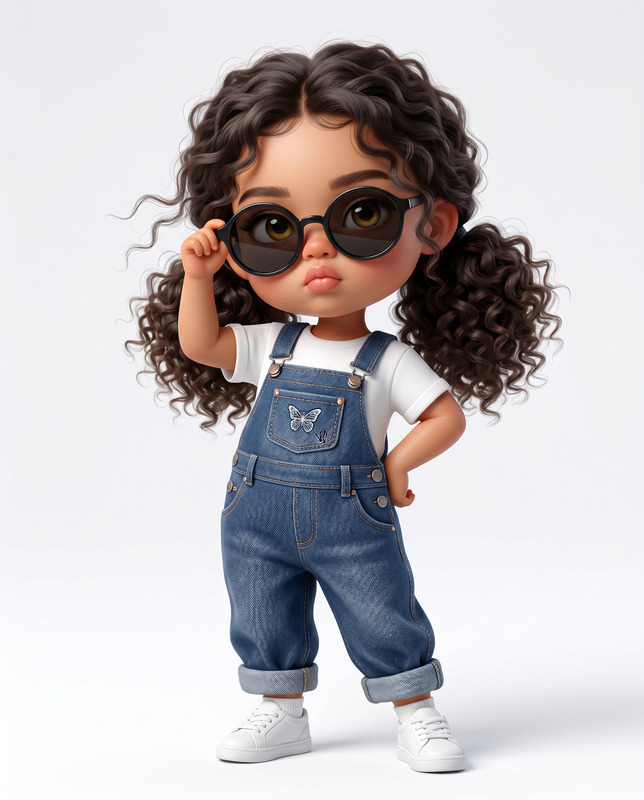
The Fashion Designer OOTD – Q-Style 3D template leverages the advanced capabilities of the AI Image Editor, along with the nano-banana-2 model, to create captivating character designs. This template transforms a real photo into a Q-style 3D character with unique chibi proportions and fashion-forward outfits that inspire creativity in every design project.
What It Does
This template is designed to convert photos into 3D-rendered chibi characters while preserving key facial features and poses. Using high-quality rendering with Cinema 4D-style effects, it dresses characters in stylish "outfits of the day" marked by modern designer flair. The template ensures a seamless blend of artistic appeal and commercial presentation, ideal for designers looking to craft high-fashion visual stories.
Who It's For
The Fashion Designer OOTD – Q-Style 3D template is perfect for fashion designers, illustrators, and digital artists who want to explore unique and trendy styles. It's an excellent choice for creating engaging fashion content or for those involved in digital styling and AI Clothes Changer.
Summary
As a transformative tool in the world of fashion design and digital art, this template helps users craft stylish 3D chibi characters with detailed outfit breakdowns. By combining the expertise of AI Image Editor with fashion creativity, this template enhances the presentation of modern high-fashion concepts effortlessly.
How To Use
Choose Your Template

Customize Your Inputs

Generate Your Design

Use Cases
Digital Fashion Presentations
- Fashion show visualizations
- Brand catalog mockups
Social Media Content
- Influencer collaborations
- Fashion-forward storytelling
E-commerce Visuals
- Product promotion
- Enhanced consumer engagement
Best Practices
Choose High-Quality Photos
Use clear and well-lit photos to ensure the best translation into the 3D style. The clearer the features, the more accurate the final render.Think About Composition
When adding texts and arranging the layout, ensure the spacing is balanced, complementing the overall aesthetic.Experiment with Outfits
Try different combinations of clothing and accessories to see what stands out the most in digital form, providing diverse options for fashion storytelling.