Black Bunny
- Model
- Qwen Edit
- Image
- 728 × 912 px
Prompt
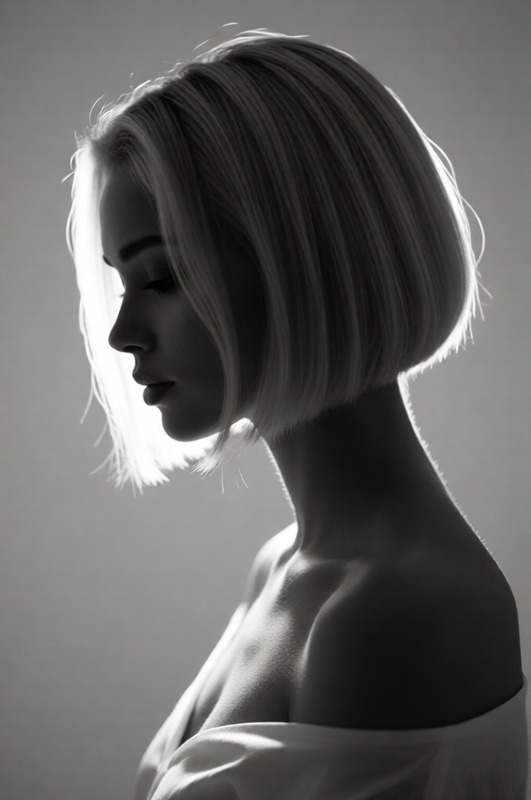
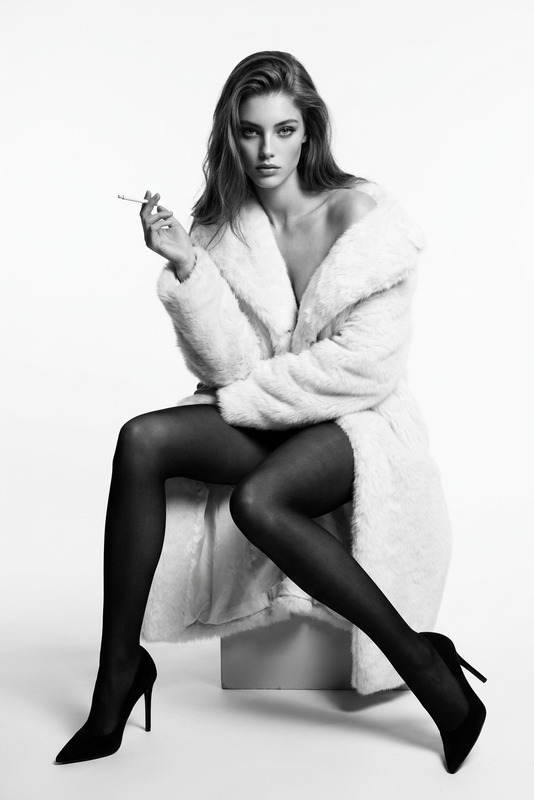
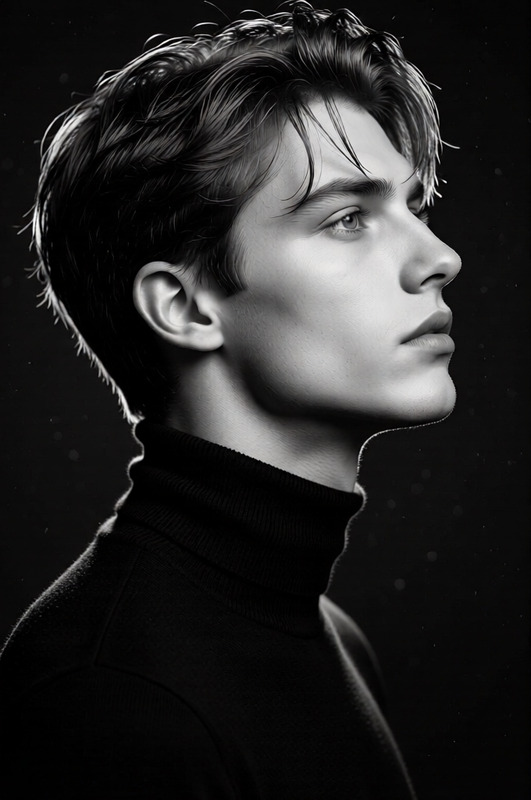
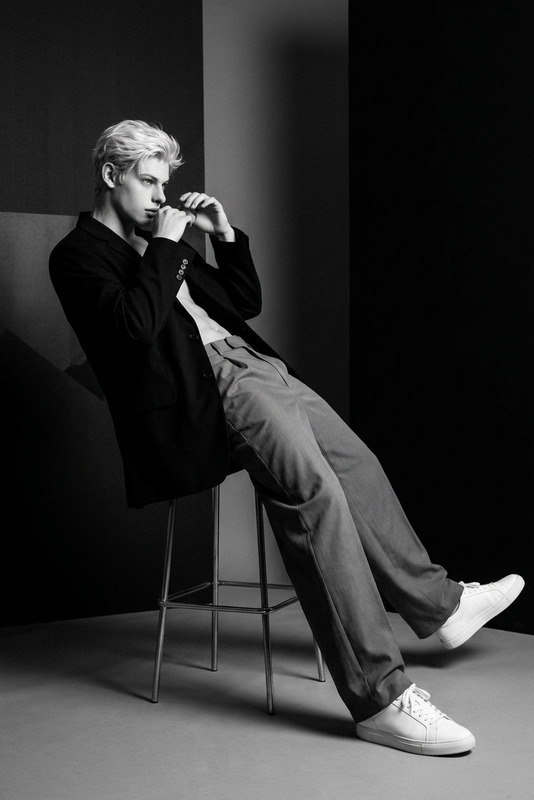
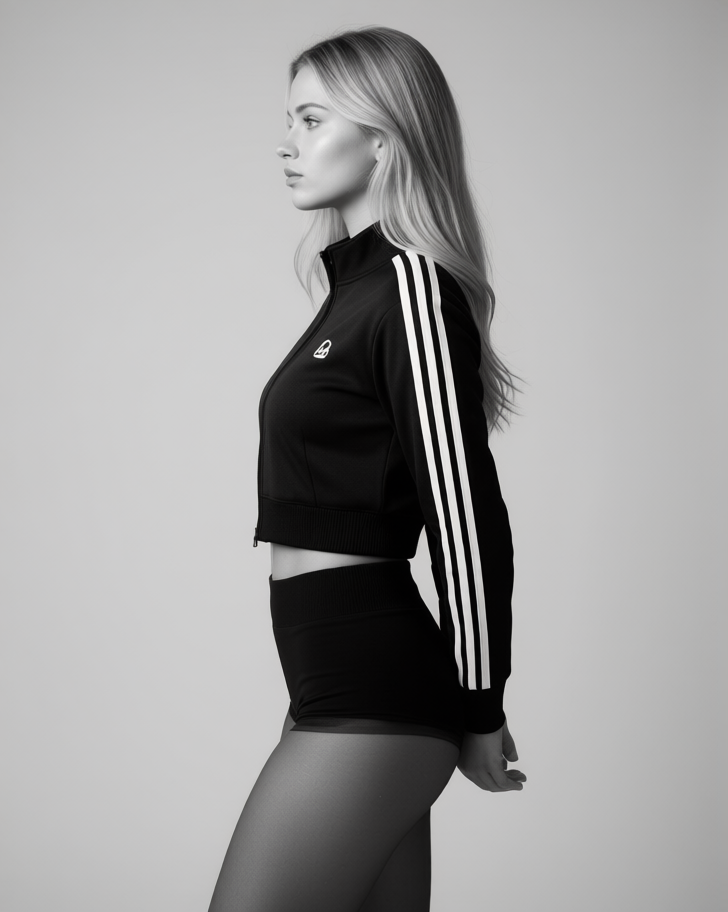
Photorealistic, ultra-detailed realism, seamless studio backdrop in light gray, black-and-white monochrome with medium-high contrast, smooth light-to-dark transitions, soft shadow density and controlled highlights; subject in strict side profile standing upright, head and torso turned left, gaze left, arms behind back with hands clasped; attire: black cropped track jacket with triple white sleeve stripes and a small chest logo in matte knit with ribbed hem, paired with high-waisted black briefs and sheer nylon tights with slight sheen; premium clean background with graded falloff implying spacious studio depth; eye-level medium-full shot on an 85mm lens; lighting: soft diffused studio key from camera-left at moderate intensity, soft-edged shadows with firm contact shadows along garment edges, subtle specular highlights on the stripes and tights.
Any aspect ratio
Overview
The Black Bunny template operates within the AI Image Editor, leveraging the qwen-edit model to deliver compelling black-and-white visuals. Its photorealistic settings ensure your images are crafted to reflect exceptional detail and elegant contrasts. Whether you're working on fashion photography or detailed portrait projects, the template ensures a high-grade visual output.
What It Does
This template facilitates the creation of high-contrast monochrome images with seamless studio backdrops. The focus is on medium-high contrast for a premium black-and-white finish. The specified prompt achieves smooth light-to-dark transitions, enhancing visual appeal with controlled lighting techniques. The model sets a sophisticated studio shot, mimicking an 85mm lens perspective for balanced depth and character-focused compositions.
Who It's For
The Black Bunny template is ideal for photographers, fashion editors, and digital artists seeking to enhance their black-and-white photography. If you're in the fashion industry or need promotional images with detailed realism, this template can efficiently meet your requirements. Marketing professionals tasked with creating engaging content will also find this template valuable, providing content with striking contrasts and refined details.
Summary
With an emphasis on photorealism, the Black Bunny template is curated for those aiming to produce sophisticated black-and-white imagery. Perfect for studio portraiture and high-fashion projects, the template's precise control over lighting and shadow offers a polished output, suitable for a variety of professional settings. Explore broader photographic applications with the AI Clothes Changer or delve into creating striking visuals with the AI Image Generator.
How to Use
Choose the Black Bunny Template

Customize Your Image

Generate Your Final Image

Use Cases
Fashion Photography
- Ultra-detailed fabric depiction
- Studio-quality lighting
- Eye-catching promotional material
Professional Portraits
- Perfect lighting setup
- Natural and smooth background effects
- Refined shadow detail
Marketing and PR Content
- Strong visual impact
- High-quality studio look
- Versatile use across media channels
Best Practices
Focus on Lighting
Ensure you adjust the studio lighting settings to align with the template's soft and diffused key light specifications for the best outcome.Consider Subject Pose
Maintain the side profile pose with arms positioned as described to stay true to the prompt, enhancing the overall composition.Enhance Textures
Pay attention to the attire's textures, especially the stripes and sheen, to emphasize material features effectively using contrast settings.