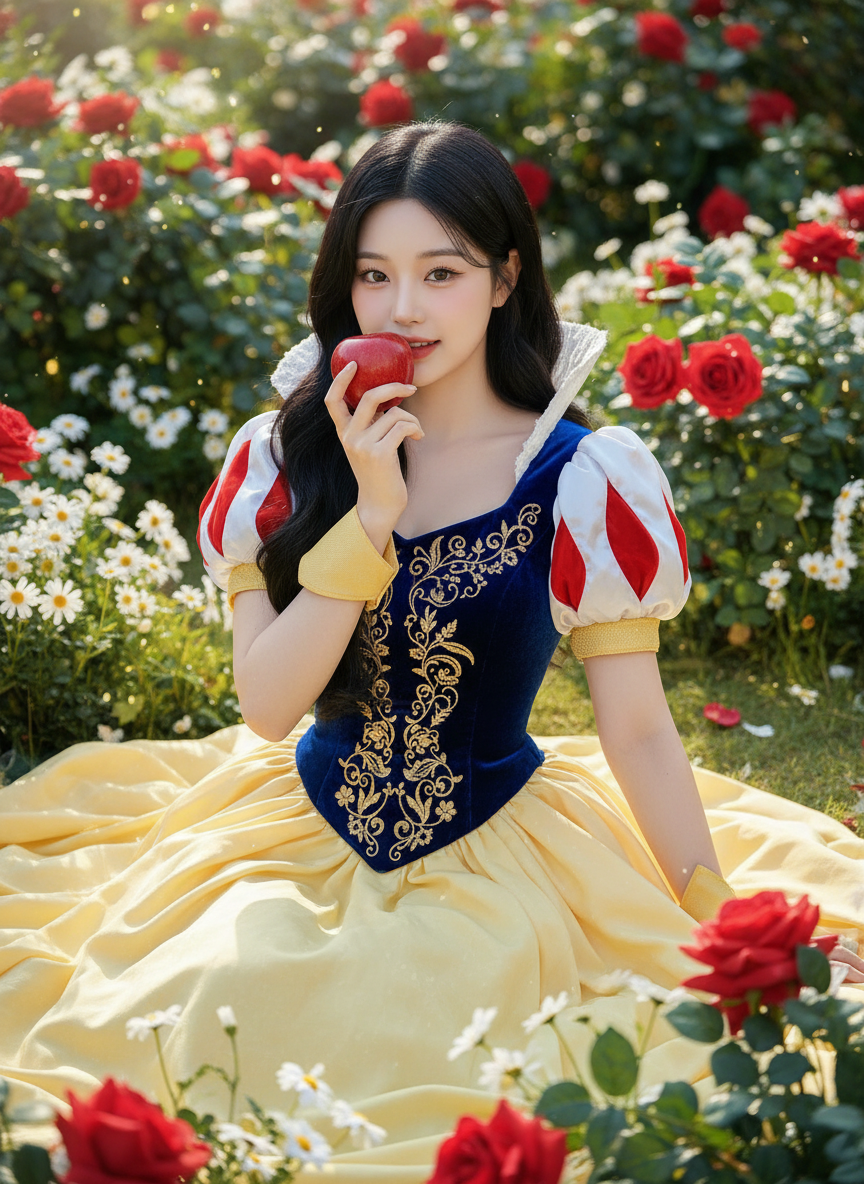
Snow White Fairytale Portrait
ai-image-editor
Any aspect ratio
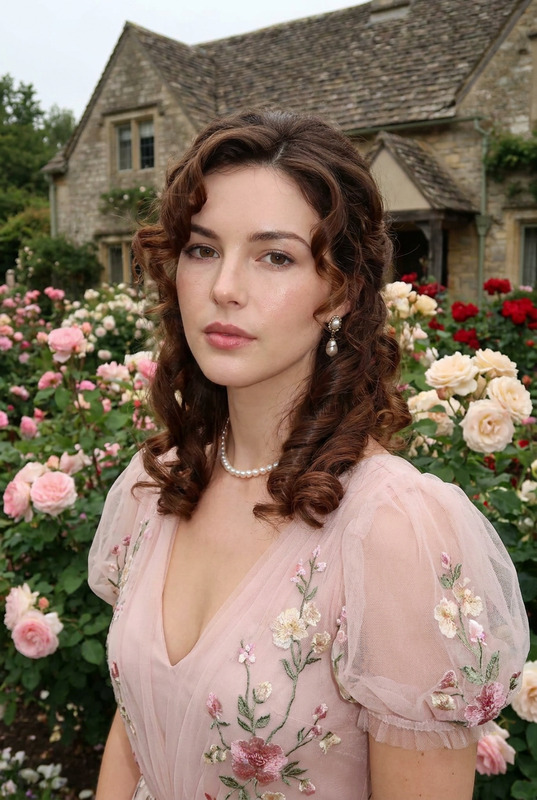
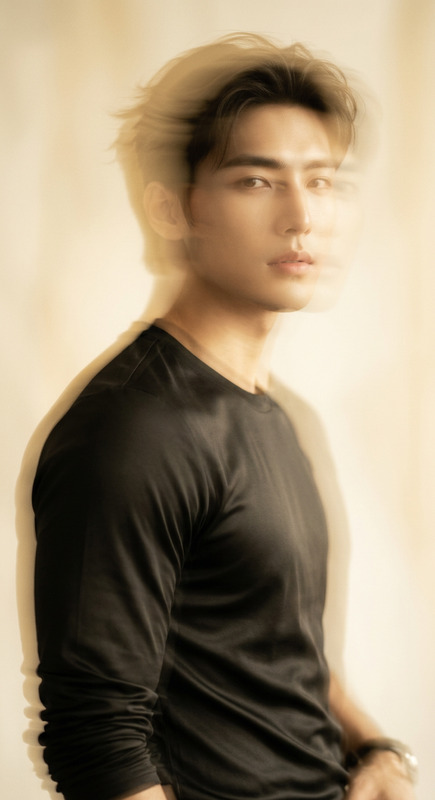
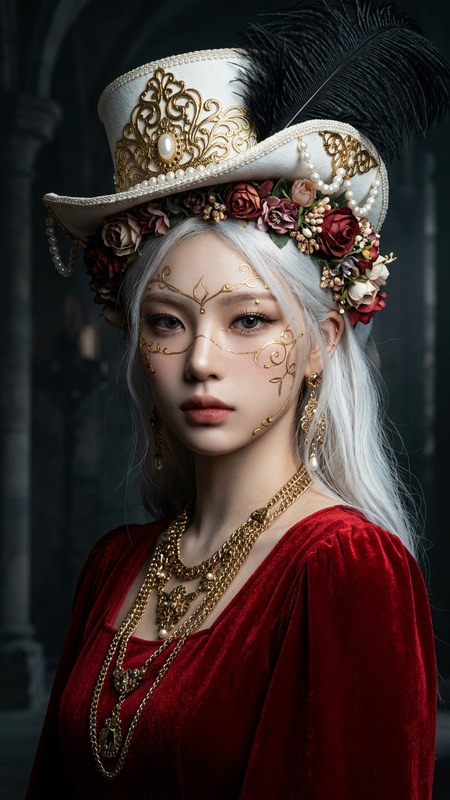
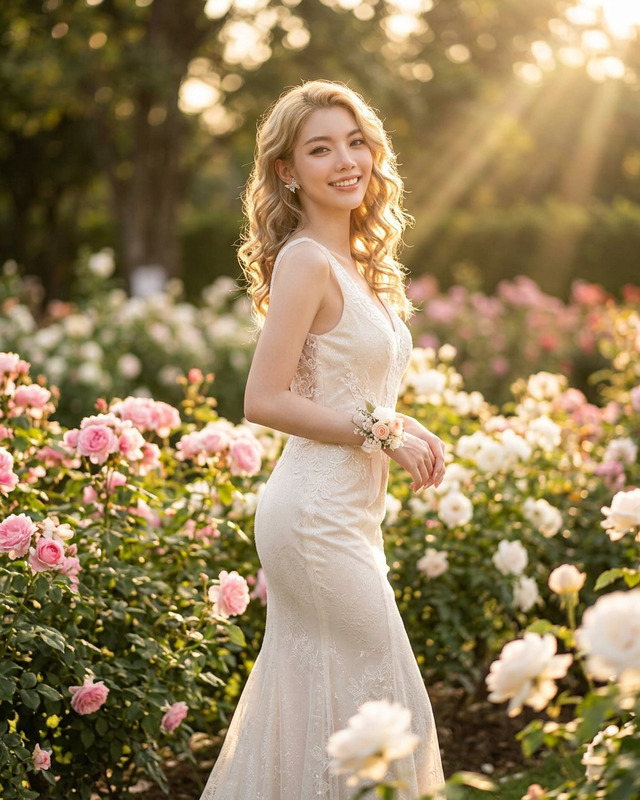
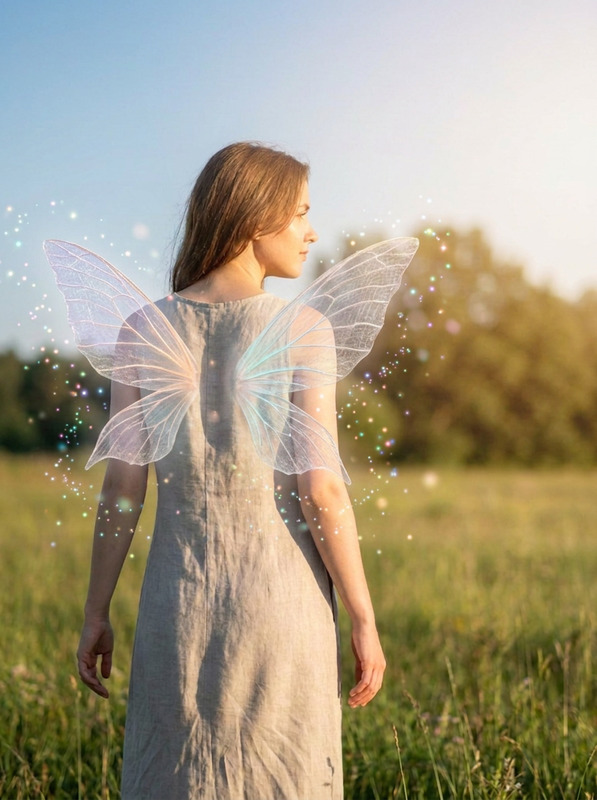
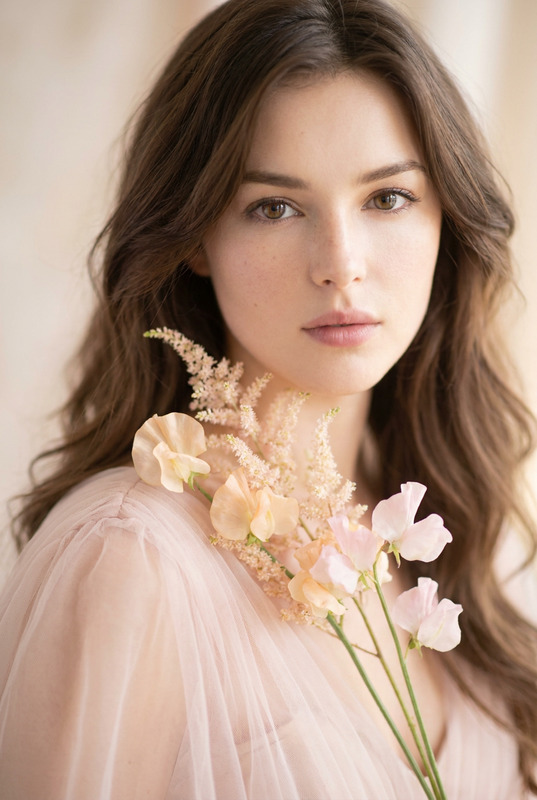
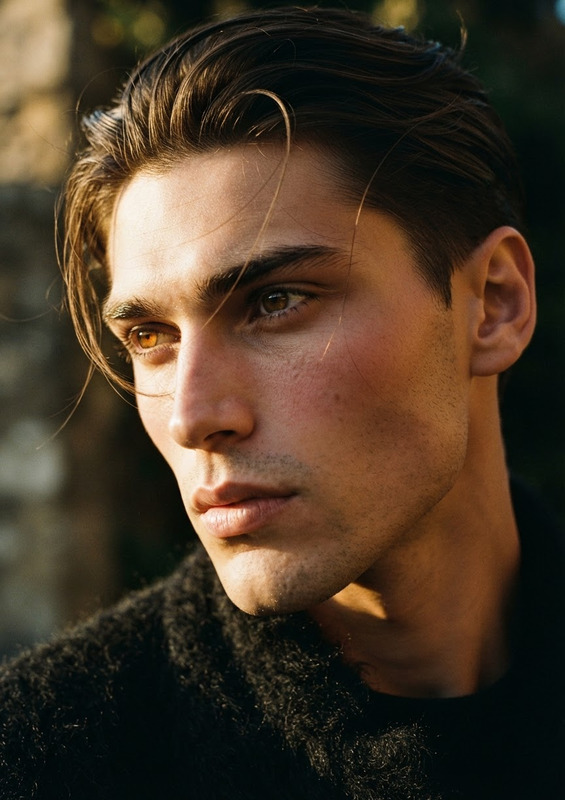
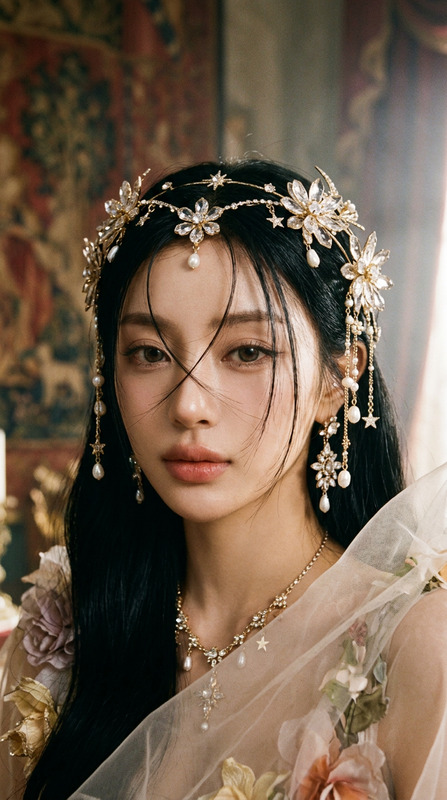
A hyper-realistic 8K fairytale portrait of a subject in a Snow White–inspired costume; deep royal-blue velvet bodice with gold embroidery, bright red teardrop sleeve accents, structured puffed sleeves with soft golden cuffs, and a wide flowing pastel-yellow skirt with natural folds; long silky wavy black hair cascading; holding a shiny red apple near her lips with a soft, enchanting smile; porcelain-smooth radiant skin, subtle rosy makeup, expressive dark eyes; seated gracefully in a lush magical flower garden with red roses, white daisies, and rich green foliage; soft diffused sunlight, crisp focus on subject, creamy bokeh background.
Tags
transformationsAI Image Editor Template: Turn Any Photo Into Polished, On‑Brand Creative in Minutes
This template was built with the AI Image Editor on Magic Hour. It’s a practical starting point for creators and teams who need to:
- Clean up or retouch photos fast
- Change backgrounds and environments
- Add or remove objects and text
- Match a visual style across campaigns
- Prepare images for ads, thumbnails, social, or product pages
You can remix this template directly in Magic Hour to create your own reusable photo-editing workflow—no design team or complex tools required.
What This Template Is Best For
Use this AI Image Editor–based template when you need:
Marketing & growth visuals
- High-converting ad creatives for Meta, TikTok, X, LinkedIn
- A/B test variations with different backgrounds, products, or props
- On‑brand hero images for landing pages and campaigns
Content & social media
- Faster thumbnails for YouTube, TikTok, Reels using Thumbnail Maker
- Instagram‑ready edits with consistent color, lighting, and framing
- Memes and social posts with the AI Meme Generator
Product & ecommerce images
- Clean, distraction‑free product shots using the Image Background Remover
- Lifestyle versions of studio shots via the AI Background Generator
- Higher‑resolution product photos with the AI Image Upscaler
Personal & profile visuals
- Professional avatars with the AI Headshot Generator
- Branded profile photos for founders, creators, and team pages
- Polished selfies via the AI Selfie Generator
How to Remix This Template in Magic Hour
You don’t need to recreate everything from scratch. To build your own version of this template:
Start from the existing template
- Open this template in Magic Hour.
- Click to duplicate it into your own workspace.
Swap in your own images
- Replace the example image with:
- Product photos
- Portraits or headshots
- Screenshots, app UIs, or marketing visuals
- Replace the example image with:
Adjust the edit flow to match your use case
Common remix patterns:- Ad creatives: Combine this template with
- AI Background Generator for on‑brand environments
- AI Image Generator to add props and scenes around your product
- Profile & team images: Pair AI Image Editor with
- AI Headshot Generator for consistent, studio‑quality portraits
- AI Face Editor for subtle retouching
- Content & UGC: Remix with
- AI Photo Generator to generate new supporting shots
- AI GIF Generator to convert outputs into animated loops
- Ad creatives: Combine this template with
Save as your own template
- Once you’re happy with the flow, save it as a private template for your team.
- Reuse it across campaigns to keep visual style and quality consistent.
Example Workflows You Can Build From This Template
You can combine the AI Image Editor with other Magic Hour tools to create end‑to‑end workflows tailored to your stack:
1. Product Ad Workflow (Image → Polished Ad Creative)
- Clean up your product shot with the AI Image Editor
- Remove clutter using Remove Object from Photo or AI Remover
- Generate an on‑brand scene via AI Background Generator
- Upscale the final image with AI Image Upscaler for ad delivery
Use cases: DTC product launches, landing page heroes, marketplace listings.
2. Founder / Team Headshot System
- Start from this template to standardize lighting, framing, and background
- Generate new headshots with AI Headshot Generator
- Refine details with AI Face Editor
- Export for email signatures, LinkedIn, press kits, and “About” pages
Use cases: Startups, agencies, distributed teams.
3. Social Content Engine
- Use AI Image Editor to create post‑ready visuals from raw screenshots or photos
- Turn key images into memes with the AI Meme Generator
- Generate custom avatars or characters via the Avatar Generator or AI Character Generator
- Build matching Reels/TikToks using Image to Video or Text to Video
Use cases: Creator accounts, startup marketing, newsletter promotion.
Connect Image Editing With Video and Animation
If your workflow extends beyond static images, you can start from this AI Image Editor template and then move into Magic Hour’s video tools:
Animate a character or portrait
- Design your character or avatar with AI Image Editor
- Bring it to life with the Animation templates or AI Talking Photo
Create short videos from your edited images
- Use Image to Video to turn static creatives into motion
- Apply stylistic changes with Video to Video templates
Sync faces and voices
- Combine stylized portraits with Face Swap or Face Swap GIF
- Add speech with Lip Sync templates and clone your voice via AI Voice Cloner or AI Voice Generator
This lets you go from raw photo → refined image → animated asset → fully produced short video, all inside Magic Hour.
Advanced Creative Use Cases
For teams exploring more experimental or niche content, you can remix this template into:
Stylized art & IP‑driven content
- Convert edited photos into stylized art using
- Use Comic Book Generator for graphic‑novel style sequences
Brand & design assets
- Adapt refined imagery into logos, icons, and covers with:
- Generate on‑brand office, store, or interiors through the AI Interior Design Generator
Gaming, fantasy, and storytelling
- Turn cleaned‑up character art into:
- Fantasy maps via Fantasy Map Generator
- RPG art with DnD AI Art Generator
- Dark fantasy visuals with Dark Fantasy AI
- Pokemon‑style designs using the Pokemon Generator
- Turn cleaned‑up character art into:
Quality, Restoration, and Compliance
If you’re working with older or lower‑quality assets, this template combines well with:
- Old Photo Restoration to repair and color‑correct legacy images
- Photo Colorizer to add color to black‑and‑white photos
- Unblur Image to sharpen out‑of‑focus shots
- Video Upscaler if you later turn edited images into low‑res clips
- Watermark Remover and Remove Object from Photo for cleaning noise and distractions from your own content
For commercial use, always ensure you have rights to your input images and that outputs comply with your brand, platform policies, and applicable laws.
Who This Template Is For
This AI Image Editor template is optimized for:
- Founders & marketers shipping campaigns quickly and iterating on creatives
- Creators & solo operators who need design‑quality output without a design team
- Product & growth teams running continuous A/B tests across channels
- Agencies & studios standardizing look & feel across many clients
Remix the template once, then reuse it across your entire content pipeline.
Get Started
- Open this AI Image Editor template inside Magic Hour.
- Replace the demo image with your own asset.
- Adjust the edit flow to suit your brand and use case.
- Save as your own template and reuse it across projects.
To explore adjacent tools and build richer workflows from this starting point, take a look at:
- AI Image Editor
- AI Image Generator
- AI Background Generator
- Image to Video
- Animation Templates
- Video to Video Templates
Use this template as your base, then remix it into the image editing system that fits your team, your brand, and your growth goals.