Bloom Look
- Model
- Nano Banana 2
- Image
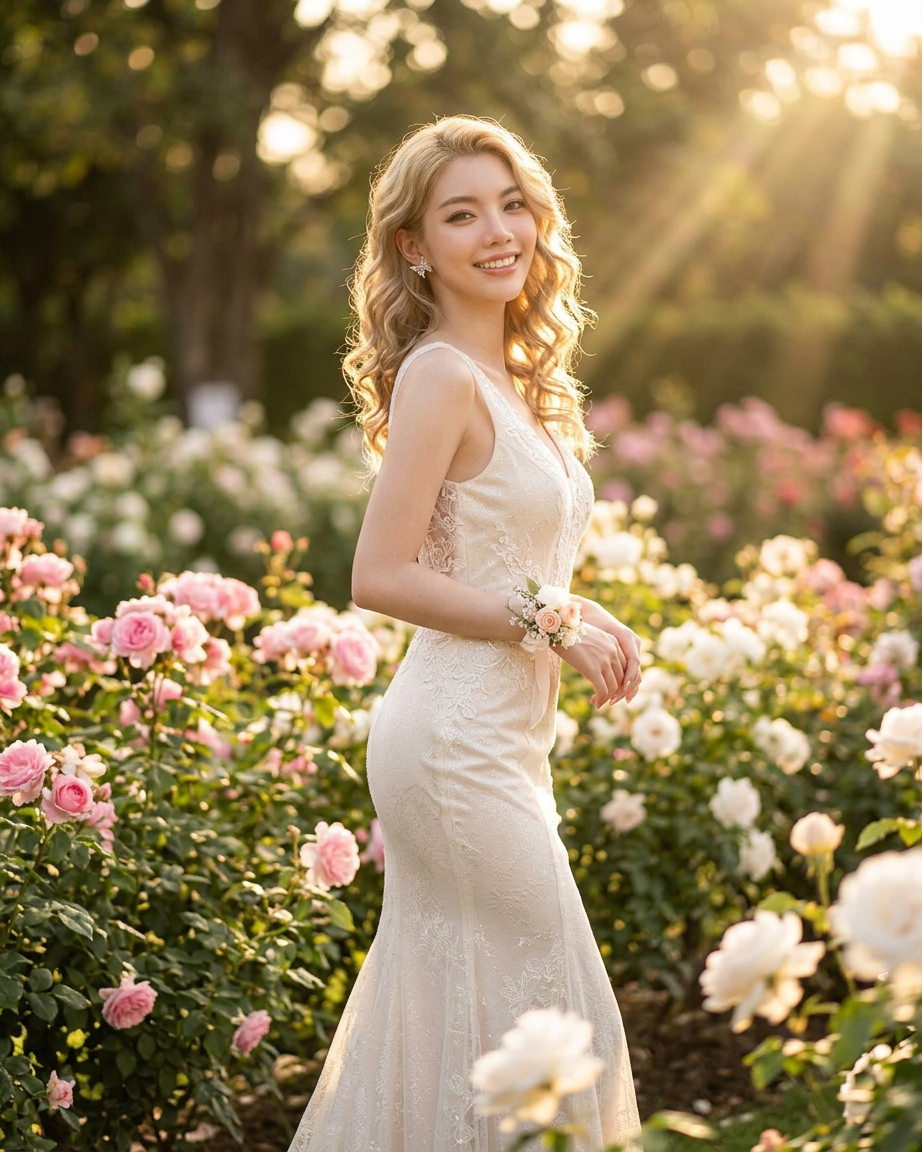
- 922 × 1152 px
Prompt
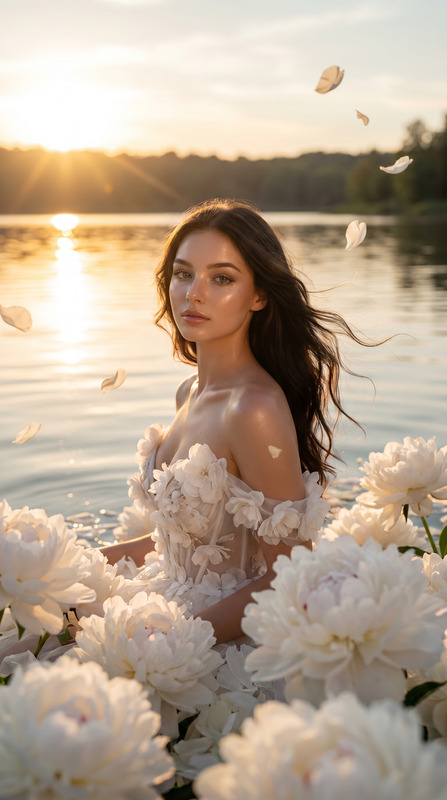
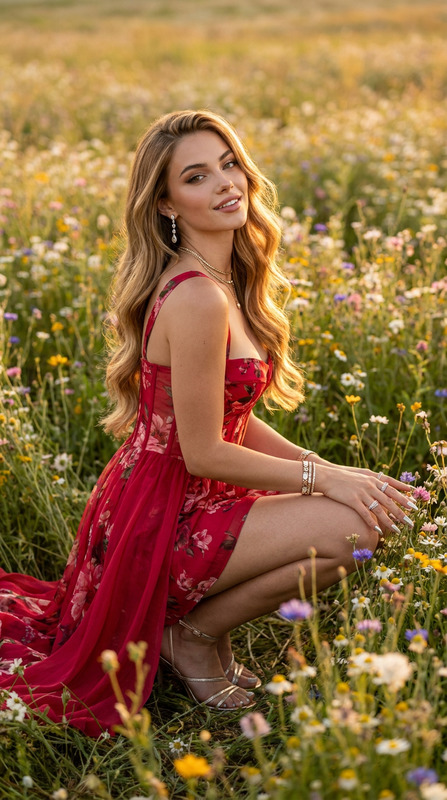
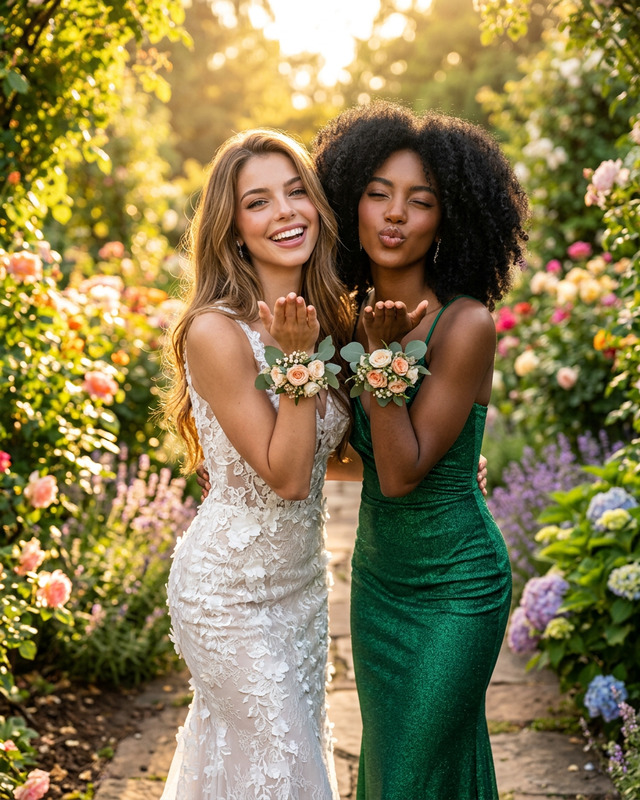
Elegant young woman standing in a blooming garden at golden hour, wearing a fitted ivory mermaid-style evening gown with subtle shimmer, soft natural makeup, voluminous curly hair glowing in backlight, warm radiant smile, delicate floral wrist corsage, surrounded by lush flowers and greenery, sun rays filtering through trees, dreamy romantic atmosphere, cinematic portrait photography, full-body composition, shallow depth of field, soft bokeh background, natural sunlight, highly detailed fabric texture, graceful pose on a stone garden path, luxury bridal editorial aesthetic, photorealistic, ultra realistic, warm pastel tones, serene and timeless mood.
Any aspect ratio
Overview
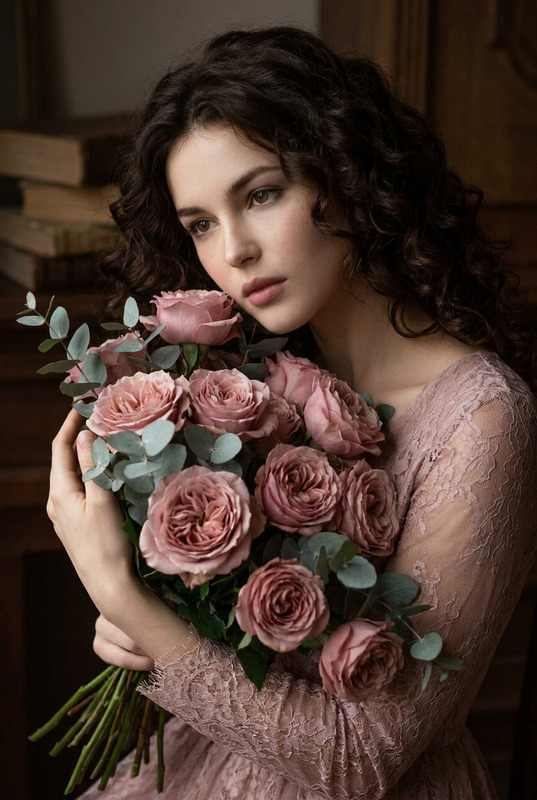
The Bloom Look template is an AI Image Editor designed for transforming everyday images into stunning photo-realistic scenes. Utilizing the nano-banana-2 model, this template crafts cinematic portrait photography with ease.
What It Does
The Bloom Look template allows you to enhance your image using AI-driven creativity. The model focuses on ultra-realistic textures, soft bokeh background, and warm pastel tones to provide a dreamy, romantic atmosphere that stands out, especially in luxury bridal and editorial aesthetics.
Who It's For
This template is perfect for photographers, content creators, and designers looking to produce high-quality, cinematic portrait images. Ideal for those working in the AI Product Photography space, wedding photography, or anyone aiming to boost engagement through visually captivating pictures.
Summary
Whether you are a professional or a hobbyist, the Bloom Look template provides you with the tools to elevate your image-editing projects. It's designed for those who seek to apply a luxurious editorial aesthetic to their photos, producing a serene and timeless visual impact.
How to Use
Choose the Bloom Look template

Customize your image

Generate your enhanced image

Use Cases
Luxury Bridal Photography
- Photorealistic detail
- Elegant aesthetics
Editorial Fashion Shoots
- Warm pastel tones
- Graceful poses
Garden Portraits
- Soft bokeh backgrounds
- Lush greenery surroundings
Best Practices
Focus on Lighting
Natural light produces the best results with this template, especially during the golden hour.Use High-Resolution Images
Start with high-quality images to ensure the AI details shine through.Experiment with Prompts
Adjust wording in the prompt to change mood or highlight specific elements in the image.