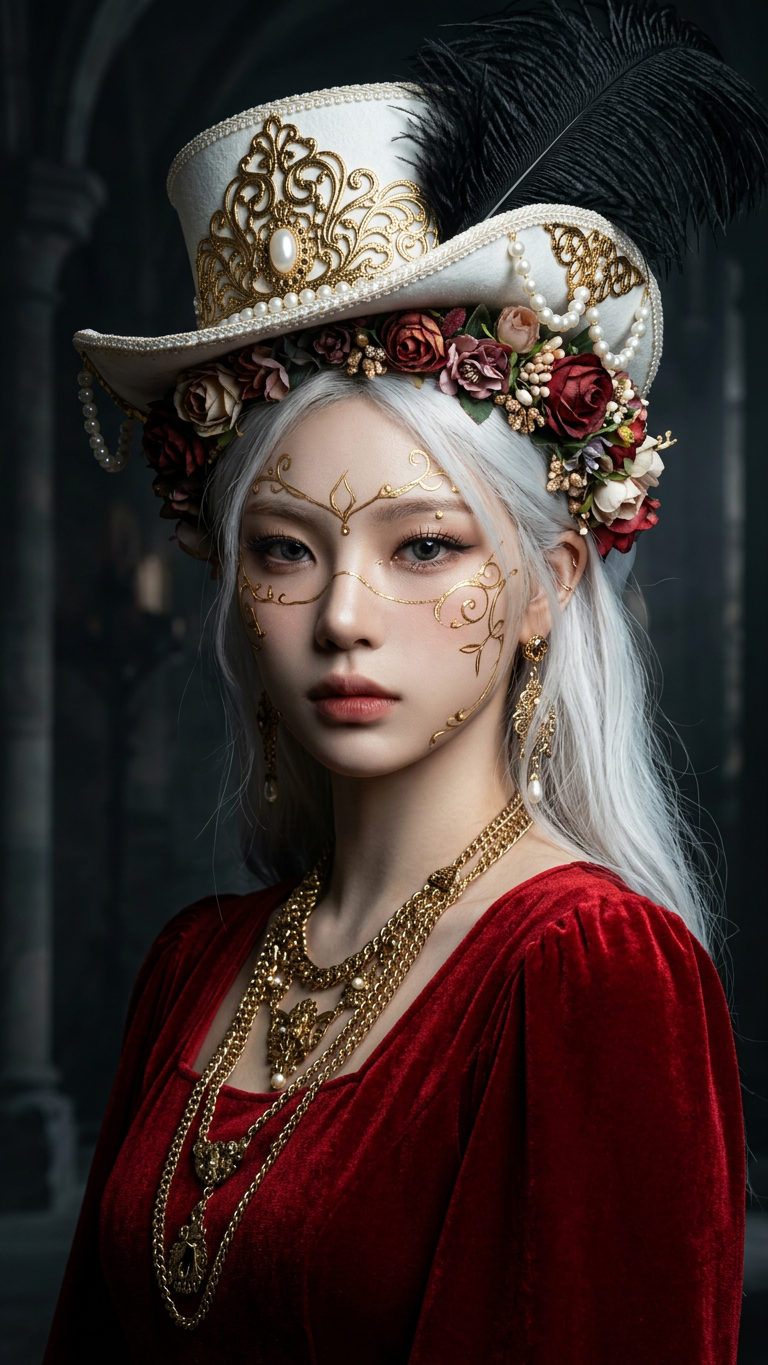
Dark Fantasy Fashion Goddess Portrait
ai-image-editor
Any aspect ratio
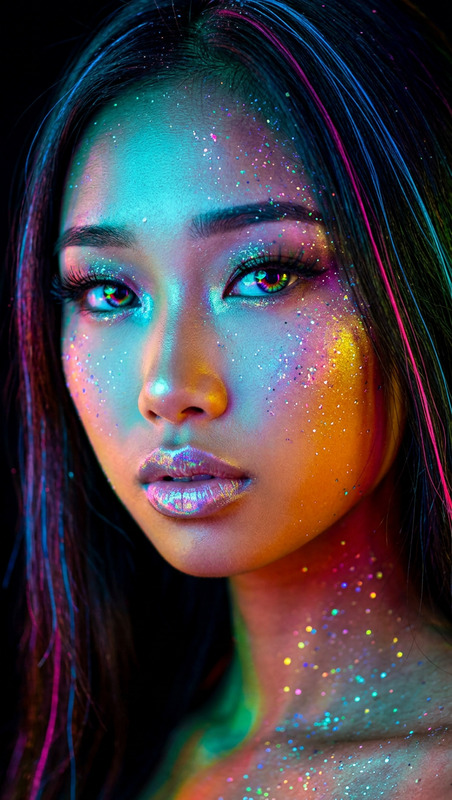
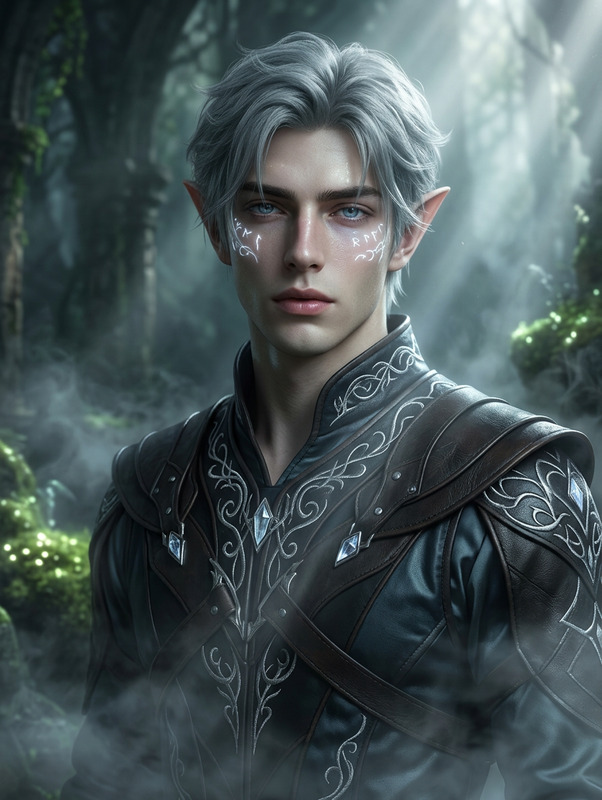
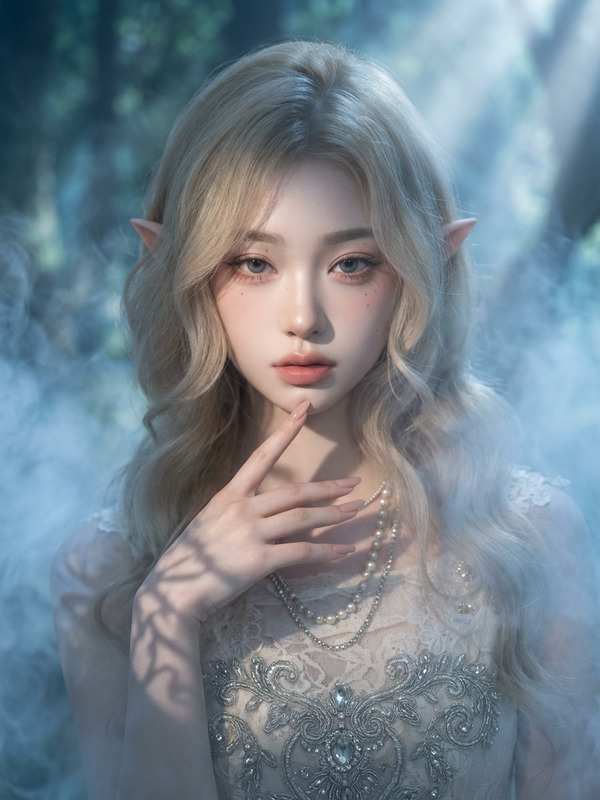
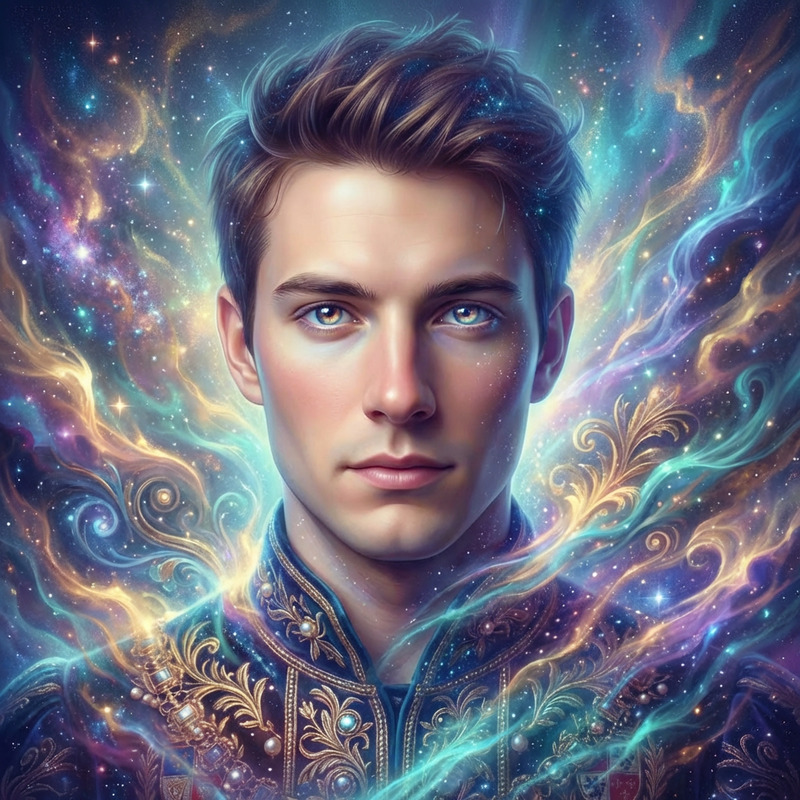
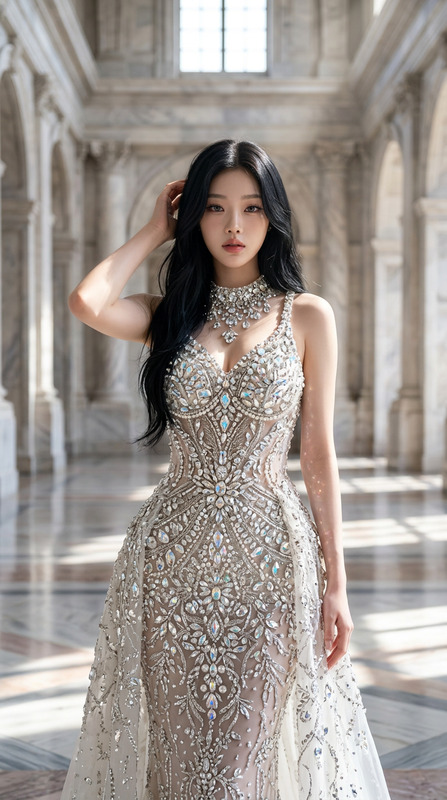
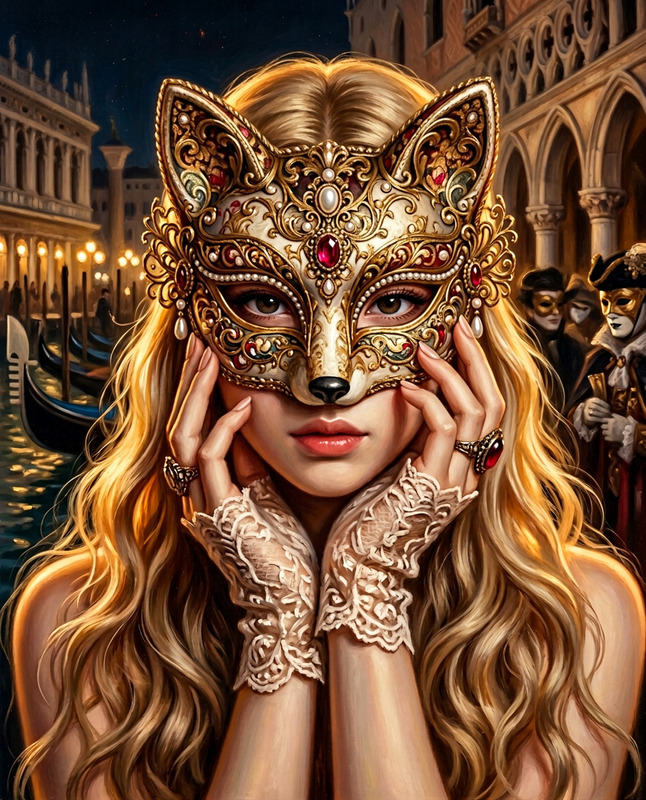
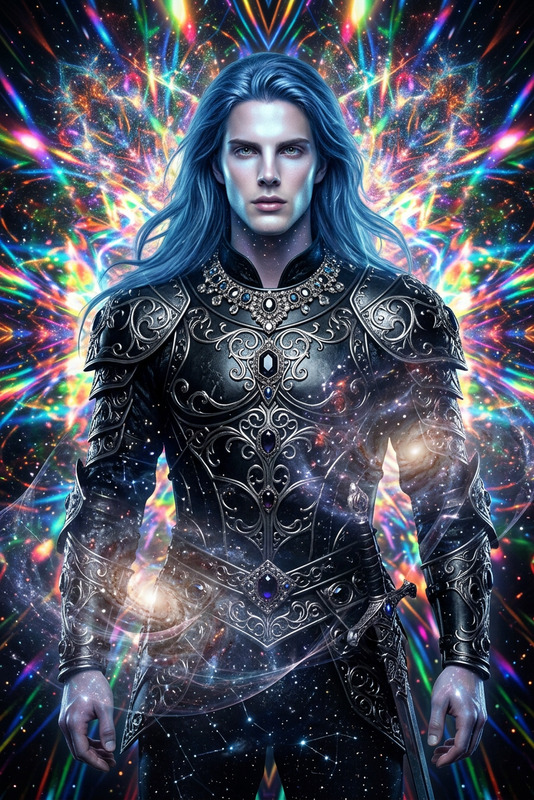
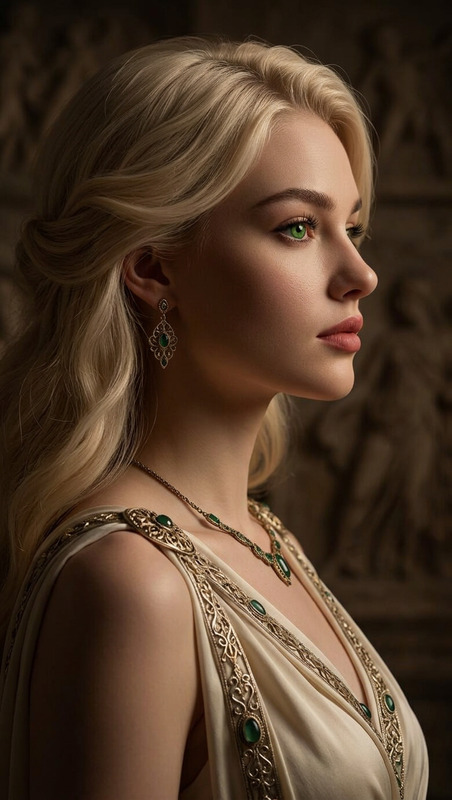
Generate a hyper-realistic dark fantasy fashion portrait of a goddess-like subject with white hair, wearing an elegant red dress and an ornate white hat with gold detailing; the face features delicate golden ornamental accents, complemented by a floral crown and intricate golden filigree jewelry around the neckline; the composition blends classical and modern artistic influences, creating a refined fusion of romantic fantasy and gothic elegance; cinematic dramatic lighting shapes the form with rich shadows and highlights, enhancing depth and atmosphere; the background is dark, cinematic, and richly textured, resembling a high-end fashion magazine cover; the image is rendered with ultra-detailed realism, incorporating subtle painterly elements and smooth digital rendering for a polished, high-resolution fantasy aesthetic.
AI Image Editor Template: Edit Any Image with Precision in Your Browser
Use this template to clean up, enhance, and transform any image using Magic Hour’s AI Image Editor. It’s built for creators, marketers, and product teams who need high‑quality visual edits fast—without opening Photoshop or writing code.
What You Can Do With This Template
This template is designed as a practical starting point for:
Object removal & cleanup
- Remove unwanted objects, logos, or background distractions
- Erase people from the background of event photos
- Clean up product photos for ecommerce listings
Background editing & replacement
- Replace cluttered backgrounds with clean, on‑brand scenes
- Create multiple variants of the same product shot for A/B tests
- Localize visuals for different markets and campaigns
Creative image transformations
- Turn rough concepts into polished visuals for presentations
- Create concept art and moodboards from a single source image
- Generate stylized social media assets, ads, and thumbnails
Photo enhancement & corrections
- Fix minor issues (distractions, artifacts, composition problems)
- Prepare images for upscaling with the AI Image Upscaler
- Restore older or low‑quality visuals before re‑using them in campaigns
This template is optimized for teams who care about output quality, speed, and repeatability.
How to Use and Remix This Template in Magic Hour
You can use this template as‑is, or treat it as a blueprint for your own reusable editing flow:
Start with the AI Image Editor
- Open the AI Image Editor.
- Upload the image you want to modify (product photo, portrait, illustration, screenshot, etc.).
Define the type of edit
Decide what you want this template instance to do, such as:- “Remove background clutter and create a clean studio look.”
- “Replace the background with a modern office environment.”
- “Remove text from the image and reconstruct the underlying scene.”
- “Extend the canvas and fill the new space with matching content.”
Guide the AI with clear instructions
For best results, write prompts that are:- Specific: Describe what to add/remove/keep.
- Contextual: Mention the setting, style, and purpose (e.g., “for an ecommerce listing,” “for a YouTube thumbnail”).
- Constraint‑aware: Call out what must not change (e.g., “keep the product lighting and angle exactly the same”).
Iterate and refine
- Run a first pass, then visually inspect the output.
- If something looks off (perspective, lighting, or style), adjust your prompt and run again.
- Save a few strong variants so you can compare them in the context of your real use case (landing page, ad creative, deck slide).
Turn your workflow into your own template
Once you have a repeatable editing recipe:- Re‑use the same prompt structure for future images.
- Save example before/after pairs in your team’s docs or asset library.
- Combine this with other Magic Hour tools when you need to go beyond static images (see below).
Powerful Workflows You Can Build from This Template
This AI Image Editor template is a foundation you can remix into more advanced pipelines:
1. Product & Ecommerce Image Pipelines
- Start with: AI Photo Generator or AI Image Generator to concept product shots.
- Clean and refine with: AI Image Editor using this template (remove props, adjust scenes, fix artifacts).
- Enhance resolution with: AI Image Upscaler.
- Generate variants for different channels with:
- Thumbnail Maker for YouTube and social
- AI Logo Generator and Album Cover Generator for brand‑aligned visuals
- AI Background Generator for flexible, on‑brand scenes
2. Social, Content & Campaign Creative
- Use the template to:
- Remove visual clutter and keep the focus on the subject.
- Quickly adjust images for different formats (Reels, TikTok, Twitter, LinkedIn).
- Prepare clean base images for memes and social posts.
- Then plug into:
- AI Meme Generator to turn cleaned images into shareable memes.
- AI GIF Generator for quick attention‑grabbing loops.
- Text-to-Video or Image-to-Video to animate static visuals into short videos.
3. Brand & Identity Design
- Use this template to standardize how you:
- Place logos on backgrounds
- Clean up mockups and UI screenshots
- Align imagery across different product lines and campaigns
- Combine with:
- AI Icon Generator for coherent icon sets
- Avatar Generator or AI Headshot Generator for team or customer avatars
- Book Cover Generator for reports, whitepapers, and ebooks
4. Character, Concept & IP Development
For studios, game devs, and storytellers:
- Use the AI Image Editor template to refine character art, props, and environments.
- Explore adjacent tools:
- AI Character Generator and Animated Characters Generator for cast development
- AI Anime Generator, Disney AI Generator, and Dark Fantasy AI for stylistic exploration
- DND AI Art Generator and Fantasy Map Generator for world‑building
- Then, when you’re ready for motion, move into:
- Animation Templates or
- Video-to-Video for stylized motion based on reference footage.
Advanced Use Cases for Teams and Builders
This template is particularly useful if you:
Run performance marketing
- Quickly generate and refine multiple ad variants from one base image
- Localize visuals per geo/segment while maintaining brand consistency
- Clean up UGC or influencer content before using it in campaigns
Build products or internal tools on top of Magic Hour
- Use edited images as consistent input to downstream models (e.g., image‑to‑video, face swap, voice‑over pipelines).
- Prepare images for:
Support content operations and editorial
- Standardize how images are cleaned and formatted for blog posts, docs, and case studies.
- Combine with Old Photo Restoration and Photo Colorizer when working with archival material.
- Use AI Remover and Remove Object from Photo when you need more focused removal tools.
Recommended Related Templates & Tools
If you like this AI Image Editor template, you can expand your workflow with:
Face & Identity
From Image to Motion
- Video-to-Video Templates
- Image-to-Video
- AI GIF Generator
- Auto Subtitle Generator for accessibility and localization
- Video Upscaler to keep quality high across platforms
Creative & Experimental Tools
- AI Tattoo Generator
- AI Fashion Generator and AI Outfit Generator
- AI Manga Generator and Comic Book Generator
- Optical Illusion Generator and Graffiti Generator for attention‑grabbing visuals
Best Practices for Strong Results
To consistently get high‑quality outputs with this AI Image Editor template:
Start from the best available source
- Higher‑resolution, well‑lit images give the model more information to work with.
- If your input is blurry or low‑res, consider using Unblur Image or AI Image Upscaler first.
Be explicit in your instructions
- Instead of: “Clean up the background.”
- Try: “Remove all people and objects from the background, leaving a plain white seamless background suitable for ecommerce.”
Protect key visual elements
- Specify what must stay unchanged: product shape, logo, brand colors, or critical UI details.
- Note what the AI can modify freely: background, props, minor reflections, or shadows.
Design for downstream use
- If the image will later be used for face swap, talking photo, or animation, keep faces clear and well‑lit.
- If the image will be turned into video, avoid overly busy or ambiguous edits that could confuse video models.
Why Use Magic Hour’s AI Image Editor for This?
Compared to traditional image editors or standalone AI tools, using Magic Hour’s AI Image Editor with this template gives you:
- Speed – Perform complex edits in seconds instead of manually masking and retouching.
- Consistency – Reuse the same prompt logic to keep visual standards aligned across campaigns and products.
- Expandability – Move seamlessly from edited images into face swap, lip sync, talking photos, image‑to‑video, and more without leaving the ecosystem.
Use this template as a base, then remix it to match your own brand guidelines, creative workflows, and production pipelines.