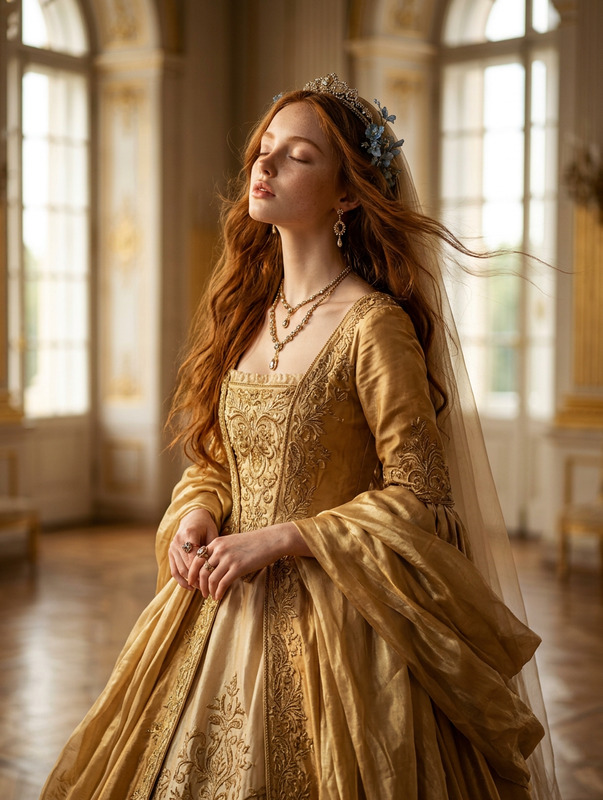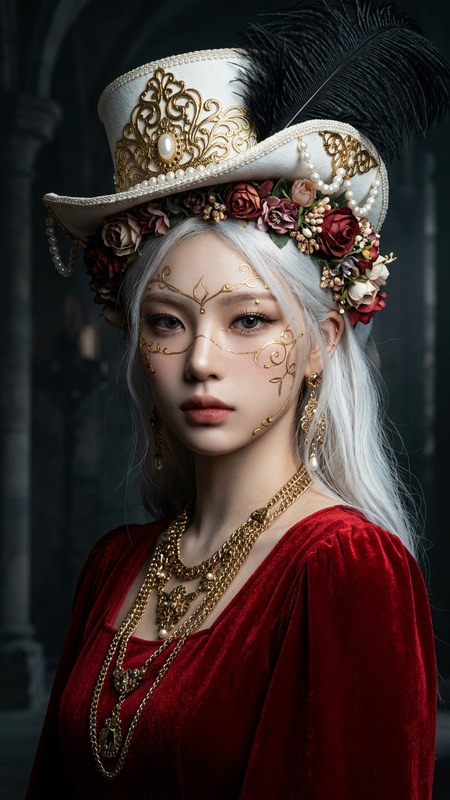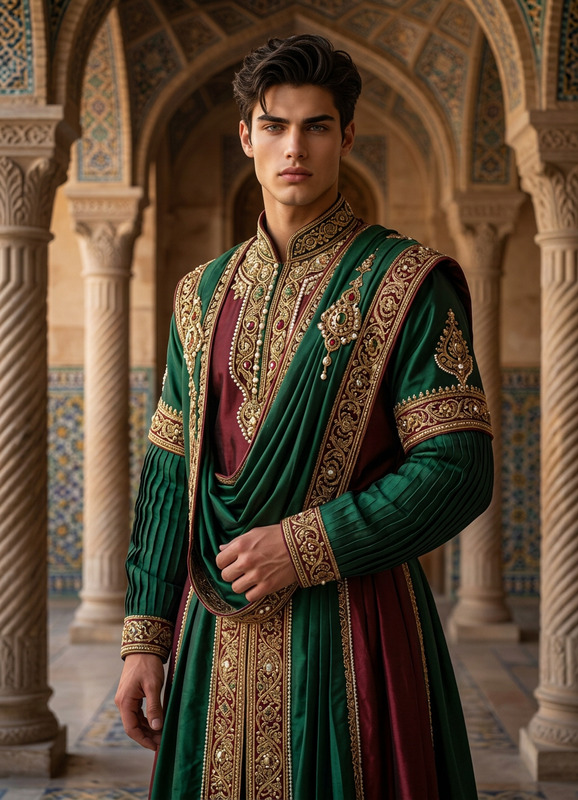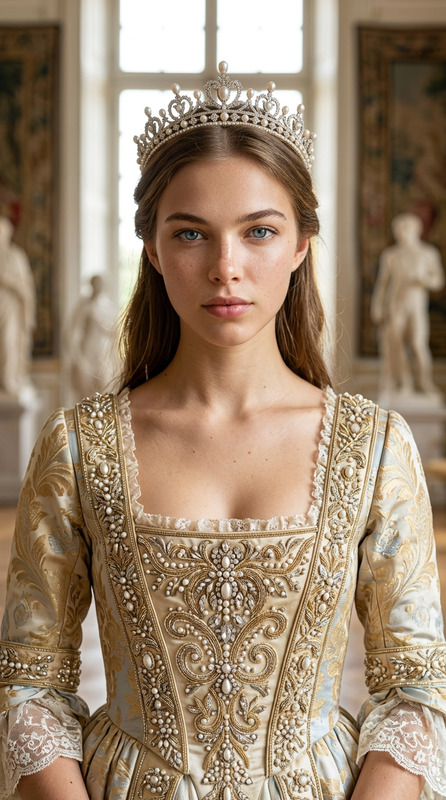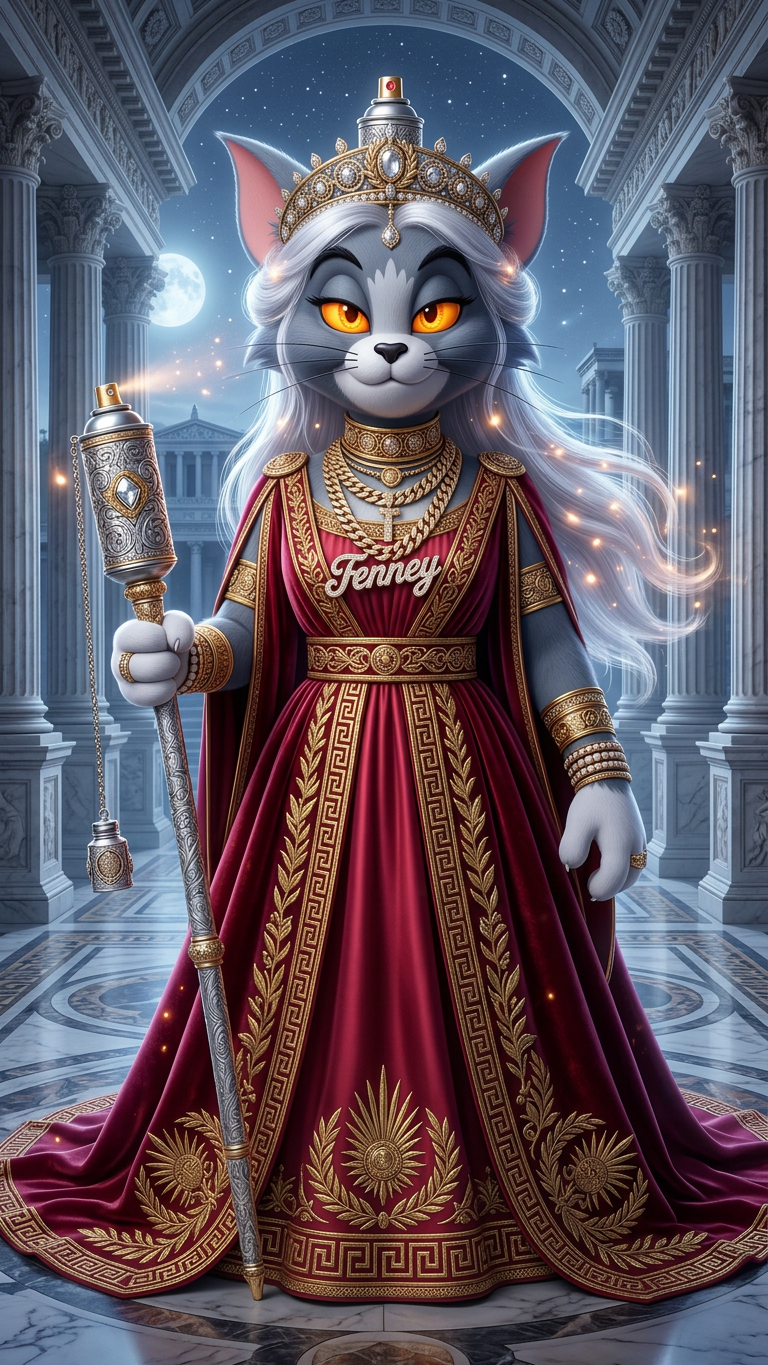
Empress of the Amber Eclipse
- Model
- Nano Banana 2
- Image
- 768 × 1365 px
Prompt
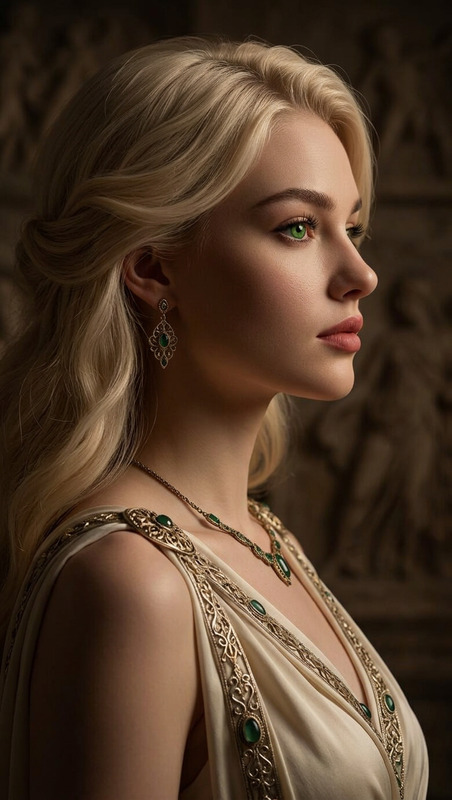
Photorealistic full-body portrait of the subject as an elegant, regal queen radiating magical presence, emotionally intense yet graceful. Glowing amber eyes, long shimmering white hair flowing softly. Wearing a lavish ornate red gown with intricate detailing and fluid movement. Set against a grand neoclassical architectural backdrop, evoking a Roman empress aesthetic. Bathed in gentle moonlight and soft starlit glow, with ethereal illumination enhancing depth and atmosphere. Epic composition, high contrast, rich HSL tones, sharp clarity, deep focus. Ultra-detailed, 8K, hyperrealistic, modern realism, premium, award-worthy quality.
Any aspect ratio
Overview
Empress of the Amber Eclipse is a premium AI Image Editor template designed to create stunning, hyperrealistic portraits with epic compositions. This template leverages the powerful nano-banana-2 model, offering high clarity and enriched HSL tones. Add a regal, mystical aesthetic to your images with the elegance and depth befitting an empress.
What It Does
This AI Image Editor transforms your subject into an elegant, regal queen, complete with glowing amber eyes and a lavish red gown. The backdrop offers a grand neoclassical architectural scene, exuding a Roman empress vibe. Expect an ultra-detailed image bathed in moonlight, showcasing sharp clarity and modern realism.
Who It's For
The template is perfect for creative professionals in need of premium-quality imagery for storytelling. It's ideal for illustrators, designers, and content creators who are crafting mood boards or thematic visual stories. The AI Image Editor format suits those seeking a sophisticated, magical aesthetic.
Summary
Unveil the full splendor of your creative vision with the Empress of the Amber Eclipse. Captivate your audience with a regal atmosphere and an epic composition, perfect for a range of storyboarding and content creation needs. Elevate your work to award-worthy quality with ease.
How-To
Choose the Template

Customize Your Inputs

Generate the Image

Use Cases
Ethereal Storytelling Covers
- Fantasy novels
- Mystical adventures
- Historical fiction
Concept Art Development
- Video games
- Stage plays
- Film production
Fashion or Beauty Marketing
- Luxury fashion brands
- Cosmetic advertisements
- Editorial spreads
Best Practices
Focus on Lighting and Detail
Pay attention to the lighting settings to capture the ethereal glow and ensure that fine details, such as fabric textures and architecture, are sharp and clear.Adjust for Different Themes
While the default settings create a regal empress, tweak elements such as gown color or background to suit broader themes or campaigns.Use High-Resolution Inputs
Start with high-resolution images of the subject to maximize the output quality of the AI Image Upscaler, ensuring every detail pops.