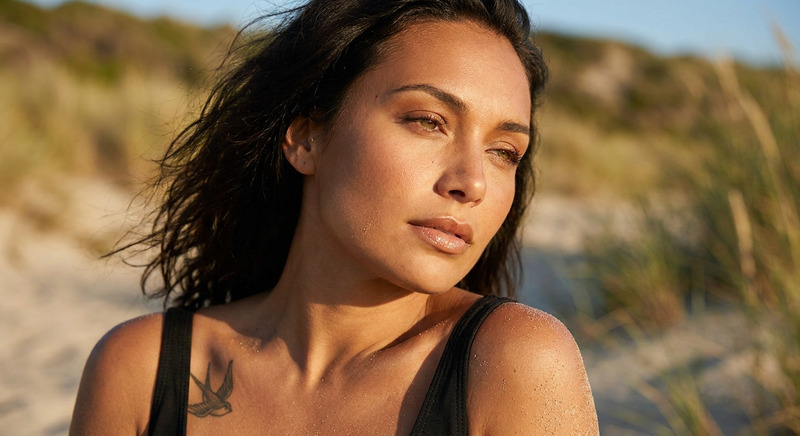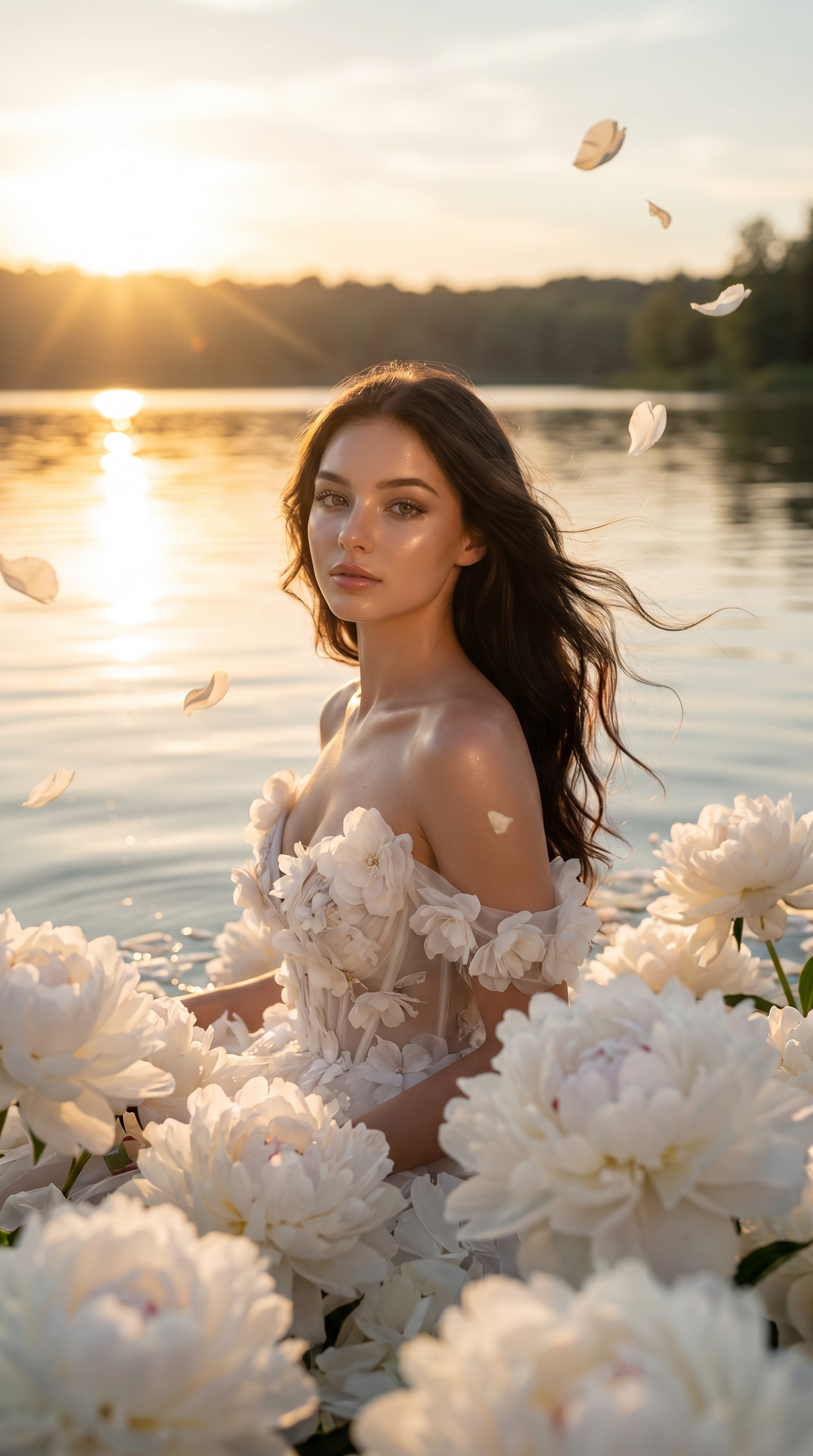
Soft Bloom Portrait
- Model
- Nano Banana Pro
- Image
- 1536 × 2752 px
Prompt
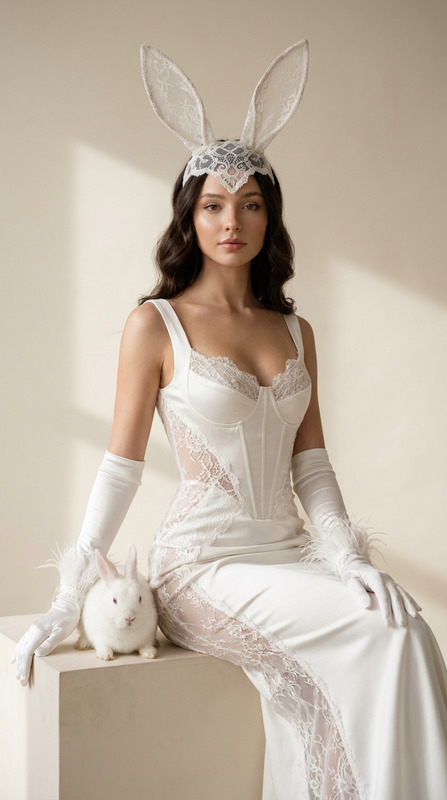
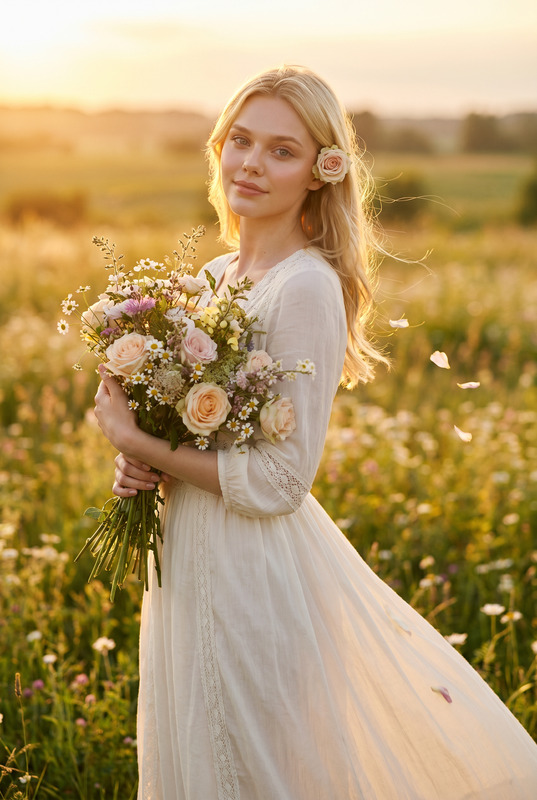
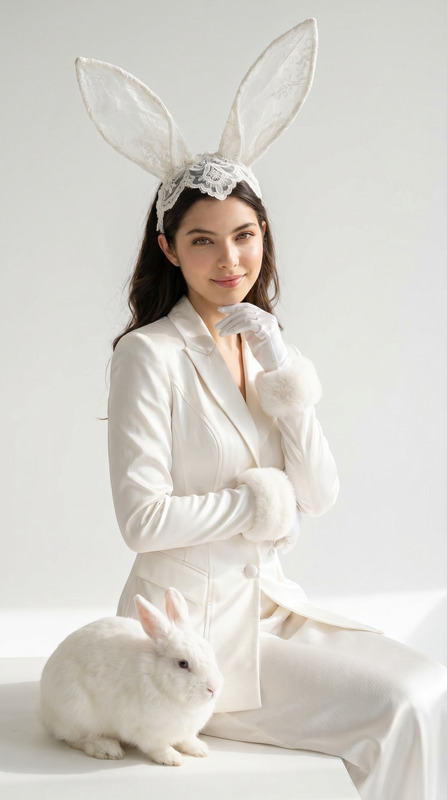
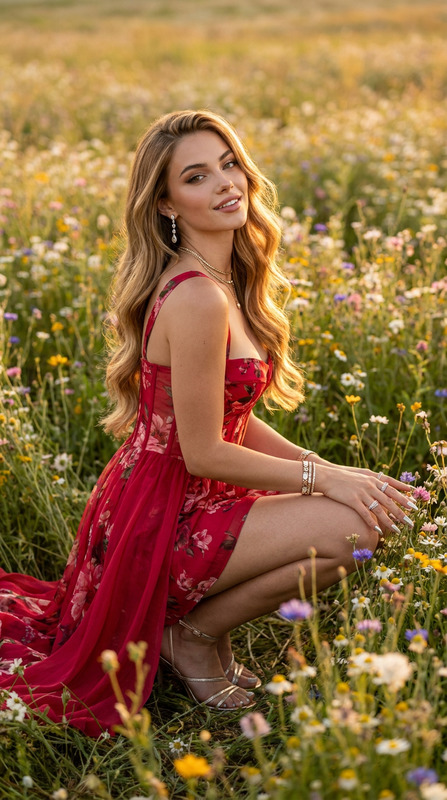
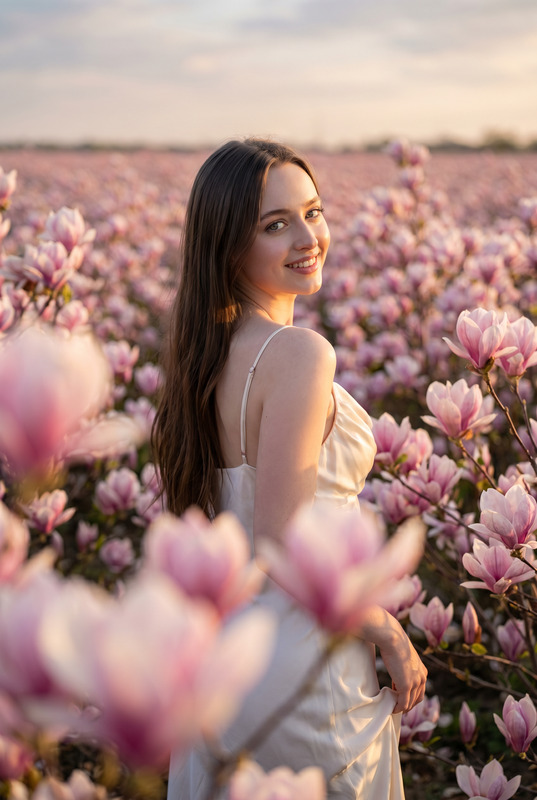
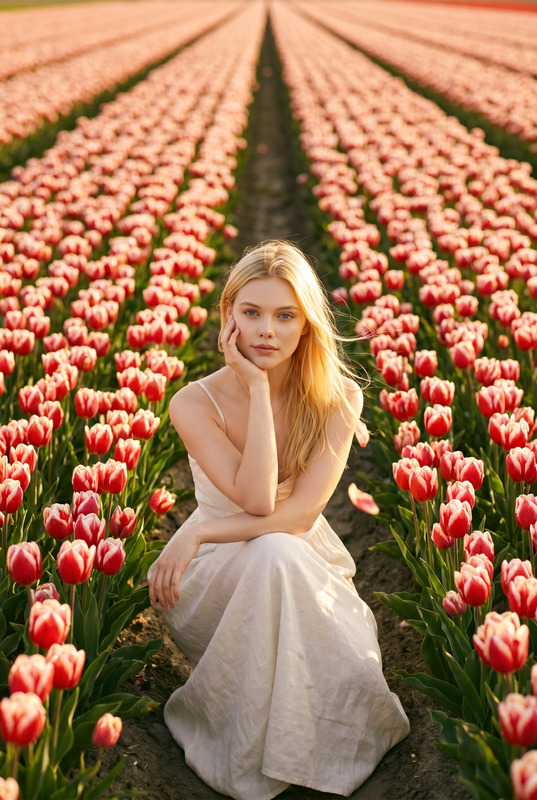
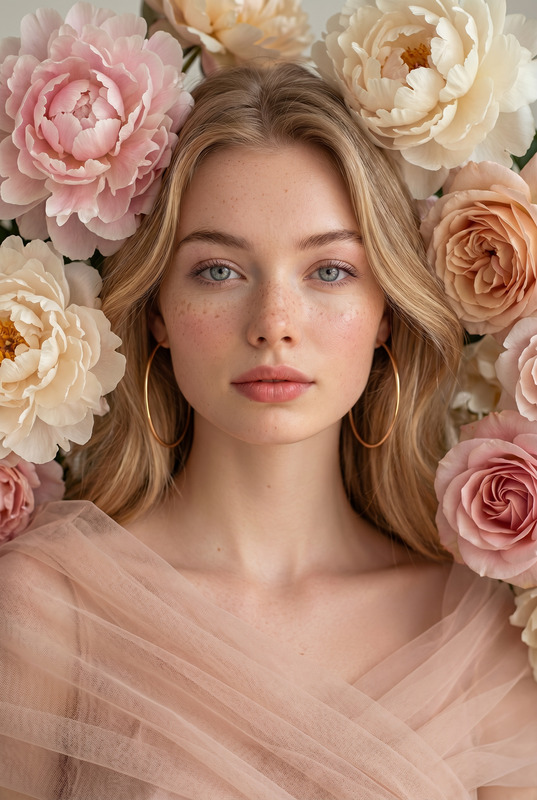
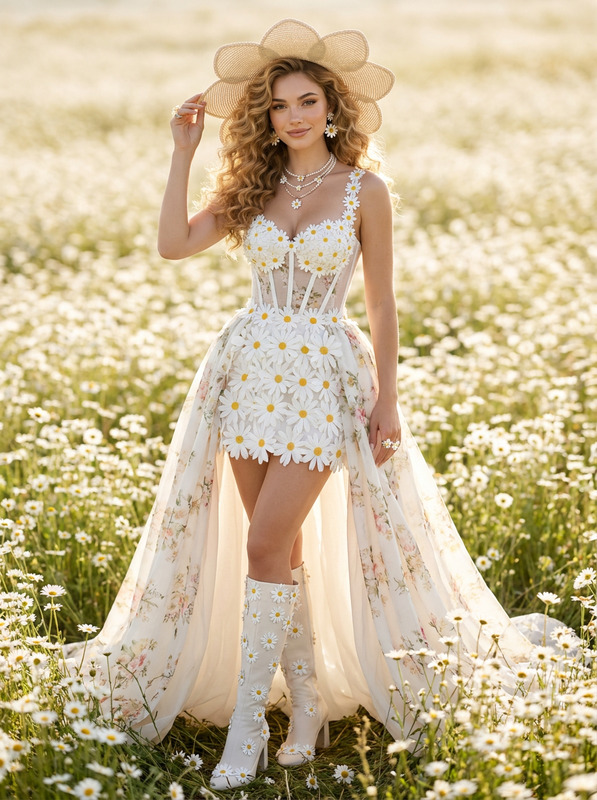
Transform the uploaded face-edited portrait into a breathtaking haute couture floral fantasy beauty campaign. The woman is emerging from a sea of giant white peonies blooming around her, bathed in golden sunset light reflecting across a serene lake. Delicate flower petals floating through the air, luminous skin glowing naturally, expressive eyes gazing into the camera, luxurious flowing dark hair gently moving in the breeze. Dreamlike cinematic atmosphere, Dior Haute Couture beauty campaign aesthetic, ethereal feminine elegance, premium luxury skincare advertisement, romantic fine-art photography, ultra realistic textures, shallow depth of field, creamy pastel tones, magical natural lighting, editorial masterpiece, museum-quality portrait, shot on medium format camera, extraordinary beauty, timeless sophistication.
Any aspect ratio
Overview
The Soft Bloom Portrait template in the AI Image Editor category transforms your face-edited portraits into high fashion, ethereal masterpieces. This template utilizes the advanced nano-banana-pro model to create a soft-focus effect, crafting stunning and captivating portrait enhancements instantly.
What It Does
This template takes an edited facial portrait and enriches it with an exquisite floral fantasy setting. The scene becomes a haute couture beauty campaign, where the subject is surrounded by large white peonies and bathed in golden light. Expect premium luxury aesthetics from a serene and magical atmosphere, with fine-art photography results that showcase ultra-realistic textures and vivid pastel tones.
Its application of a shallow depth of field and sophisticated lighting techniques highlights the subject's natural beauty and the editor's mastery over luxury campaign aesthetics.
Who It's For
This template is perfect for professional photographers, creative directors, and brands aiming to elevate their portraits to sophisticated editorial pieces reminiscent of AI Product Photography. Ideal for those in the beauty and fashion industries, it offers a toolset for producing content that aligns with luxury skincare advertisements, fine-art galleries, and high-end editorial campaigns.
Summary
The Soft Bloom Portrait template provides a unique blend of art and technology, making it a go-to for creating dreamlike portraits that capture attention and evoke emotion. With its seamless integration and user-friendly customization options, it embodies the perfect fusion of style and technical expertise, resulting in museum-quality visuals. Discover the power of this template in creating unforgettable images with Image to Video capabilities, enhancing storytelling through visuals.
How To
Choose the Template

Customize Your Image

Generate Your Portrait

Use Cases
Luxury Skincare Campaigns
- Showcase natural beauty and elegance.
- Highlight glowing skin and fine textures.
Fashion Editorials
- Capture dreamlike, cinematic aesthetics.
- Achieve museum-quality compositions.
Fine Art Photography
- Evoke emotions with pastel tones.
- Engage viewers with expressive details.
Best Practices
Select High-Quality Images
Use images with clear focus and good lighting to allow the template to enhance details and textures effectively.Adjust Lighting Parameters
Experiment with lighting adjustments in the template to match the intended mood and enhance the dreamlike atmosphere.Use Complementary Color Palettes
Opt for color palettes that complement the natural tones in the portrait to elevate the overall aesthetic.