Fairy Wings
- Model
- Nano Banana 2
- Image
- 896 × 1200 px
Prompt
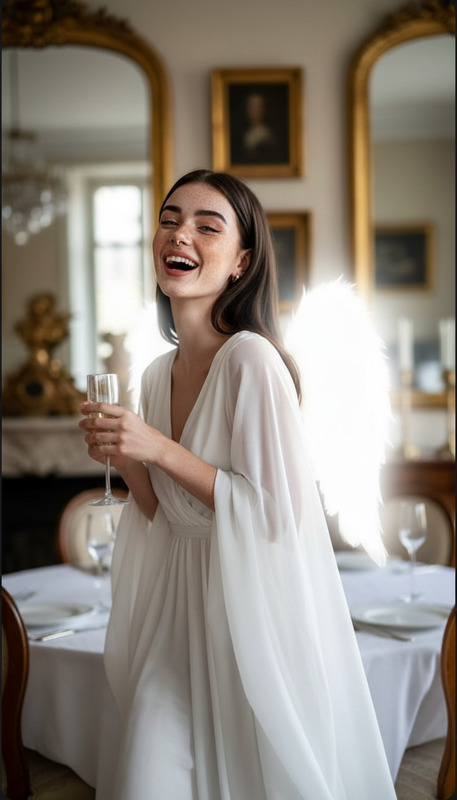
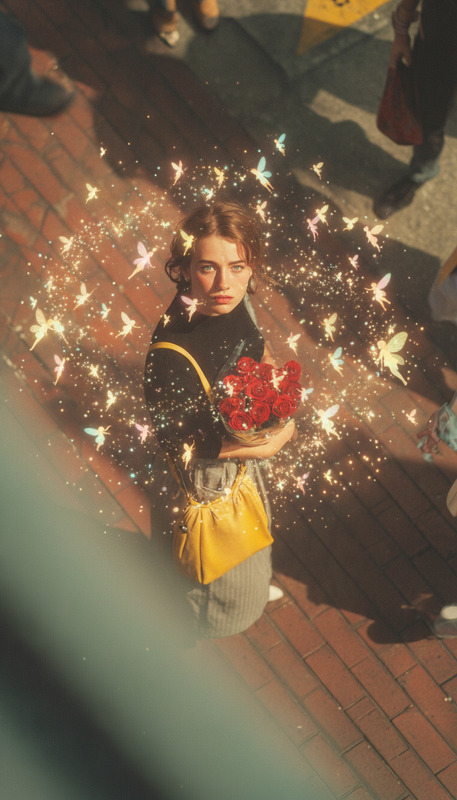
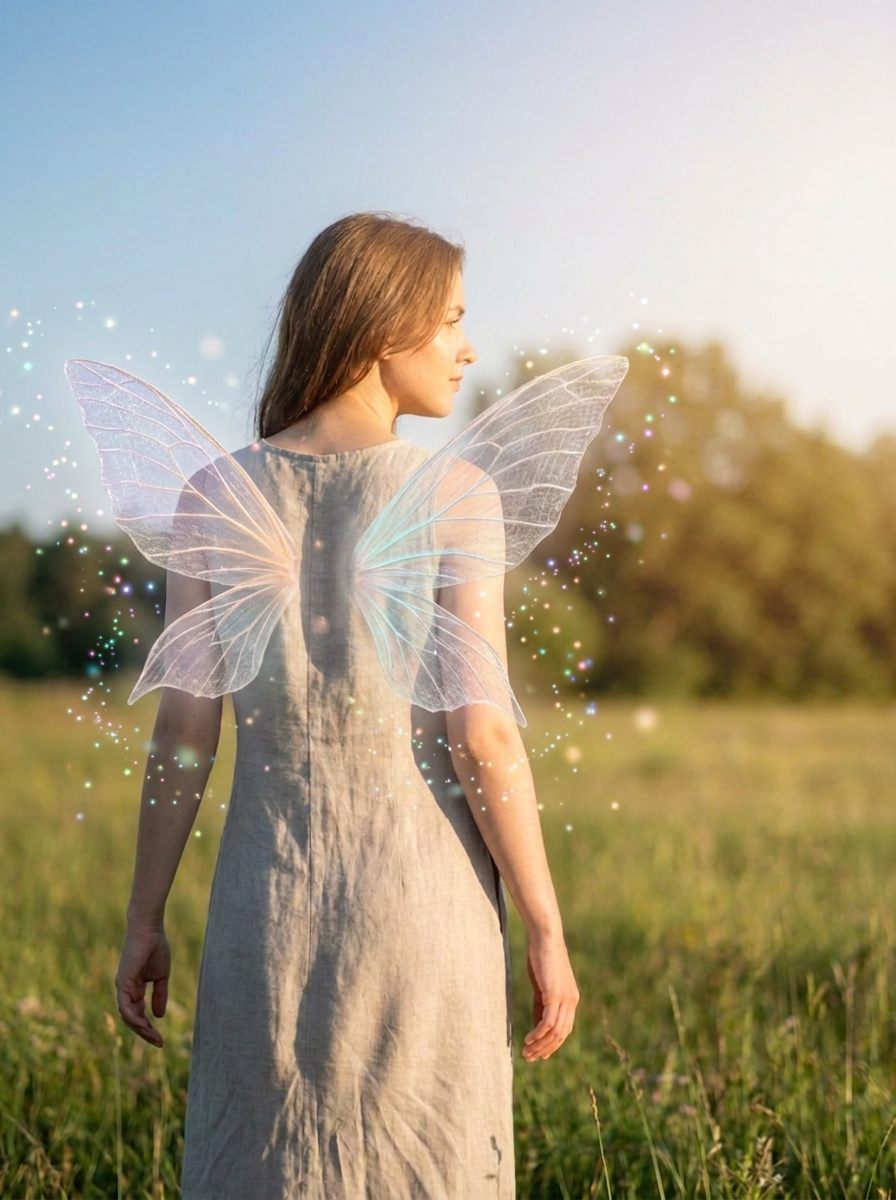
Use the uploaded image as the subject and add semi-transparent fairy wings behind the shoulders with a soft pastel glow, floating sparkles, subtle magical particles, gentle backlight, natural skin tones, realistic shadow placement, dreamy fantasy mood, and crisp portrait detail that keeps the face recognizable.
Any aspect ratio
Overview
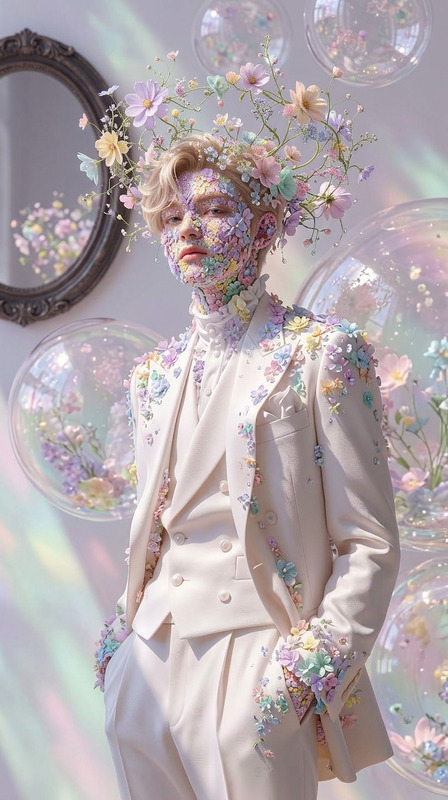
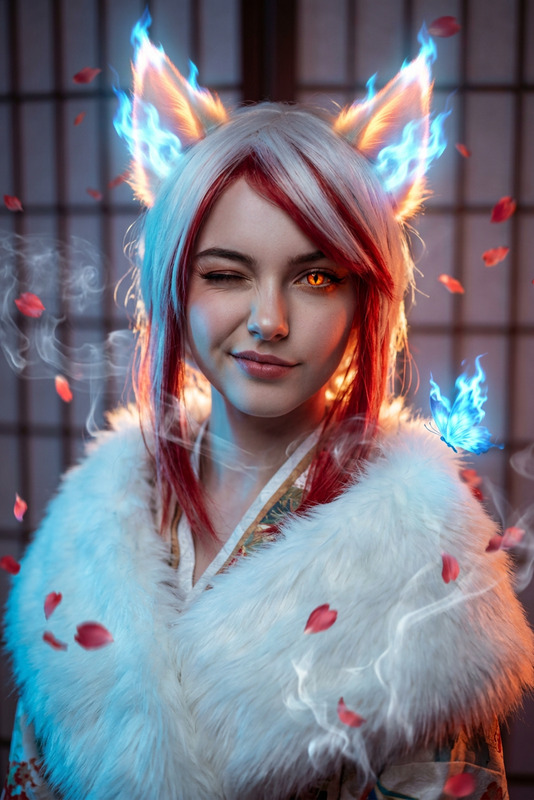
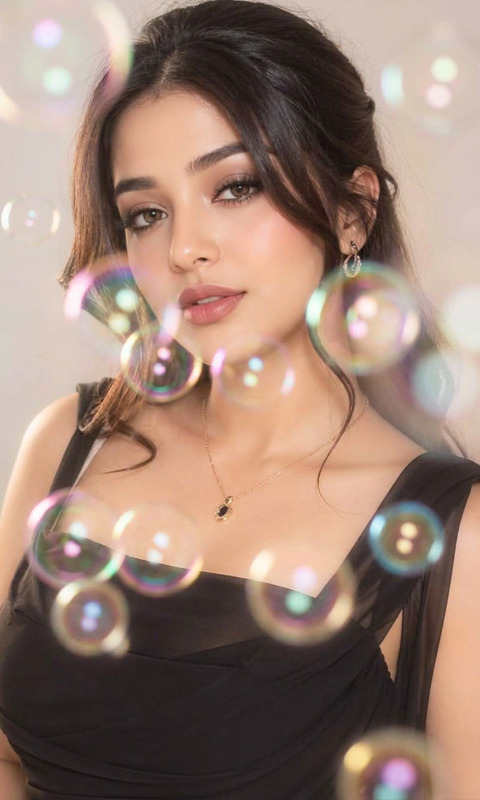
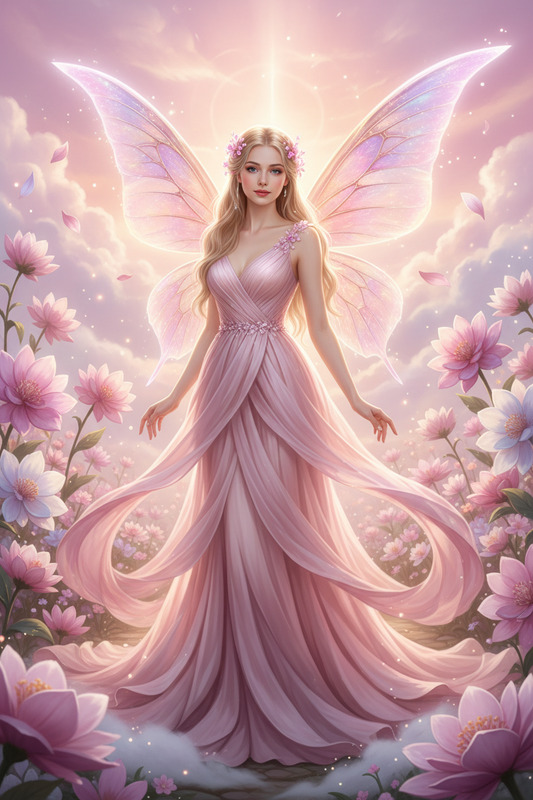
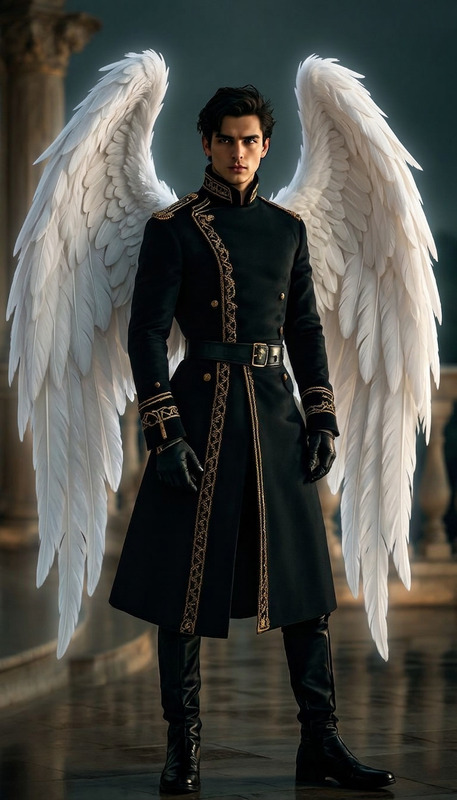
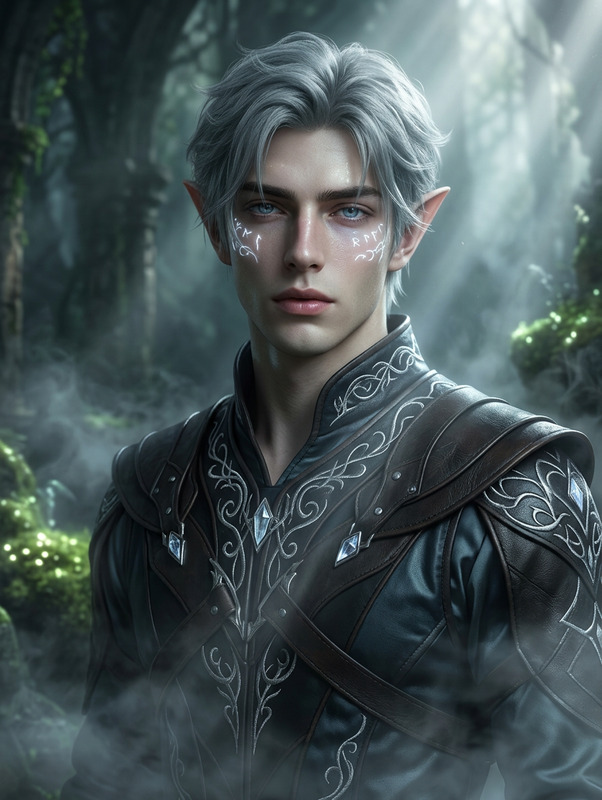
Transform ordinary photos into enchanting fantasy images with the Fairy Wings AI Image Editor template. This specialized template, leveraging the nano-banana-2 model, allows you to add semi-transparent fairy wings and magical elements to your images, achieving a dreamy yet realistic look.
What It Does
The Fairy Wings template integrates AI technology to modify uploaded images by adding fantasy elements like fairy wings, sparkles, and soft pastel glows. It maintains natural skin tones and realistic shadow placements, ensuring that the transformed image looks both magical and true-to-life. This is part of our broader range of transformational tools available in the AI Image Editor product.
Who It's For
This template is perfect for photographers, fantasy enthusiasts, and social media influencers looking to add a whimsical touch to their photos. Additionally, those creating marketing materials or digital content that calls for a touch of magic will find this tool invaluable.
Summary
Fairy Wings is your go-to tool for injecting magic into reality. With the help of the nano-banana-2 model, it offers detailed and aesthetically pleasing additions while preserving the subject's originality. Discover more transformational effects with our AI Talking Photo and AI GIF Generator.
How To
Choose Your Template

Customize Your Inputs

Generate the Image

Use Cases
Fantasy Photography
- Create a magical portfolio piece
- Engage clients with customized fantasy edits
Social Media Enhancements
- Boost visibility with eye-catching images
- Attract more followers with unique content
Marketing and Advertising
- Create magical posters and banners
- Add a fantasy twist to advertising strategies
Best Practices
High-Quality Images
For the best results, use high-resolution images with clear subject details. This ensures that added elements blend seamlessly without losing facial recognition features.Prompt Precision
Experiment with prompt descriptions to fine-tune the placement of the wings and other elements. Small adjustments can greatly improve the overall look of the image.Element Blend
Balance the magical additions with the existing elements of your image to keep it looking natural. Focus on realistic light and shadow interplay.