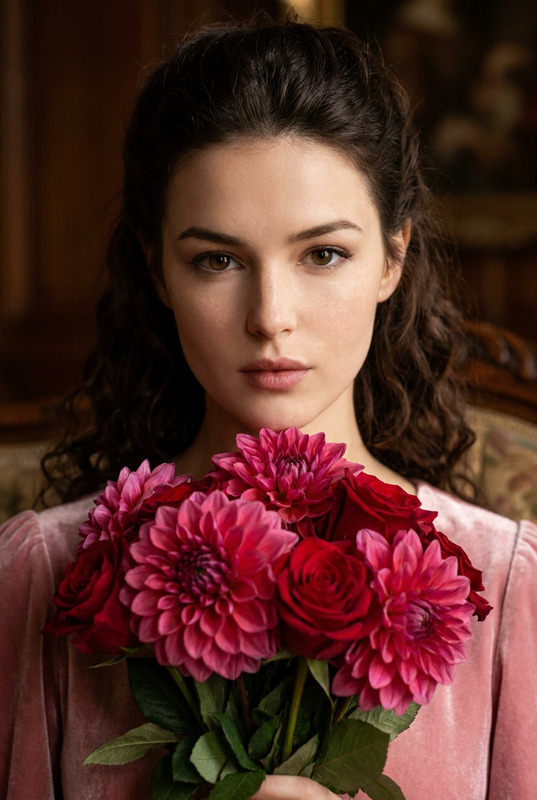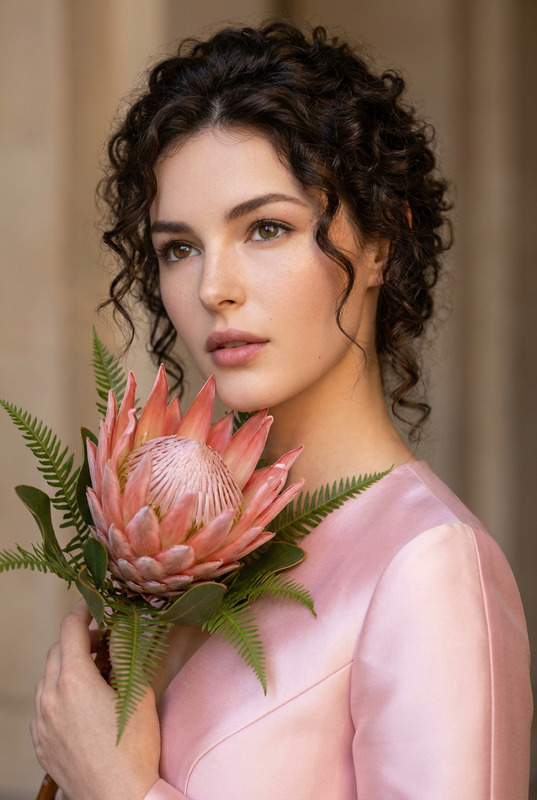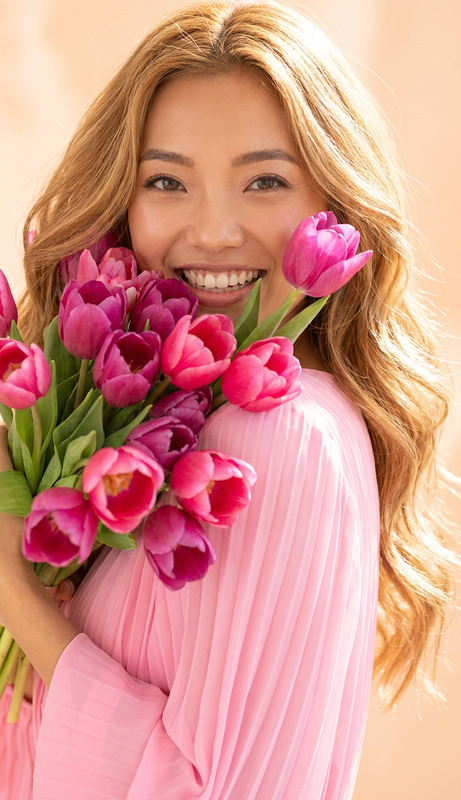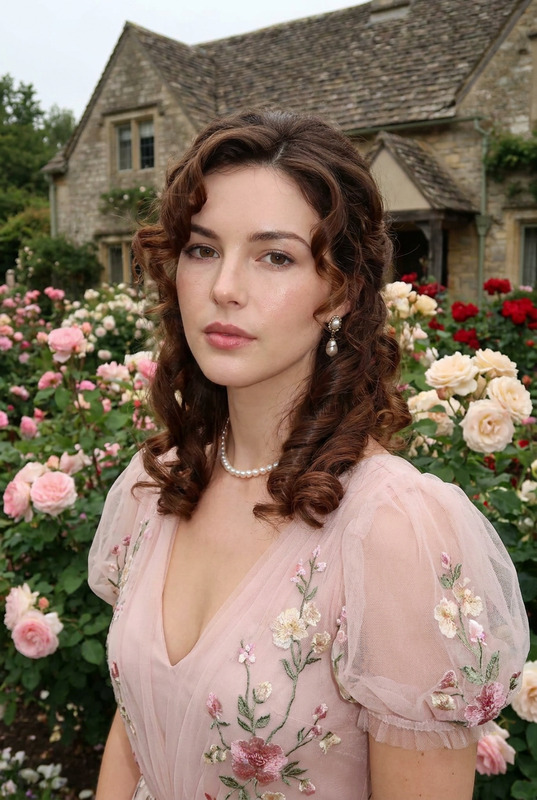
Pale Peach
- Model
- Nano Banana Pro
- Image
- 848 × 1264 px
Prompt
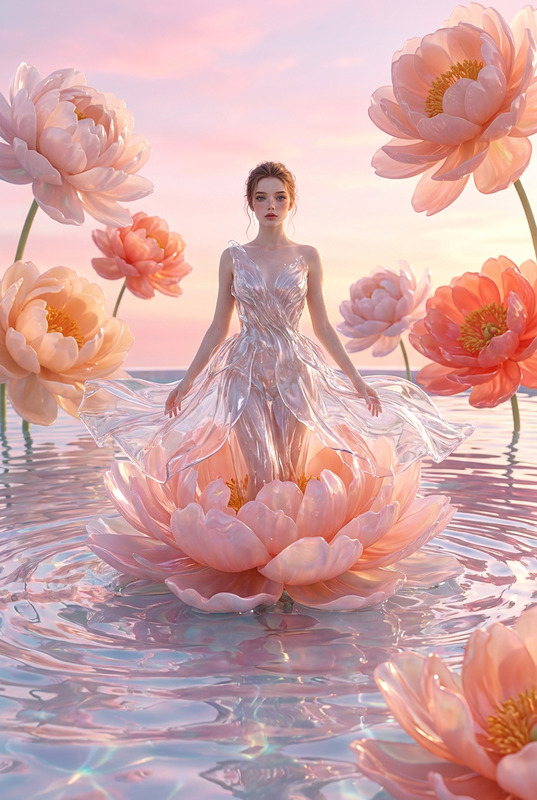
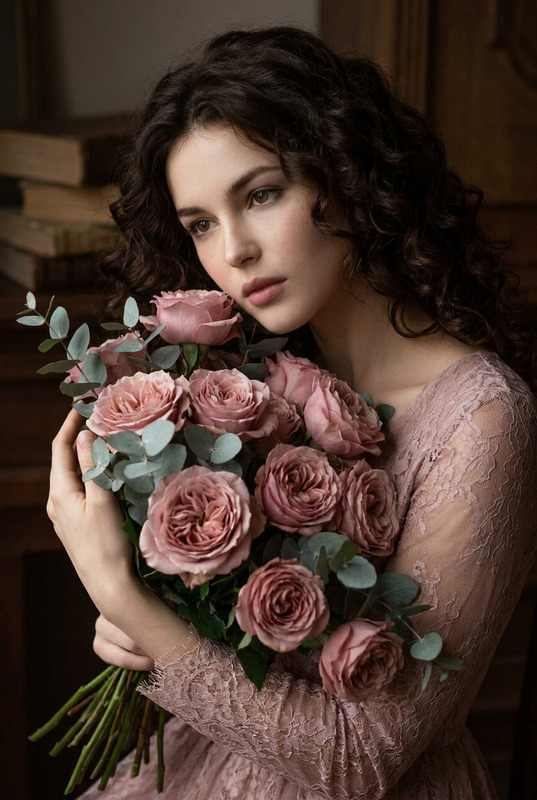
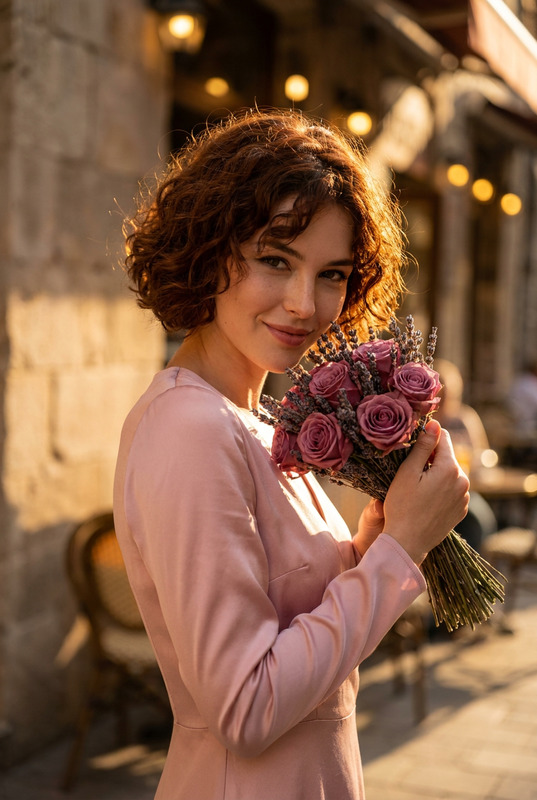
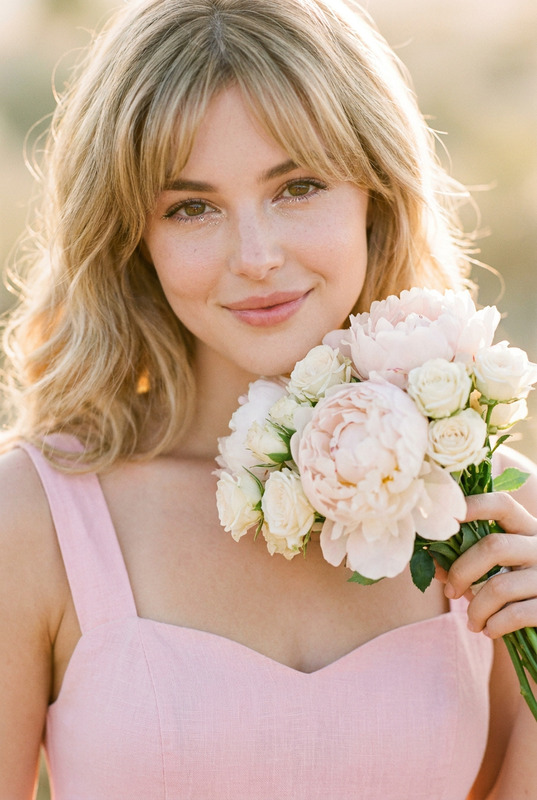
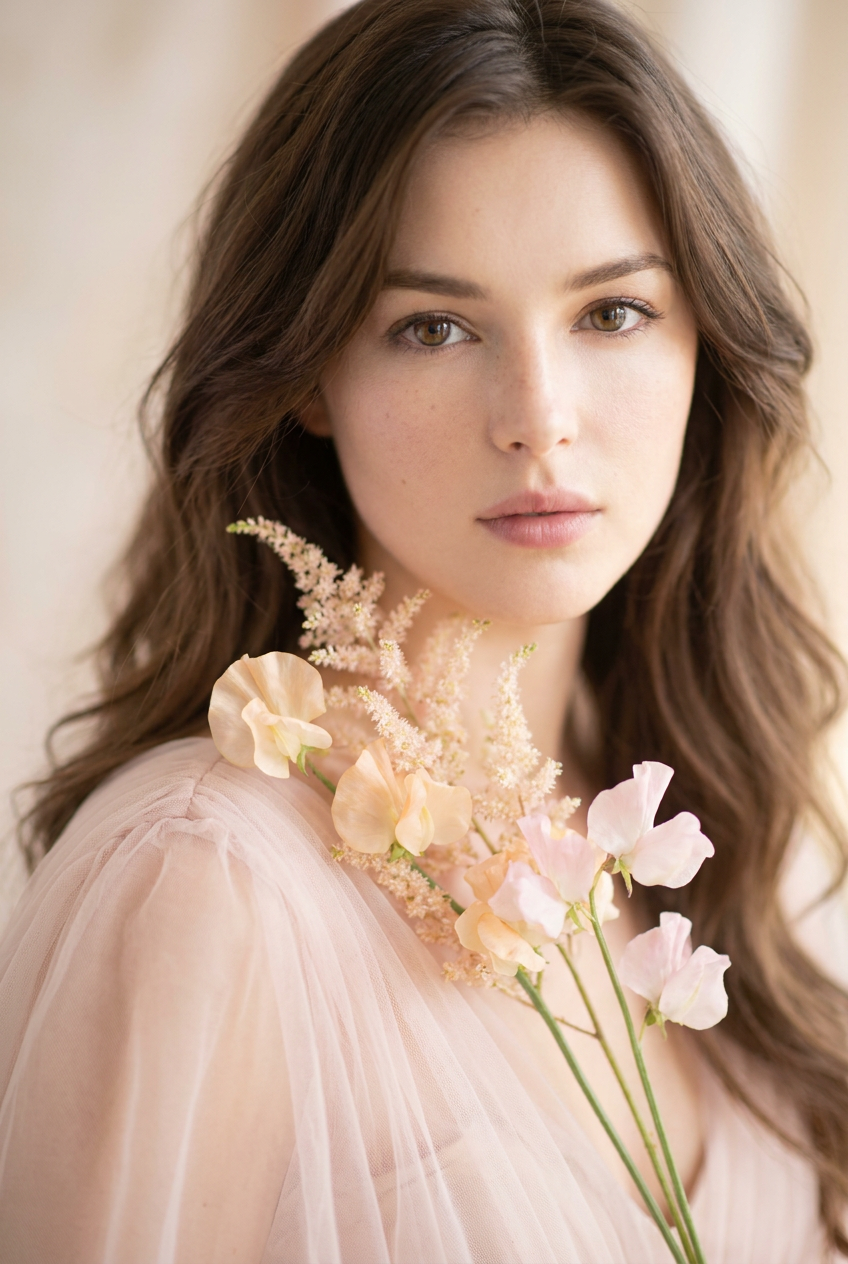
A soft-focus, photorealistic portrait of a woman with long, natural chestnut waves styled loosely. Her eyes are large and captivating, staring straight into the camera with a look of quiet serenity. She delicately holds a sparse, artistic arrangement of pale peach and light pink sweet peas and astilbe near her neck. She wears an ethereal, pale pink tulle dress. Lighting is extremely soft and diffused, minimizing contrast. The background is a warm, undefined wash of light. Shot with a shallow depth of field (f/1.4).
Any aspect ratio
Overview
The "Pale Peach" template offers an evocative image editing experience, designed with Magic Hour's cutting-edge AI Image Editor capabilities. Tailored for creating delicate, serene portraits, this tool harnesses the advanced nano-banana-pro model to bring your artistic vision to life in just a few clicks.
What It Does
"Pale Peach" allows users to craft photorealistic portraits with a soft-focus aesthetic, perfect for creating images with a subtle yet engaging appeal. The template provides a base prompt, which you can customize to achieve specific details in the portrait, focusing on elements like lighting, depth of field, and color palettes. Ideal for photographers or hobbyists looking to enhance their mood boards or portfolio pieces.
Who It's For
This template is perfect for photographers, creative directors, and digital artists interested in enhancing portraits with an ethereal touch. It's also an excellent tool for those working on Instagram Reels or other visual platforms where aesthetics are paramount. With its focus on soft lighting and intricate details, "Pale Peach" offers an exceptional tool for developing captivating visual content.
Summary
"Pale Peach" in the AI Image Editor lineup empowers users to create beautifully soft-focused imagery with ease. It supports adjustment of key photographic elements, allowing for a personalized touch while maintaining professional quality. Whether you're crafting portraits for a profile picture or a dreamy photoshoot, this template guides you through the process effortlessly.
How To
Choose Template

Customize Details

Generate Image

Use Cases
Bridal Photography
- Emphasize the beauty of bridal attire
- Capture serene expressions with soft, diffused lighting
Social Media Content
- Boost visual appeal on platforms like Instagram
- Create stunning profile pictures or cover photos
Editorial Shoots
- Perfect for featuring in fashion spreads
- Highlight gentle and captivating portrait themes
Best Practices
Focus on Lighting
Ensure the simulated lighting aligns with your subject matter for harmonious results. Utilize the built-in soft lighting features to achieve the desired ethereal glow.Experiment with Depth of Field
Play with the depth of field settings to add more definition or blur elements, depending on the mood you wish to convey.Adjust Color Tones
Use the AI Image Editor's color adjustment tools to subtly influence the portrait's mood and enhance the natural tones of the subject's skin and attire.