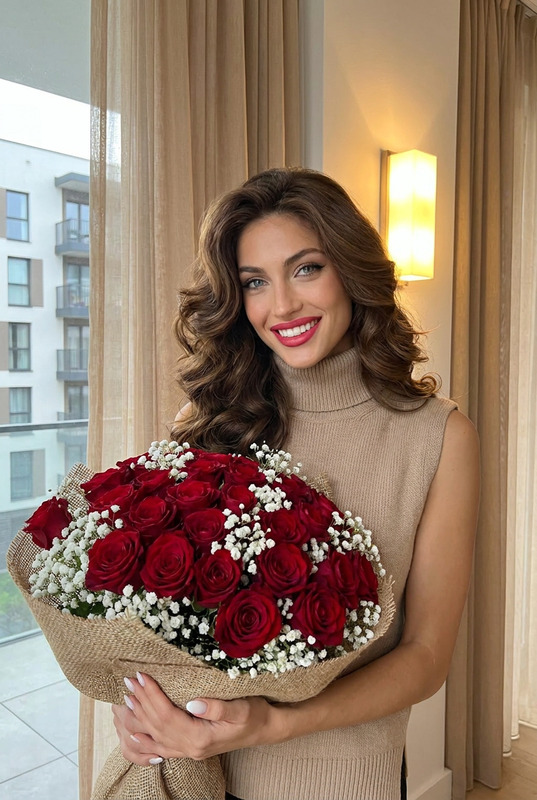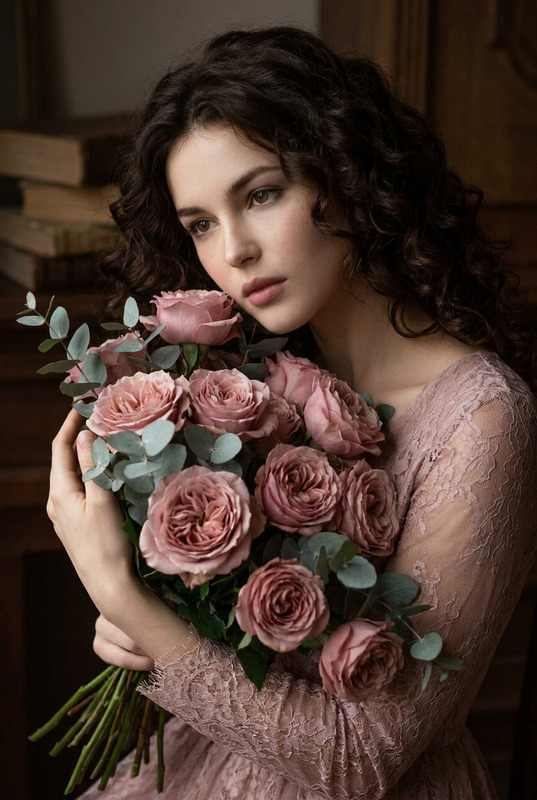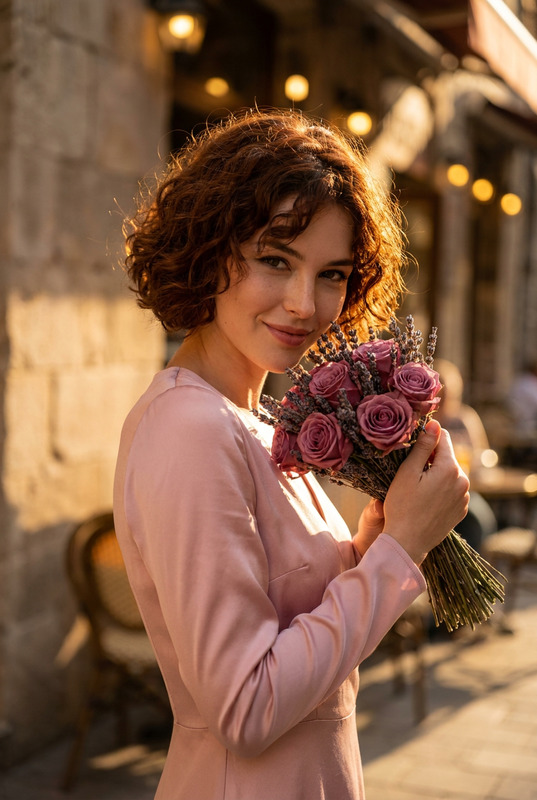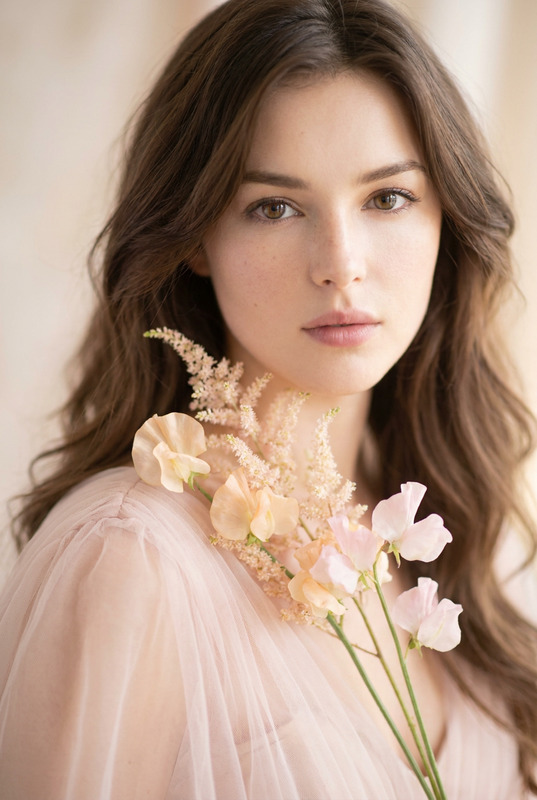
Garden Romance
- Model
- Nano Banana Pro
- Image
- 848 × 1264 px
Prompt
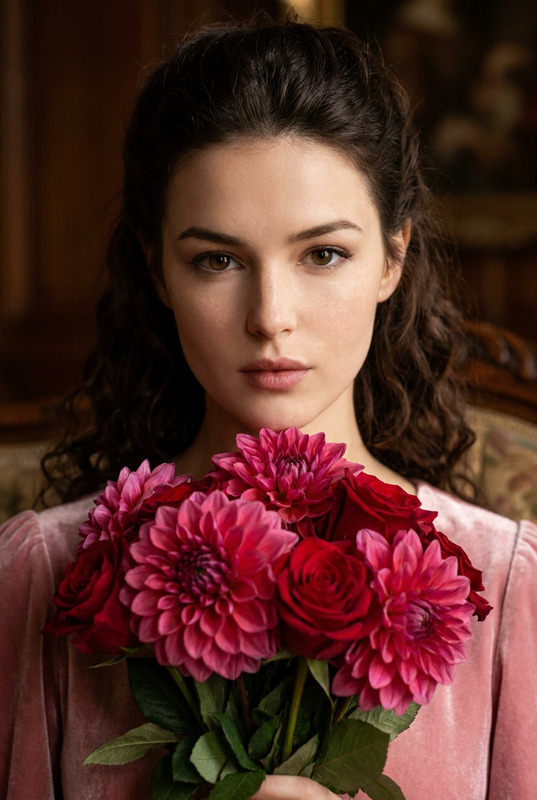
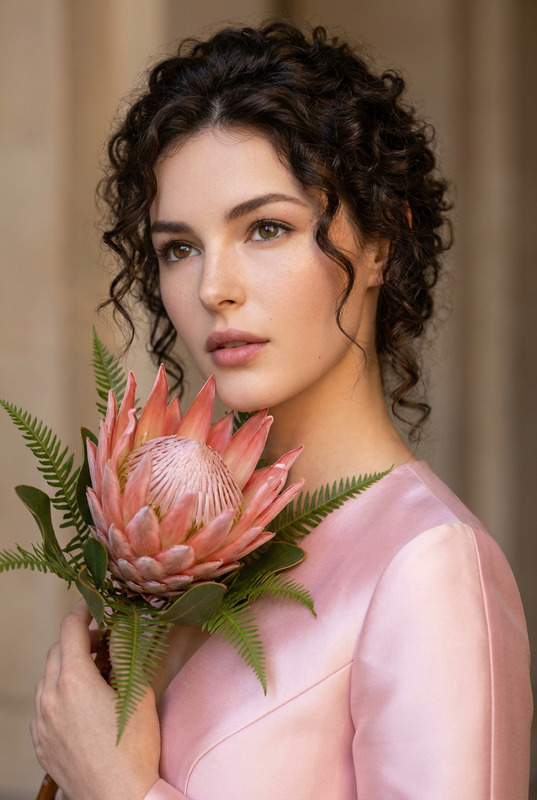
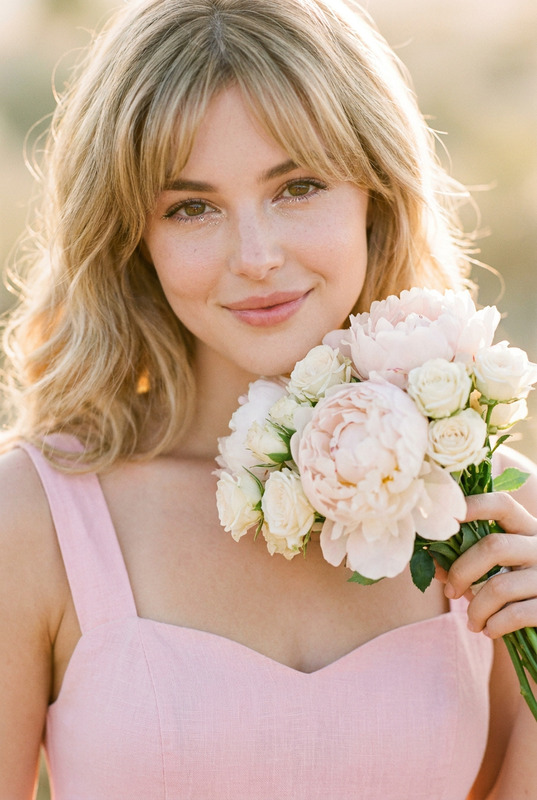
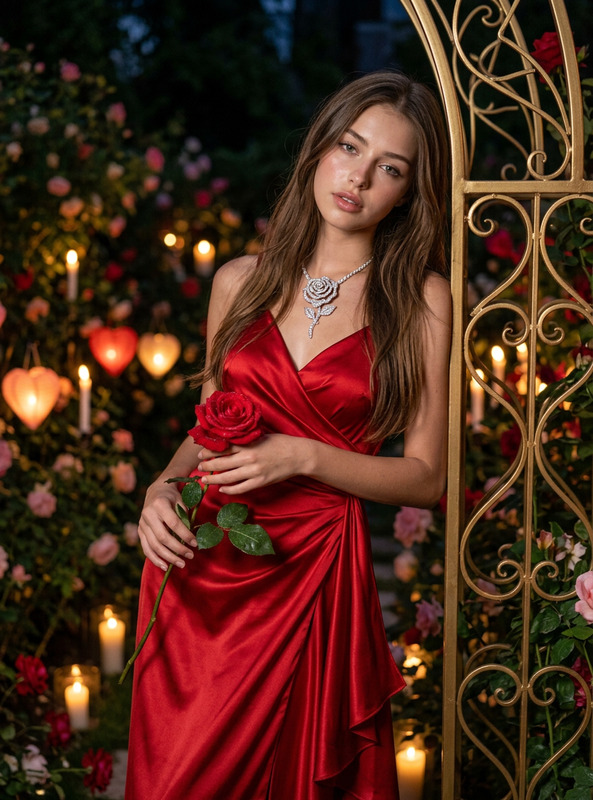
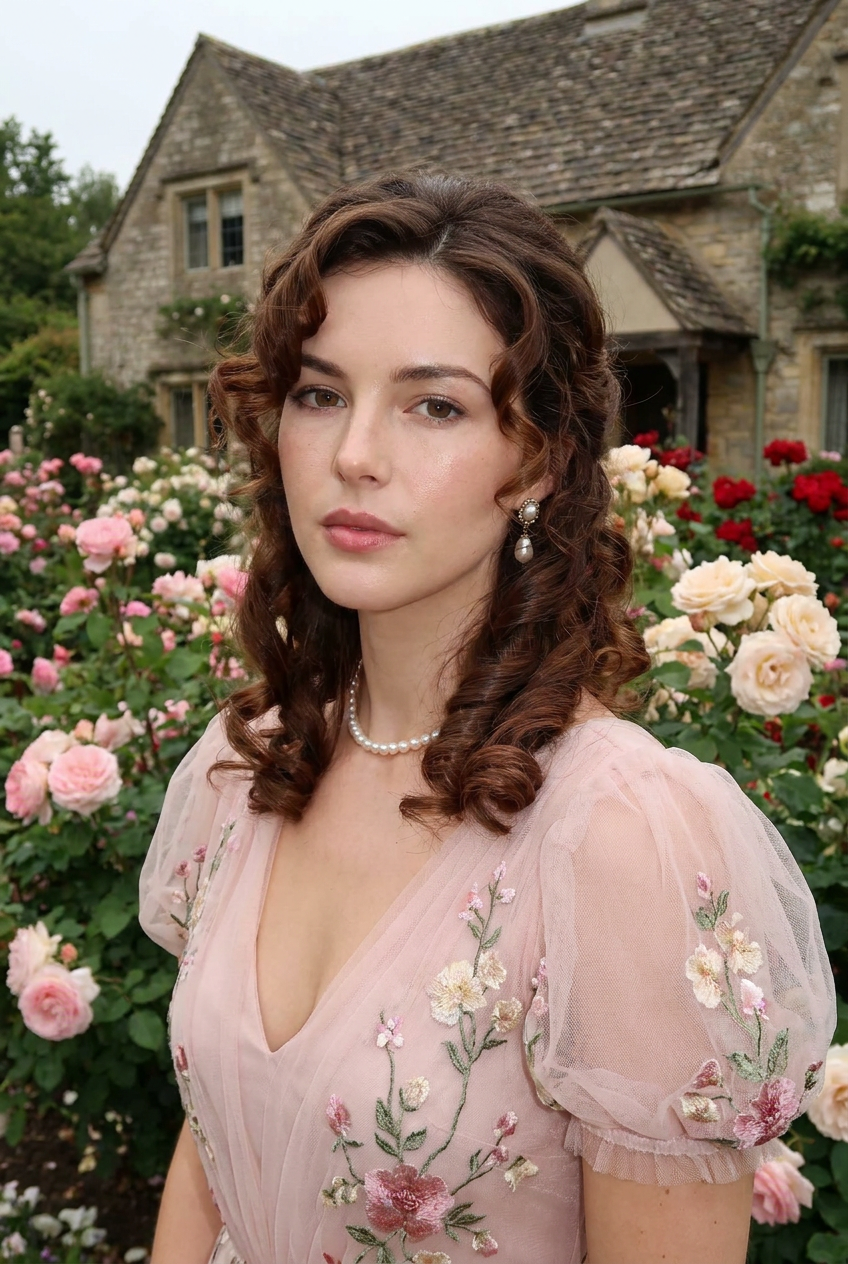
A dreamy, half-body photorealistic portrait of a woman in the reference image, with soft, chestnut-brown ringlets cascading around her face and a delicate, dewy makeup look. She is dressed in an ethereal, pale pink tulle gown with elaborate floral embroidery and puff sleeves, adorned with antique pearl earrings and a simple pearl necklace. She poses serenely within a manicured English rose garden, surrounded by climbing roses in various hues of pink, cream, and red, bathed in the soft, diffused light of an overcast afternoon, with a charming stone cottage and lush greenery in the background.
Any aspect ratio
Overview
The "Garden Romance" template is an ideal choice for creating dreamy, photorealistic portraits. Using the power of the AI Image Editor, it transforms reference images into half-body portraits set against lush English rose gardens. This tool brings your visual storytelling to life with stunning details.
What It Does
"Garden Romance" enhances your images by adding a romantic garden backdrop to your portraits. It adjusts facial features to match the serene mood, and applies soft, dewy makeup with detailed embellishments. The model nano-banana-pro ensures clarity and precision in every edit, making your images resemble fine art.
Who It's For
This template is perfect for photographers, content creators, and social media influencers who want to add a romantic touch to their portraits. Whether you're editing engagement photos or crafting stunning content for lifestyle blogs, this tool, alongside our AI Profile Picture Generator, elevates your visual content.
Summary
Utilize the "Garden Romance" template to transform ordinary portraits into captivating images set in enchanting garden scenes. With the combination of our AI Image Editor and the precision of the AI Image Upscaler, your visuals will capture viewers' attention with lifelike detail and artistic flair.
How To
Choose the Template

Customize Your Image

Generate Your Portrait

Use Cases
Wedding Photography
- Complement the couple's attire with elegant garden scenery.
- Create themed photo albums for clients.
Lifestyle Blogs
- Highlight fashion collections in nature.
- Curate mood-setting visuals for storytelling.
Social Media Content
- Create themed posts for social media campaigns.
- Boost engagement with picturesque imagery.
Best Practices
Choose High-Quality Images
Uploading high-resolution reference images will yield more detailed and convincing results.Fine-Tune the Features
Adjust the prompt to better fit your envisioned scene, altering elements like lighting and attire.Leverage AI Enhancements
Combine with other tools like the AI Photo Relighting for improved lighting effects.