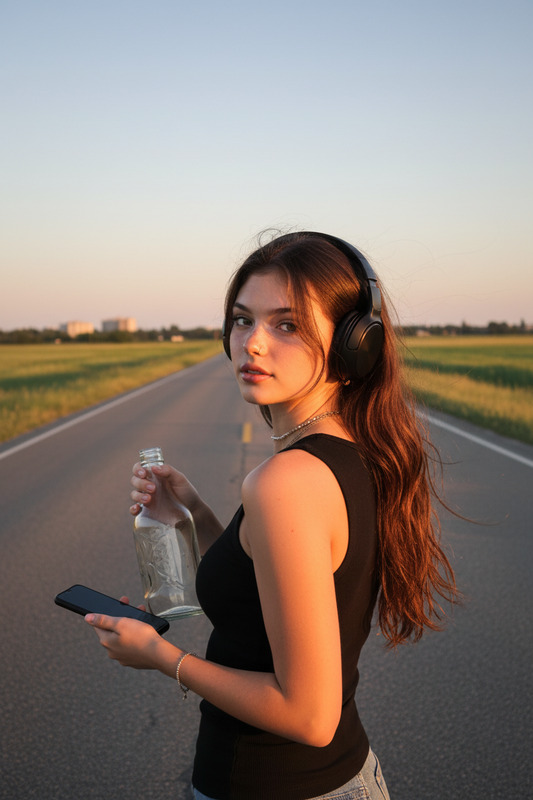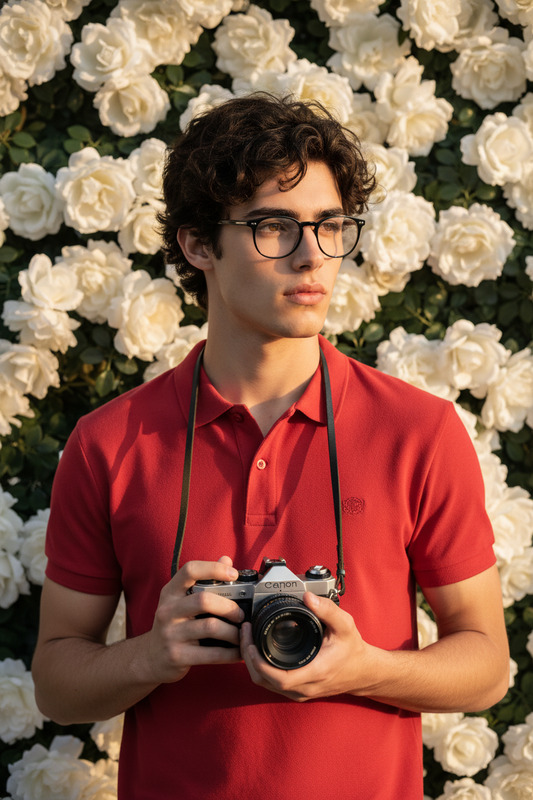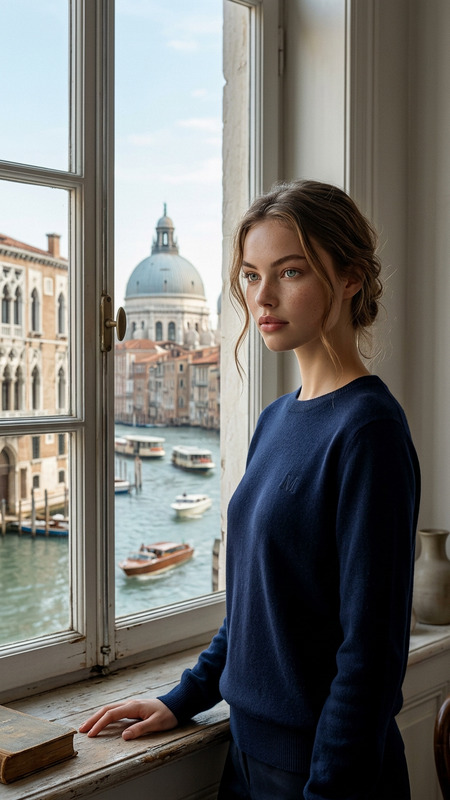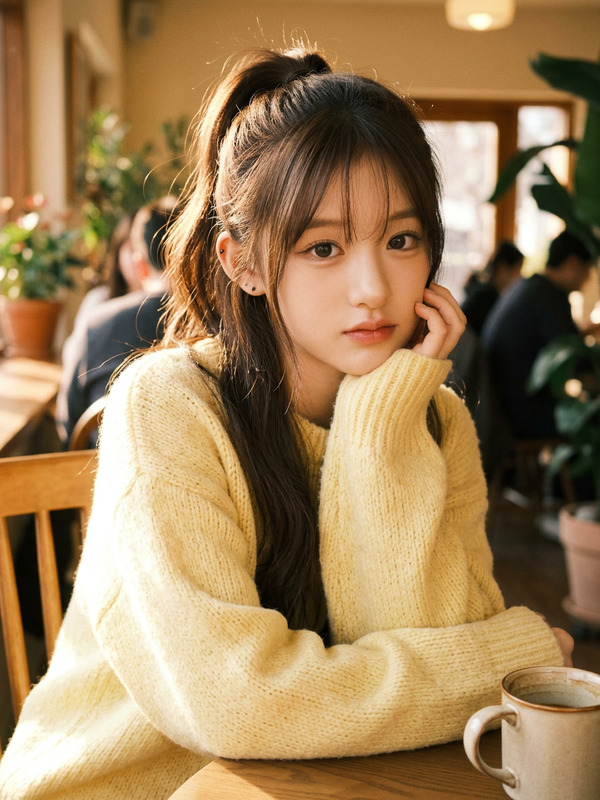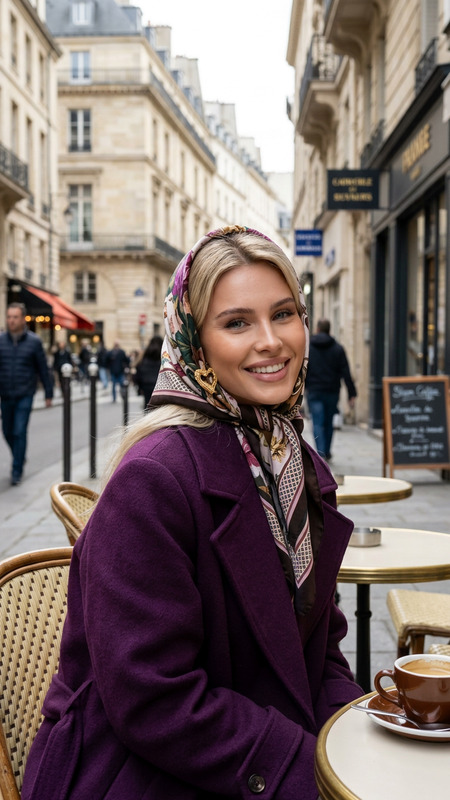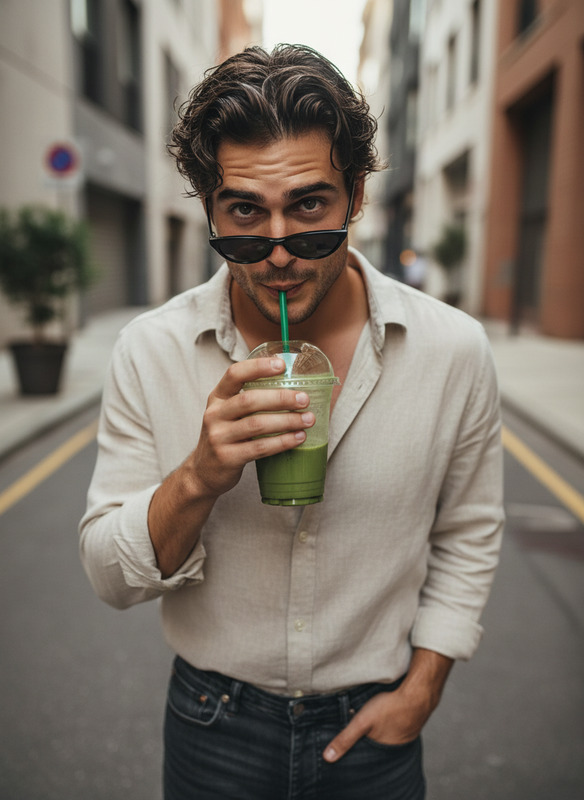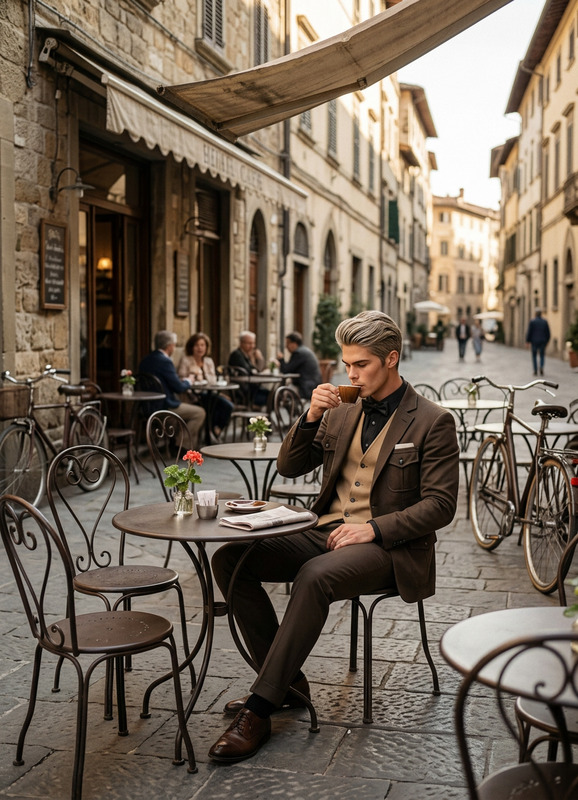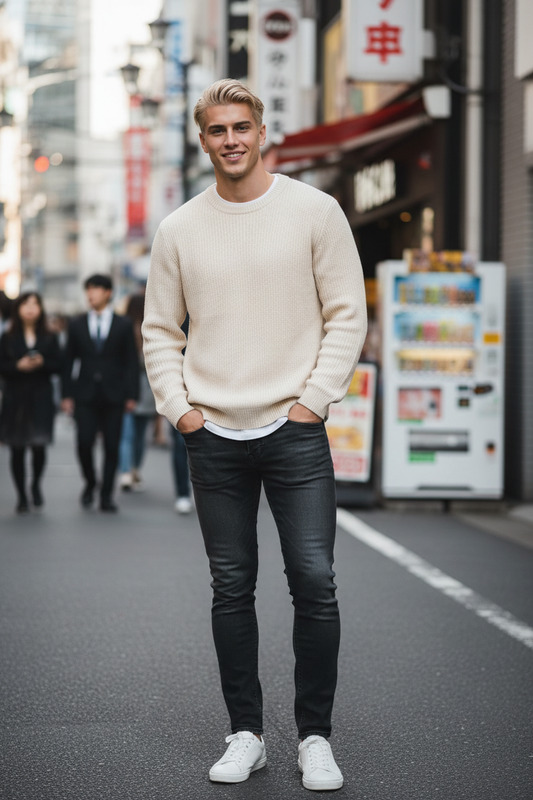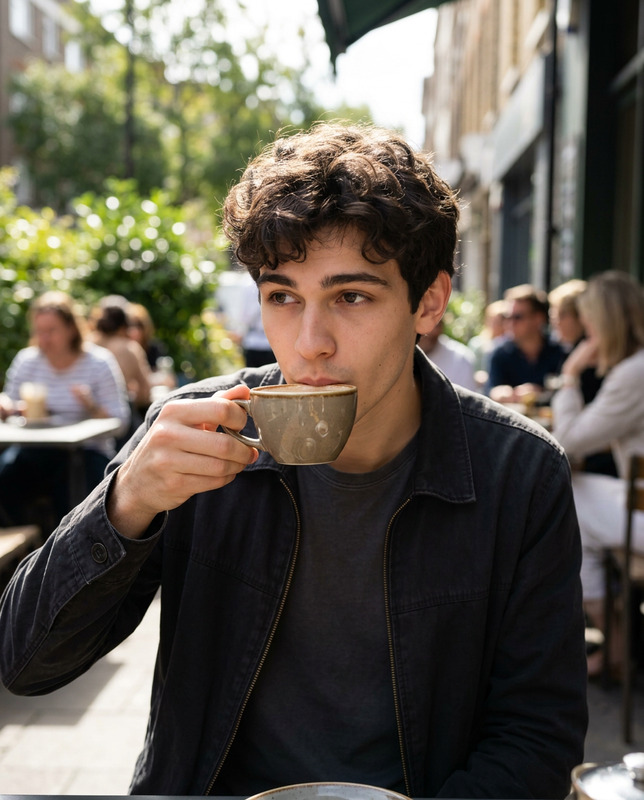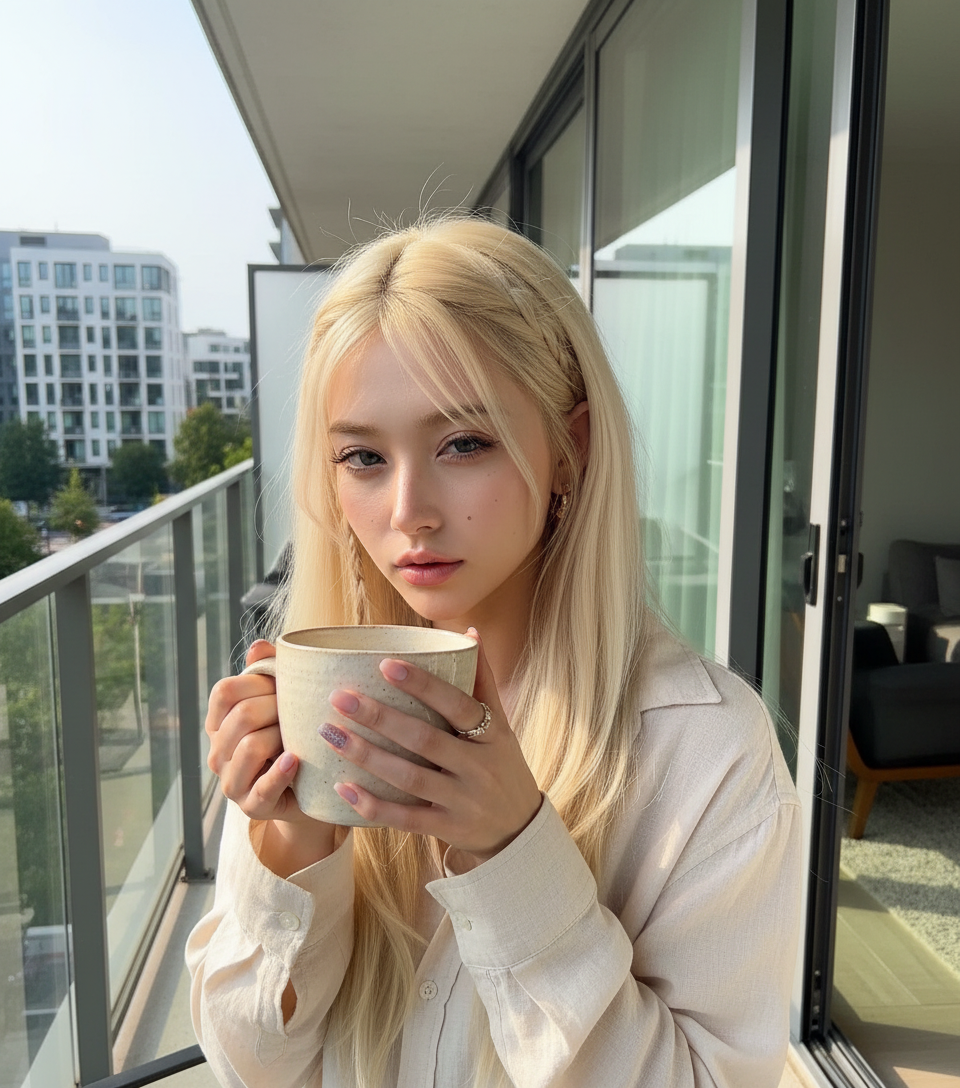
Coffee in morning

Coffee in morning

ai-image-editor

1 clip
20 uses

Any aspect ratio

Prompt

The subject holding a large ceramic mug close to the camera, taking a selfie outdoors on a balcony slightly squinting in bright natural sunlight, relaxed and casual expression, wearing a light-colored shirt, modern apartment background with glass doors and urban view, warm daylight casting natural shadows, shallow depth of field, high detail textures (skin, hair, ceramic mug), candid lifestyle photography, soft natural color grading, ultra realistic, 4K

AI Image Editor Template: Turn Any Photo Into High-Impact Visuals in Minutes

This template is built on the AI Image Editor, designed for creators, marketers, and product teams who need fast, high-quality visual edits without learning complex design tools.

Use it to:

  • Clean up and retouch images (social media, ads, landing pages, app screenshots)
  • Remove or replace distracting objects and backgrounds
  • Transform photos into on-brand, stylized visuals
  • Prepare assets for campaigns, product launches, decks, or pitch materials

What This Template Does

This AI Image Editor–based template is optimized for:

  • Object removal & cleanup
    Quickly remove logos, text, people, or distracting elements using AI-powered inpainting. For finer control over what to remove, pair this with the AI Remover or Remove Object from Photo.

  • Background changes & compositing
    Replace messy or off-brand backgrounds with clean, minimal, or thematic scenes. For dedicated background workflows, see the Image Background Remover and AI Background Generator.

  • Style and branding adjustments
    Adapt a single source image into multiple visual directions (minimalist, cinematic, corporate, playful, “AI art,” anime-inspired, etc.) for A/B testing and multichannel campaigns. You can also generate fresh assets with the AI Image Generator or AI Art Generator and refine them with this template.

  • Photo enhancement and restoration
    Clean up older or low-quality source images before repurposing them. For heavy enhancement workflows, combine this template with:


Practical Use Cases

This template is tuned for teams that care about performance and consistency, not just aesthetics:

  • Marketing & Growth

    • Create multiple on-brand variations of hero images and ads
    • Localize creatives for different markets (backgrounds, cultural elements, visual tone)
    • Clean UGC or influencer photos for use in performance marketing
  • Founders & Product Teams

    • Polish screenshots, feature visuals, and pitch deck imagery
    • Quickly update visuals for new features, pricing changes, or launches
    • Align product shots with your brand’s visual language
  • Content Creators & Agencies

    • Standardize thumbnails, covers, and social assets for clients
    • Turn one raw shoot into an entire set of platform-specific visuals
    • Batch-edit brand elements into existing content
  • Design & Creative Ops

    • Use AI as a “first-pass assistant,” then refine in your main design stack
    • Generate concept art, references, and visual directions before final design
    • Collaborate faster with non-design stakeholders by iterating directly in Magic Hour

If you work with faces or people, you can pair this template with:


How to Remix This Template in Magic Hour

You can treat this template as a starting point and quickly clone it into your own workflow. A typical remix flow:

  1. Start from the Template

    • Open this AI Image Editor–based template in Magic Hour.
    • Upload your base image (product photo, portrait, screenshot, illustration, etc.).
  2. Define Your Intent Clearly

    • Write a short, explicit instruction for what you want:
      • “Remove the person in the background and extend the table.”
      • “Turn this into a clean, minimal landing page hero with a light gradient background.”
      • “Make this look like a professional LinkedIn headshot with soft lighting.”
    • Use clear, task-oriented language; this improves both AI accuracy and reproducibility.
  3. Iterate with Variations

    • Generate multiple edits and compare:
      • For stylistic tasks, run several visual directions: corporate, editorial, cinematic, playful.
      • For precision tasks (e.g., object remove), try small prompt tweaks to refine edges and details.
    • Save the outputs that fit your brand or campaign and keep the template as a reusable “recipe” for similar content.
  4. Build Your Own Reusable Pattern

    • Once you have a version that consistently produces what you need, treat that as your internal template.
    • Document your best-performing instructions in your team’s workflow (e.g., “Use the ‘Clean Product Shot’ remix for all catalog photos”).
    • Combine with other Magic Hour tools as needed:

Advanced Workflows for Power Users

For creators, developers, and marketers building more complex pipelines, you can chain this template with other Magic Hour products:


Tips for Better Results

  • Be specific about the outcome, not the method
    Rather than “use an inpainting effect,” write “remove the microphone and fill the space with the existing background.” This aligns with how large language and vision models interpret instructions.

  • Anchor to real-world references
    Mention known styles or references where helpful (e.g., “studio-style ecommerce product photo,” “editorial portrait lighting,” “comic-book style shading”) and then use the AI Image Editor to approximate that direction.

  • Standardize across your team
    Once you find a version of this template that works, share it with your team and agree on a single “house style” for prompts and outputs. This makes your Magic Hour workspace a source of truth for visual standards.


Related Magic Hour Tools Worth Exploring

If this template is part of your toolkit, these complementary tools are often useful in the same workflows:

For video and audio layers on top of edited images, you can also explore:


Use this template as your default editing workspace in Magic Hour: start with a raw image, refine it here, and then branch out to animation, video, voice, and branding tools as needed.

More Like This