Red Sketch Serenity
- Model
- Nano Banana 2
- Image
- 768 × 1365 px
Prompt
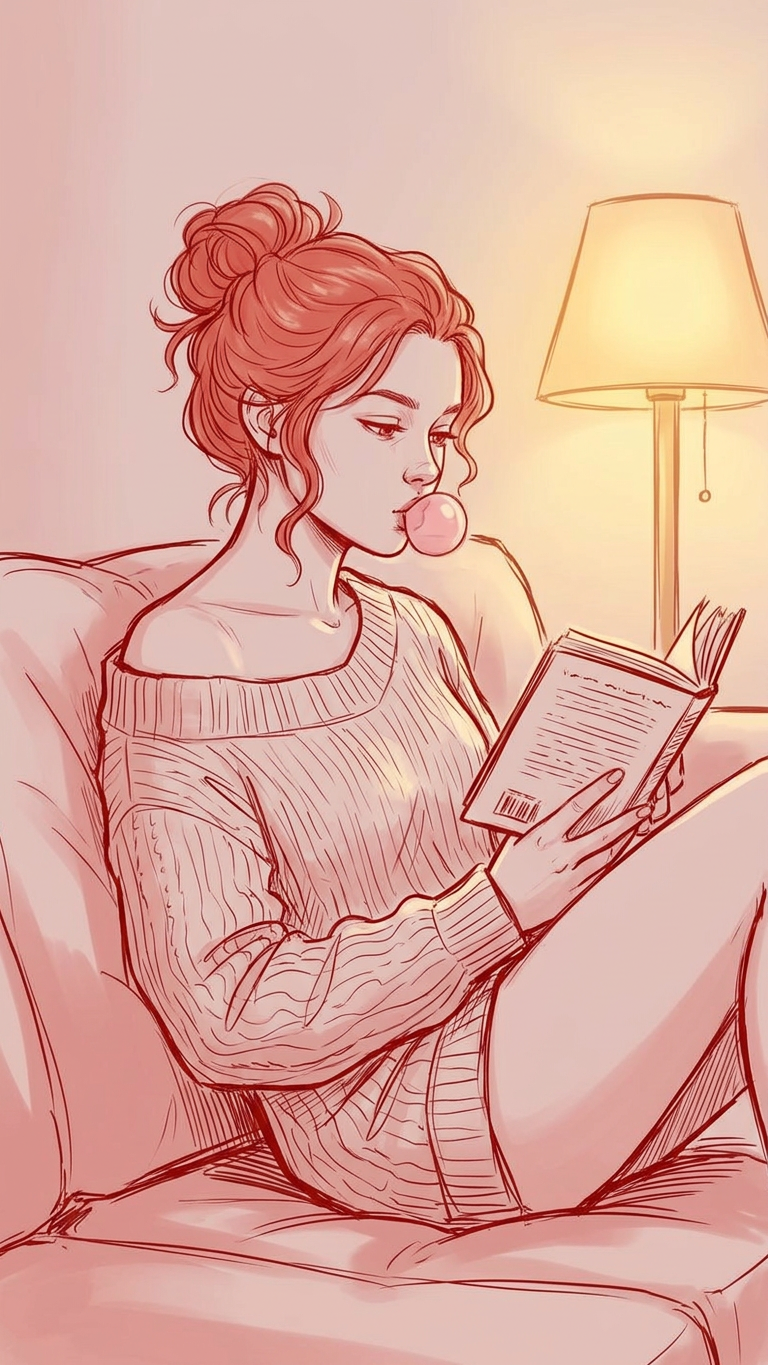
A cozy indoor portrait of a subject sitting on a sofa, quietly reading a book while blowing a small pink bubble with chewing gum. The subject wears a loose, off-shoulder knitted sweater, with hair tied in a relaxed messy bun. The mood is calm, natural, and candid. A warm lamp in the background casts soft golden light, creating a gentle, intimate evening atmosphere. Shallow depth of field, soft shadows. Red monochrome sketch style, hand-drawn line art, expressive strokes, minimal shading, artistic and slightly abstract illustration.
Any aspect ratio
Overview
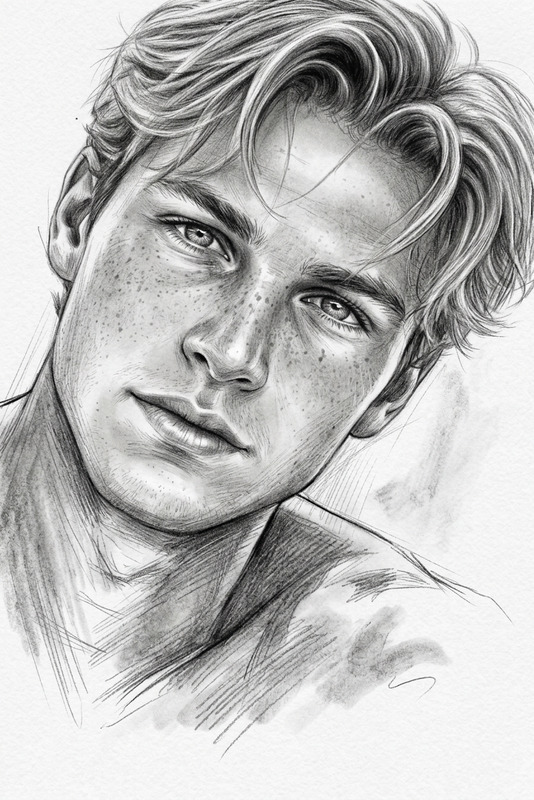
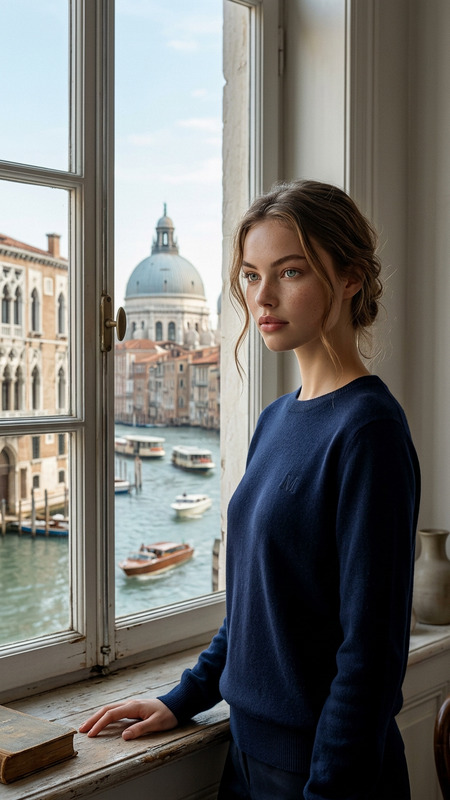
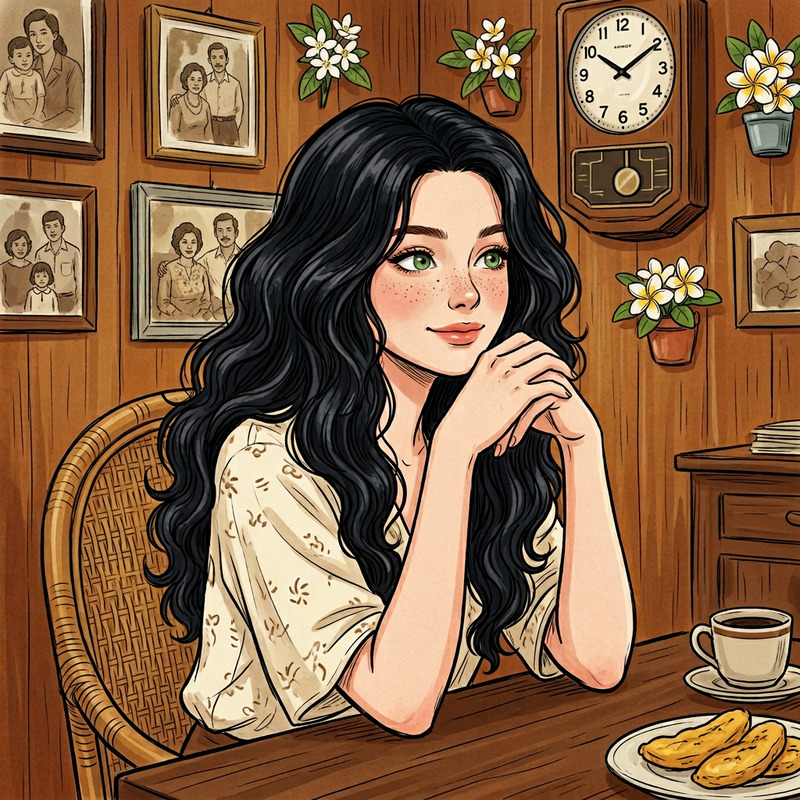
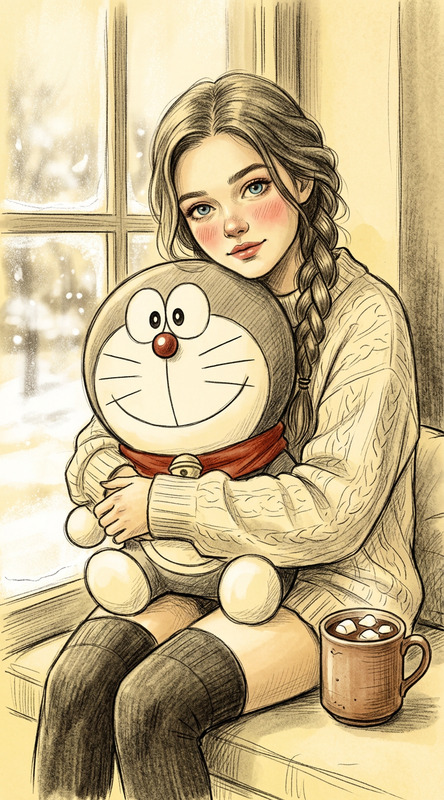
The "Red Sketch Serenity" template brings the unique artistry of red monochrome sketches into the digital age. Powered by the nano-banana-2 model, this AI Image Editor template is perfect for creating expressive, hand-drawn style illustrations. Capture the serene moment of an individual reading quietly, crafted with expressive strokes and minimal shading for an artistic appeal.
What It Does
This template transforms your standard images into captivating artistic depictions in a red monochrome sketch style. Using advanced AI from the AI Image Editor, it applies hand-drawn line art techniques and shallow depth of field effects to produce a calm and intimate evening atmosphere. The focus is on creating a visually soothing and artistic image, perfect for those wanting to evoke a sense of tranquility and aesthetic warmth.
Who It's For
The "Red Sketch Serenity" template is ideal for artists, designers, and content creators who enjoy adding a unique, artistic flair to their projects. If you're working on a personal art project, a promotional campaign, or a storytelling initiative, this template offers a transformative touch. Moreover, businesses looking to enhance their content with artistic illustrations for platforms like Instagram Reels or TikTok Videos will find this tool particularly useful.
Summary
Bring a touch of art and calm to your images with the "Red Sketch Serenity" template. Utilize it within the AI Image Editor to create stunning, serene portraits in an expressive, abstract style. Ideal for a range of uses from personal artwork to business promotional content, it delivers a unique visual experience that stands out.
How To
Choose Your Template

Customize Your Image

Generate Your Masterpiece

Use Cases
Social Media Content
- Create eye-catching posts for Instagram.
- Develop unique story visuals for Snapchat.
Marketing Campaigns
- Develop ads with a hand-drawn aesthetic.
- Create artistic banner images for digital campaigns.
Personal Projects
- Create unique book cover designs.
- Develop personalized art gifts for loved ones.
Best Practices
Select Complementary Photos
Choose images with clear, defined subjects and some background detail to benefit from the shallow depth of field effect.Adjust Lighting Characteristics
Ensure the original image has a natural light source to align with the template's warm lamp effect.Experiment with Subject Positioning
Try varying the position of the subject in your image to find the most aesthetically pleasing outcome for the artistic style.