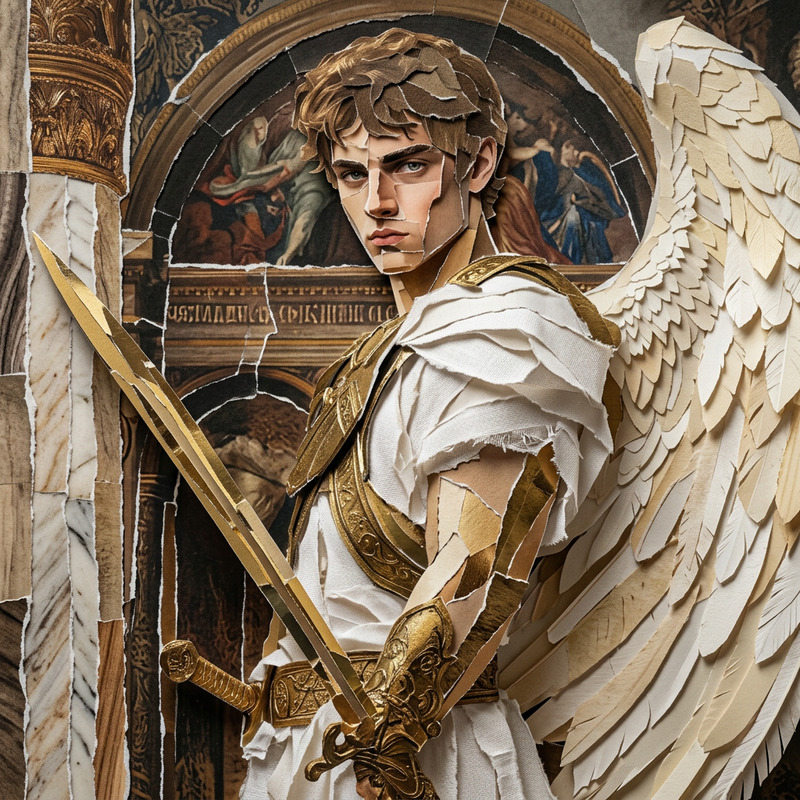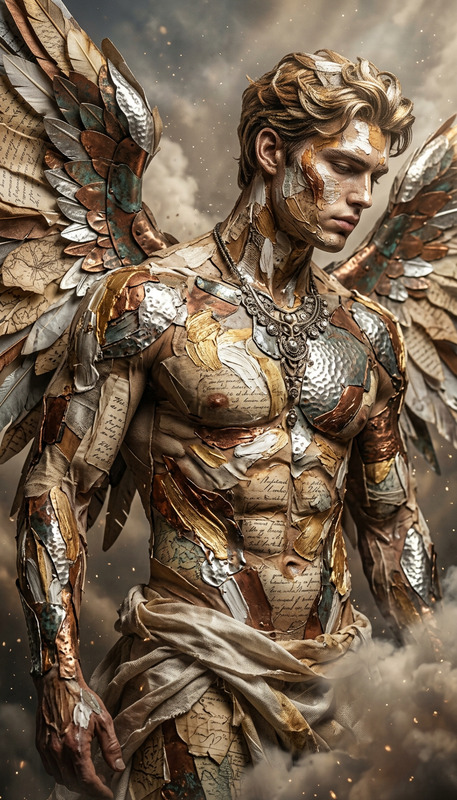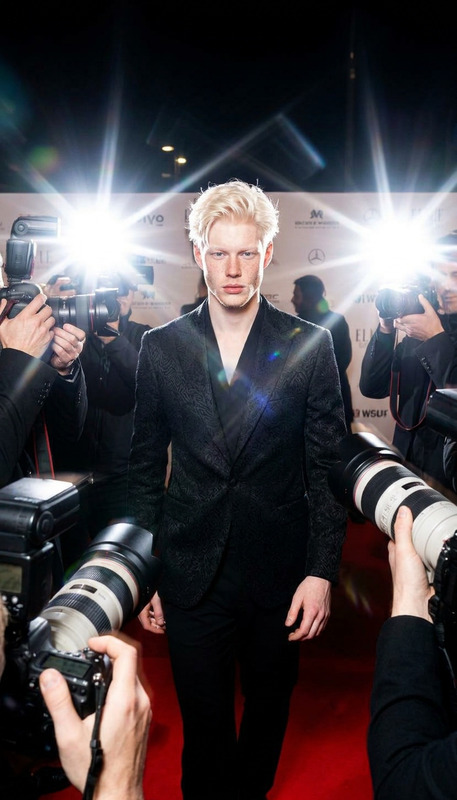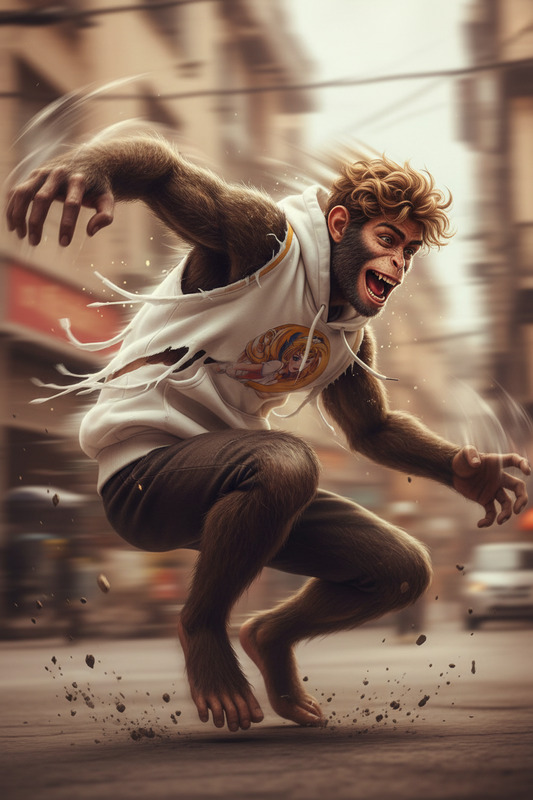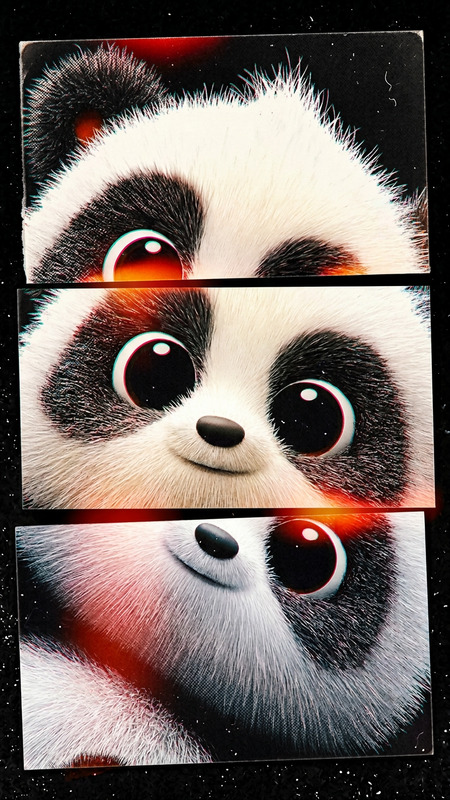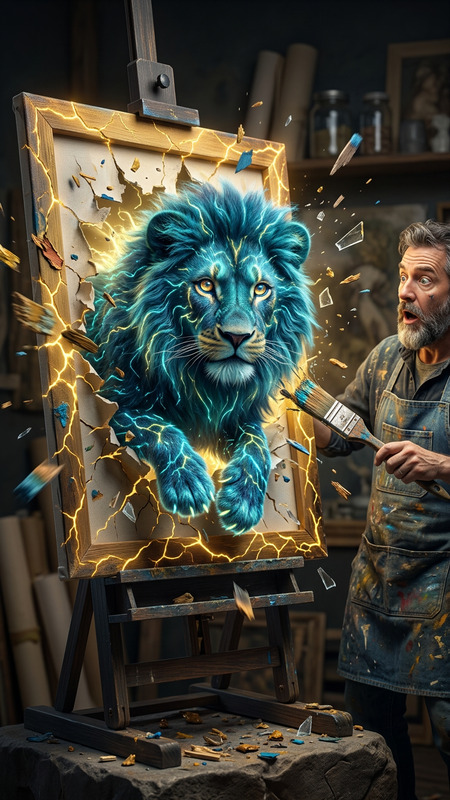
Patchwork Leap
- Model
- Nano Banana 2
- Image
- 704 × 1530 px
Prompt
The subject in mid-leap through a dark jungle, composed of stitched fabrics with visible seams, captured in extreme close-up with dynamic foreshortened perspective, blurred background, frozen motion effect, surreal atmosphere, cinematic lighting, ultra-detailed, high-impact composition
Any aspect ratio
Overview
Patchwork Leap is a specialized AI Image Editor template designed for creating visually dynamic images featuring subjects caught mid-leap in a uniquely surreal setting. This template uses the nano-banana-2 model to transform your basic imagery into high-impact compositions that highlight motion with sharp detail and cinematic lighting. Explore the possibilities of visual storytelling with this powerful tool.
What It Does
Patchwork Leap brings your images to life with a unique blend of motion capture and surreal, fabric-inspired textures. This editor applies an extreme close-up effect, focusing on dynamic perspectives and high-detail finishes. The layered textures look as if they are stitched with visible seams, adding a rich, artistic dimension to your visuals. The template promises a cinematic result, complete with blurred backgrounds and dramatic lighting.
Who It's For
This template is ideal for visual artists, content creators, and filmmakers seeking to inject an imaginative twist into their image-based storytelling. If you're part of a creative team looking to produce compelling marketing visuals, Patchwork Leap will help you make a strong impression. It's also a great match for anyone leveraging AI Video Generator capabilities to enhance their production quality.
Summary
Patchwork Leap is a one-of-a-kind AI Image Editor in our catalog. Tailored for creators focused on deepening visual narratives, it delivers breathtaking imagery with its seamless blending of sharp detail and dynamic movement. Whether you're an artist or a marketer, this tool opens creative avenues by enriching your images with an extraordinary sense of motion and texture.
How to Use Patchwork Leap
Choose Patchwork Leap

Customize Your Vision

Generate and Download

Use Cases
Marketing Campaigns
- Create captivating brand stories
- Develop eye-catching ads
Artistic Projects
- Illustrate concepts that defy reality
- Compose images with a fantasy twist
Film and Animation
- Design visuals for unique movie scenes
- Create immersive backgrounds
Best Practices
Focus on Detail
Leverage the template's high-detail capabilities by meticulously crafting your input prompt to highlight elements like fabric seams and motion blur.Maintain Composition Consistency
Ensure your input images maintain a consistent perspective to maximize the high-impact potential of the output.Experiment with Lighting
Adjust lighting settings to complement the cinematic effects inherent in Patchwork Leap, achieving more dramatic results.