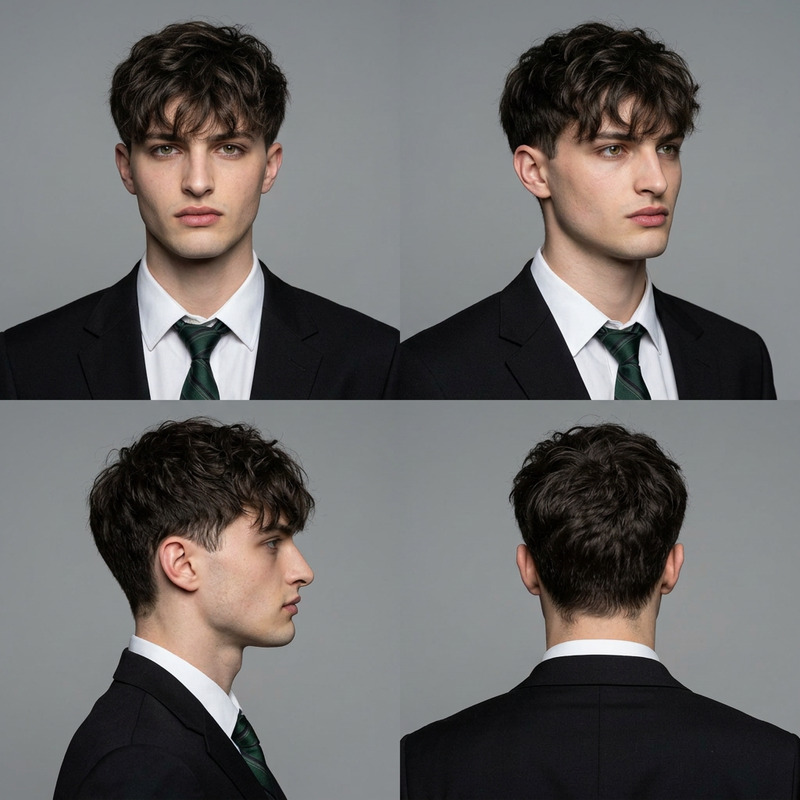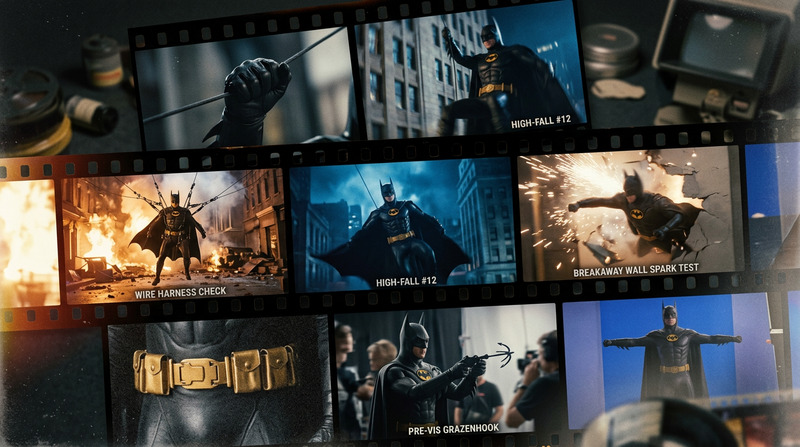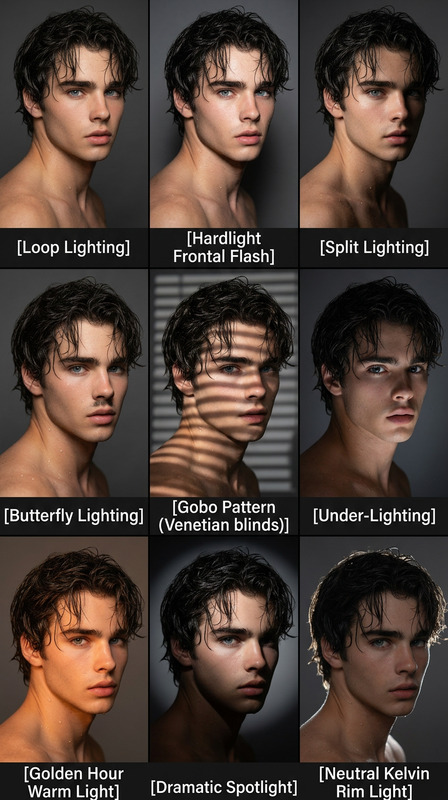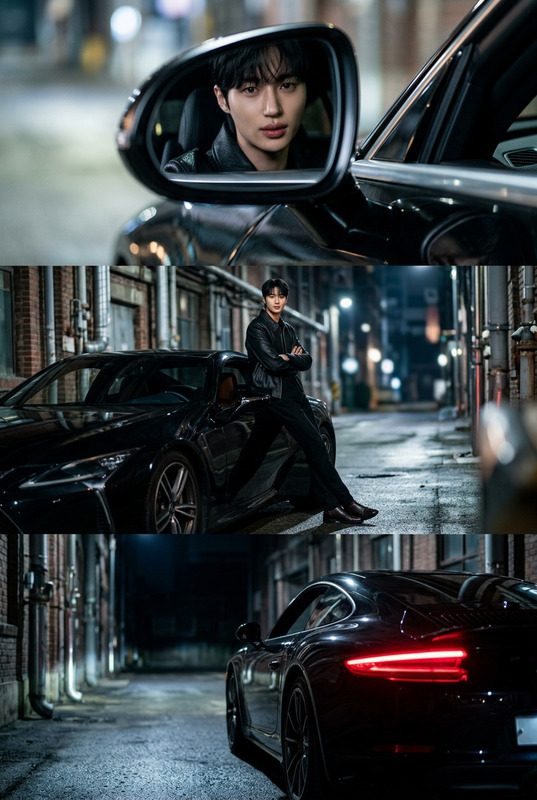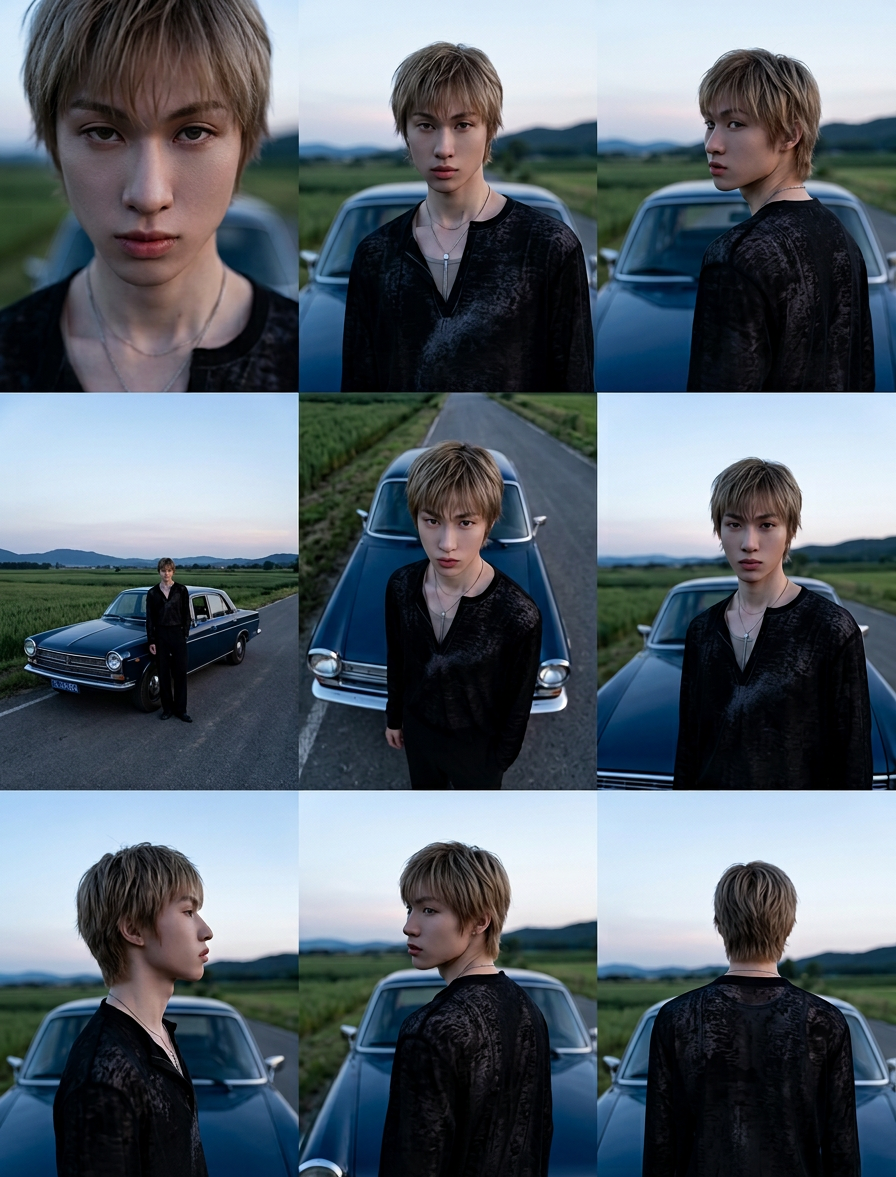
Cinematic Angle Study Grid
- Model
- Nano Banana 2
- Image
- 896 × 1177 px
Prompt
A cinematic 3×3 grid showcasing multiple camera angles of the same subject outdoors at dusk. Subject stands beside a car on a rural road, surrounded by open fields and distant hills, wearing a patterned black shirt. Each frame presents a distinct angle: extreme close-up, medium shot, over-the-shoulder, wide shot, high-angle top-down, low-angle, profile, three-quarter rear view, and full back view, all maintaining consistent appearance and styling. Natural blue-hour lighting with soft sky gradients, realistic color tones, and shallow depth of field. Clean cinematic framing, film-still aesthetic, ultra-realistic photography, professional cinematography reference sheet style.
Any aspect ratio
Overview
The Cinematic Angle Study Grid template in the AI Image Editor helps photographers and videographers capture a range of professional camera angles. Rendered in a cinematic 3×3 grid, this template is ideal for studying multiple perspectives of a subject outdoors, utilizing the advanced nano-banana-2 model.
What It Does
This template allows you to visualize how a subject appears from different cinematic angles in a cohesive grid. Each frame in the 3×3 layout offers a unique perspective: extreme close-up, medium shot, and more, all captured in natural blue-hour lighting. The consistent styling and high-definition realism provide a professional cinematography reference.
Who It's For
The Cinematic Angle Study Grid template is perfect for filmmakers, photographers, and content creators who require a detailed visual study of a subject. It benefits anyone involved in storyboarding, cinematography workshops, or projects demanding high-quality visual consistency and creative direction.
Summary
Step into the realm of professional cinematography with the Cinematic Angle Study Grid, designed for ultra-realistic outputs. Enhance your visual projects with a template that serves as an excellent tool for blocking out scenes and designing cinematic shots.
How to Use This Template
Choose the Template

Customize Your Inputs

Generate and Download

Use Cases
Storyboarding for Films
- Pre-visualize shooting scenes
- Align team with creative vision
Photography Projects
- Showcase fashion designs in eclectic settings
- Capture compelling narrative sequences
Cinematography Workshops
- Facilitate hands-on learning
- Demonstrate shot continuity
Best Practices
Maintain Consistency
Ensure the subject's appearance remains consistent across all angles for professional results.Utilize Natural Light
Capture the essence of natural blue-hour lighting to enhance visual realism.Pay Attention to Details
Focus on small elements in the frames, like clothing patterns and environmental cues, for a cohesive look.