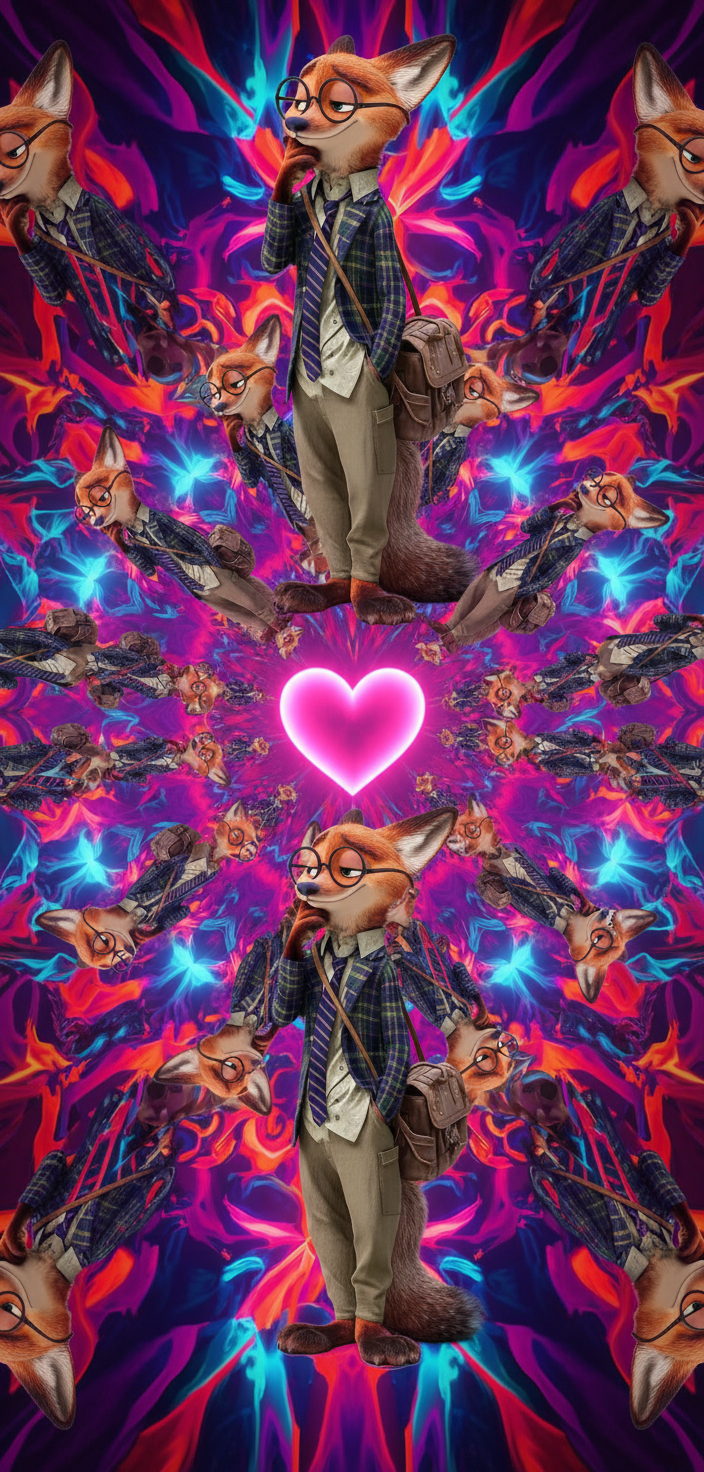
Kaleidoscope
- Model
- Nano Banana
- Image
- 704 × 1472 px
Prompt
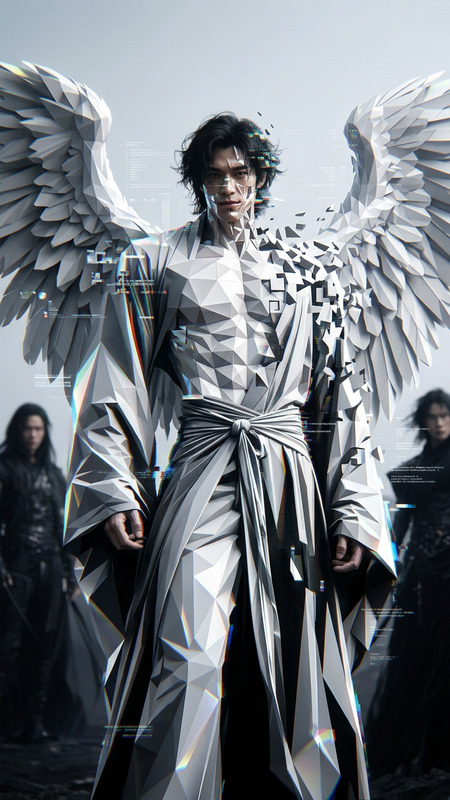
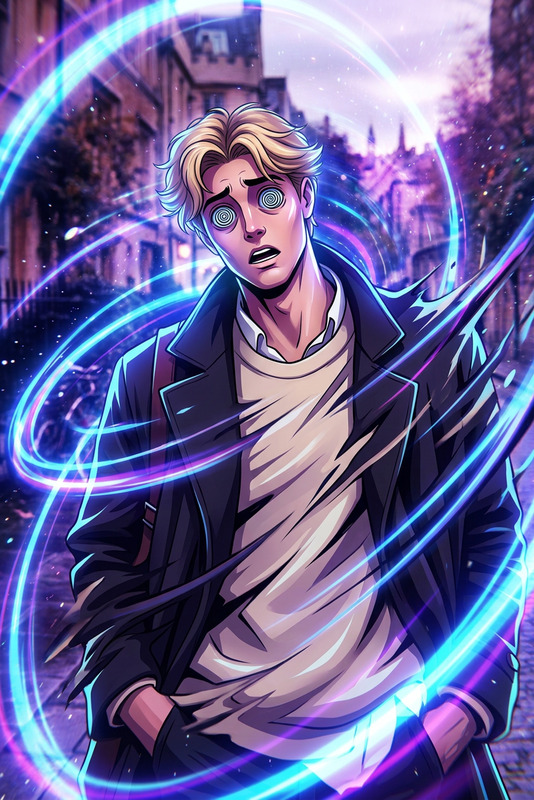
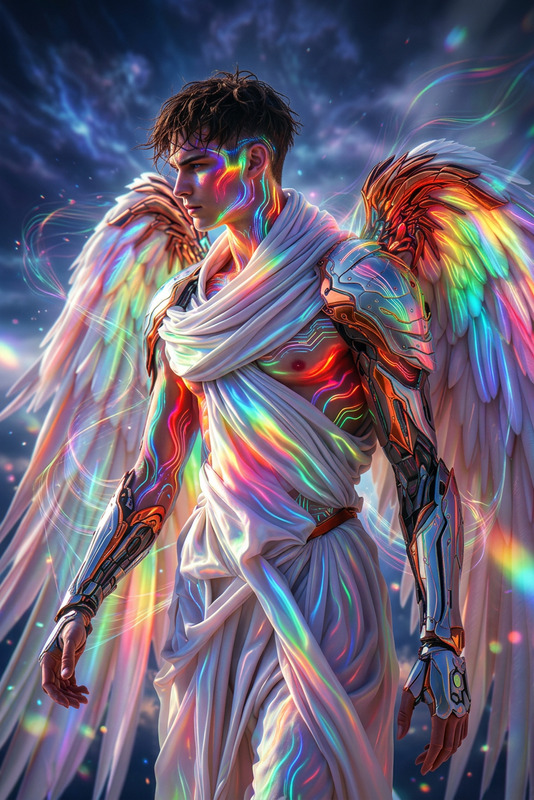
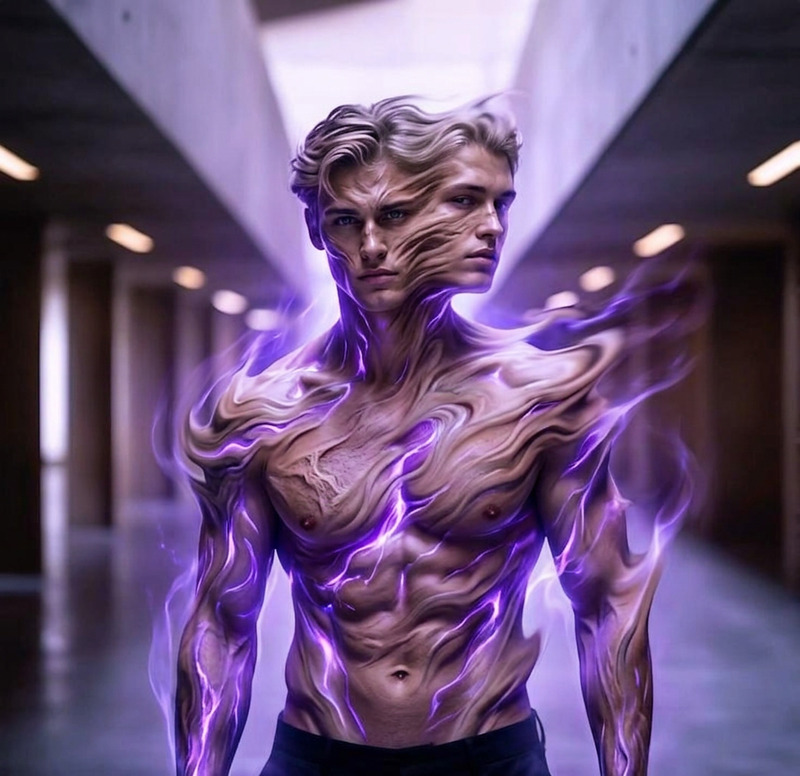
A surreal transformation where the subject splits into two equal halves from the center, drifting apart symmetrically to the left and right. As the halves separate, multiple duplicated versions of the subject expand outward in a circular kaleidoscope pattern, forming intricate mirrored geometry. Vibrant neon colors—red, purple, blue, and cyan—flow dynamically across the scene with liquid-like distortion and glowing gradients. As the motion progresses, the expanding patterns gradually align and converge to reveal a luminous pink heart shape at the center. Smooth transitions, trippy and dreamlike atmosphere, high contrast lighting, ultra-detailed, cinematic quality, 4K render, hypnotic visual symmetry
Any aspect ratio
Overview
Enter a realm of vibrant transformation with the Kaleidoscope template, utilizing the AI Image Editor powered by the nano-banana model. This template allows you to create visually stunning images where subjects split and drift into geometric patterns filled with neon colors. Dive into an experience that merges technology and art into one mesmerizing view.
What It Does
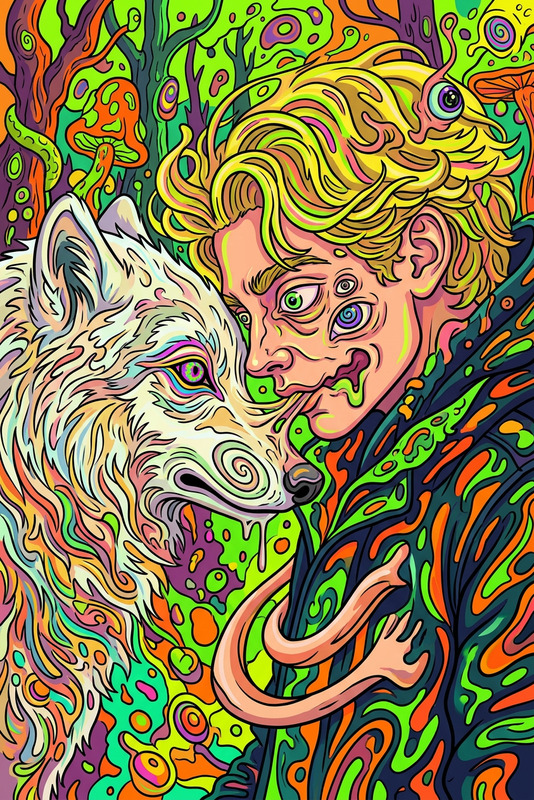
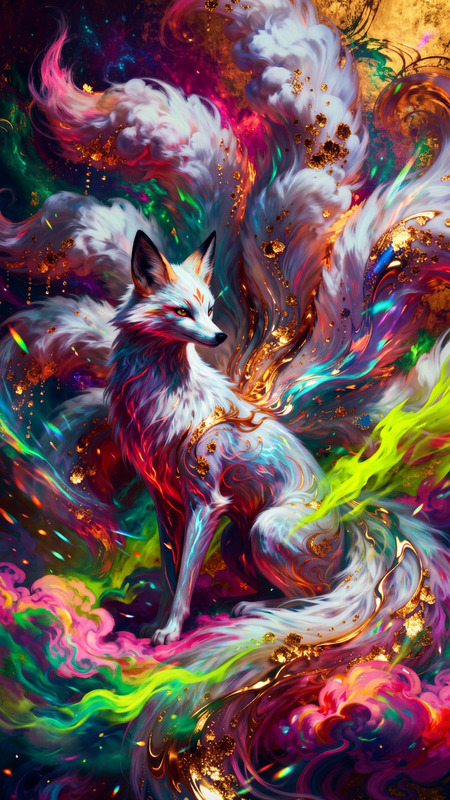
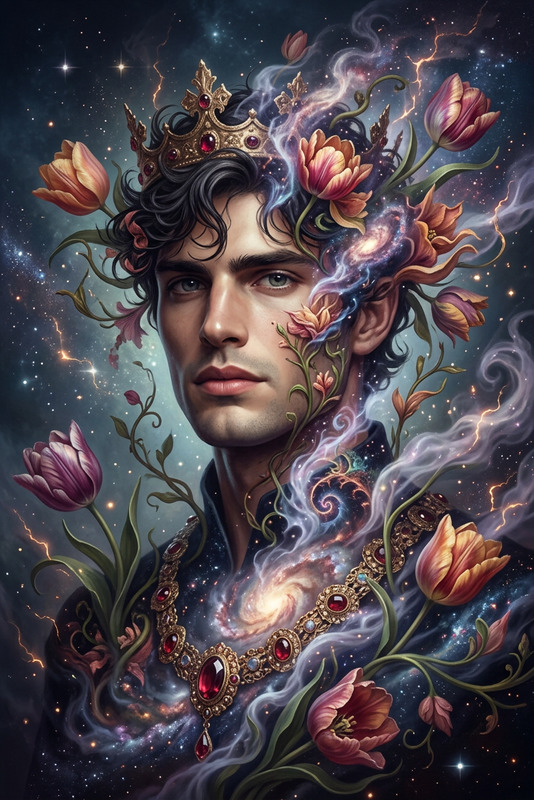
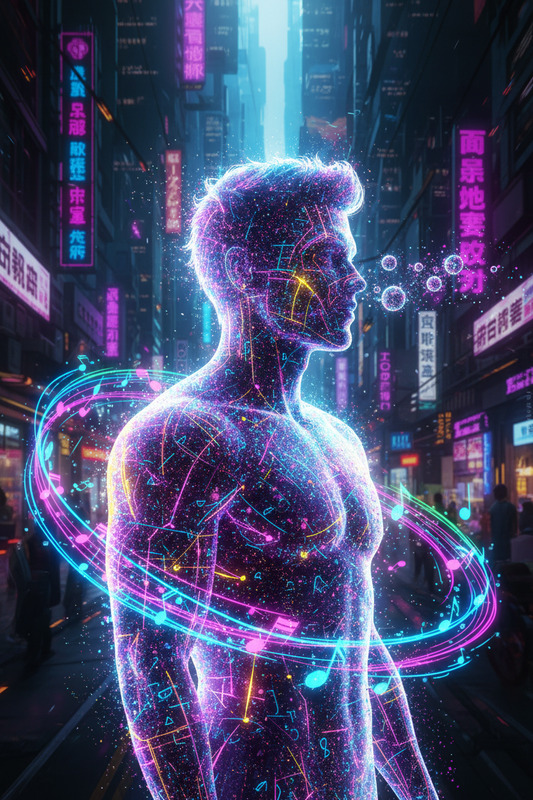
The Kaleidoscope template applies a surreal transformation to your images, splitting the subject into two and expanding them into a kaleidoscopic pattern. The vibrant colors of red, purple, blue, and cyan flow through the image with a liquid-like distortion, all leading to a luminous heart shape at the center. The result is a hypnotic and cinematic visual that demands attention.
Who It's For
This template is perfect for digital artists, content creators, and filmmakers aiming to captivate their audience with visually stunning and dynamic imagery. It's particularly useful for those in the fashion and music industries looking to push the boundaries of traditional image editing. Explore more creative possibilities with the AI Image Generator.
Summary
Utilize the Kaleidoscope template for unparalleled image transformations. Easily customize the surreal and symmetrical effects to suit your creative needs. This tool is part of a suite of powerful image editors like the AI Photo Relighting tool, each designed to elevate your visual storytelling.
How to Use
Choose the Kaleidoscope Template

Customize Your Image

Generate and Download

Use Cases
Music Video Art
- Create captivating intros or transition scenes.
- Add a dreamlike quality to video backgrounds.
Fashion Marketing
- Design unique marketing materials.
- Highlight fashion pieces in imaginative ways.
Social Media Posts
- Create unique content for Instagram and TikTok.
- Develop compelling event promotion posts.
Best Practices
Start with High-Resolution Images
For the best results, use high-resolution images to maintain clarity and detail through the transformation process.Experiment with Prompts
Utilize the flexibility of the prompt settings to explore different visual styles and color palettes.Combine with Other Tools
Leverage other tools like the AI Video Extender for more complex projects or for adding further enhancements.