Multiverse
- Model
- Nano Banana 2
- Image
- 768 × 1365 px
Prompt
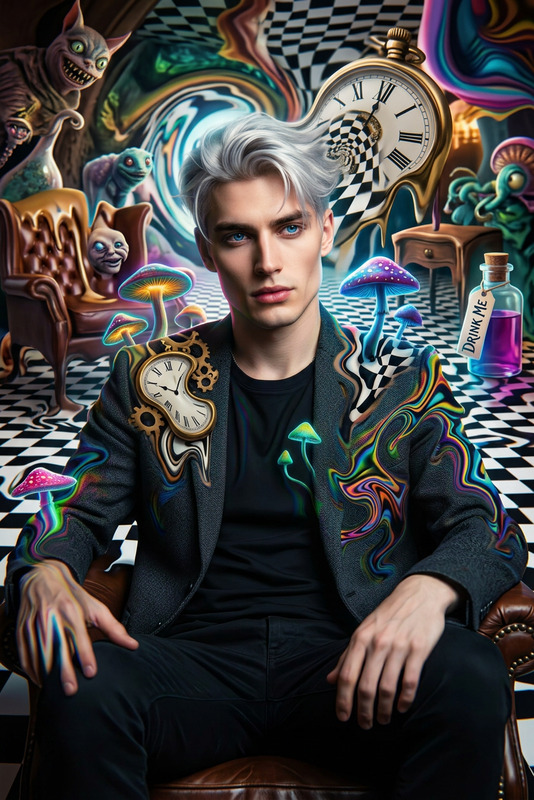
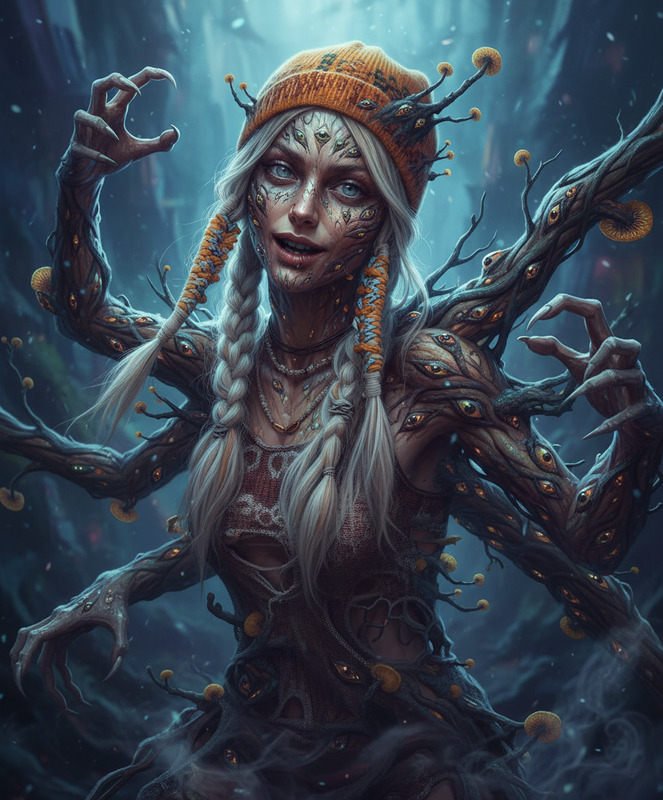
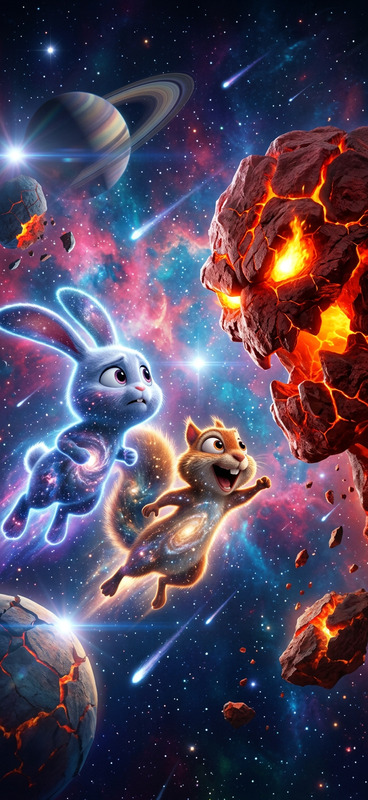
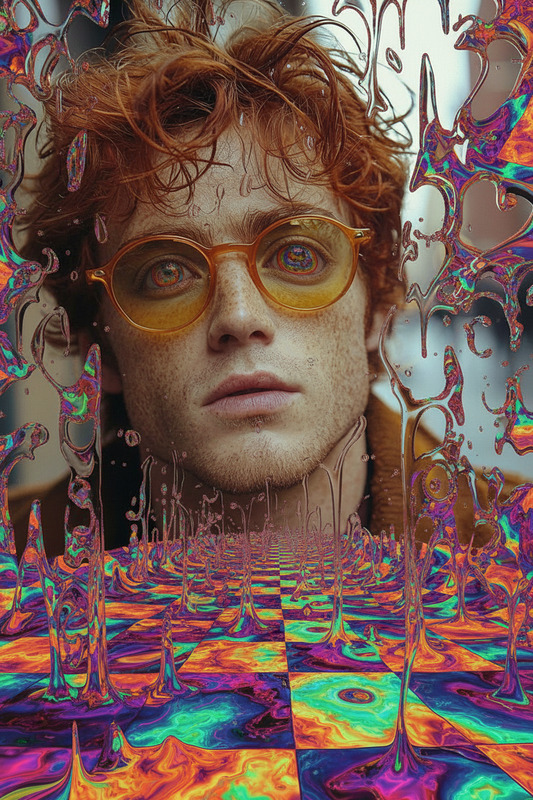
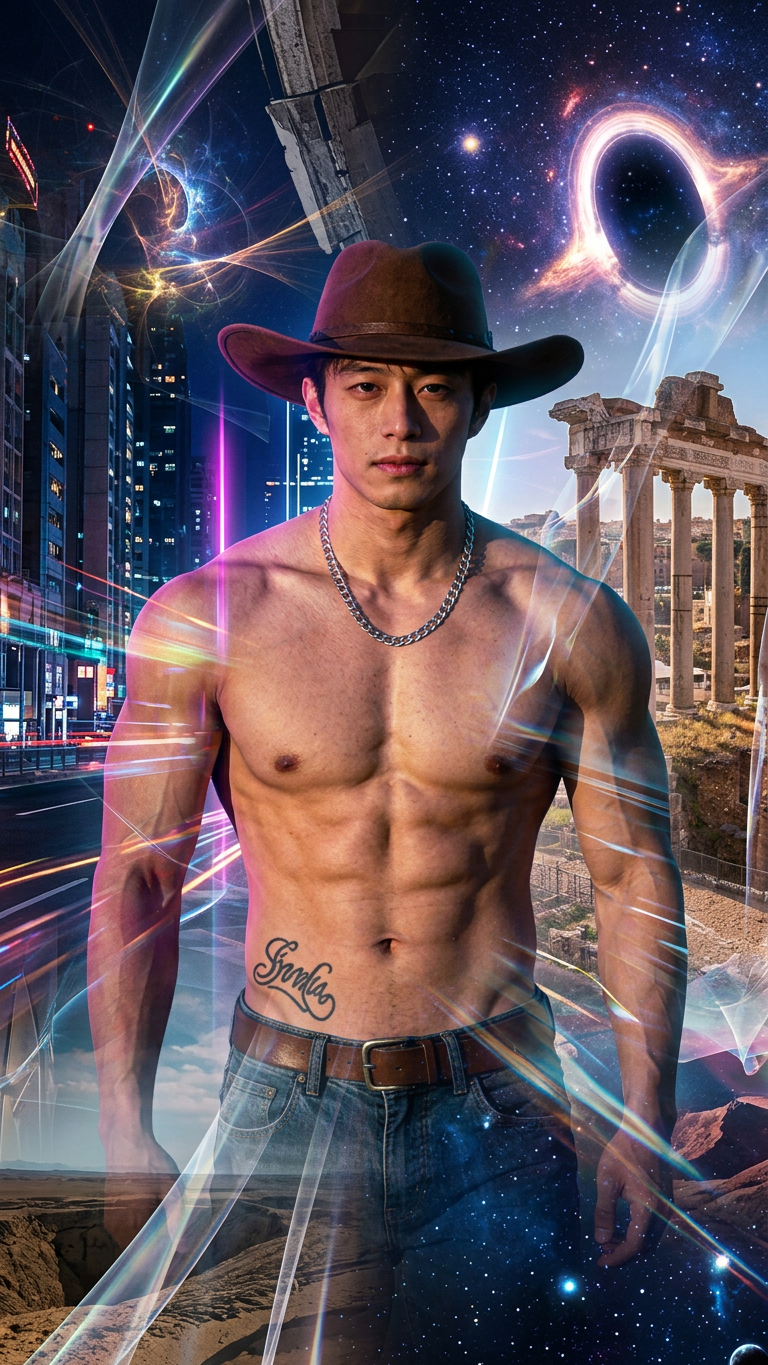
A subject caught between merging parallel worlds, with overlapping environments, fractured realities, and shifting dimensions colliding around them, cosmic lighting, surreal transitions, expansive scale, and a mind-bending atmosphere.
Any aspect ratio
Overview
Delve into the infinite possibilities of parallel worlds with the Multiverse AI Image Editor template. This tool lets you create visually striking images that simulate realities converging and colliding.
What It Does
The Multiverse template utilizes the AI Image Editor capabilities of the nano-banana-2 model. It allows you to blend multiple environments into one image, featuring surreal transitions and cosmic lighting. Ideal for creating a mind-bending atmosphere, this template captures the essence of fractured realities and shifting dimensions.
Who It's For
This template is perfect for artists and content creators looking to venture beyond typical image boundaries. Whether you're working on conceptual art or want to add a layer of complexity to your visuals, the Multiverse template offers expansive creative control. It's also a great fit for those involved in producing mesmerizing Image to Video projects or dynamic Multi-Angle visuals.
Summary
The Multiverse template excels in transforming image content by merging universes in a single frame. With cosmic lighting and expansive scale, you can push the boundaries of your creative projects and reimagine photographic possibilities with ease.
How To
Choose

Customize

Generate

Use Cases
Conceptual Art Projects
Science Fiction Media
Promotional Graphics
Social Media Content
Film and Animation Storyboards
Best Practices
Experiment with Lighting
Use the template's cosmic lighting feature to highlight key elements and create depth.Focus on Layering
Layer multiple images to enhance the effect of fractured realities and shifting dimensions.Customize Prompts
Tweak the initial prompt to better align with your vision to achieve unique outcomes on each attempt.