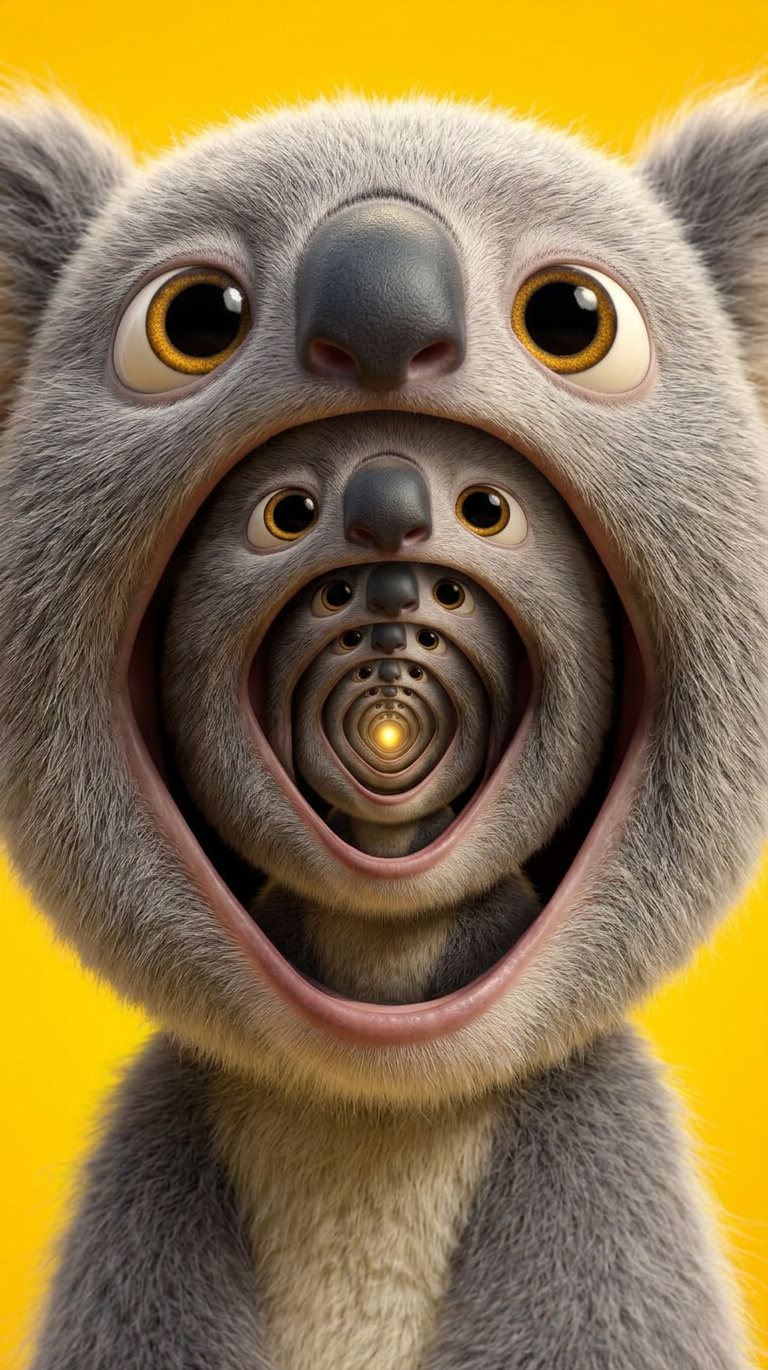
Recursive Face Loop
- Model
- Nano Banana 2
- Image
- 768 × 1370 px
Prompt
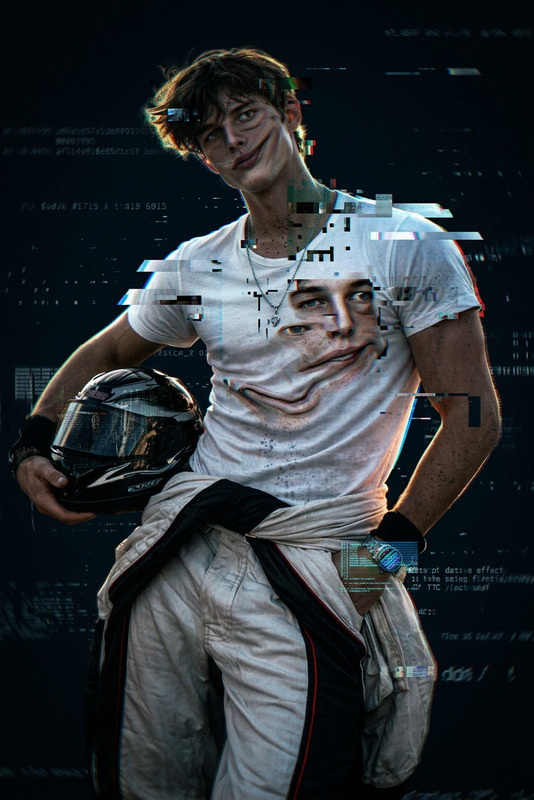
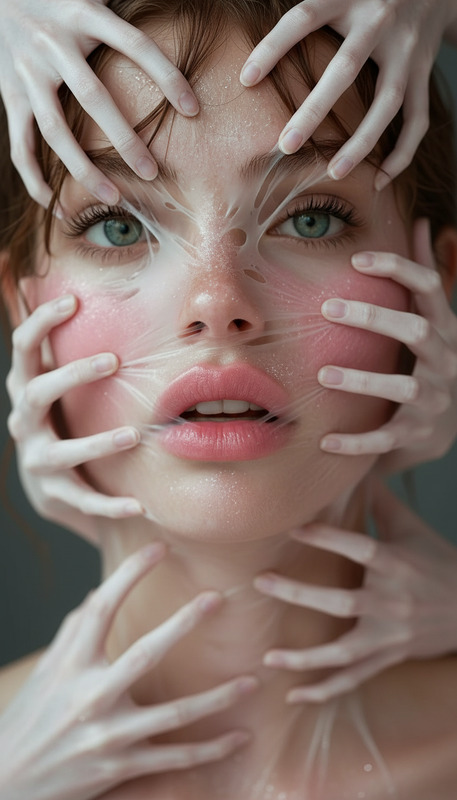
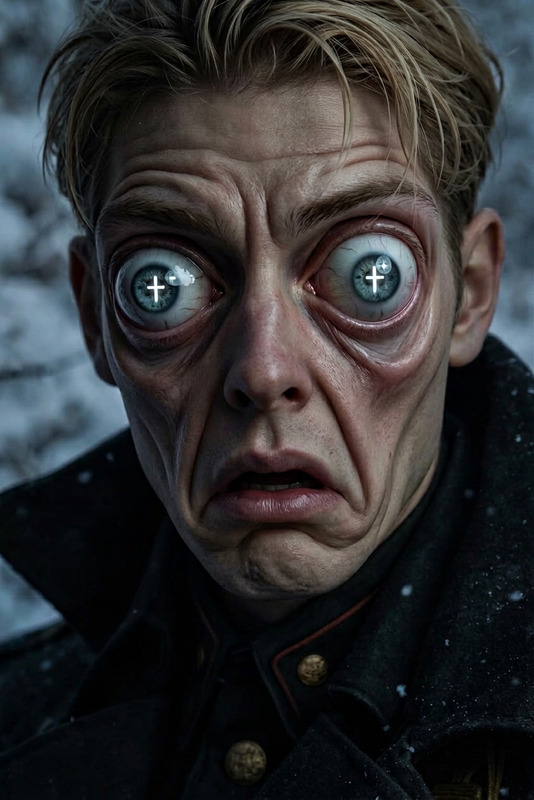
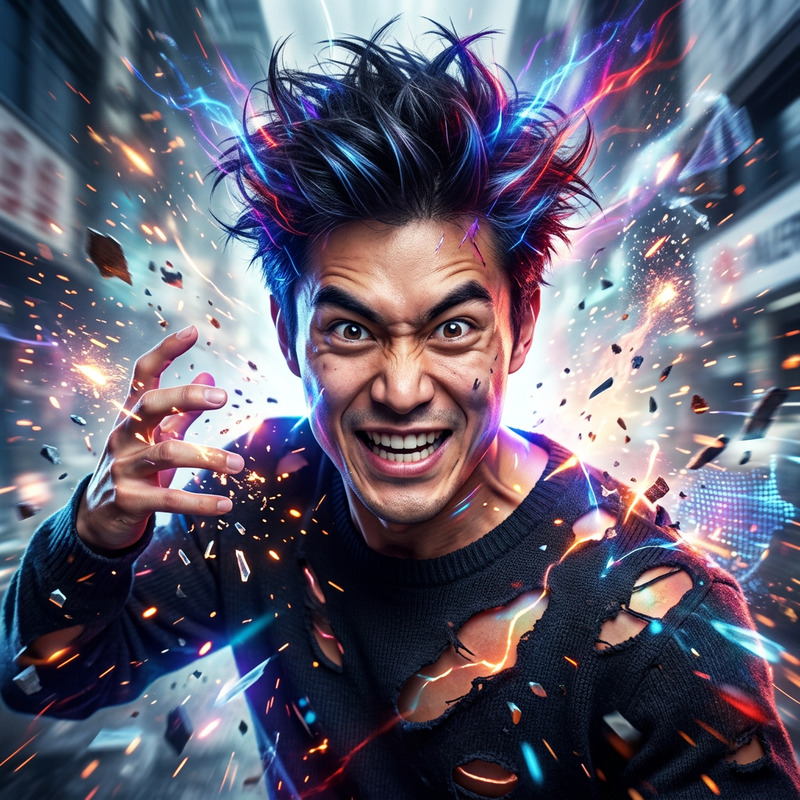
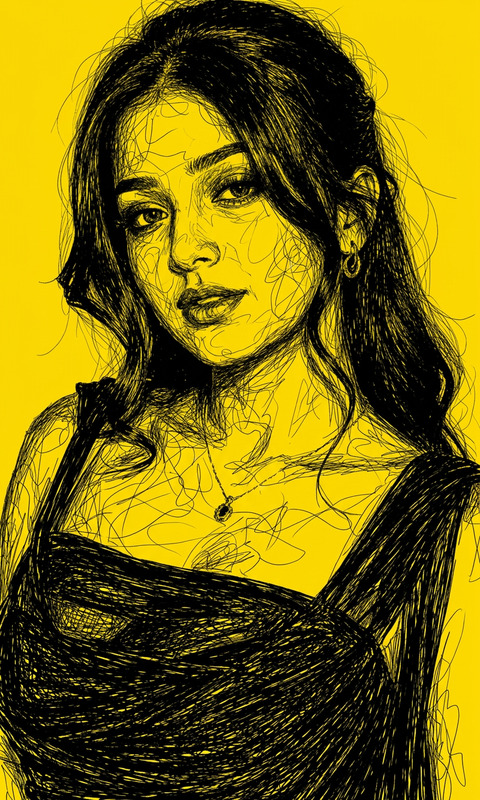
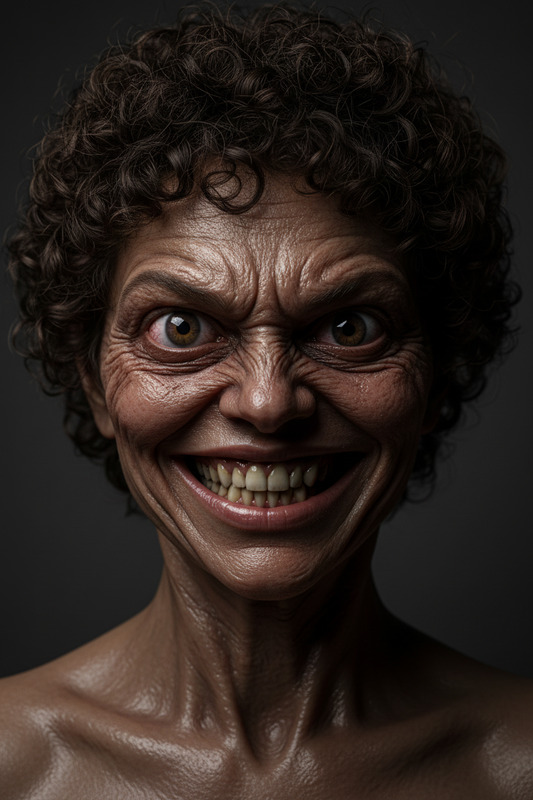
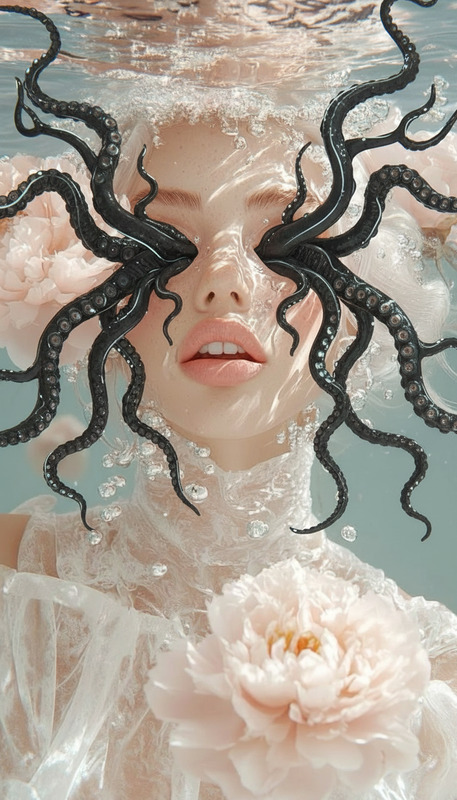
A surreal cinematic close-up of a subject opening their mouth unnaturally wide, revealing an identical face emerging from inside. The inner face repeats the same motion, creating an infinite recursive loop of faces within faces. Perfect alignment with slight organic distortion, seamless morphing, hypnotic depth, eerie surreal atmosphere, ultra-detailed, cinematic lighting.
Any aspect ratio
Overview
The Recursive Face Loop is a fascinating tool within our AI Image Editor suite, designed to push creative boundaries and produce stunning, hypnotic visuals. Whether you're crafting intricate digital art or looking to create compelling content for social media platforms, this template provides everything you need to construct a face within a face within a face—a breathtaking, surreal effect.
What It Does
This template utilizes the nano-banana-2 model to produce a surreal recursive visual effect where a face emerges from another face in an infinite loop. It offers detailed control over cinematic lighting and organic distortion parameters to ensure each iteration flows seamlessly into the next, maintaining perfect alignment with an eerie, captivating atmosphere.
Who It's For
Artists, digital content creators, and social media influencers will find this template particularly invaluable. It provides a toolset to elevate digital art projects or create attention-grabbing visuals for social media campaigns. The Recursive Face Loop is perfect for any project requiring intriguing and thought-provoking imagery, whether in digital art displays or mood boards.
Summary
By leveraging the capabilities of the AI Image Editor, this template facilitates unique artistic expression through the phenomenon of infinite recursion. It generates ultra-detailed, cinematic visuals that maintain a hypnotic depth and an eerie surreal atmosphere, making it suitable for a variety of creative applications.
How-To
Choose the Template

Customize Your Input

Generate Your Visual

Use Cases
Digital Art Installations
- Hypnotic visual appeal
- Surreal depth and complexity
Social Media Content
- Engaging visual storytelling
- Distinctive and memorable imagery
Music Videos
- Sync visuals with music
- Create compelling visual narratives
Best Practices
Choose High-Quality Images
Opt for images with clear facial features for the best results, ensuring every detail is captured effectively.Adjust Lighting Thoughtfully
Experiment with different lighting settings to achieve a cinematic feel that enhances the surreal nature of the art.Mind the Distortion
Keep distortion subtle to retain a sense of realism while emphasizing the recursive effect.