Clones in Building Windows
- Model
- Nano Banana
- Image
- 768 × 1344 px
Prompt
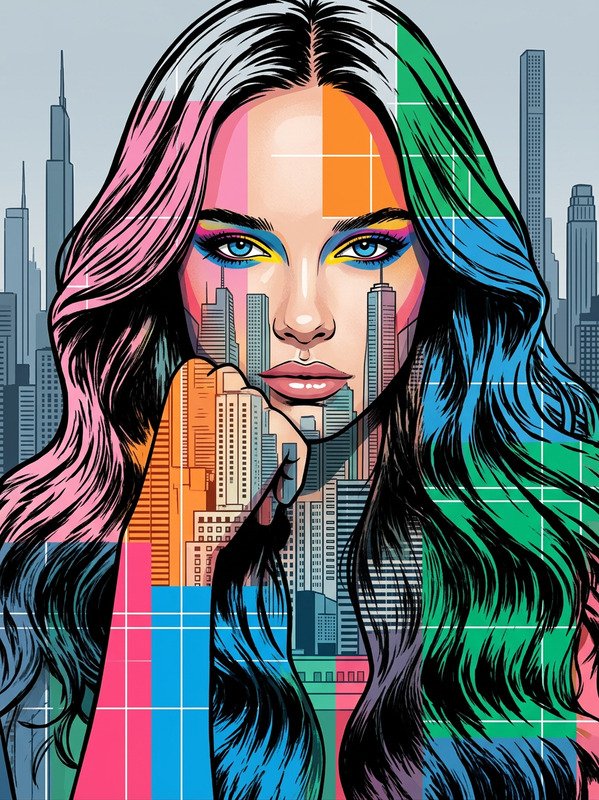
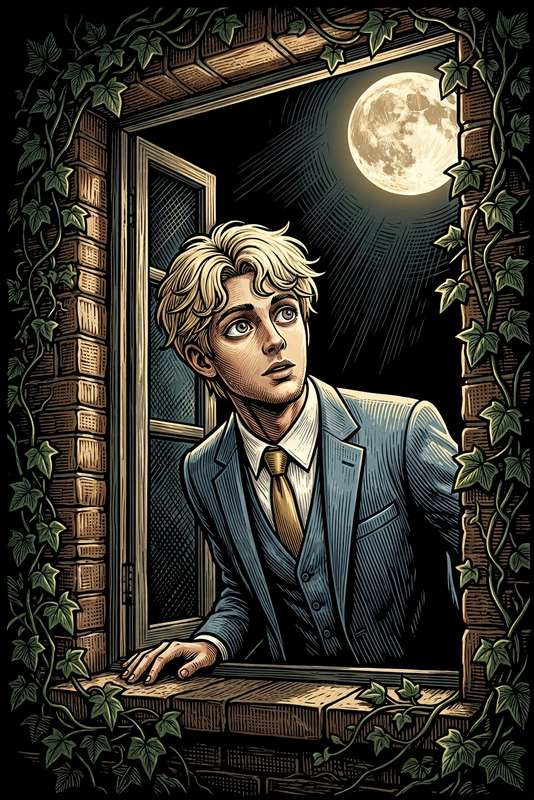
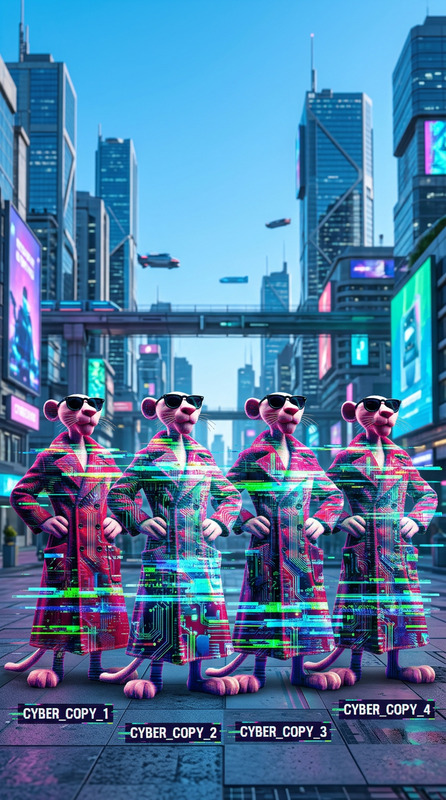
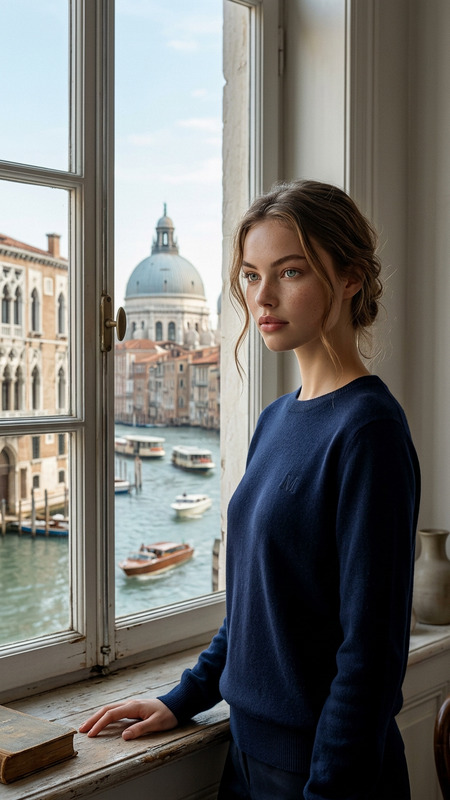
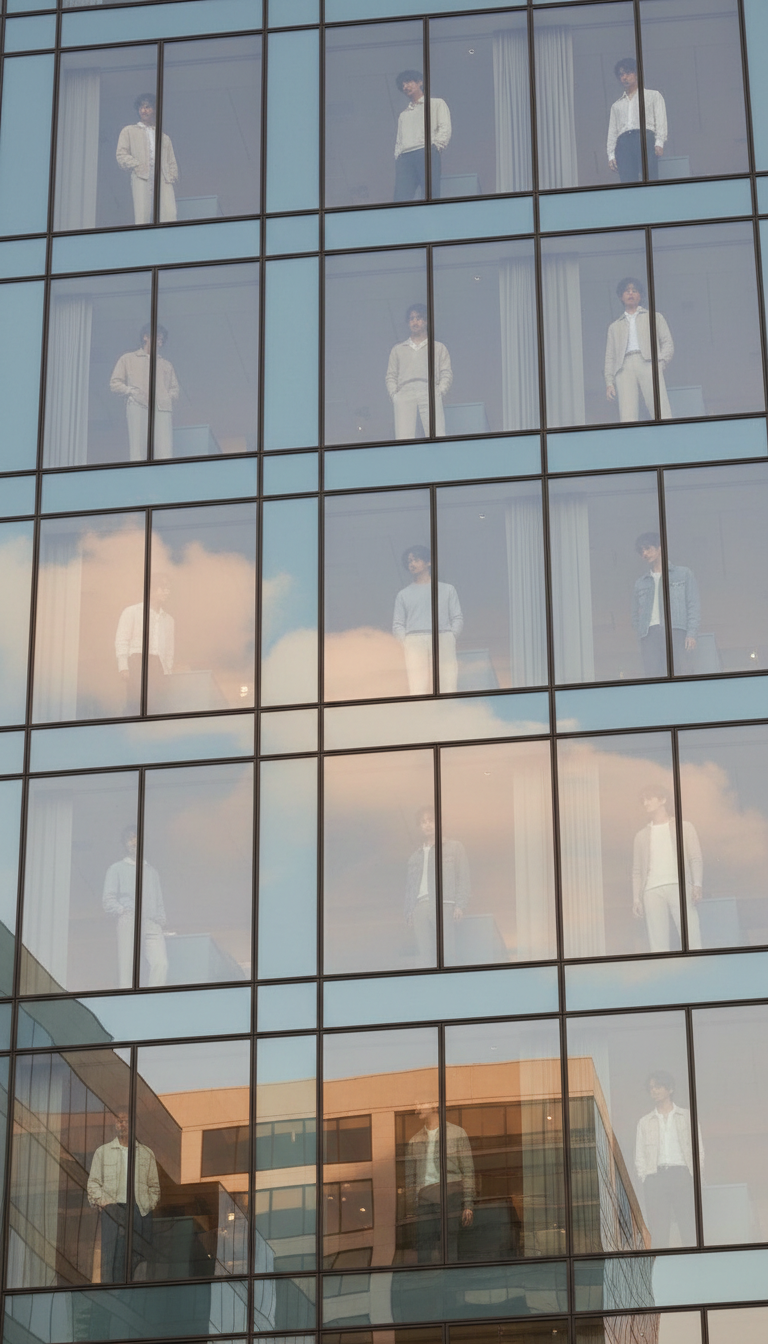
snapshot of a subject duplicated across multiple windows of a modern glass building. Each figure appears in different windows—some looking down, others facing each other—creating a repeating visual pattern. Soft daylight highlights fabric texture and reflections on the glass. Street-level perspective with casual framing and natural reflections adds a candid, dreamlike feel.
Any aspect ratio
Overview
Enhance your creative projects with the 'Clones in Building Windows' template, a feature of our AI Image Editor. This tool captures the urban aesthetic by replicating your chosen subject across a modern glass facade, offering a dramatic yet serene visual impact.
What It Does
This template uses the nano-banana model to generate images with multiple instances of a subject appearing in various windows of a modern building. The effect showcases unique poses and interactions among the clones, highlighting their textures and the light reflections off the windows.
Who It's For
Ideal for photographers, digital artists, and marketers looking to create eye-catching imagery without complex setups. Whether you're crafting content for a meme or enhancing an urban landscape photo, this template helps deliver professional-grade visuals.
Summary
'Clones in Building Windows' offers an engaging way to present subjects in an urban environment, perfect for producing standout images for presentations or social media. The template blends subjects naturally into architectural scenes, providing a fresh take on modern urbanity.
How-To
Choose Your Template

Customize Your Input

Generate the Image

Use Cases
Marketing Campaigns
- Use for urban-themed campaigns
- Highlight multiple features or messages
Digital Art Projects
- Enhance cityscape artworks
- Experiment with subject interaction
Social Media Content
- Create intriguing before-and-after posts
- Develop multi-image sequences
Best Practices
Choose a Dynamic Subject
Opt for subjects with expressive body language or poses to maximize visual interest across multiple windows.Consider Lighting and Textures
Focus on how daylight and fabric textures interact with the glass for a more realistic feel.Refine Placement Options
Adjust clone positions and interactions for a balanced and cohesive composition.