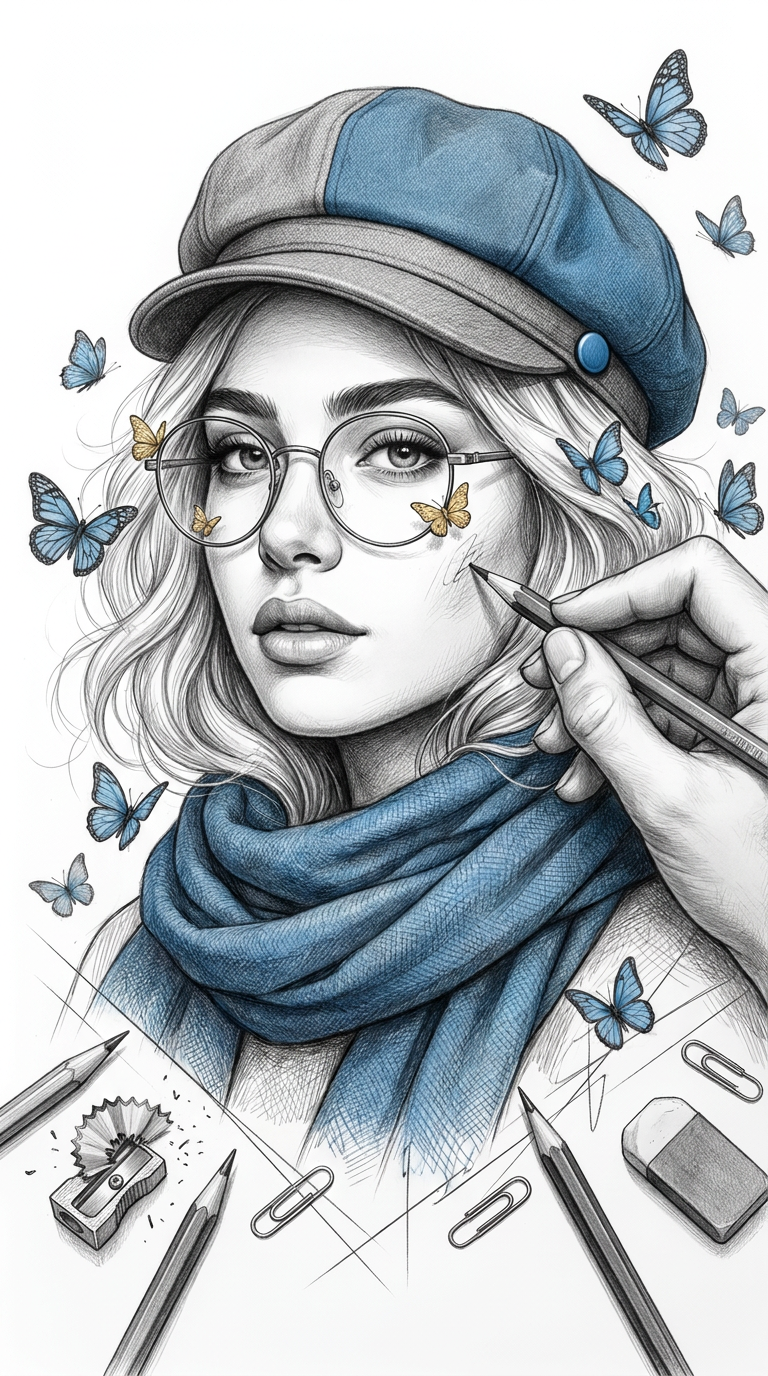
Butterfly Sketch
- Model
- Nano Banana Pro
- Image
- 768 × 1376 px
Prompt
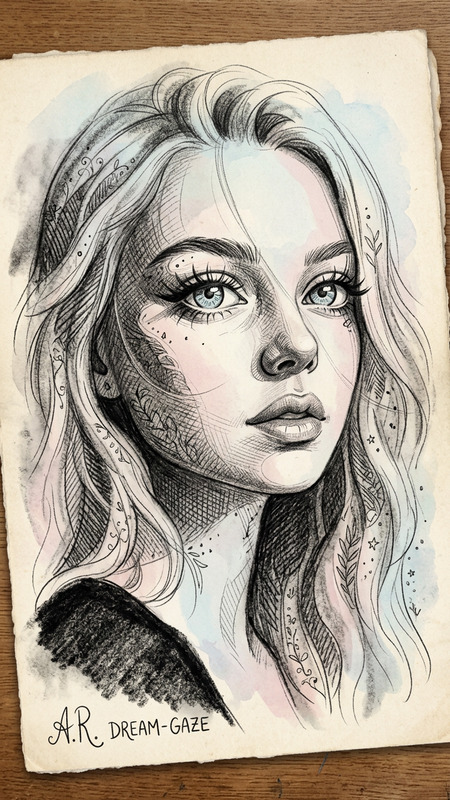
sing the same features as the uploaded image, he created an incredibly detailed graffiti pencil portrait of a woman with Arab features, soft, wavy, light-colored hair, and realistic facial features. She wears round glasses with metal frames adorned with tiny gold butterflies, a two-tone (half gray, half blue) flat hat with a small blue button, and a thick blue scarf wrapped around her neck. A realistic hand holds a pencil sketching the side of her face, and numerous blue butterflies flutter around her hair and face. Drawing tools are scattered around her, including sharpened pencils, a pencil sharpener with shavings, an eraser, paper clips, geometric lines, and a background of smooth white paper. The multimedia style combines a highly realistic black and white pencil sketch with selected touches of blue and metallic gold, an intricate fabric texture on the hat and scarf, subtle shading and delicate crosshairs, elegant composition, meticulous detail, and sharp focus—a masterpiece. Aspect ratio: 9:16.
Any aspect ratio
Overview
The Butterfly Sketch template in Magic Hour's AI Image Editor transforms your photos into detailed graffiti pencil portraits. Utilizing the powerful AI Image Editor capabilities backed by the nano-banana-pro model, this template captures the essence of your image while adding stunning artistic touches. It's perfect for those looking to create unique and sophisticated portraits with a blend of realism and fantasy.
What It Does
This template takes an uploaded image and applies a set of predetermined artistic effects, creating a graffiti portrait adorned with intricate details. The output features Arabic aesthetic influences, detailed textural elements like a two-tone hat and a thick scarf, and distinctive additions such as blue butterflies and metallic accents, all maintaining a sharp focus and realistic depth.
Who It's For
Ideal for artists, designers, and photographers looking to explore new creative dimensions, Butterfly Sketch offers an innovative tool to reimagine personal or commercial projects. Whether you’re designing ad creatives, enhancing personal artworks, or requiring stylized imagery for social media content, this template fits seamlessly into diverse artistic workflows.
Summary
Butterfly Sketch merges complex artistic techniques with advanced AI technology. Employing the AI Image Generator, users gain access to a template that promises unparalleled attention to detail, providing an engaging platform for creating imaginative, realistic pencil portraits that elevate your creative repertoire.
How to Use
Choose Butterfly Sketch Template

Customize Your Design

Generate Your Artwork

Use Cases
Creative Art Projects
- Personalized digital artwork
- Creative brand designs
- Event promotional visuals
Social Media Content
- Instagram posts
- Facebook profile pictures
- Snapchat portraits
Marketing Materials
- Flyers and posters
- Online advertisements
- Branding materials
Best Practices
Use High-Quality Images
Ensure that your uploaded image is of high quality to fully utilize the template's capability for detail.Experiment with Color Schemes
Play around with the blue and gold accents to achieve unique visual effects that align with your project's aesthetic.Combine with Other Templates
Consider using outputs from Butterfly Sketch as inputs for other tools like the AI Talking Photo to create interactive graphics.