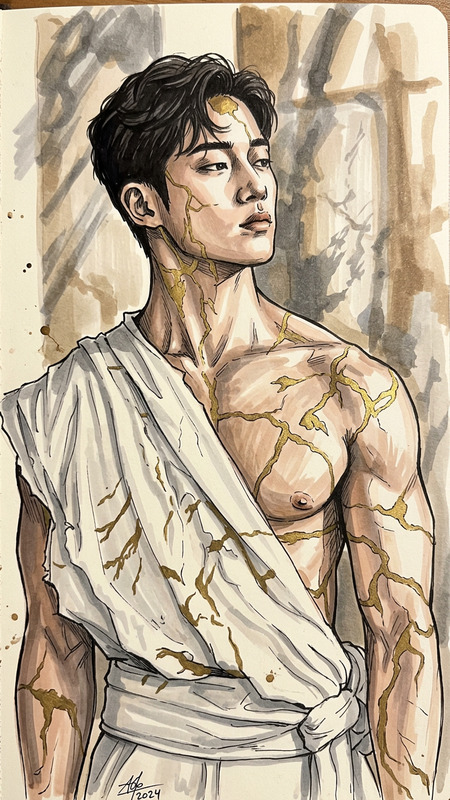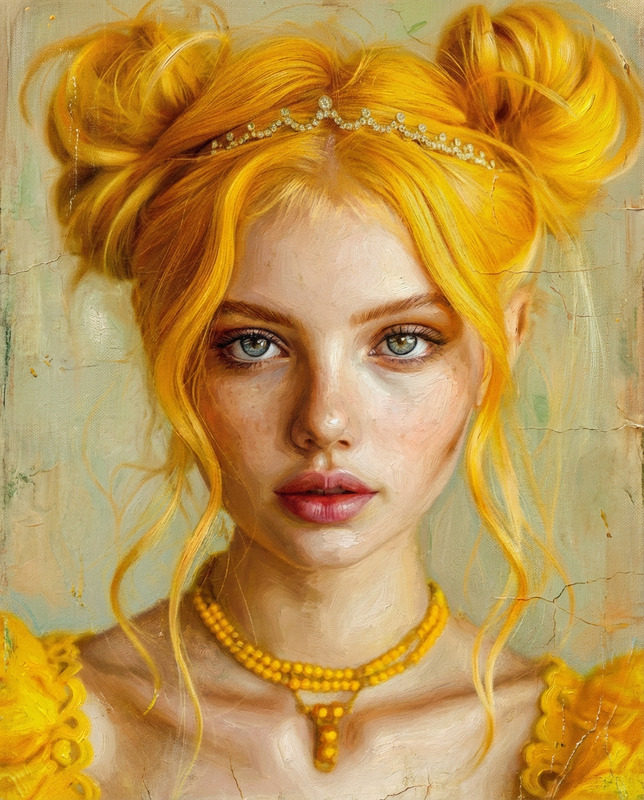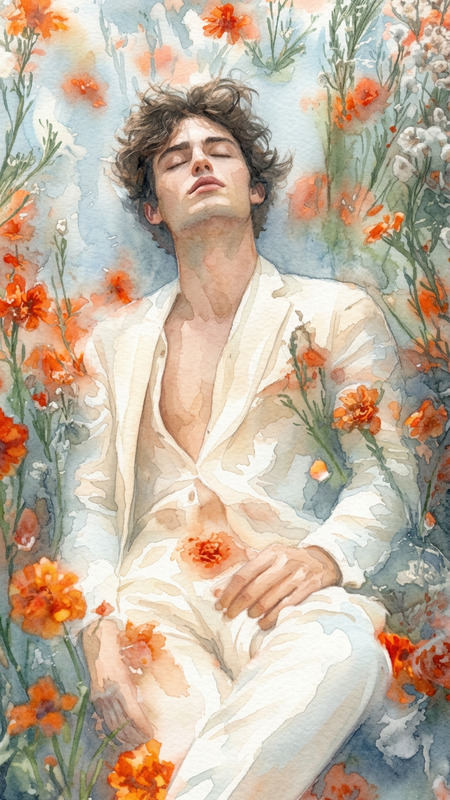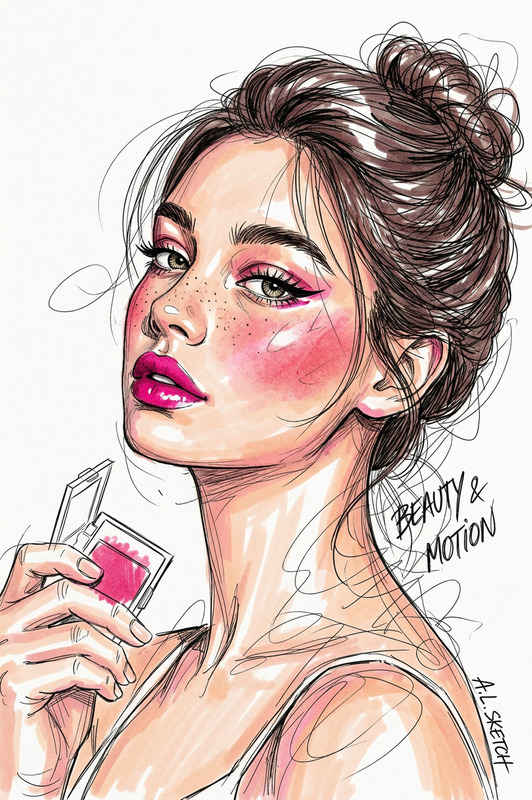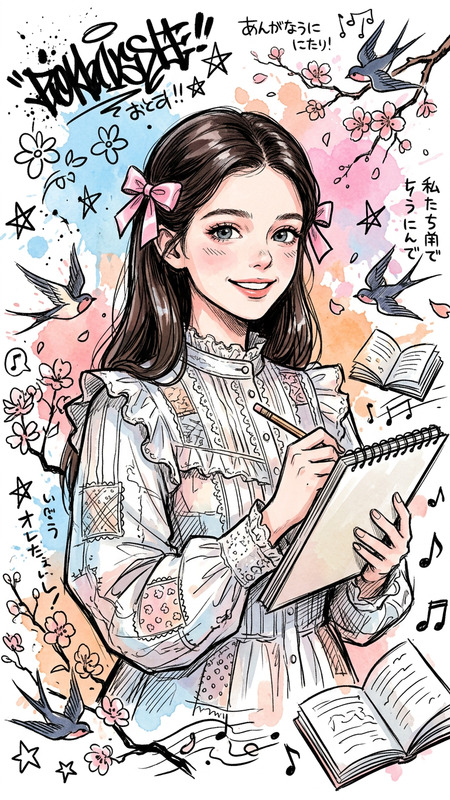
Watercolor Trend
- Model
- Nano Banana 2
- Image
- 841 × 1264 px
Prompt
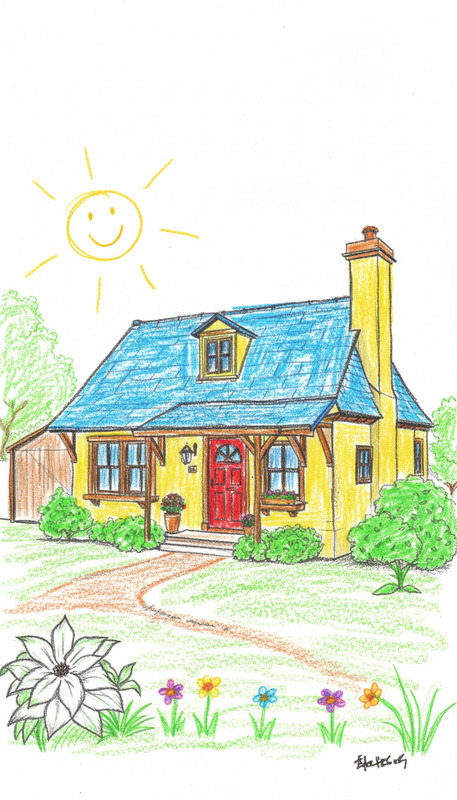
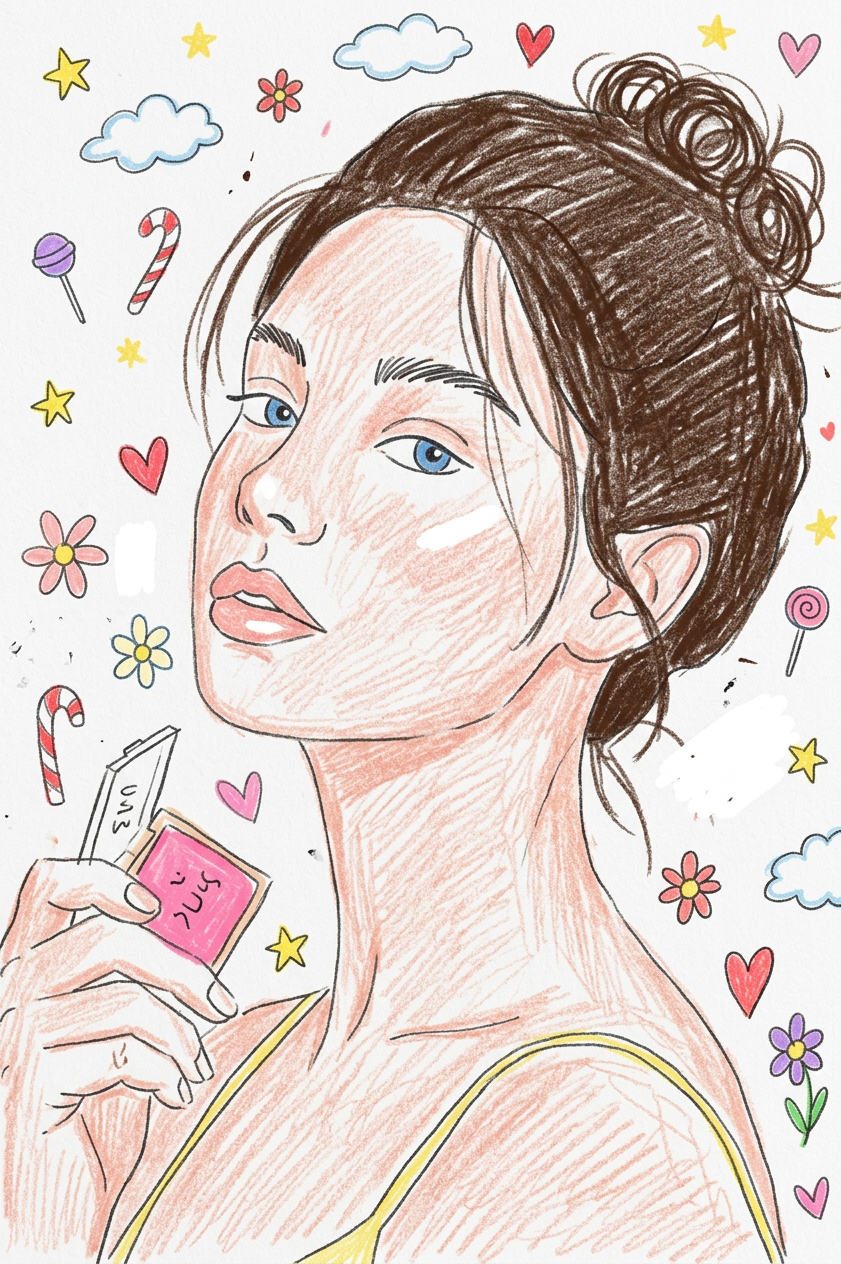
Transform the provided image into a simple colored pencil drawing on white paper, with loose, childlike proportions and simplified details, as if drawn by a 10-year-old. Use playful, unoriginal colors and add cute doodles like flowers, stars, candy, clouds, and hearts to create a gentle, innocent, and whimsical atmosphere.
Any aspect ratio
Overview
The Watercolor Trend template is an AI Image Editor tool designed to transform your images into picturesque pencil drawings. Inspired by the whimsical art style of a playful 10-year-old, it brings your pictures to life with simple details, familiar colors, and charming doodles.
What It Does
This template uses the nano-banana-2 model to convert your input images into delightful, childlike colored pencil sketches. By adding playful elements like flowers, stars, and hearts, it crafts a gentle, feel-good artwork that captures innocence and creativity.
Enhance your visual content further by exploring similar AI editing capabilities like the AI Image Editor or delve into specific themes with the AI Clothes Changer.
Who It's For
This template is perfect for illustrators, graphic designers, and social media enthusiasts looking to add a playful touch to their content. It's also ideal for educators and parents seeking creative resources for children's projects or lessons involving art and creativity.
Summary
Explore the world of childlike art with the Watercolor Trend template, transforming your images into simple pencil sketches accented with cute doodles. Whether you're crafting a personalized art project or enhancing day-to-day visual content, this tool offers a unique, childlike spin on your creations.
For more creative image transformations, you might also check out the AI Image Generator or the multimedia capabilities of the Image to Video option.
How To
Select Template

Customize Image

Generate Artwork

Use Cases
Personalized Art Projects
- Personal collages
- Children's bedroom decor
- Birthday party invitations
Educational Resources
- Classroom posters
- Storybooks
- Project worksheets
Social Media Content
- Instagram stories
- Pinterest pins
- Facebook posts
Best Practices
Choose Simple Images
Opt for images with clear shapes and fewer intricate details to maximize the playful effect.Adjust Prompt Thoughtfully
Modify the prompt with particular colors or doodles that enhance the theme and mood you're aiming for.Experiment with Additional Templates
Combine with other templates like the AI GIF Generator for dynamic content or the AI Image Upscaler for higher resolution outputs.