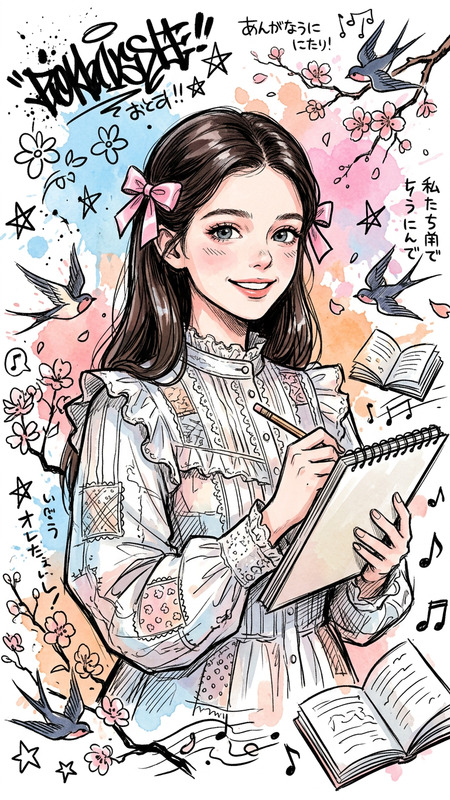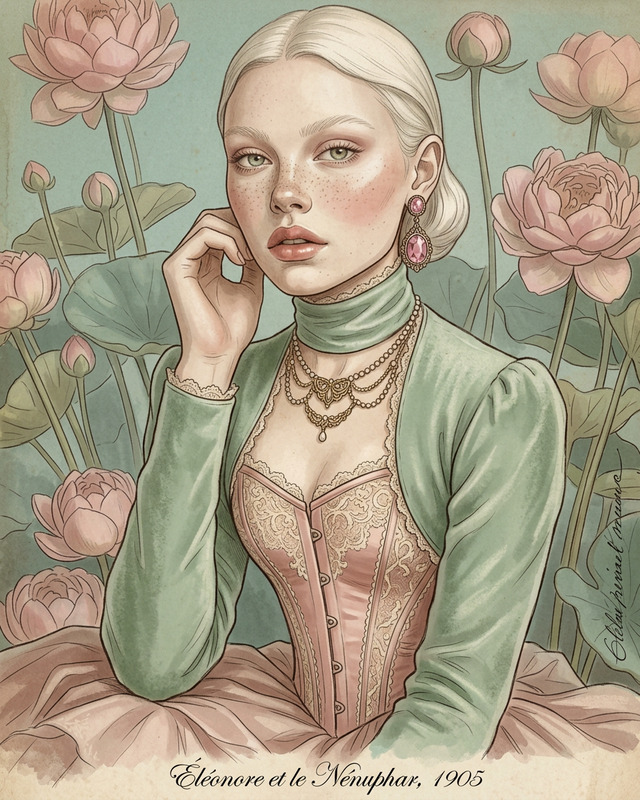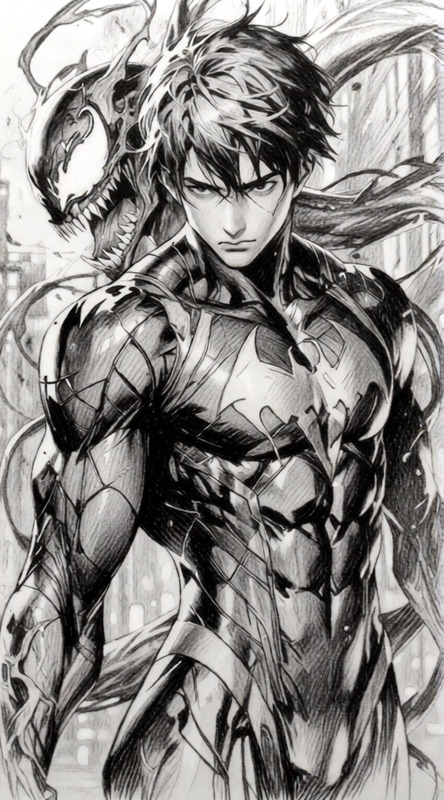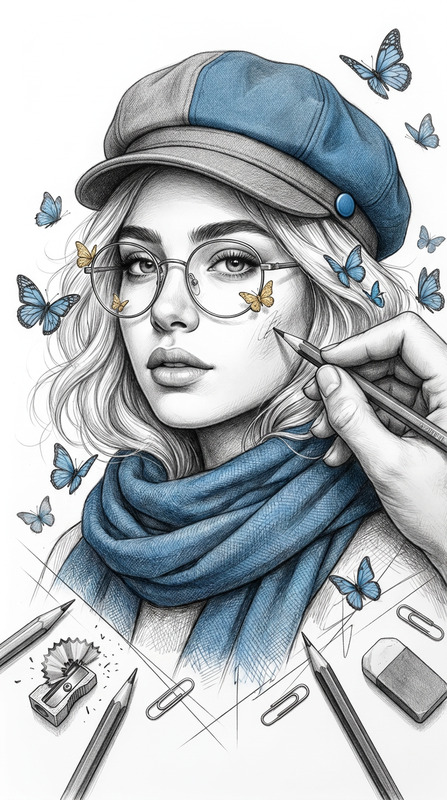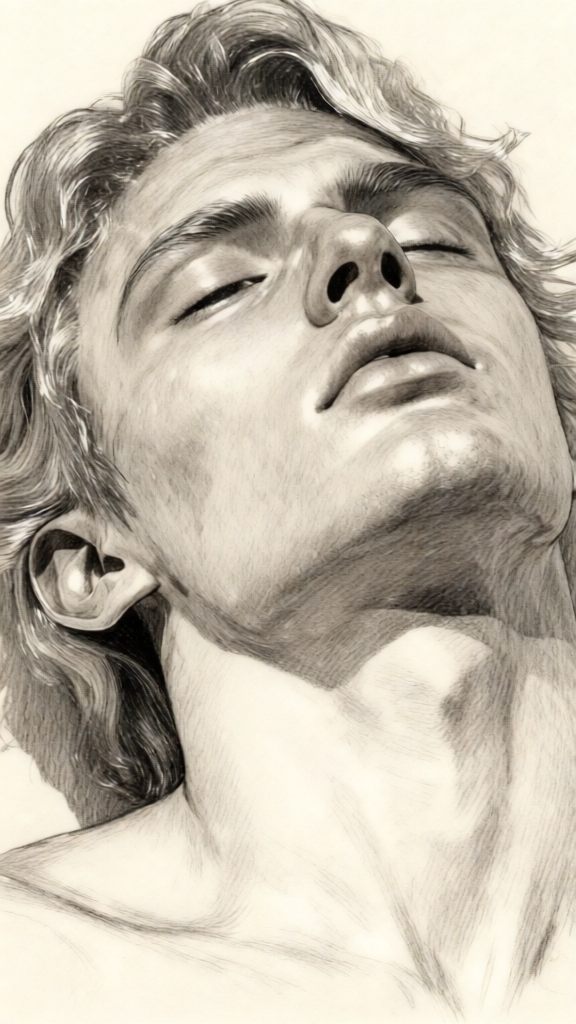
Japanese Pencil Sketch Serenity
- Model
- Qwen Edit
- Image
- 576 × 1024 px
Prompt
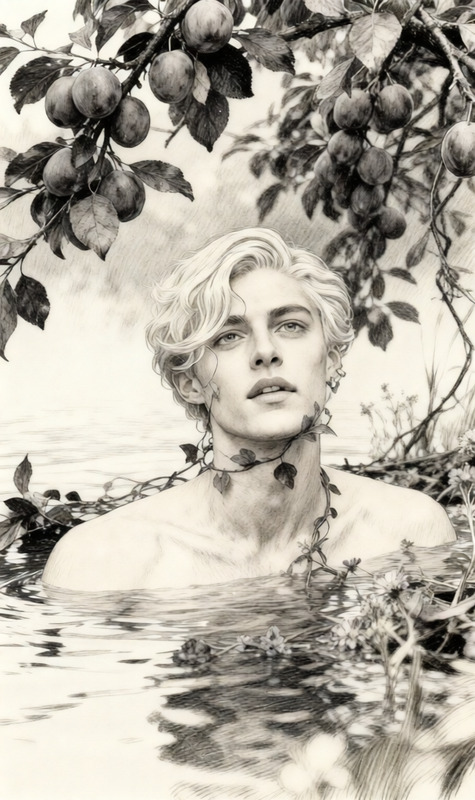
"""{ """"prompt"""": """"Turn this into a pencil sketch in the style of a Japanese artist. Emphasize delicate line work, traditional shading techniques, and subtle textures inspired by Japanese illustration styles."""", """"style"""": """"pencil sketch"""", """"fidelity"""": """"extreme detail"""" """"inspiration"""": """"Japanese art"""", """"details"""": { """"line work"""": """"fine and expressive"""", """"shading"""": """"traditional pencil shading"""", """"texture"""": """"light paper grain"""", """"mood"""": """"calm and contemplative"""" } }"""
Any aspect ratio
Overview
The Japanese Pencil Sketch Serenity template brings the delicate artistry of traditional Japanese sketches to your imagery using the advanced capabilities of the qwen-edit model. Ideal for creators wanting to infuse their work with cultural sophistication, this AI Image Editor is a gateway to transforming ordinary visuals into extraordinary works of art.
What It Does
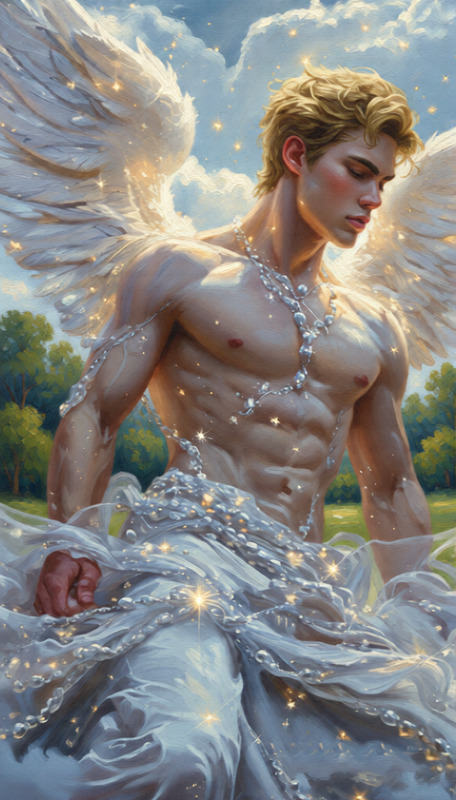
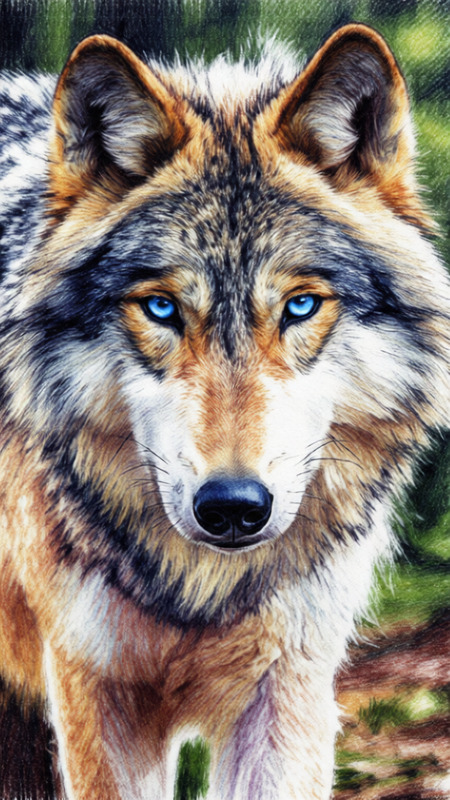
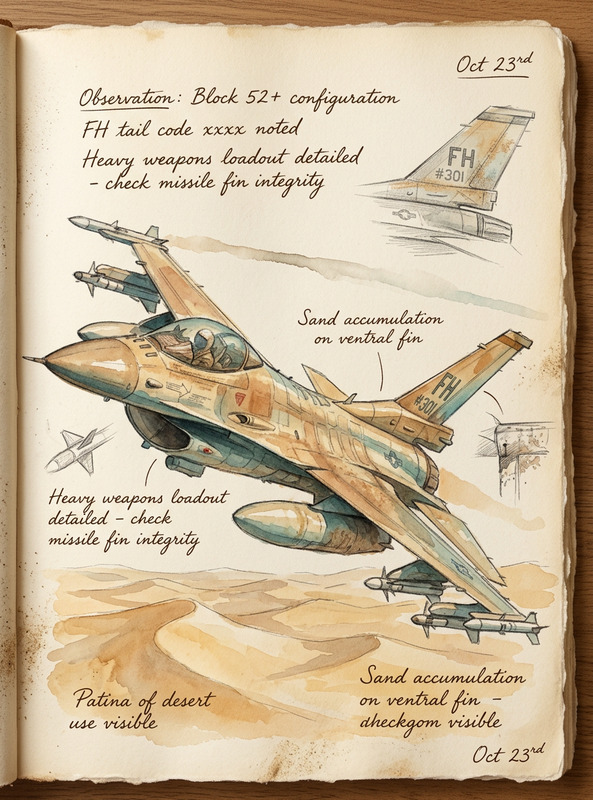
This template converts photographs and digital images into pencil sketches reminiscent of classic Japanese art. By emphasizing fine line work, traditional shading, and light paper grain textures, it captures the essence and serenity of Japanese illustration styles. The template adjusts details to impart a calm and contemplative mood, perfect for serene artistic expressions.
Who It's For
Designed for artists, designers, and content creators who appreciate the subtleties of pencil sketch art, this template is well-suited for projects focused on mood boards, profile picture designs, and other creative endeavors. It is also an excellent tool for educators in the arts wishing to illustrate traditional techniques through modern technology.
Summary
The Japanese Pencil Sketch Serenity template offers an intuitive way to infuse your imagery with the subtle beauty of Japanese pencil sketches. With customizable options for line work and shading, it's a versatile choice for those seeking an artistic transformation. Explore the blend of technology and tradition to produce tranquil and inspiring visuals.
How-To
Choose Your Template

Customize Your Inputs

Generate Your Sketch

Use Cases
Art and Illustration
- Art portfolios
- Illustration books
- Graphic novels
Educational Materials
- Art history presentations
- Cultural study guides
- Drawing technique tutorials
Branding and Marketing
- Social media campaigns
- Product brochures
Best Practices
Select High-Quality Images
For the best results, start with high-resolution images to allow the AI to accurately capture details and textures.Focus on Composition
Consider the balance and focus of the composition to accentuate the line work and shading in your sketch.Experiment with Settings
Test different levels of detail and shading to find the perfect balance for your image, capturing the essence of Japanese art.