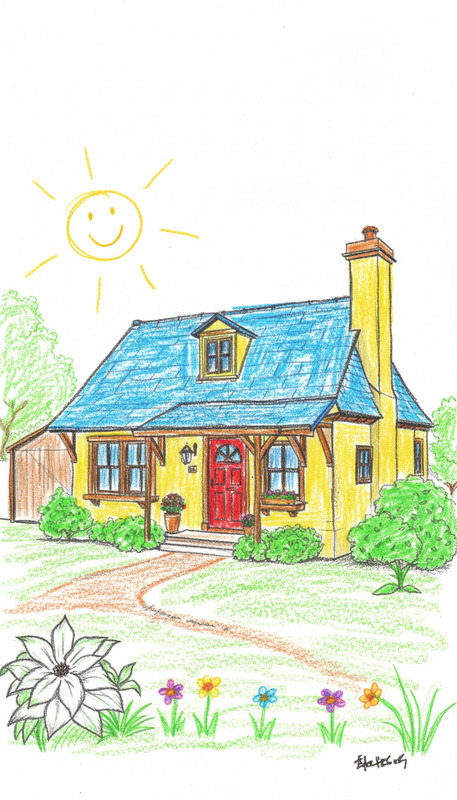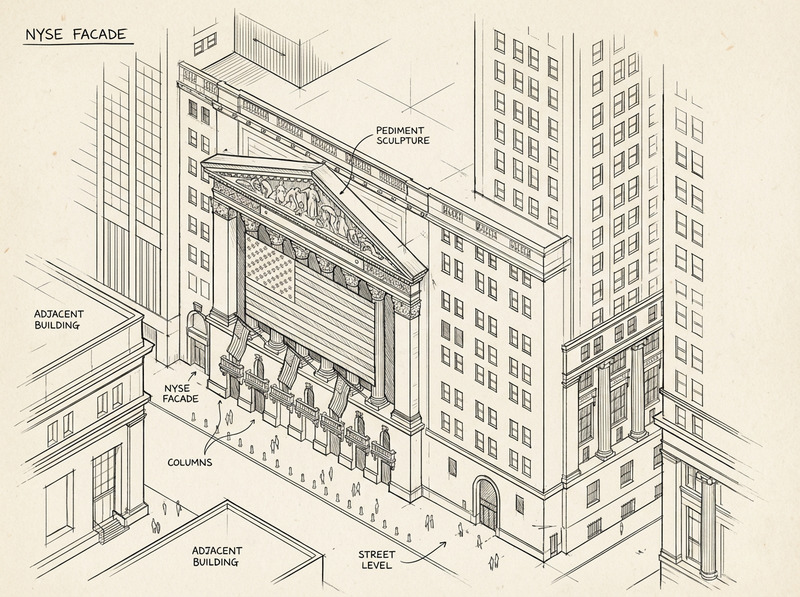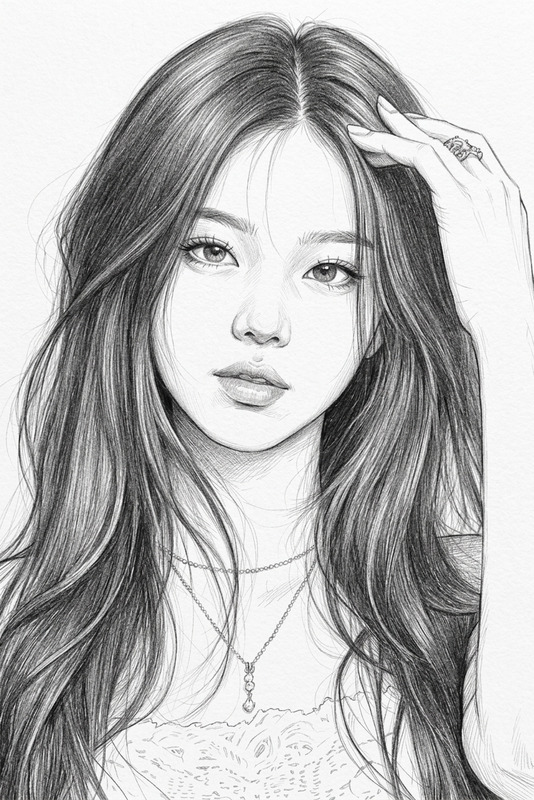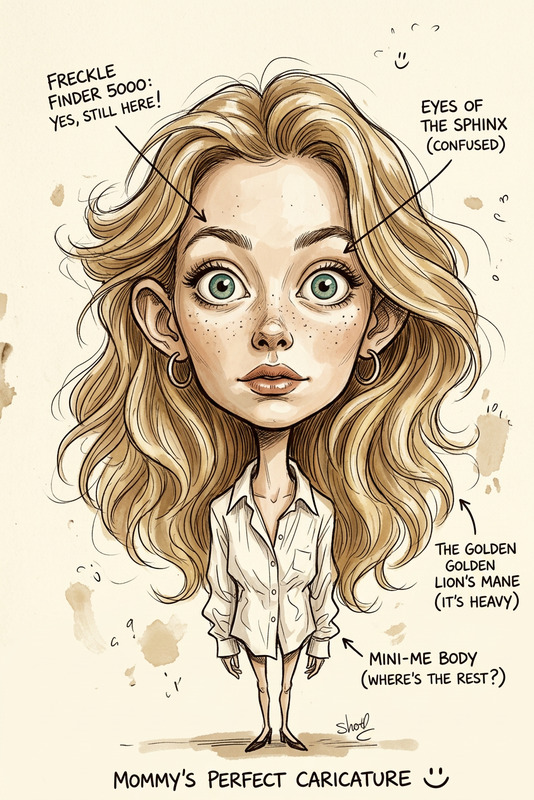
Marker Sketch Style
- Model
- Nano Banana 2
- Image
- 768 × 1365 px
Prompt
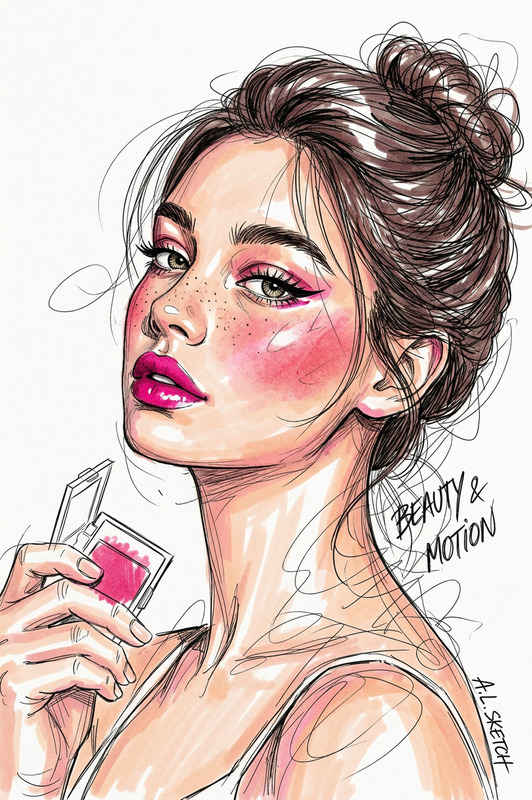
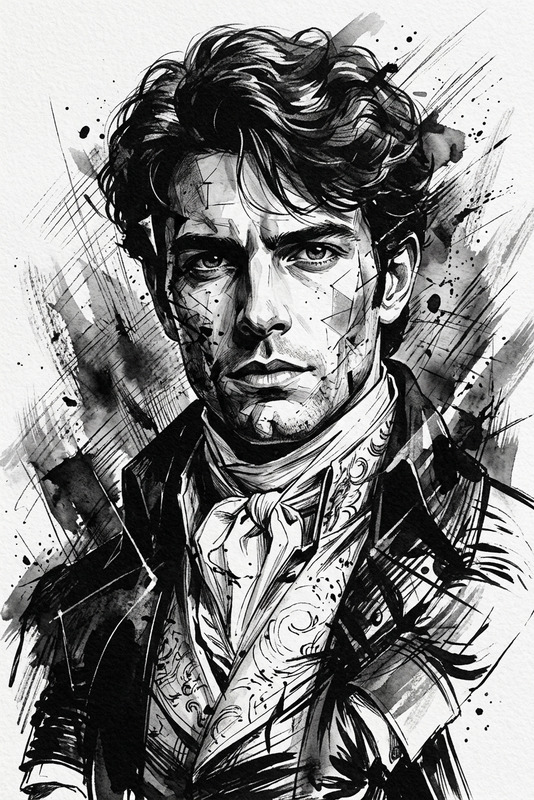
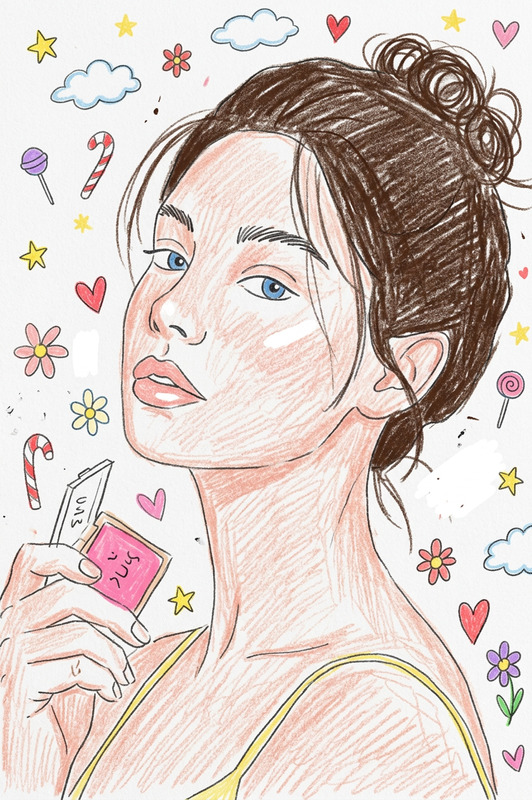
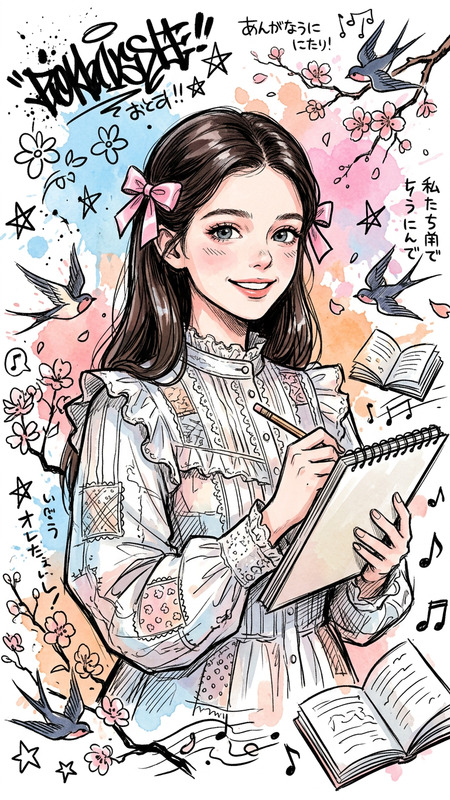
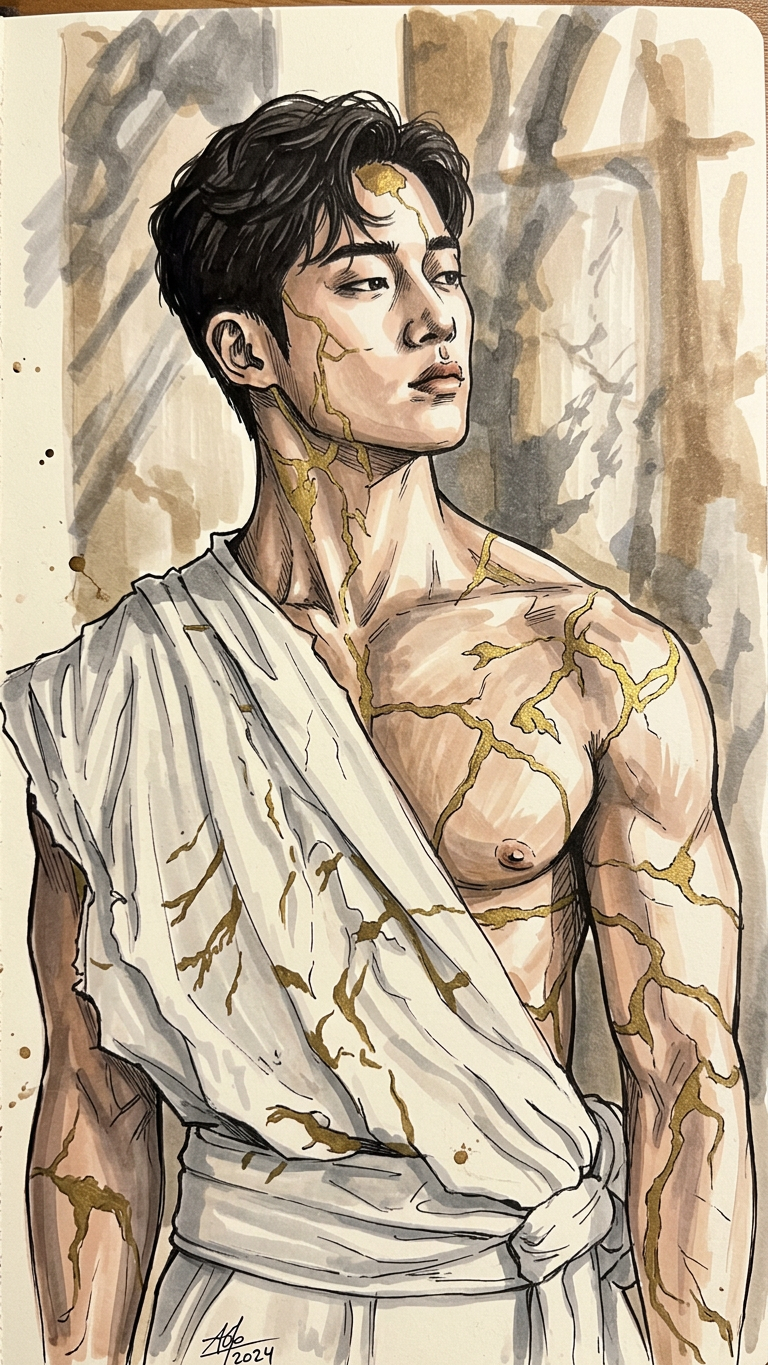
Transform the image into a hand-drawn sketch using marker pens. Preserve the subject’s structure and composition while applying expressive linework, visible strokes, and marker shading. Use bold outlines, color blending typical of alcohol markers, and slight paper texture for a traditional sketchbook feel.
Any aspect ratio
Overview
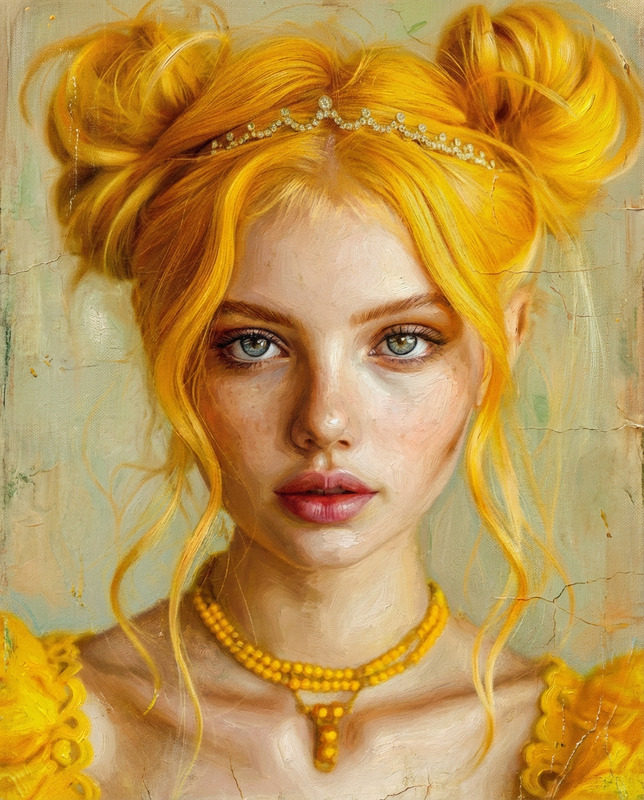
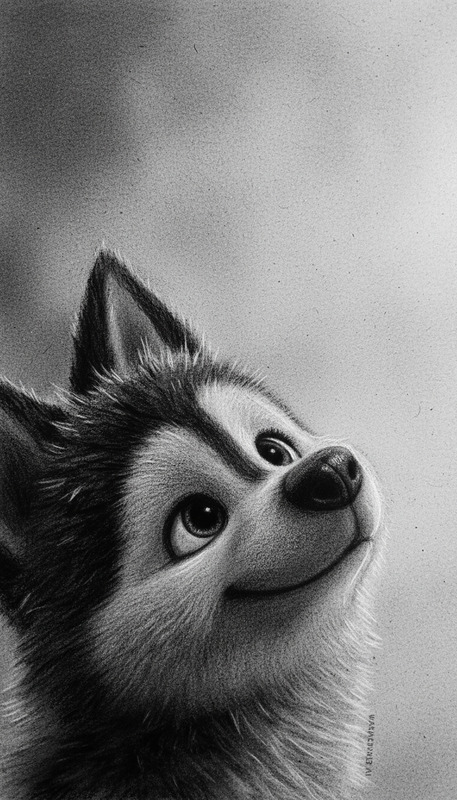
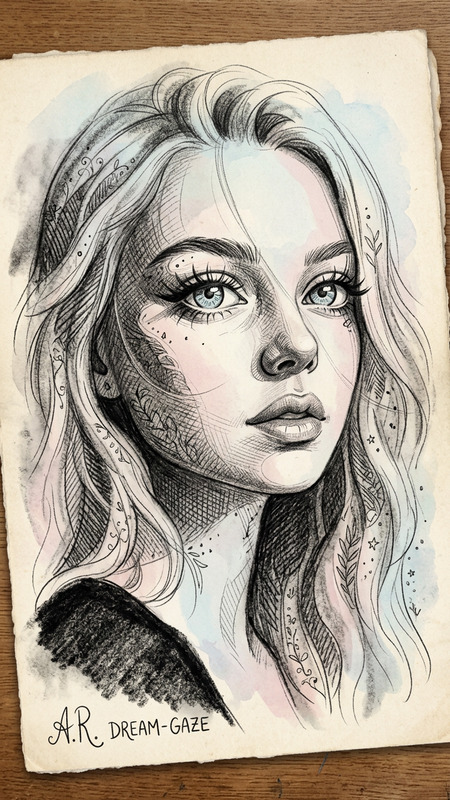
The Marker Sketch Style template on Magic Hour leverages the nano-banana-2 AI model to convert digital images into vibrant hand-drawn sketches. This technique is ideal for adding a creative touch to your visuals with bold outlines, expressive linework, and rich marker shading.
What It Does
Using nuanced AI-driven techniques, this template transforms any image into a striking sketch that mimics traditional marker artwork. The tool emphasizes bold lines, detailed marker shading, and the subtle textures of sketchbook paper, making it perfect for presentations or artistic projects.
Designed to maintain the integrity of the subject’s original structure, the AI Image Editor ensures the sketch retains a realistic form while highlighting artistic expression.
Who It's For
This template is ideal for designers, content creators, and marketing professionals looking to infuse their projects with a creative edge. It is particularly beneficial for those working in the fields of advertising, education, and entertainment, where visually engaging content can significantly enhance communication and engagement.
Photographers and artists can also use this tool to transform their images into unique artistic interpretations.
Summary
The Marker Sketch Style template seamlessly combines AI technology with artistic tradition, converting images into marker pen sketches complete with bold lines and color blending. This tool is part of our comprehensive AI Image Editor suite, ensuring a consistent and high-quality transformation.
Explore more about how this template can elevate your creative projects by visiting our AI Image Editor product page.
How To
Choose the Marker Sketch Style template

Customize your image

Generate and download

Use Cases
Creative Presentations
- Educational slideshows
- Corporate training sessions
Social Media Content
- Instagram stories
- Facebook posts
E-Commerce Listings
- Product listings
- Advertisements
Best Practices
Choose Images Wisely
Select images with clear outlines and distinct subjects to maximize the sketch effect's impact.Utilize Color Contrast
Images with high color contrast will result in more dynamic and visually compelling sketches.Refine the Prompt Settings
Experiment with prompt adjustments to achieve the desired level of detail and expression.