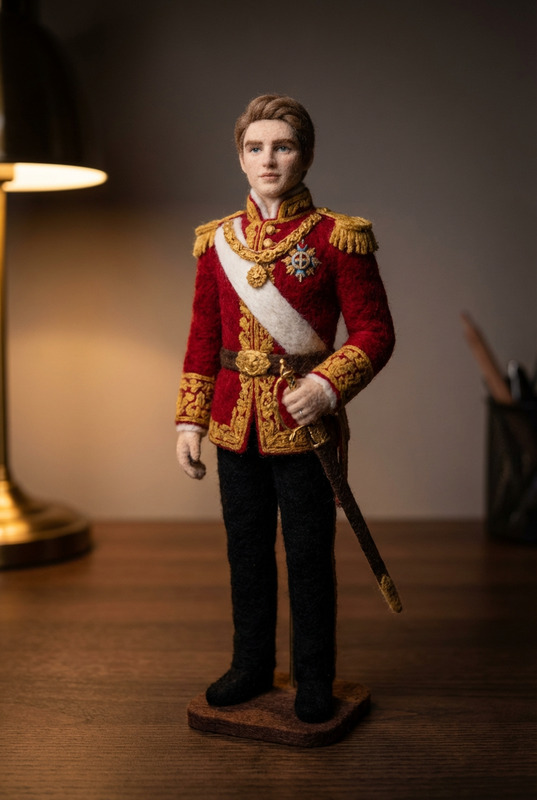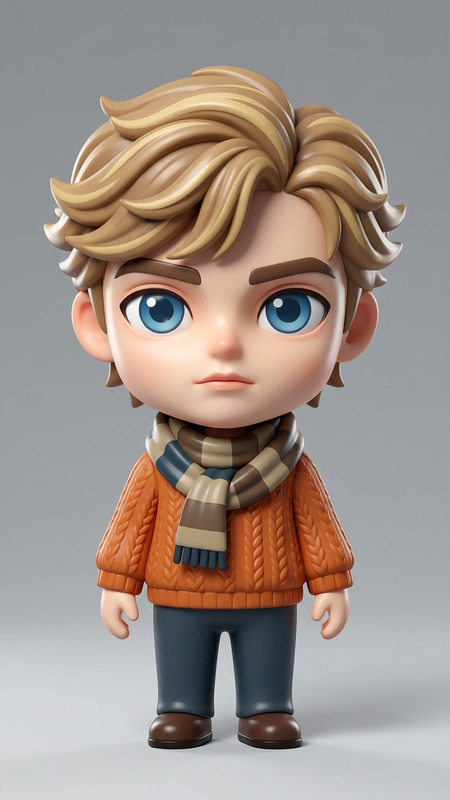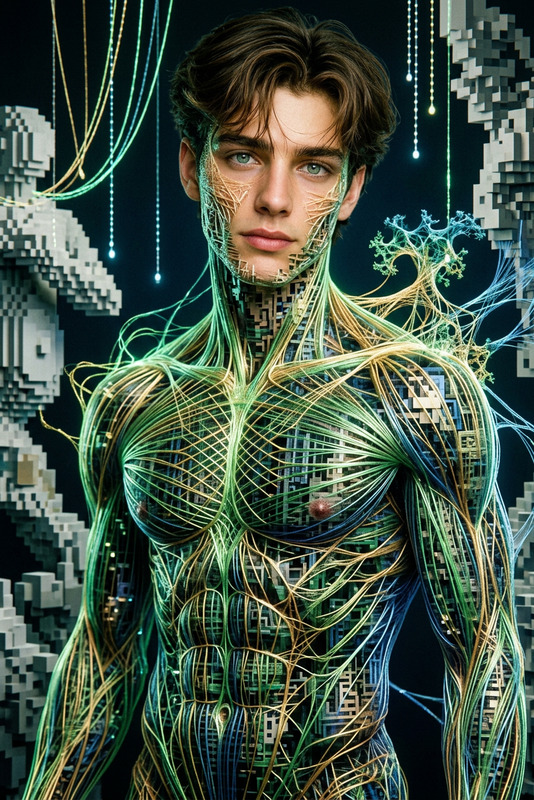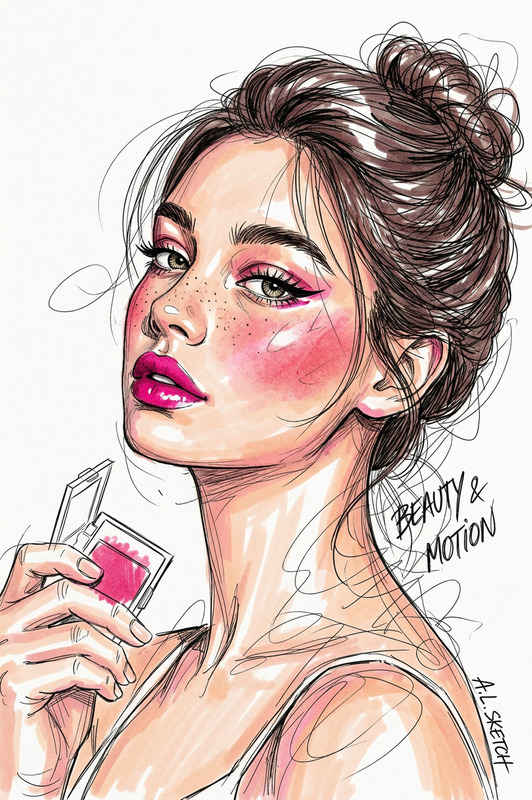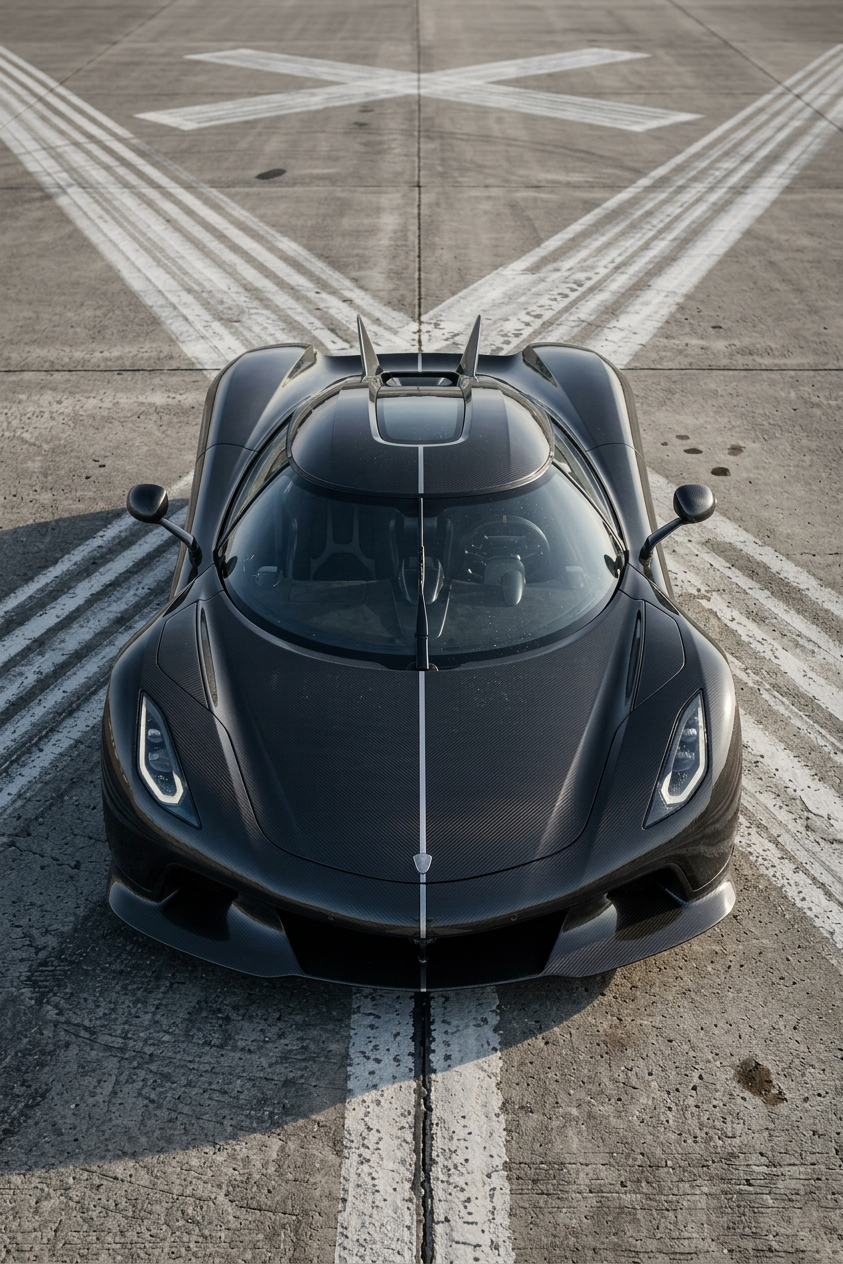
Photoreal Product Realization
- Model
- Nano Banana 2
- Image
- 843 × 1264 px
Prompt
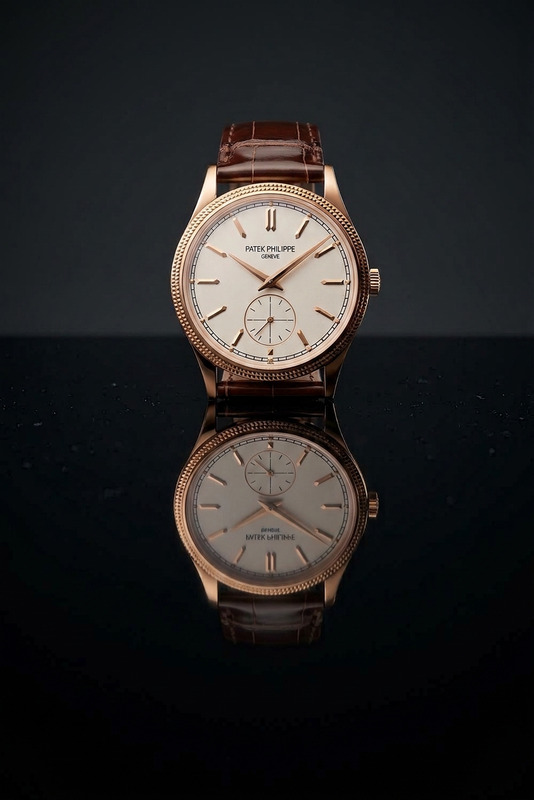
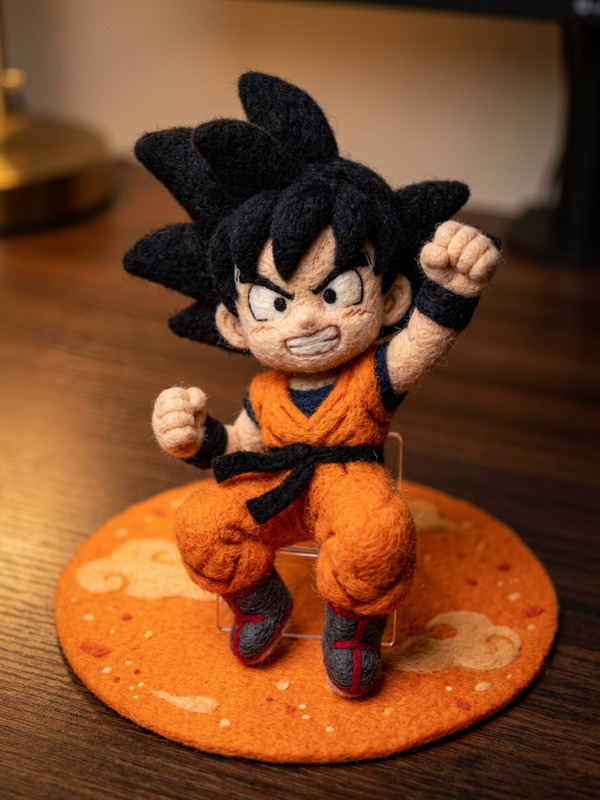
Transform the given design/illustration into a fully photorealistic physical product. Recreate it with realistic materials, fine textures, and subtle surface imperfections (scratches, fingerprints, micro-dust). Use accurate reflections, shadows, and soft studio lighting (softbox, controlled highlights) to enhance depth and realism. Present it as a premium product in a high-end studio photoshoot style, with clean composition, sharp focus, and believable scale.
Any aspect ratio
Overview
Transform your conceptual designs into photorealistic renditions with the Photoreal Product Realization template. Using the advanced capabilities of the nano-banana-2 model, this template is designed to enhance your product imagery with meticulous detail and lifelike realism. Achieve intricate textures, realistic surfaces, and professional-grade lighting effects to showcase your products as they would appear in a high-end studio shoot.
What It Does
This template leverages AI Image Editing technology to transform basic designs into realistic 3D representations. It accurately adds textures like fine scratches, fingerprints, and micro-dust to give your product a tangible appearance. The use of controlled lighting techniques enhances depth and emphasizes the premium nature of the product. Presented in a clean, studio photoshoot style, the resulting images are ideal for marketing and advertising purposes.
Who It's For
Designed for product designers, marketers, and advertisers, the Photoreal Product Realization template is perfect for anyone looking to upgrade their product visuals. Whether you're developing product demo videos or creating content for a ecommerce ad campaign, this tool is an excellent resource for achieving premium-quality images.
Summary
Engage customers and clients by presenting your products with unparalleled realism. By turning conceptual designs into photorealistic portrayals, you emphasize details that make your product stand out. For more transformative effects, check out our AI Background Changer and AI Image Upscaler to complement and extend the possibilities of your creative process.
How To
Choose Template

Customize Inputs

Generate Image

Use Cases
Product Marketing
- Elevate brand and product perception
- Achieve a polished, professional presentation
Prototyping Visualization
- Visualize final product appearance
- Improve collaboration with designers
E-commerce Imagery
- Improve customer engagement
- Increase likelihood of purchase
Best Practices
Focus on Details
Specify surface textures and imperfections for added realism.Optimize Lighting
Adjust lighting settings within the template to enhance depth and visibility.Consider Composition
Ensure the product is well-positioned within the frame to maintain a high-end, studio-like quality.