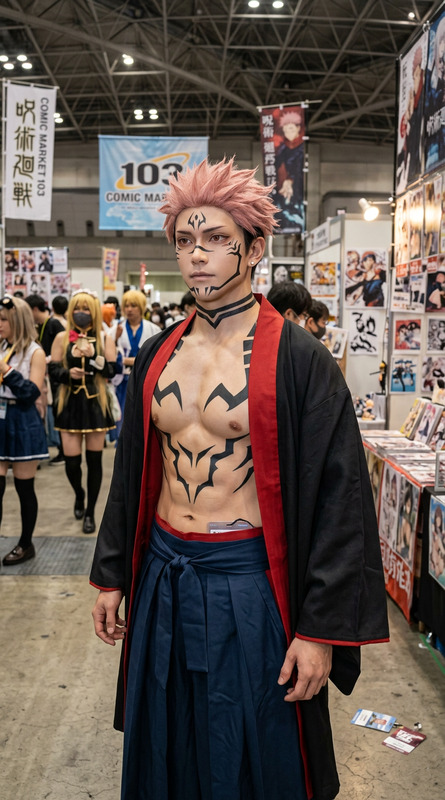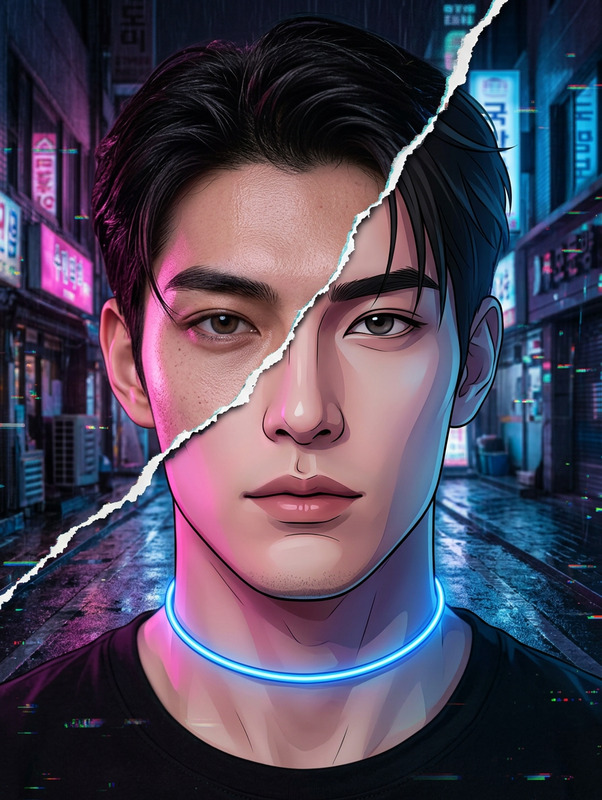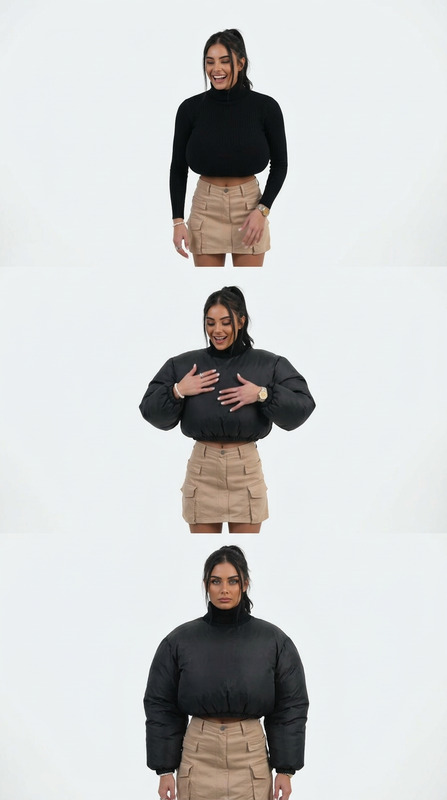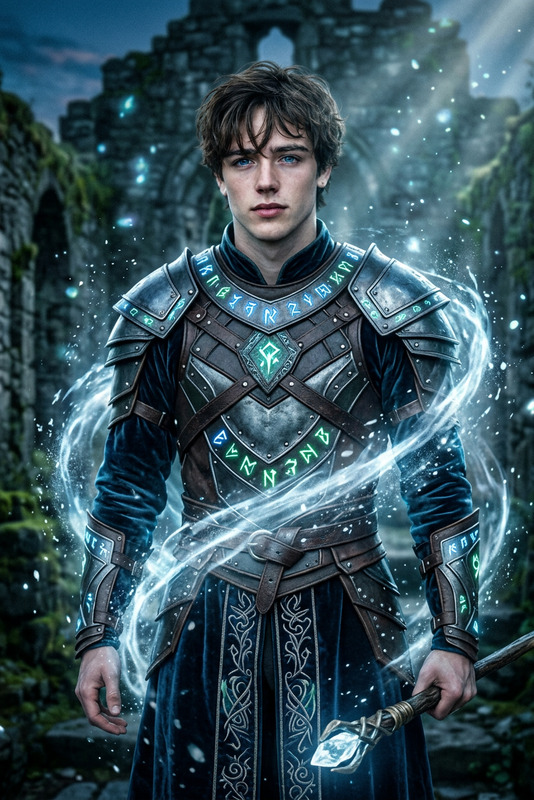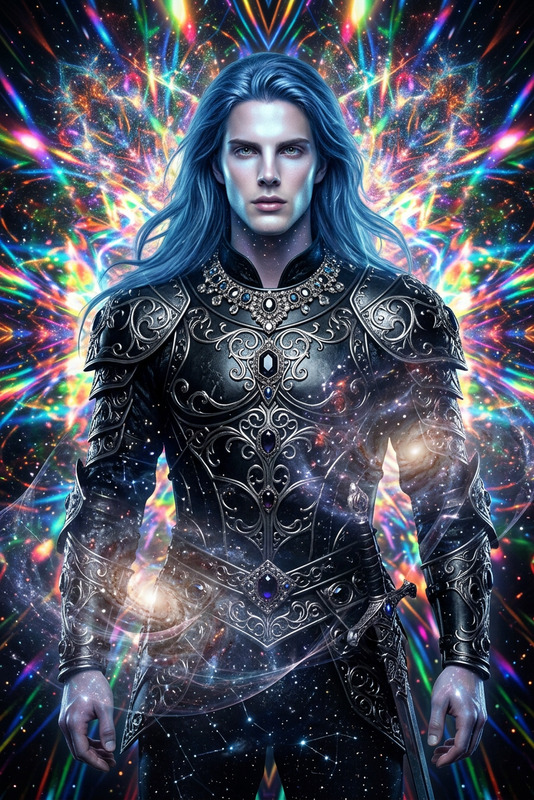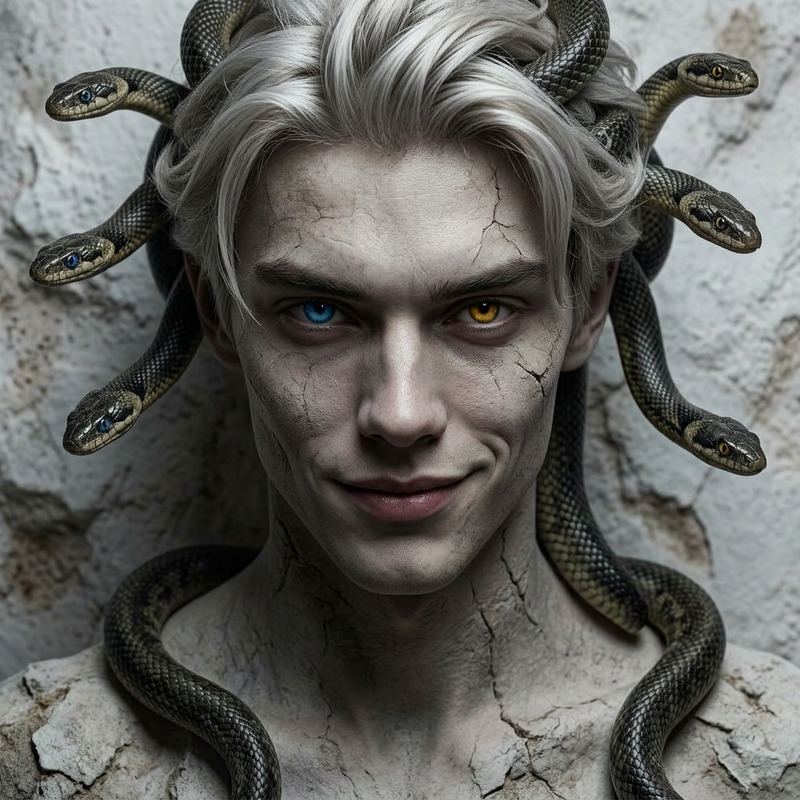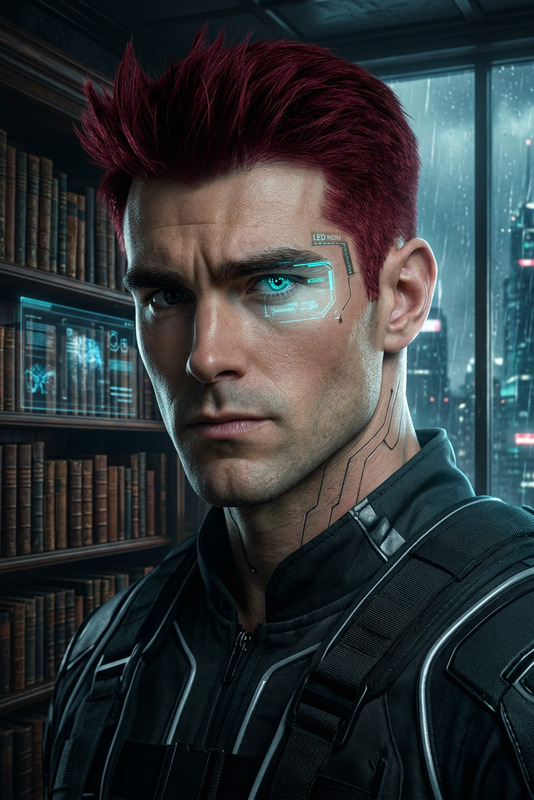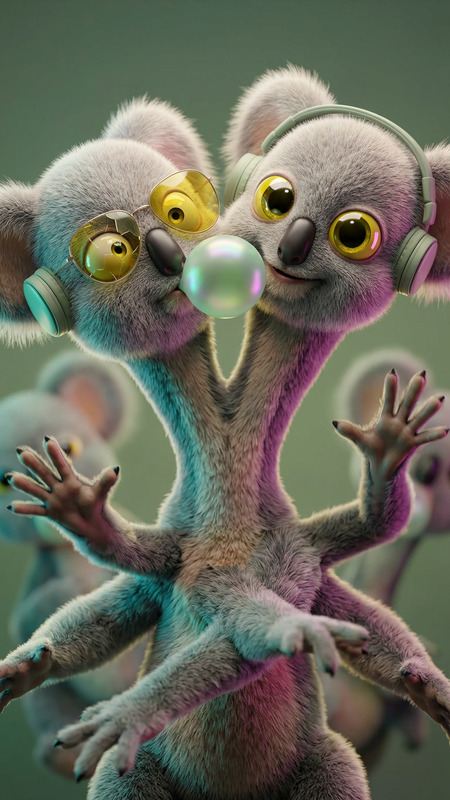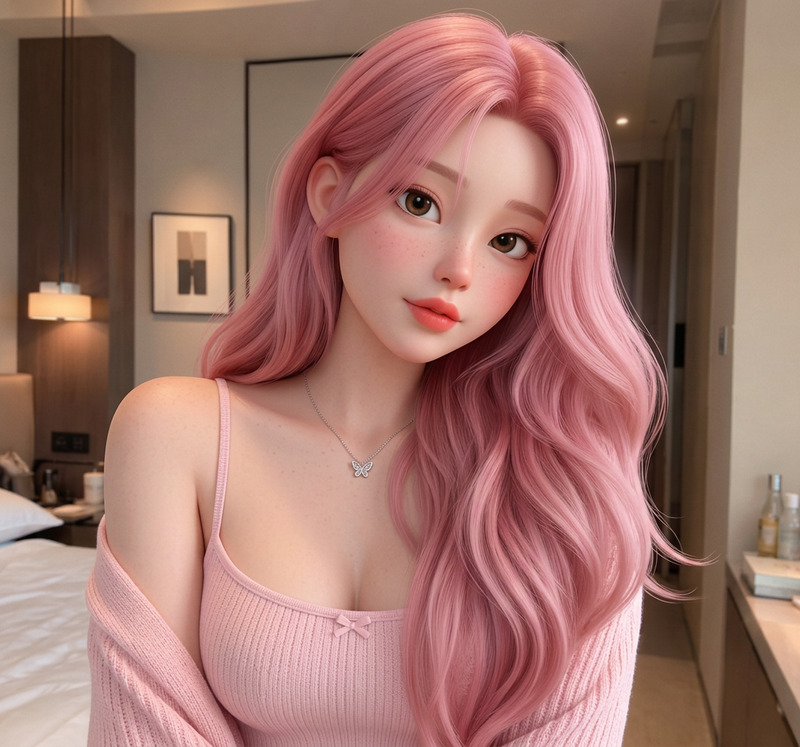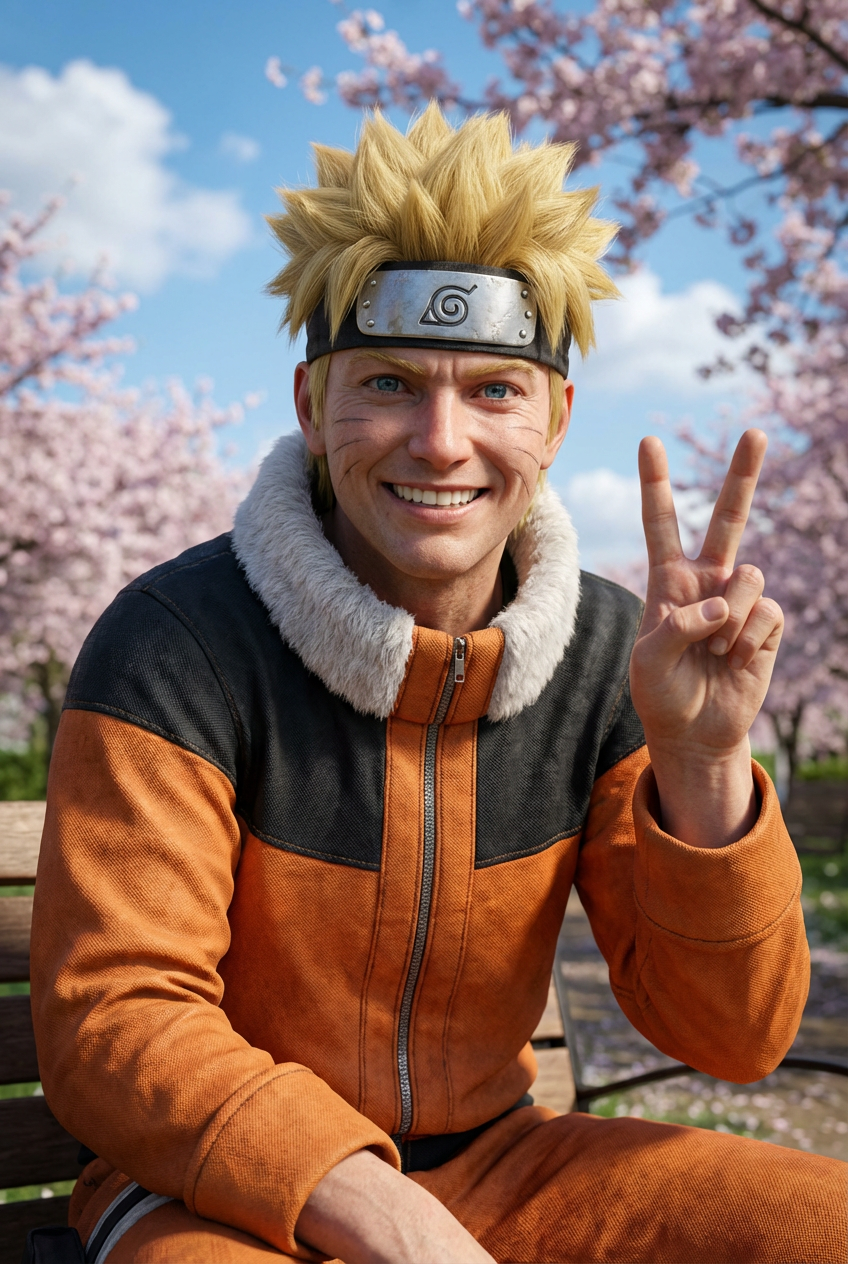
Photorealistic Cosplay Transformation
- Model
- Nano Banana Pro
- Image
- 848 × 1264 px
Prompt
An ultra-photorealistic 8K image of a subject transformed from an uploaded into a real adult human, cosplaying the exact character with identical pose, posture, hand gestures, facial expression, eye direction, hairstyle, hair color, outfit, accessories, props, and background, preserving the original composition and camera angle. The subject and environment are fully rendered in lifelike detail with realistic anatomy, natural body proportions, detailed skin texture with pores and imperfections, lifelike eyes with depth and catchlights, refined hair strands, and accurate fabric and material textures, enhanced by cinematic depth of field, sharp focus, natural shadows, and studio-quality lighting matching the original scene, with no remaining cartoon or illustration artifacts.
Any aspect ratio
Overview
The Photorealistic Cosplay Transformation template leverages the power of the AI Image Editor, using the advanced capabilities of the nano-banana-pro model. This template allows you to turn your cosplay images into hyper-realistic visuals, capturing every detail from pose to lighting.
What It Does
This tool transforms a cosplay subject into a photorealistic image with stunning 8K detail. It retains the original pose, gestures, and expression, while enhancing skin texture, eye depth, and material details with lifelike realism. By preserving the composition and camera angle, your images maintain their initial artistic intent.
Who It's For
Ideal for professional cosplayers, photographers, and digital artists seeking to elevate their content to professional levels. Designers can use it to craft detailed cosplay concepts with incredible accuracy. Those using AI Product Photography will find similar benefits in terms of visual fidelity and detail.
Summary
The Photorealistic Cosplay Transformation template is a go-to solution for anyone wanting to significantly enhance the quality of cosplay visuals. It works seamlessly within the Magic Hour ecosystem, alongside tools like the AI Image Upscaler for even greater detail. Easy to use yet remarkably powerful, it ensures your cosplay images stand out with professional quality.
How To
Choose Your Image

Customize the Prompt

Generate Your Image

Use Cases
Cosplay Portfolio Enhancement
- Create impactful portfolio visuals
- Stand out in cosplay competitions
Marketing and Promotion
- Attract sponsors with high-quality visuals
- Boost event marketing efforts
Digital Storytelling
- Add depth to your narratives
- Engage audiences with lifelike characters
Best Practices
Select High-Resolution Images
Start with high-resolution original images to ensure the best transformation results.Focus on Lighting
Pay attention to the lighting in your original image to ensure realistic depth and shadows in the final product.Use Complementary Tools
Leverage other tools like the AI Image Generator for creating backgrounds or additional elements.