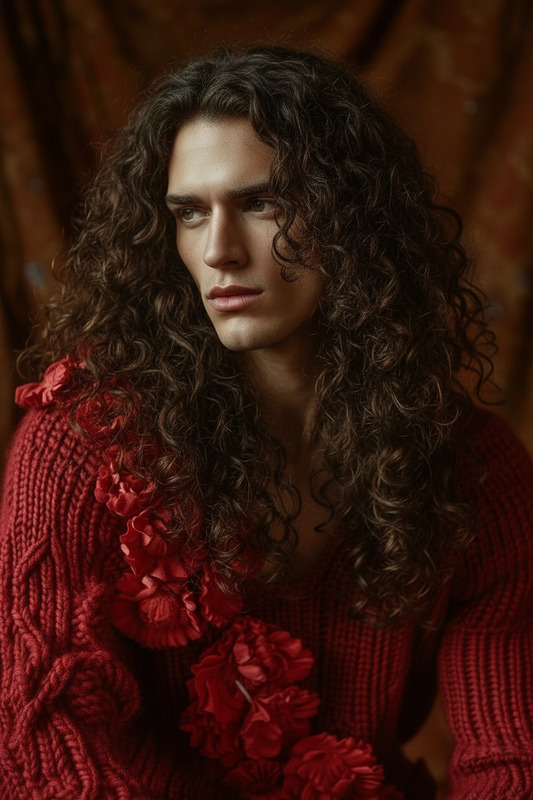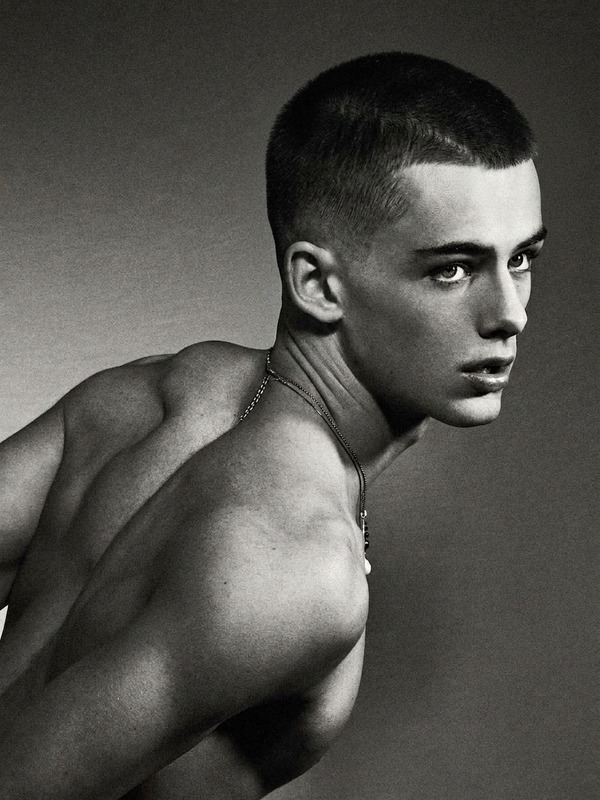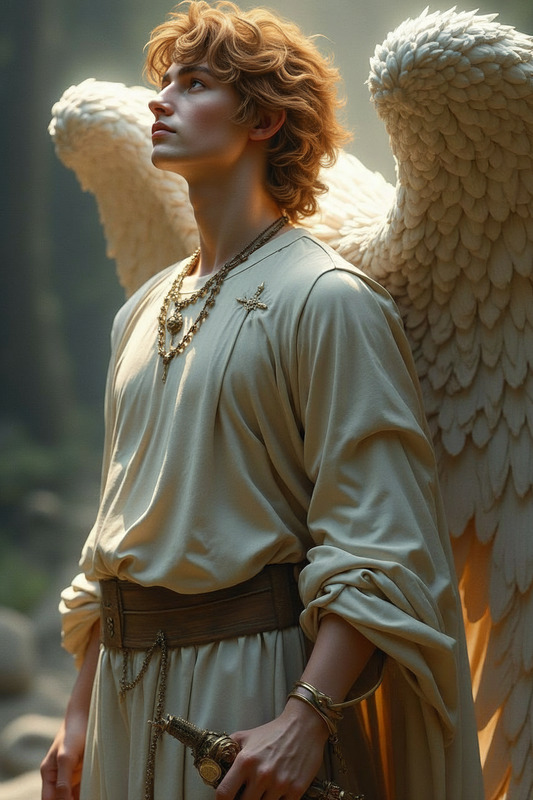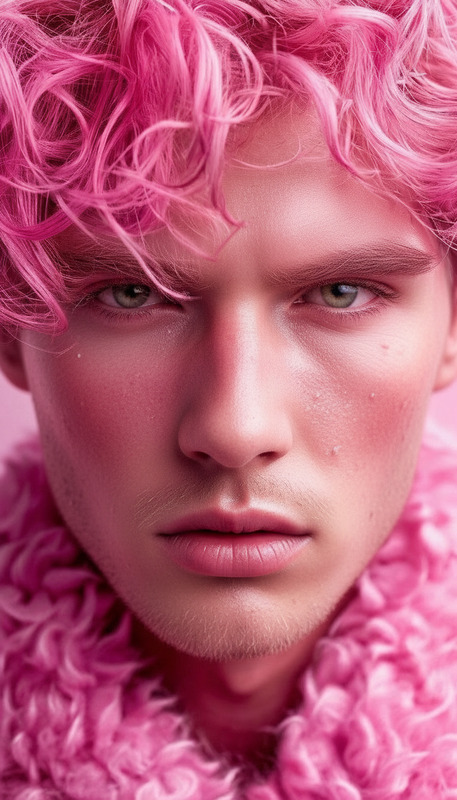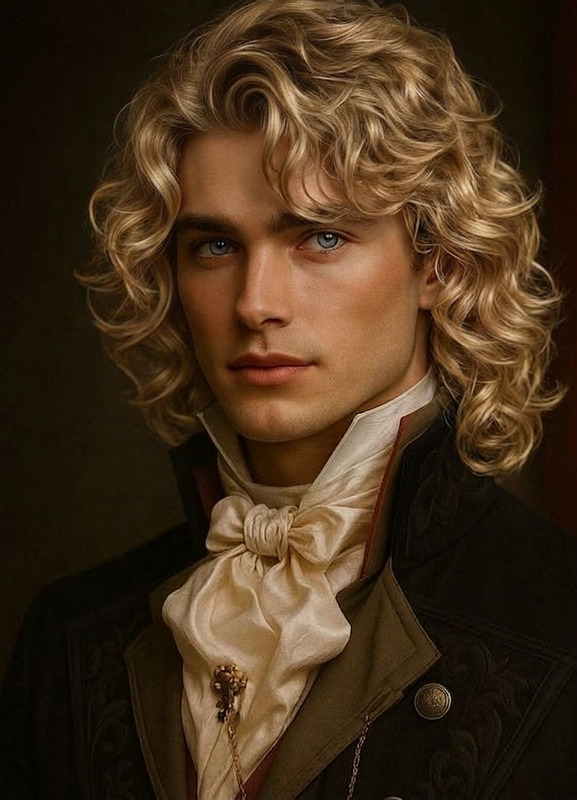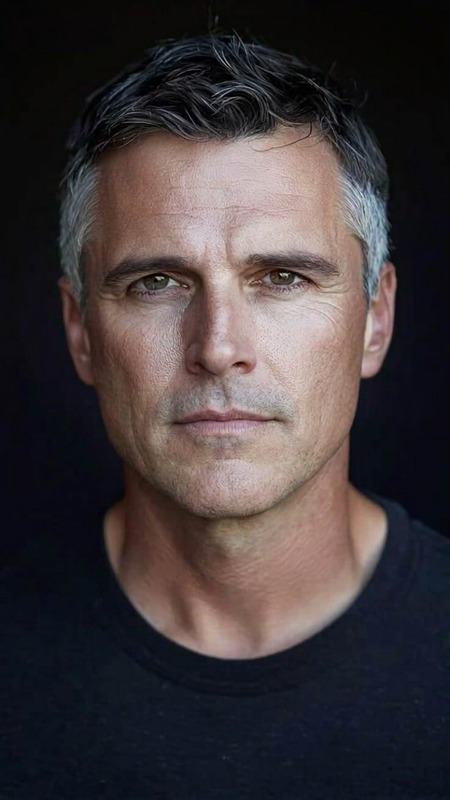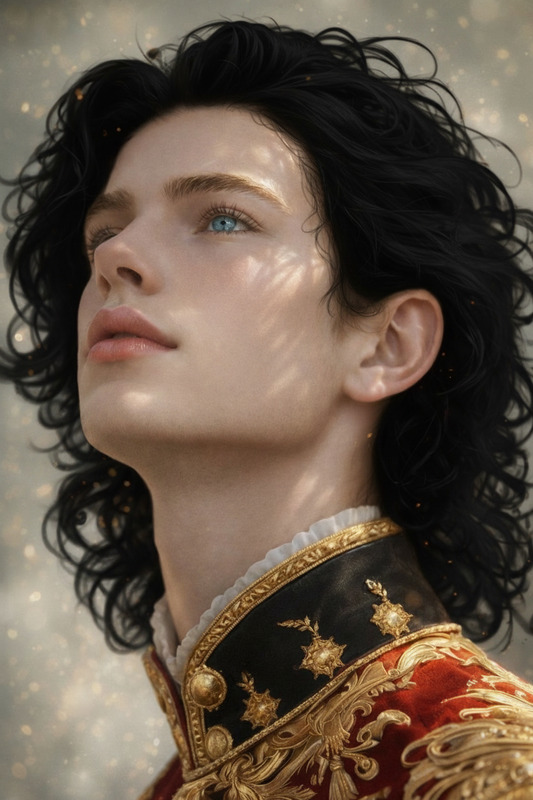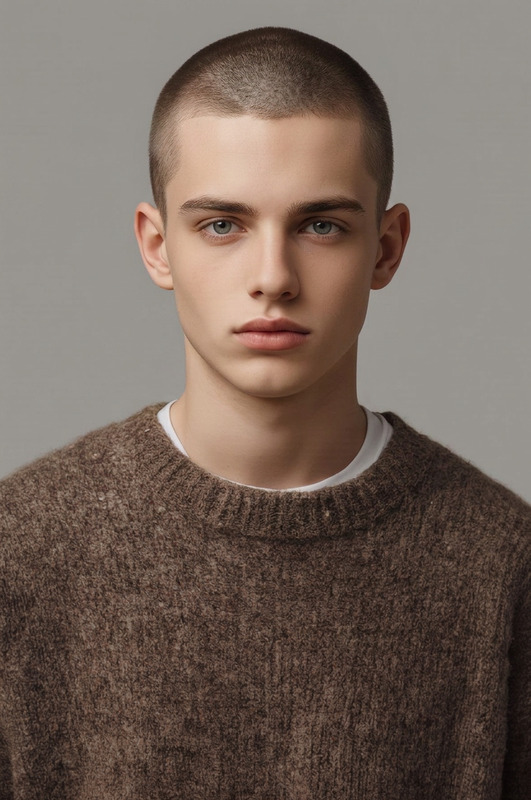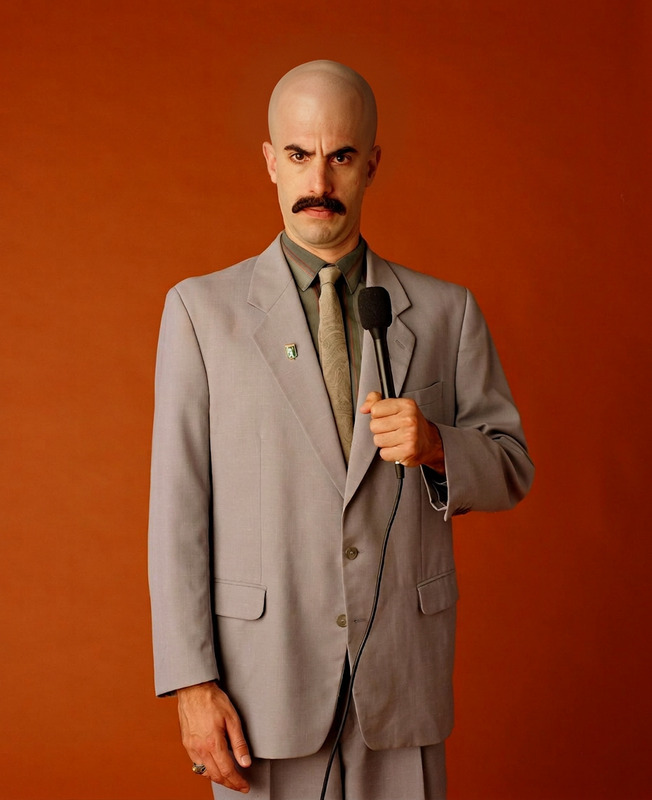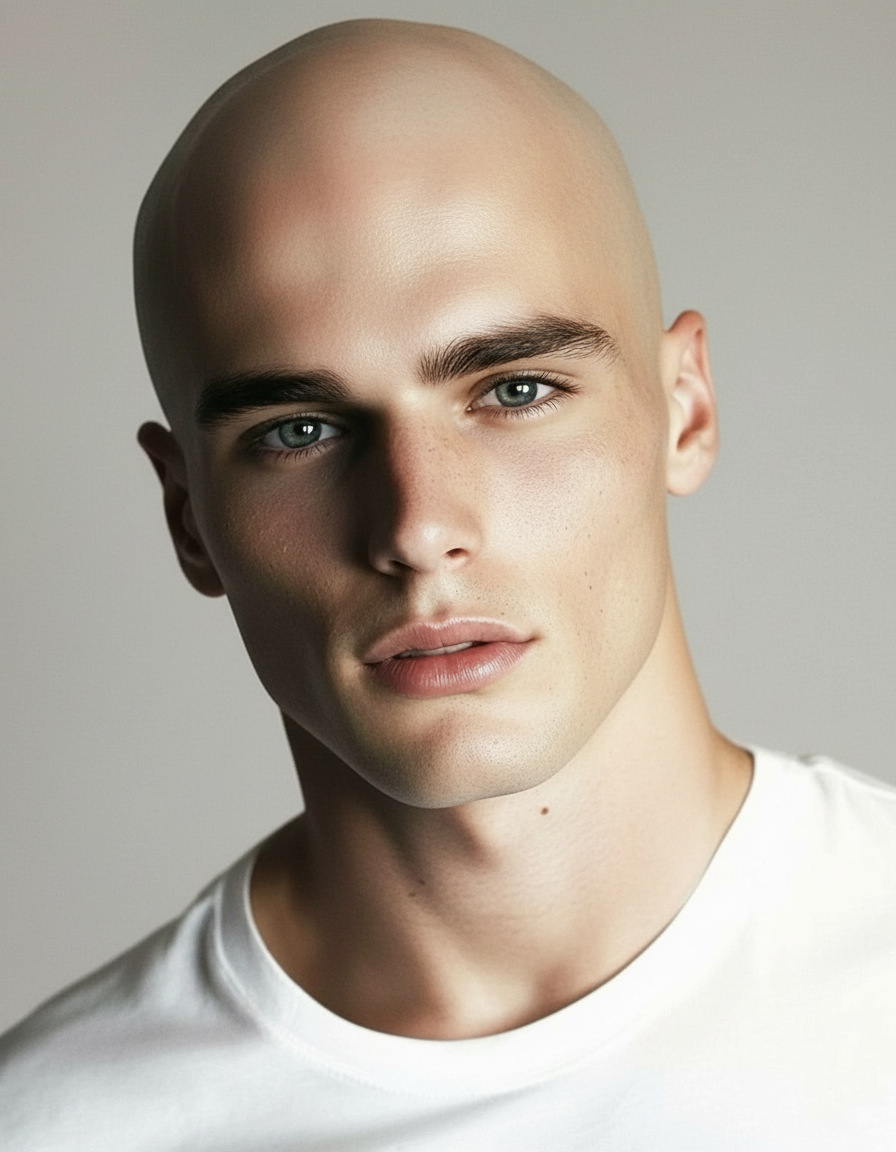
Clean Bald Transformation
- Model
- Nano Banana
- Image
- 896 × 1152 px
Prompt
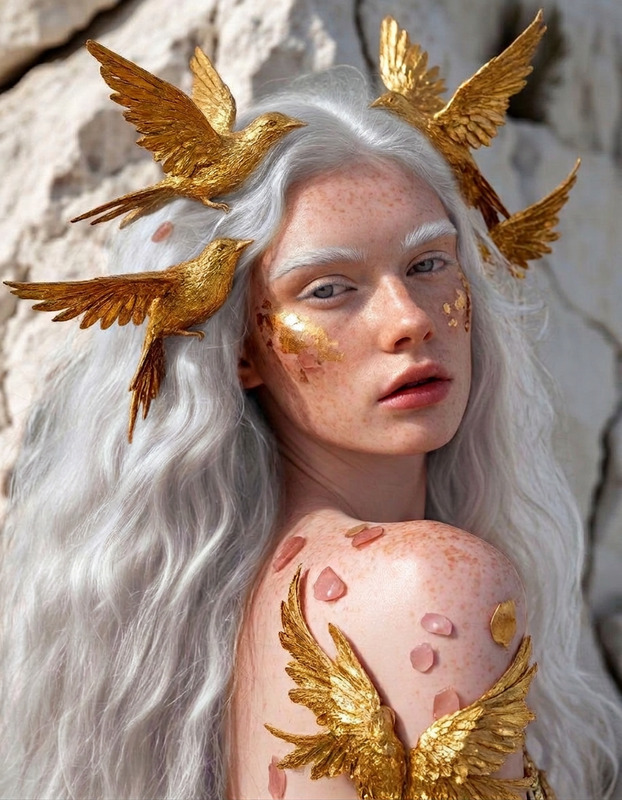
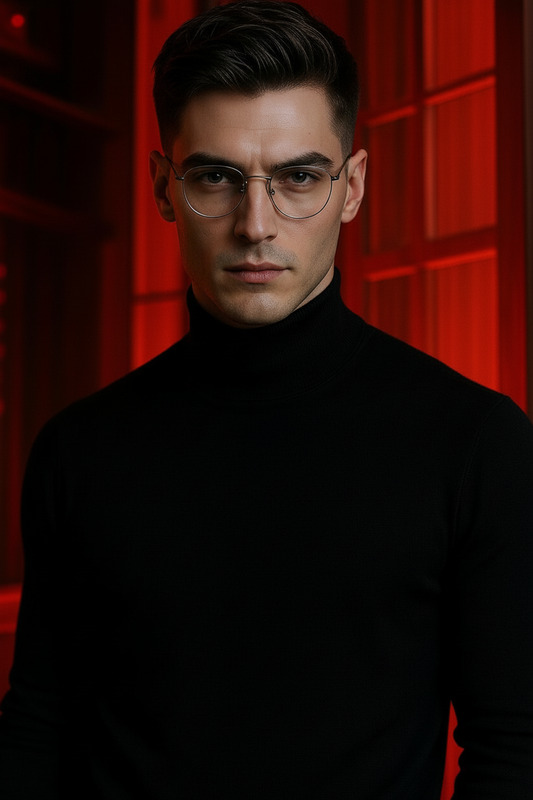
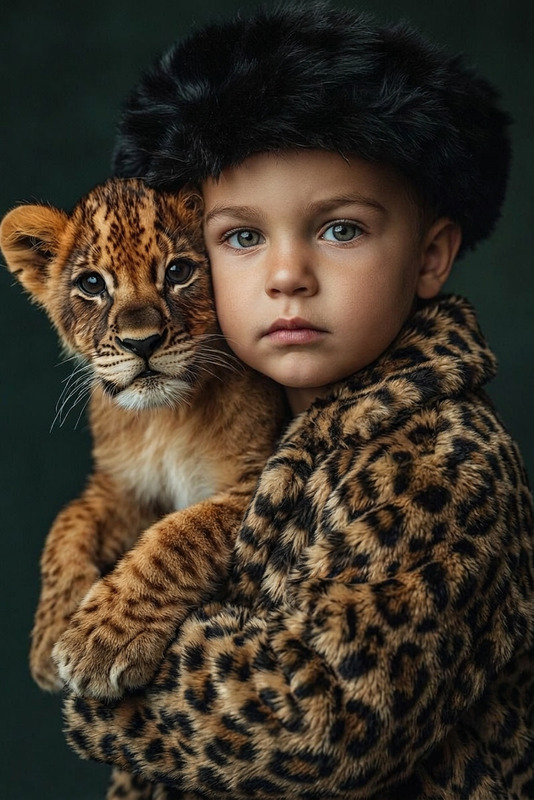
Make the subject completely bald, removing all hair from the top, sides, and back of the head. Ensure a smooth, natural scalp with realistic skin texture, tone, and subtle lighting reflections. Preserve facial features and proportions while blending seamlessly so the result looks authentic and artifact-free.
Any aspect ratio
Overview
The Clean Bald Transformation template leverages advanced AI technology to artfully remove all hair, creating a natural bald look. Ideal for personal makeovers or digital character styling, this template within the AI Image Editor ensures the resulting image is smooth and realistic, capturing the nuances of scalp texture and tones.
What It Does
Our template uses cutting-edge AI to eliminate hair from images, ensuring a lifelike bald appearance with detailed skin textures and natural lighting effects. The AI Image Generator model used ensures facial features remain undistorted, maintaining the integrity of the subject's proportions.
Who It's For
Photographers, digital artists, and content creators seeking to explore bald aesthetics will find this tool particularly useful. It's perfect for anyone in the fashion industry looking to experiment with diverse styles, as well as for actors or models preparing photos for headshots and auditions.
Summary
The Clean Bald Transformation template is a versatile tool in the AI Image Editor suite. It uses the nano-banana model to deliver quick, realistic results, making it an essential addition for various creative and professional projects.
How To
Choose the Template

Customize Your Image

Generate the Image

Use Cases
Personal Styling Exploration
- Try a new hairstyle
- Create a unique personal image
- Share on social media
Character Design for Media
- Enhance character concepts
- Visualize character changes
- Make adjustments with ease
Fashion and Beauty Editorials
- Emphasize facial features
- Elevate fashion statements
- Innovate with visual themes
Best Practices
High-Quality Images
For the best results, use high-resolution images with clear lighting to capture skin textures accurately.Natural Lighting
Ensure the original image has even lighting to allow the AI to accurately simulate scalp reflections and textures.Facial Features Consideration
When preparing your image, focus on keeping the facial features as clear as possible to maintain their integrity post-transformation.