Cute Figurine
ai-image-editor
Any aspect ratio
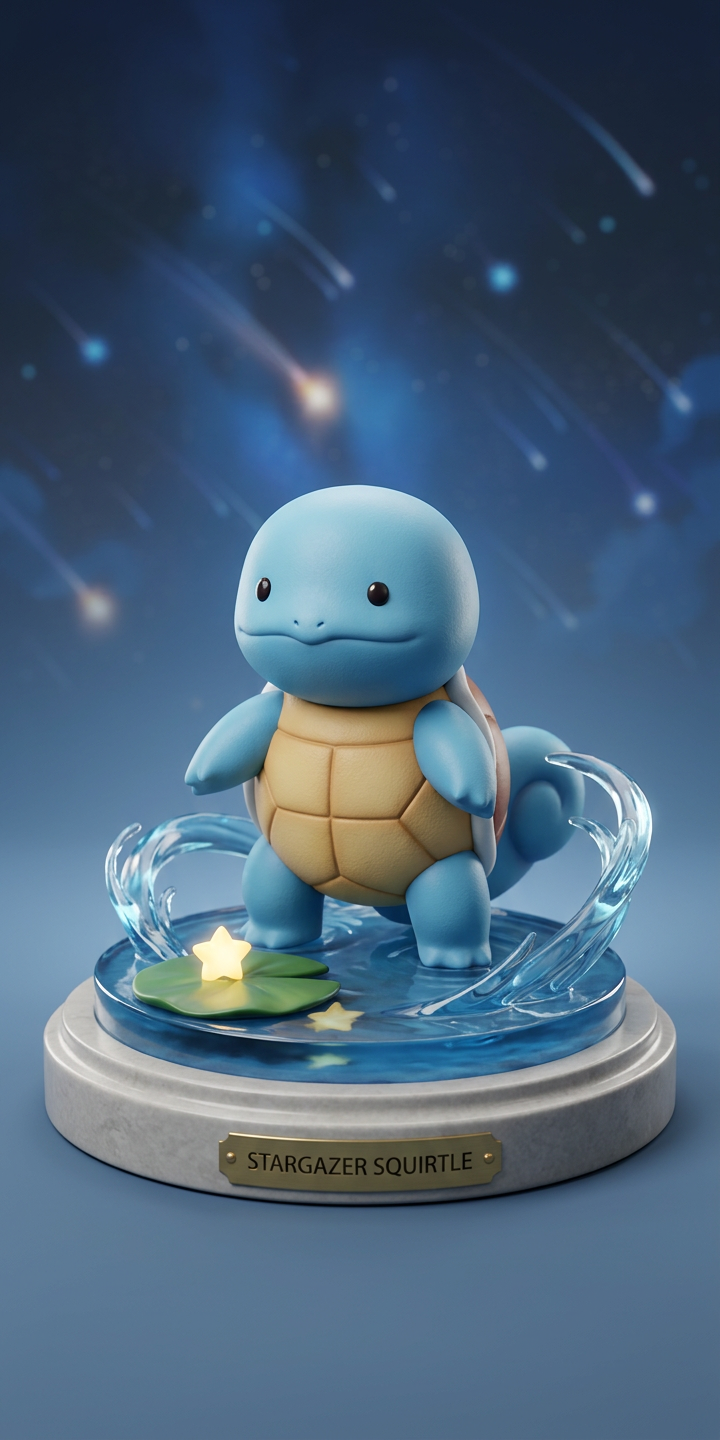
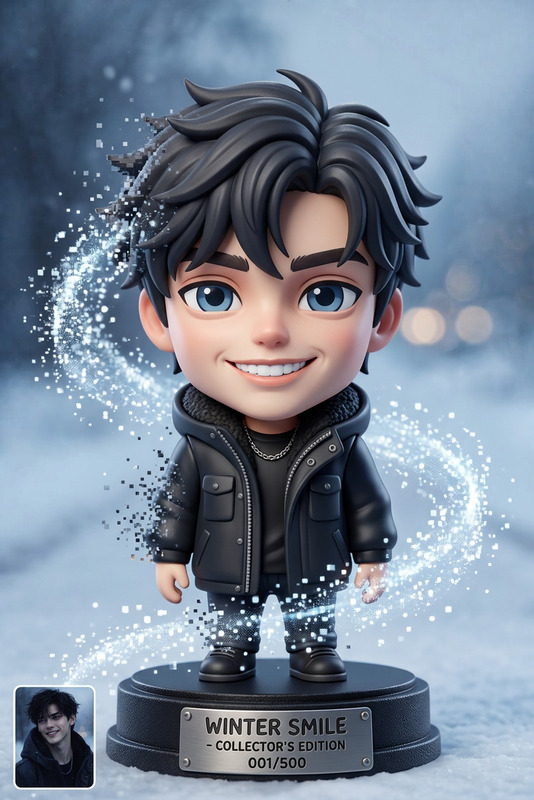
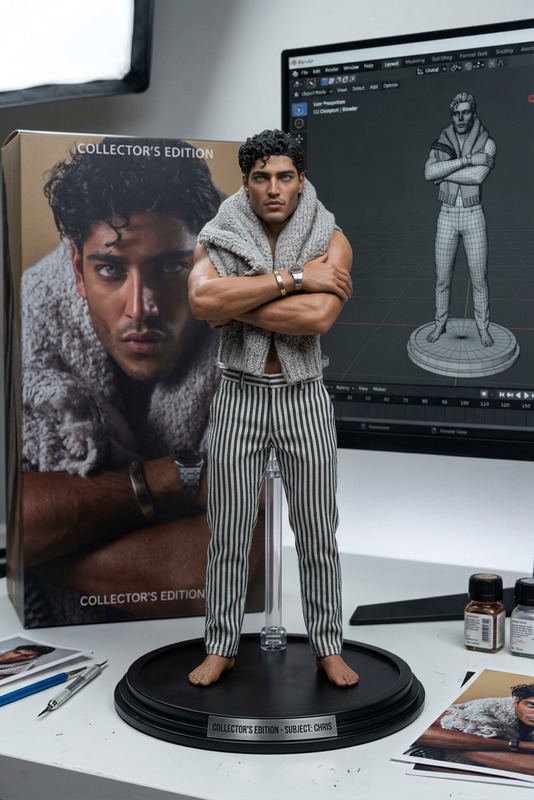
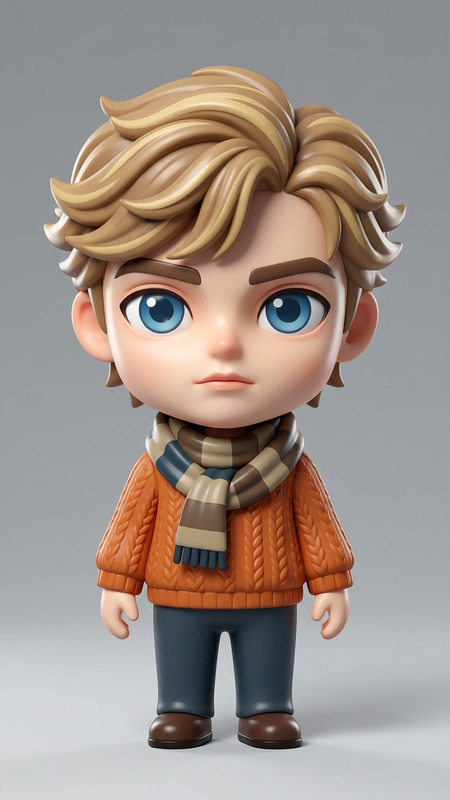
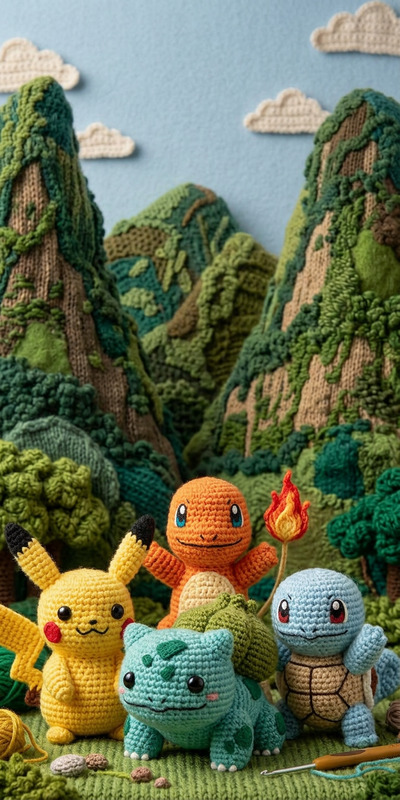
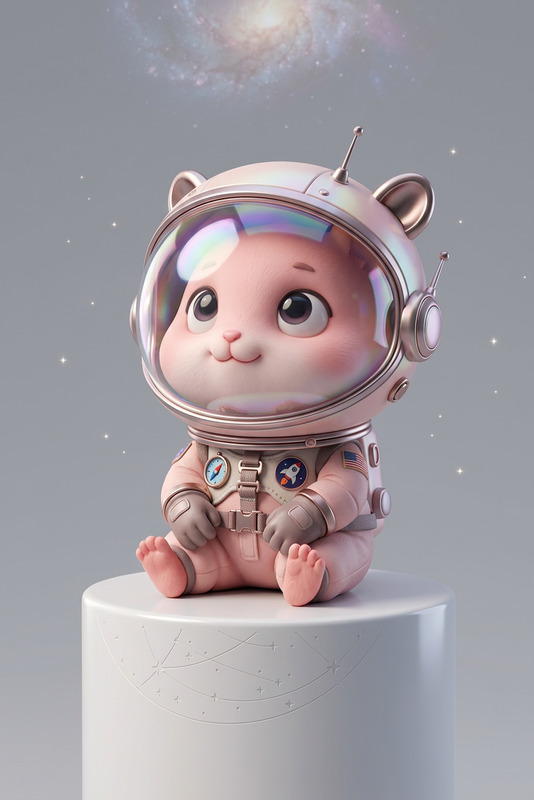
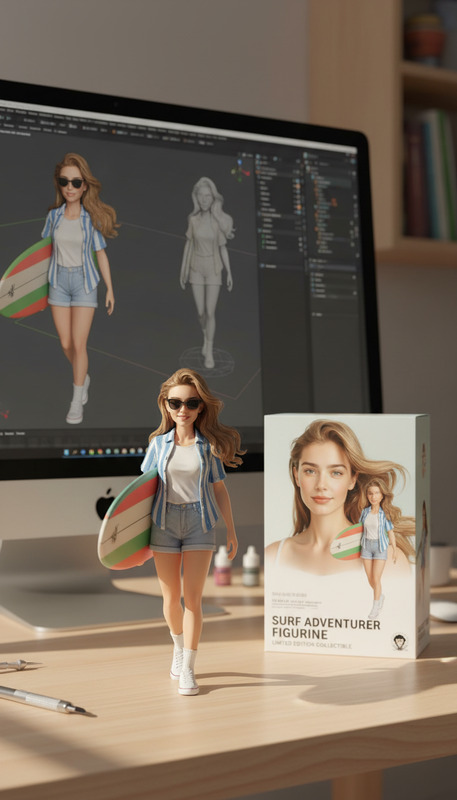
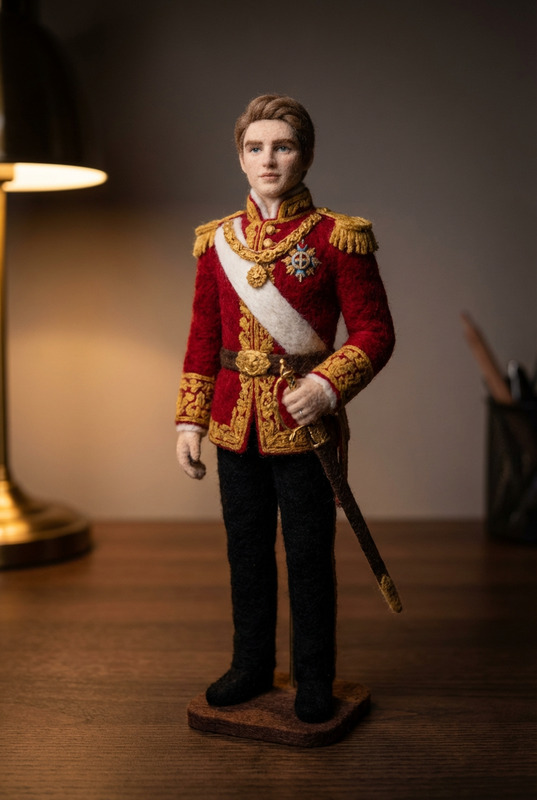
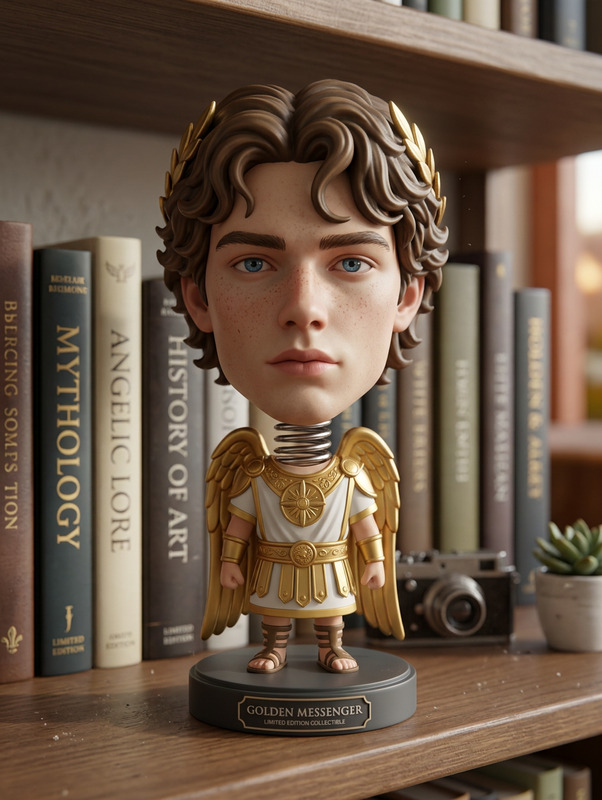
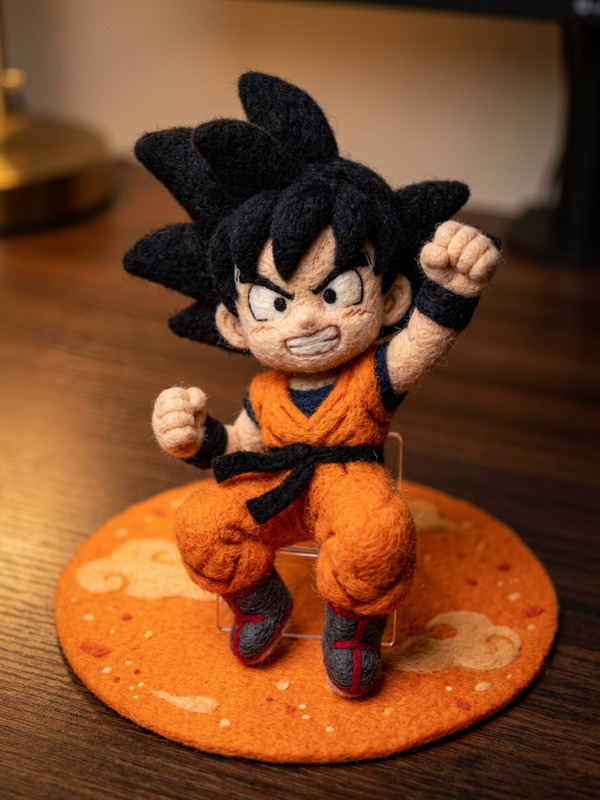
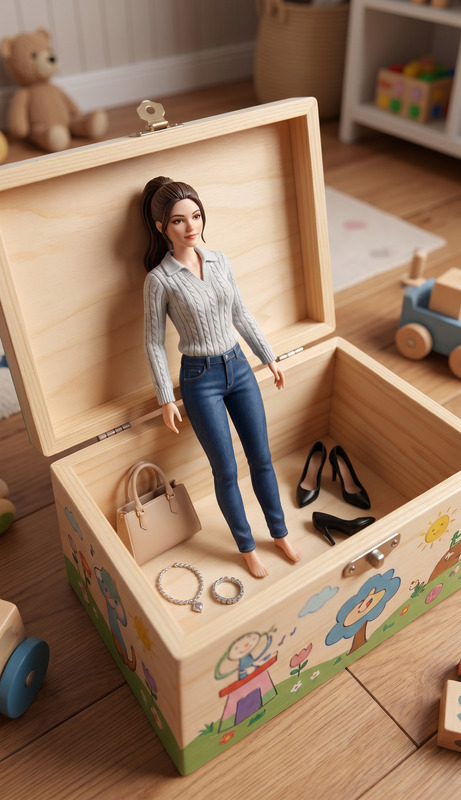
Transform the uploaded object into a cute character figurine while preserving its original texture and key features. Add tiny eyes and simple, minimal limbs to give it a charming personality. Keep the design clean and slightly stylized without losing recognizability. Place the figurine on a neutral pedestal with a soft studio setup using 3-point lighting and gentle shadows. Ensure the result feels polished, balanced, and collectible-like.
Tags
transformationsAI Image Editor Template: Turn Any Photo Into a Clean, On‑Brand Visual in Minutes
Use this AI Image Editor–based template to quickly transform raw photos into polished, on-brand images for campaigns, landing pages, thumbnails, social posts, and product shots—without touching Photoshop.
Whether you’re a marketer shipping weekly campaigns, a founder iterating on landing pages, or a designer prototyping fast, this template gives you a repeatable, remixable workflow inside Magic Hour.
What This Template Does
This template uses the AI Image Editor to help you:
- Clean up or replace backgrounds (e.g., solid brand colors, gradients, studio-style backdrops)
- Remove distractions, objects, or people from photos
- Refine faces, expressions, lighting, and style while keeping identity consistent
- Add or adjust elements (props, UI mockups, logos, text overlays) directly in the scene
- Generate multiple creative variations from a single base image
It’s built for speed and iteration: you start from a base photo, make focused edits with AI, and export ready-to-use assets for web, ads, decks, or product pages.
Who This Template Is For
- Marketers & Growth Teams – Create ad creatives, social visuals, thumbnails, and A/B variants from a single hero image.
- Founders & Startup Teams – Update landing page visuals, investor decks, and product shots without booking a photoshoot.
- Designers & Creators – Block out concepts, moodboards, and style directions in minutes, then refine or hand off.
- Developers & Product People – Generate UI/UX mock visuals, app screenshots, feature launches, and internal docs quickly.
How to Use & Remix This Template in Magic Hour
You can either use this template as-is or remix it into your own custom editing workflow inside Magic Hour.
1. Start With a Strong Base Image
Upload or drag in:
- A product photo
- A portrait or team photo
- A lifestyle shot (workspace, environment, in‑use product)
- A screenshot or UI mockup
For best results:
- Use clear, well-lit images
- Avoid heavy motion blur
- Keep important subjects centered and unobstructed
If you don’t have a great starting photo, you can first generate one with:
Then use this template to refine and customize the result.
2. Edit the Background and Environment
Use the AI Image Editor flow to:
- Replace busy backgrounds with clean, brand-safe scenes
- Swap environments (e.g., office → studio, kitchen → minimal product pedestal)
- Create on-brand color fields for landing pages and ads
If you need to isolate your subject first, use:
Then drop the cleaned subject back into this template and keep iterating.
3. Refine Faces, Poses, and Style
For human subjects (founders, customers, influencers, team):
- Subtly clean skin, lighting, and contrast
- Align expressions with your brand tone (approachable, serious, fun, etc.)
- Keep identity consistent across multiple variants
Complementary tools you can pair with this template:
- AI Face Editor – refine features and style
- AI Headshot Generator – generate consistent professional portraits
- AI Face Generator – create new personas for mockups or product shots
- Gender Swap – explore inclusive creative options
You can then bring any result back into the Image Editor template to standardize backgrounds and styling.
4. Add Props, UI, Logos, and Overlays
Use the template to:
- Add devices (phones, laptops) showing your product or dashboard
- Insert UI mockups into screens
- Include brand logos or simple graphic elements
- Create clean compositions ready to become ad banners or hero sections
For more graphic-heavy or stylistic experiments, this template works well with:
- AI Art Generator
- AI Illustration Generator
- AI Logo Generator
- Thumbnail Maker for YouTube / content thumbnails
5. Generate Variations and Test Creatives
One of the biggest benefits of using AI Image Editor as a template is repeatability:
- Keep your subject the same
- Change backgrounds, angles, styling, and color themes
- Export multiple variants for A/B testing in ads, email, and landing pages
This workflow pairs well with:
- AI Meme Generator for fast social variations
- AI GIF Generator if you want lightweight motion from your static visuals
- AI Outfit Generator or AI Fashion Generator if you work with apparel or lifestyle content
Remixing This Template for Your Use Case
Because it’s built on AI Image Editor, you can easily adapt this template to more specific workflows:
Product & E‑commerce
- Generate studio shots from simple smartphone photos
- Standardize backgrounds across your entire catalog
- Create seasonal, themed, or localized variants (summer, holidays, specific countries)
Useful supporting tools:
- AI Image Upscaler – sharpen and enlarge images for marketplaces
- Photo Colorizer – modernize vintage brand or lifestyle photography
- Old Photo Restoration – bring older brand assets up to modern quality
Founders, SaaS & Startups
- Turn quick office photos into polished website heroes
- Insert your app UI into realistic device shots
- Create consistent visuals for decks, onboarding flows, and release notes
Helpful add-ons:
- Book Cover Generator for eBooks and lead magnets
- Album Cover Generator for podcasts or audio content branding
- AI QR Code Generator to tie print and digital assets together
Personal Brand & Content Creators
- Create a library of on-brand portraits and lifestyle shots
- Design repeatable thumbnail or cover formats
- Generate themed content series from one base shoot
Consider combining with:
- Avatar Generator or AI Selfie Generator
- AI Talking Photo to turn edited portraits into short talking clips
- AI Voice Generator or AI Voice Cloner to add narration
Extend This Template Into Video
Once you have a strong edited image, you can turn it into motion content:
- Use Image to Video to animate your edited image into short clips
- Swap faces into existing clips with Face Swap Video
- Create lip‑sync videos from your edited portraits using Lip Sync
- Animate your subject or character further with Video to Video
- Build stylized motion or character loops with Animation
- Enhance video quality using Video Upscaler
- Add captions automatically with Auto Subtitle Generator
This gives you a full pipeline from photo → edited image → animated asset inside Magic Hour.
Best Practices for High-Quality Results
- Start from the highest quality image you have. AI enhancements work best on clean, detailed inputs.
- Be consistent with style. Reuse this template for all key brand images to keep your visual language coherent.
- Iterate in small steps. Make focused edits and export intermediate versions; keep what works.
- Test multiple variants. The marginal cost of another creative is low—use this to your advantage in performance marketing.
- Combine tools. Use Image Editor alongside upscaling, background tools, and generators for a complete workflow.
For more specialized image creation tasks, explore:
- AI Manga Generator
- DND AI Art Generator
- Graffiti Generator
- Superhero Generator
- AI Character Generator
- Pokemon Generator
- AI Tattoo Generator
- AI Interior Design Generator
- Architecture Generator
- Fantasy Map Generator
- Comic Book Generator
- AI Anime Generator
- Dark Fantasy AI
- AI Background Generator
Each of these can produce source images you then refine and standardize with this AI Image Editor template.
Why Use This Template Instead of a One‑Off Edit?
- Repeatability: Once you like the look, you can re-use this setup across campaigns, products, and profiles.
- Speed: Go from raw photo to ready-to-ship asset in minutes.
- Consistency: Keep backgrounds, color palettes, and framing unified across dozens of images.
- Flexibility: Remix it for product shots, headshots, thumbnails, and concept art without starting from zero.
If you’re building a content engine—whether for a startup, a campaign, or a personal brand—this AI Image Editor template is a practical foundation for fast, consistent visual production in Magic Hour.