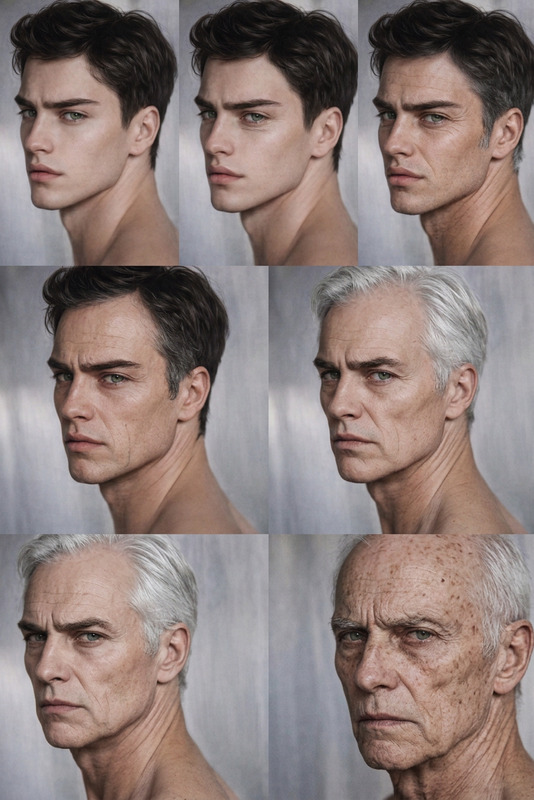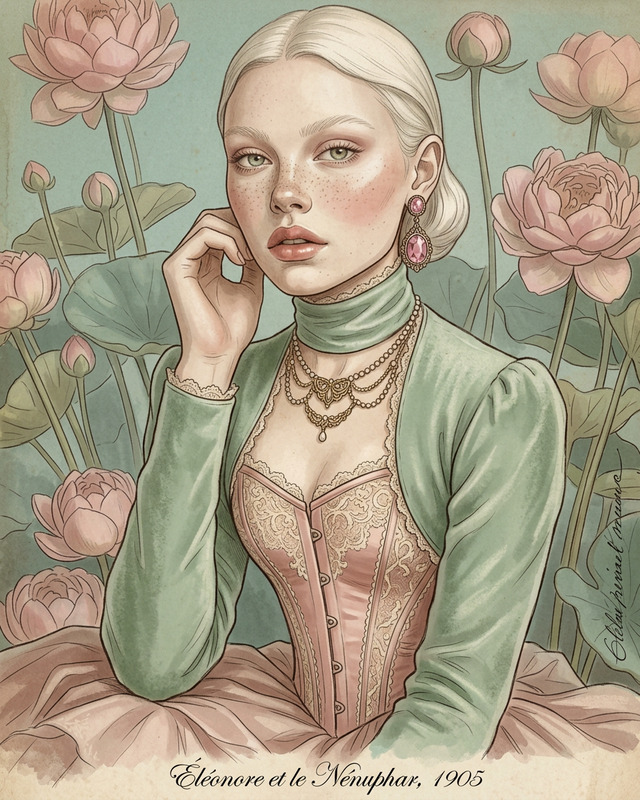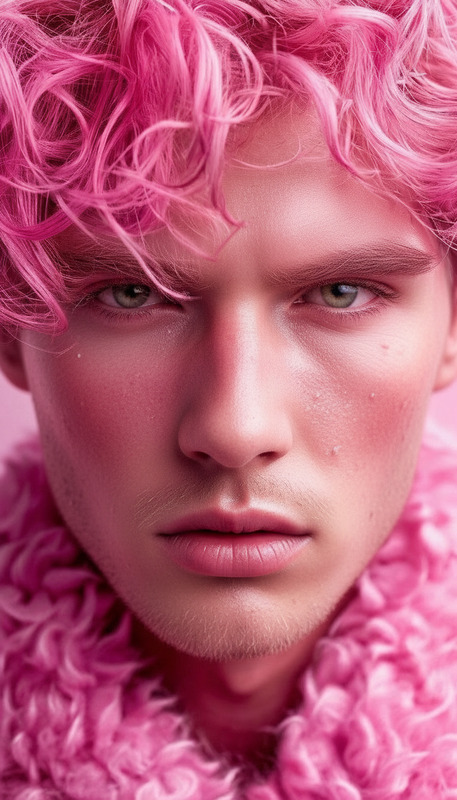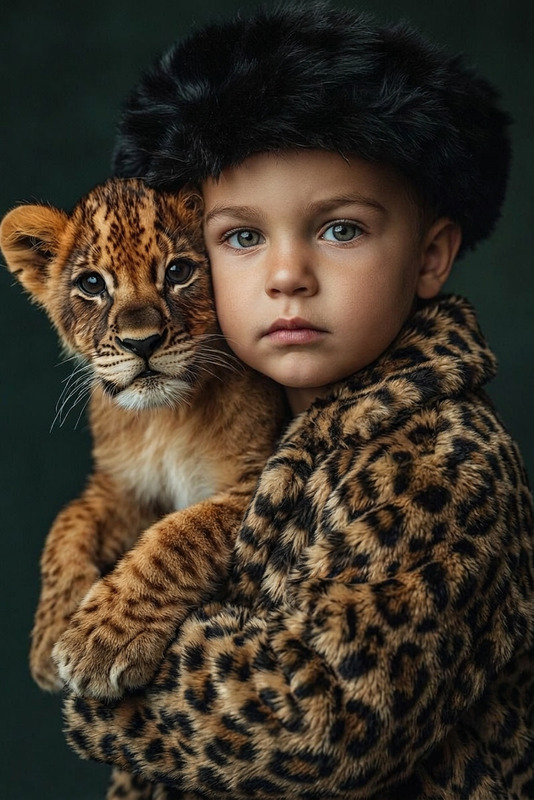
Identity-Preserving Aging

Identity-Preserving Aging

ai-image-editor

1 clip
16 uses

Any aspect ratio

Prompt

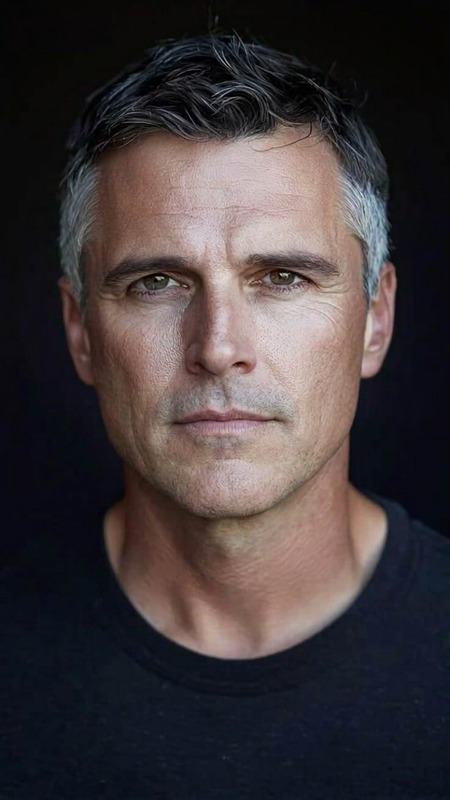
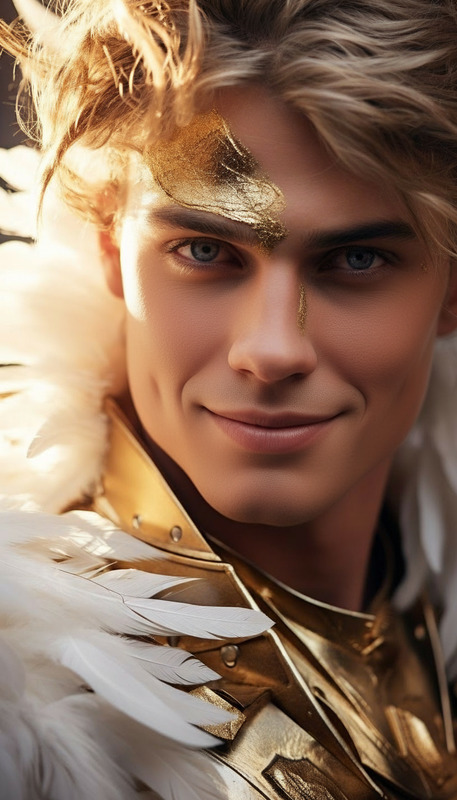
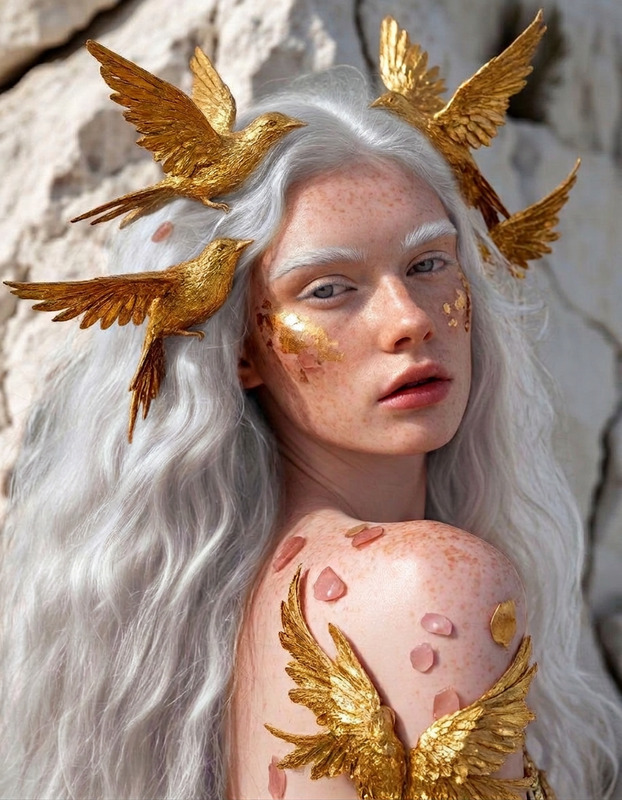
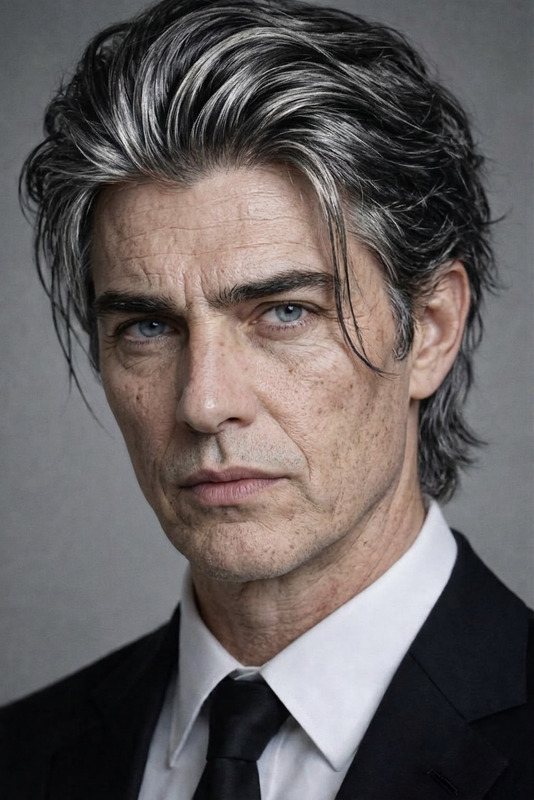
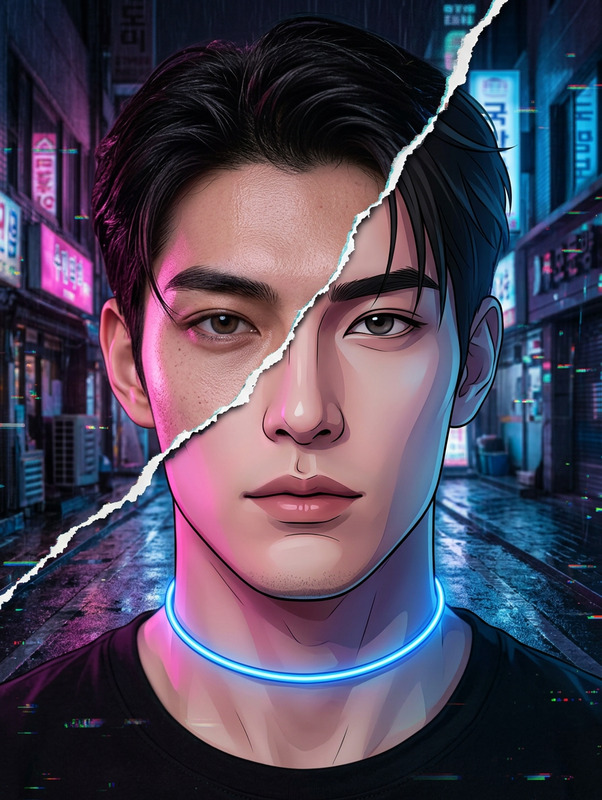
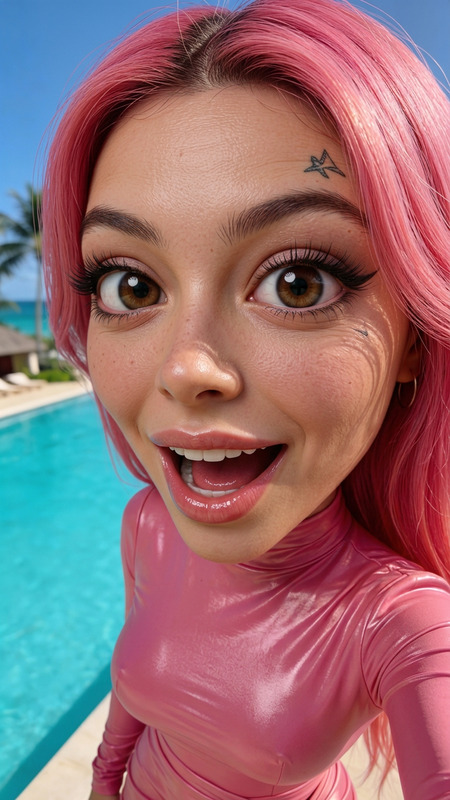
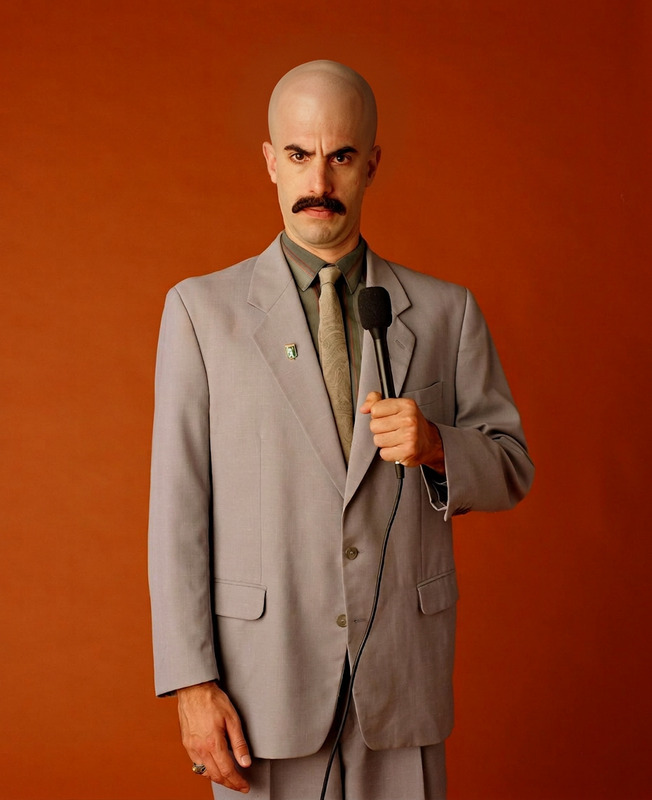
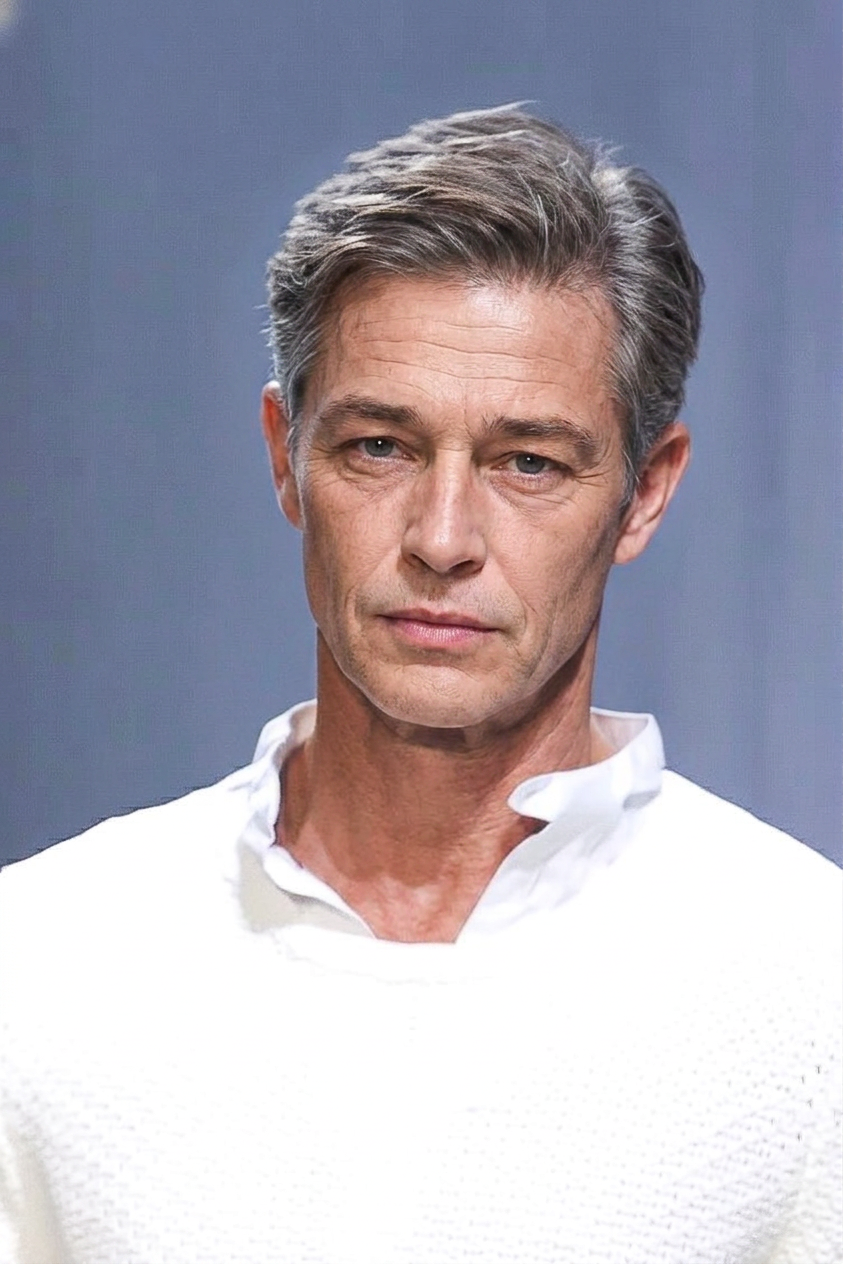
Apply a realistic aging effect to the subject while strictly preserving the original facial structure, proportions, spacing, and identity. Maintain gender expression, soft facial traits, and the original emotional tone and expression. Introduce age-appropriate changes such as natural skin texture, fine lines, wrinkles, and subtle shifts in facial fat distribution. Update hair realistically to reflect aging (e.g., graying, thinning) while keeping it consistent with the subject’s style. Ensure strong visual similarity to the input face and avoid any generic templates or facial replacements.

AI Image Editor Template: Transform Any Photo in Seconds

Use this template to turn a rough idea into a polished, ready-to-publish image—without opening Photoshop. It’s built on Magic Hour’s AI Image Editor, so you can:

  • Remove or replace objects and backgrounds
  • Change styles (photo-realistic, cinematic, anime, illustration, etc.)
  • Clean up photos for marketing, product shots, social, or content experiments
  • Remix this template into your own reusable editing workflow

What This Template Is For

This AI Image Editor template is designed for fast, repeatable edits when you need to:

  • Clean up marketing and product images

    • Remove cluttered backgrounds
    • Replace generic stock with your own branded scenes
    • Generate multiple variants for A/B tests and campaigns
  • Level up personal or creator content

    • Upgrade profile pictures and thumbnails
    • Turn casual photos into stylized artwork or branded visuals
    • Fix small issues (unwanted objects, distractions, artifacts) before posting
  • Prototype visual ideas quickly

    • Validate ad concepts in minutes instead of briefing a designer
    • Create image references for designers, agencies, or clients
    • Explore different visual directions (realistic, stylized, illustrative)

Because it’s template-based, you can repeat the same transformation across different images with minimal effort.


How to Use This Template in Magic Hour

You can use this template as-is or remix it into your own custom workflow. A typical flow using the AI Image Editor looks like:

  1. Upload or select a base image
    Start from:

  2. Describe your desired transformation
    Use clear, outcome-focused language. For example:

    • “Remove the background and replace it with a clean, light studio backdrop.”
    • “Turn this photo into a cinematic, film-style still with dramatic lighting.”
    • “Convert this selfie into a professional headshot with a neutral office background.”
    • “Repaint this scene in a high-detail anime style.”
  3. Edit, refine, and iterate
    The power of this template is in quick iteration:

    • Try different aesthetic directions (realistic, manga, comic, concept art)
    • Generate multiple versions and keep the best-performing ones
    • Combine with other Magic Hour tools for more advanced workflows (see below)
  4. Save your own remix
    Once you get a transformation you like, save it as your own remixable template. That lets you:

    • Apply the same style or transformation to new images in seconds
    • Standardize your team’s visual style
    • Build repeatable image pipelines for campaigns, content series, or products

Advanced Workflows: Combine with Other Magic Hour Tools

This template is a strong base layer. You can chain it with other Magic Hour tools to create more complex, production-ready workflows.

1. From Image → Video, GIF, or Talking Content

Once your edited image looks right, you can turn it into motion:

  • Turn edited images into dynamic videos

    • Use Image to Video to animate your edited stills for short-form content, promos, or concept previews.
    • Use Text to Video to build a video around your AI-edited visuals.
  • Create memes, looped clips, or social GIFs

    • Use the AI GIF Generator to transform your edited image into a looping animated asset.
  • Make talking photos and avatars

  • Animate existing characters or faces

2. Enhance Quality and Fix Imperfections

For production use (ads, websites, decks, thumbnails), you typically want higher fidelity and cleaner details:

3. Build Fully-Branded Visual Systems

If you’re a marketer, product lead, or founder, consistency matters as much as creativity:


Example Use Cases

Here are some practical patterns that work well with this template plus a few related tools:


Remixing This Template: How to Create Your Own Version

To build your own version of this template in Magic Hour:

  1. Start from this template or any AI Image Editor project
    Open the AI Image Editor and load:

    • This template
    • Any previous edit you liked
    • A brand-new image plus a clear instruction
  2. Refine the transformation to your use case
    Focus the template around a consistent, reusable action, for example:

    • “Make any product photo look like a high-end studio shot on a white background.”
    • “Convert any selfie into a LinkedIn-quality headshot.”
    • “Restyle any city photo into cyberpunk night photography.”
    • “Turn any illustration into a clean, vector-like flat design.”
  3. Test across multiple inputs
    Run 5–10 very different images through your customized template:

    • Different lighting, subjects, and compositions
    • Real photos plus AI-generated images
    • Simple and complex backgrounds
      Keep what works reliably and adjust descriptions until the results are consistent.
  4. Save and name your template clearly
    Use a descriptive, future-proof name, like:

    • “Ecommerce – Studio Product Cleanup”
    • “Brand – Social Portrait Style v1”
    • “Concept Art – Dark Fantasy Matte Painting”
  5. Create chains with other tools
    Once you have a solid image-editing template, document and standardize your downstream steps:

    • “Edit with AI Image Editor → Upscale → Background swap → Export for social”
    • “Edit with AI Image Editor → Image to Video → Auto Subtitle Generator”

This makes it easy for teams, collaborators, and future you to repeat the same workflow with predictable results.


Related Magic Hour Templates and Tools

If you like this AI Image Editor template, you may also want to explore:

Each of these can be combined with this AI Image Editor template to prototype fast, refine quickly, and ship polished visuals with minimal manual design work.


Use this template as your base layer for image quality, consistency, and style—and then remix it into the specific workflow your product, brand, or content strategy needs.

More Like This

Insufficient credits