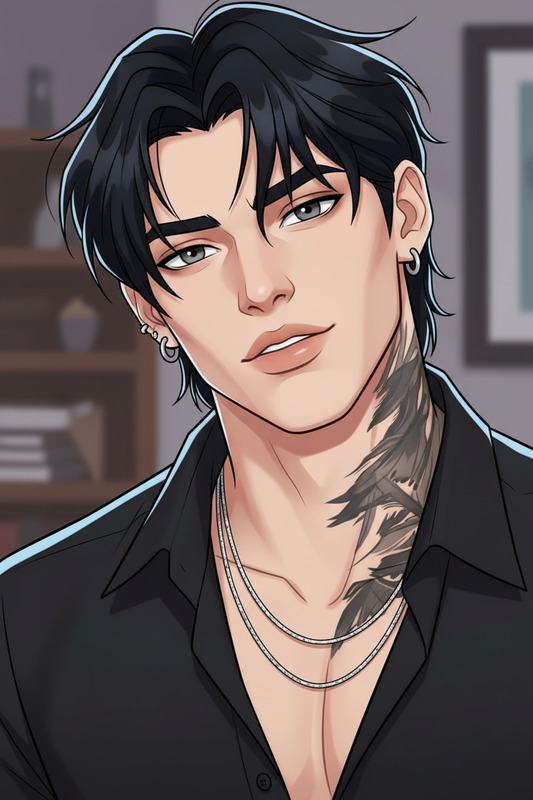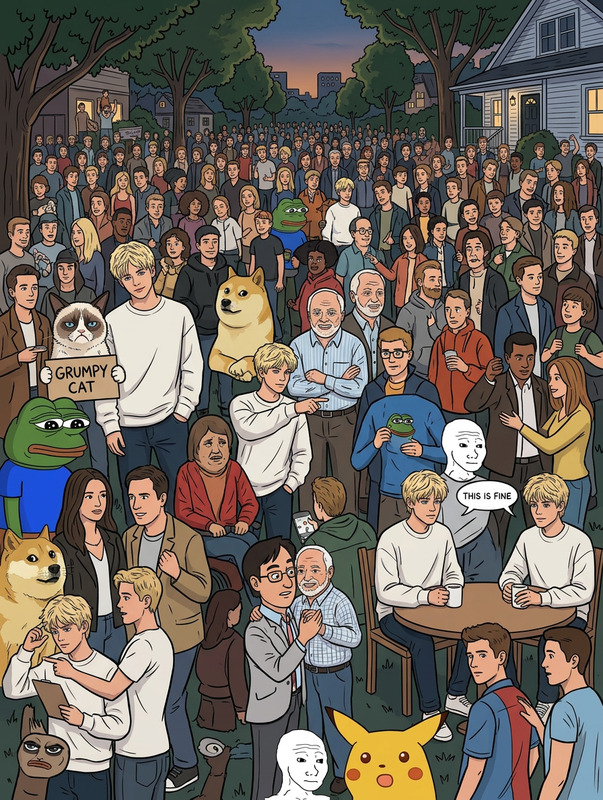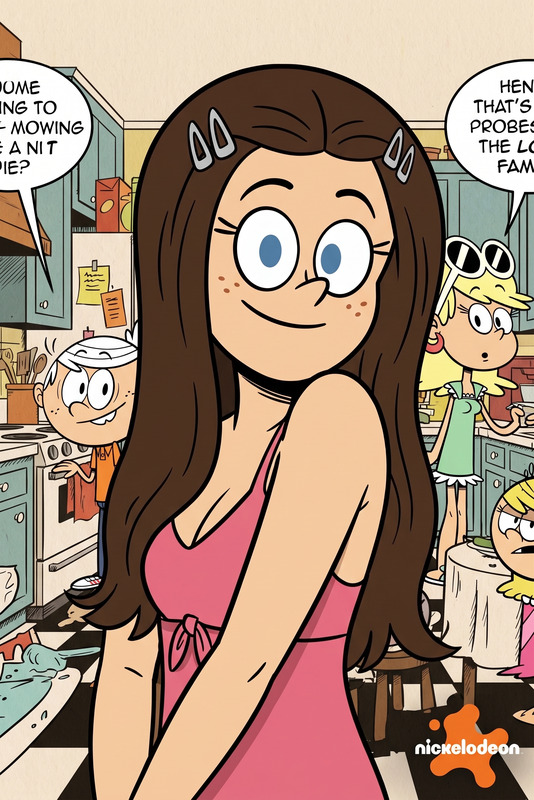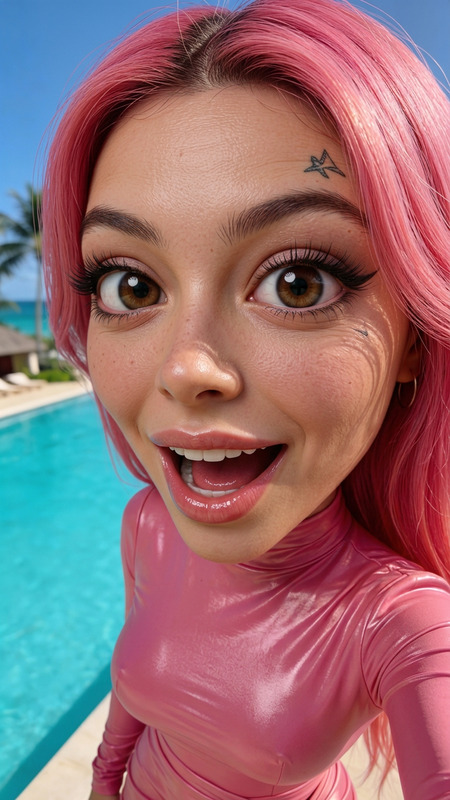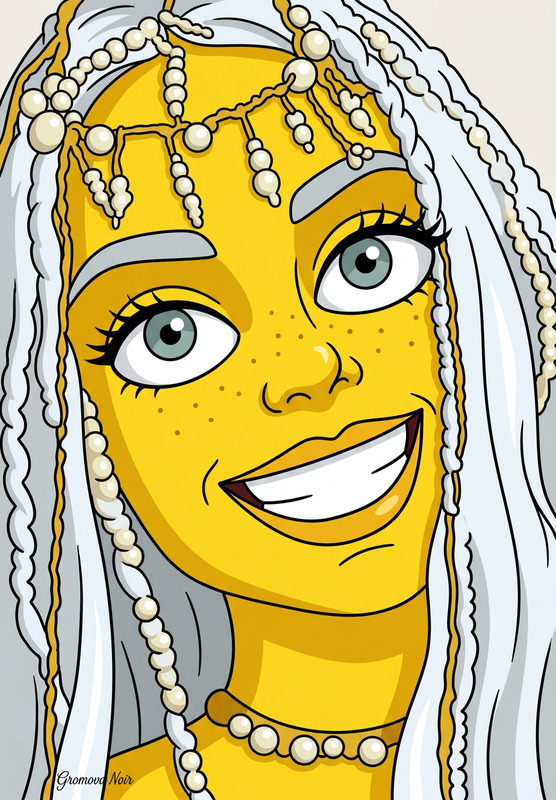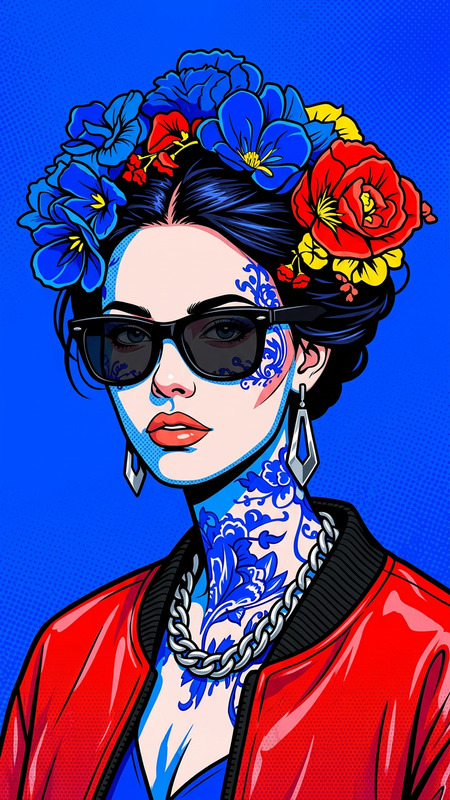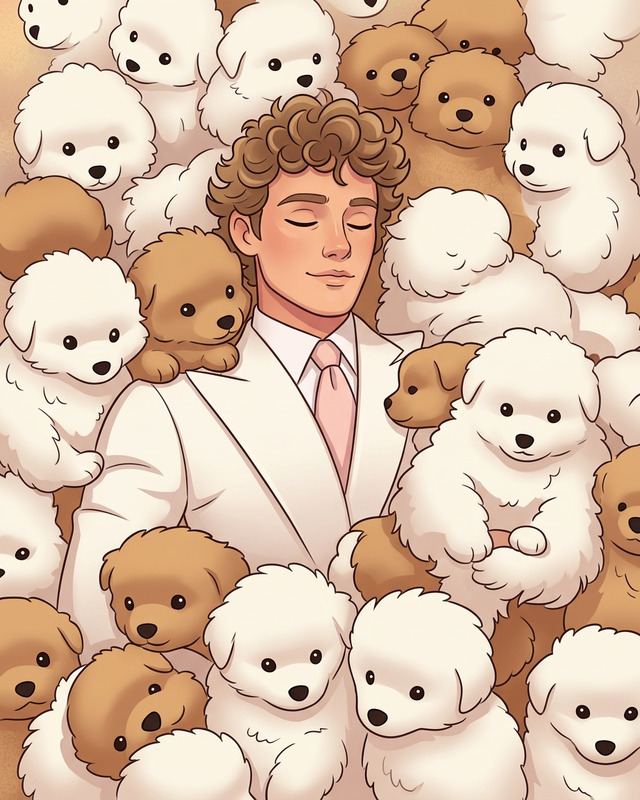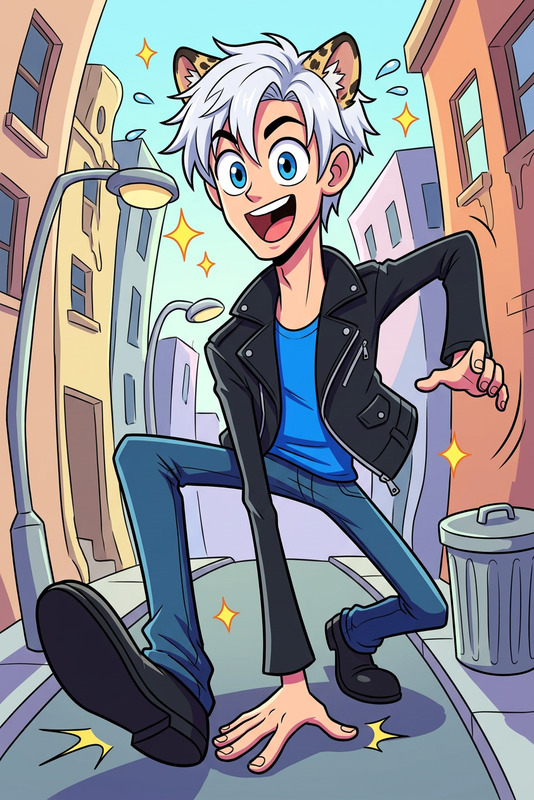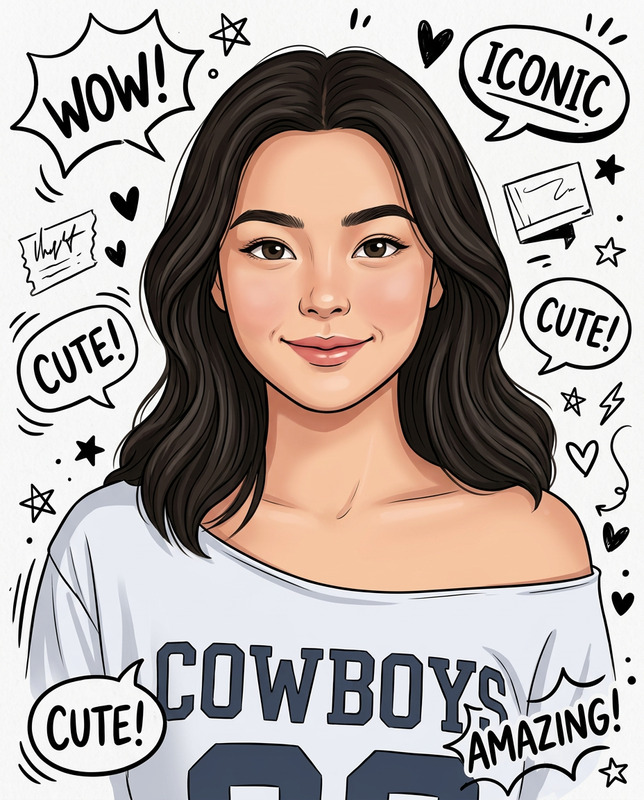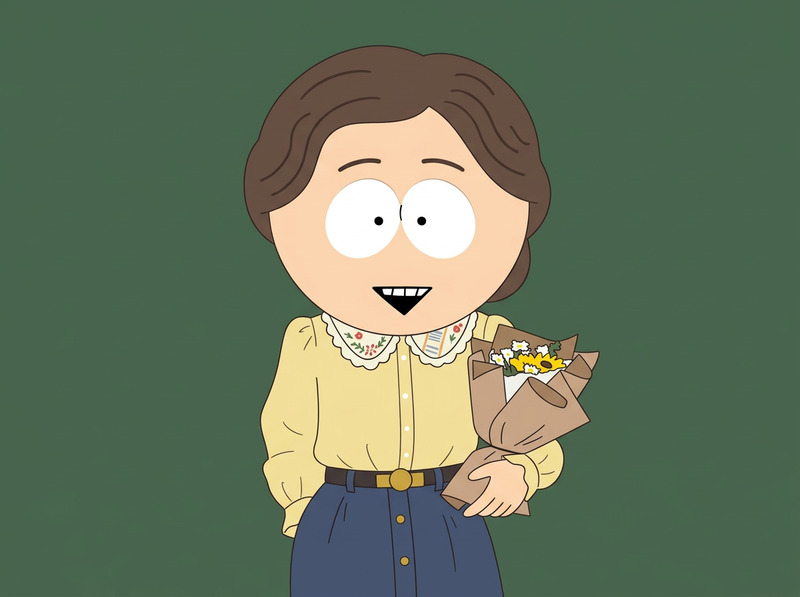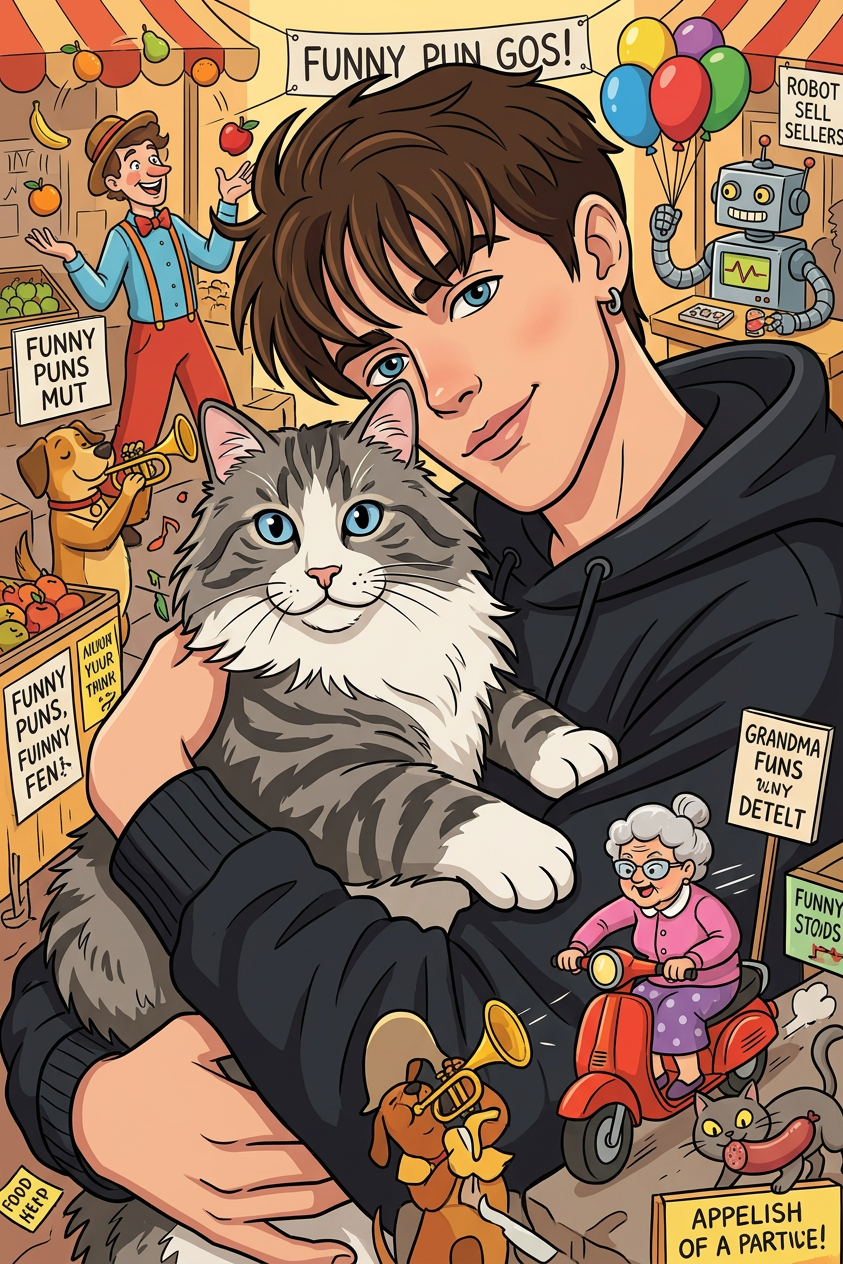
Cartoon Crowd Scene Adventure
ai-image-editor
Any aspect ratio
Turn the person into a stylized cartoon character with clear, recognizable features. Place them inside a dense, highly detailed illustrated crowd scene in a playful “search-and-find” style. The environment should be busy, colorful, and full of small humorous background characters and activities. Ensure the subject is fully visible and naturally integrated into the scene (not hidden), with consistent cartoon style, clean outlines, and vibrant colors. The composition should feel like a lively illustrated page with many visual elements, but the subject remains identifiable and stands out subtly within the environment.
Tags
stylespopularAI Image Editor Template: Precision Visual Editing for Fast Experiments
Use this template to turn any image into a polished, on‑brand asset with the power of Magic Hour’s AI Image Editor. It’s built for creators, marketers, designers, and founders who need to iterate quickly on visuals without opening Photoshop or briefing a design team.
What You Can Do With This Template
This template is a practical starting point for:
Product mockups & marketing visuals
- Swap backgrounds, clean up distractions, and generate variants for A/B tests
- Combine with the AI Image Generator or AI Photo Generator to go from concept → image → edited asset
Brand & campaign assets
- Adapt a single base image into multiple formats for ads, landing pages, thumbnails, and social
- Use the Thumbnail Maker and Album Cover Generator alongside this editor to quickly assemble campaign systems
Cleanup, retouching & enhancement
- Remove unwanted objects or people using AI Remover or Remove Object from Photo
- Fix blur and low‑res images with the AI Image Upscaler or Unblur Image
Creative experimentation & concept art
- Turn rough prompts into polished visuals by pairing this template with:
- Quickly explore different visual directions without manually redrawing
How to Remix This Template in Magic Hour
You don’t need to start from scratch. To create your own version of this template in Magic Hour:
Open the AI Image Editor
Go to the AI Image Editor. Upload an image or bring in one you generated with tools like the AI Art Generator, AI Character Generator, or Avatar Generator.Define the goal of your remix
Common use cases:- Clean product photos for ecommerce or pitch decks
- Social ads and landing page hero images
- YouTube thumbnails and podcast covers
- Game, D&D, or fantasy art using tools like the DND AI Art Generator or Fantasy Map Generator
Chain tools for a complete workflow
Depending on your goal, combine this template with:- For people & faces
- For clothes, style & fashion
- For backgrounds & environments
Save your workflow as a reusable pattern
Once you like the sequence of steps (e.g., generate → edit → upscale → remove background), you can repeat it on other images to keep your brand and style consistent across campaigns, apps, or client work.
Example Workflows Using This Template
1. Founder / Marketer: Landing Page & Ads
- Generate a hero visual with the AI Art Generator or AI Image Generator
- Clean it and adjust composition with this AI Image Editor template
- Remove the background if needed using the Image Background Remover
- Upscale for crispness via AI Image Upscaler
- Create ad variants with the AI Meme Generator or AI QR Code Generator
2. Creator / YouTuber: Thumbnail System
- Start with a photo or character from the Avatar Generator or AI Face Generator
- Use this template to refine the subject, adjust lighting, and clean edges
- Design backgrounds with the Optical Illusion Generator, Comic Book Generator, or Graffiti Generator
- Assemble and finalize with the Thumbnail Maker
3. Game Dev / Worldbuilder: Concept Art
- Generate initial scenes or characters with:
- Refine, clean, and harmonize the style using this AI Image Editor template
- Create final maps or covers with the Fantasy Map Generator or Book Cover Generator
Turn Edited Images into Video, GIFs, and Talking Content
Once you’ve polished your images with this template, you can extend them across formats:
Image → Video & Animation
- Animate still images with Image to Video or Text to Video
- Use Video to Video Templates to restyle existing footage
- Create character animations via the Animation Templates
Image → Face & Lip Animations
- Turn portraits into talking content with AI Talking Photo
- Combine with Lip Sync Templates or Face Swap Video Templates
- Create GIFs from your edited images with the AI GIF Generator or Face Swap GIF
Add Voice & Subtitles
- Generate or clone voices with the AI Voice Generator and AI Voice Cloner
- Change recorded voices via the AI Voice Changer
- Auto‑caption your videos with the Auto Subtitle Generator
Advanced Use Cases for Professionals
For teams and builders who care about workflow efficiency and consistency, this template supports:
Brand systems & design libraries
- Keep consistent character styles using tools like the Full Body Generator, AI Character Generator, and AI Icon Generator, then refine them here
- Build recurring formats for newsletters, decks, and product launch campaigns
Product UI & assets for apps / games
- Create app icons and in‑game items with the AI Logo Generator, AI Icon Generator, and AI QR Code Generator, then polish with this template
- Design character‑driven experiences with the Animated Characters Generator
Restoration, archives, and datasets
- Repair and modernize old assets using Old Photo Restoration, Photo Colorizer, and Unblur Image
- Clean and normalize datasets of faces, products, or environments for consistent output in downstream AI tools
Related Tools You May Want to Combine
This AI Image Editor template works especially well with:
- AI Tattoo Generator – design, then refine placements and mockups
- AI Outfit Generator – create looks, then retouch for lookbooks or socials
- AI Background Generator – generate custom brand or scene backgrounds
- AI Meme Generator – produce meme templates, then adapt them to your brand
- AI Face Generator – create synthetic personas, then finalize with this editor
- Photo to Sketch – turn real photos into sketches, refine them, or combine sketch + photo for hybrid looks
Why Use Magic Hour’s AI Image Editor Template?
- Speed – Go from raw concept to production‑ready asset in minutes, not hours
- Consistency – Reuse a repeatable editing pattern across campaigns and clients
- Quality – Leverage dedicated tools (upscaling, background removal, restoration) inside one ecosystem
- Flexibility – Move seamlessly between image, video, GIF, voice, and animated formats
Remix this template, plug it into your existing toolchain, and treat Magic Hour as your visual production layer—from first idea to final asset.