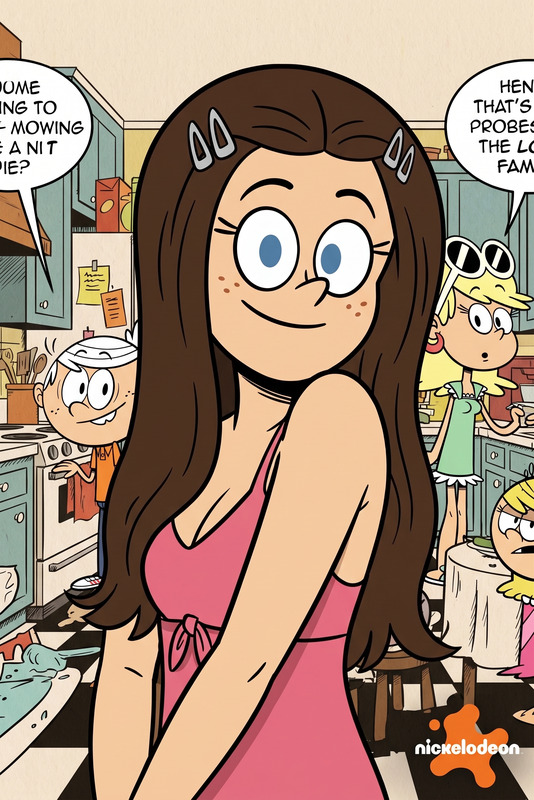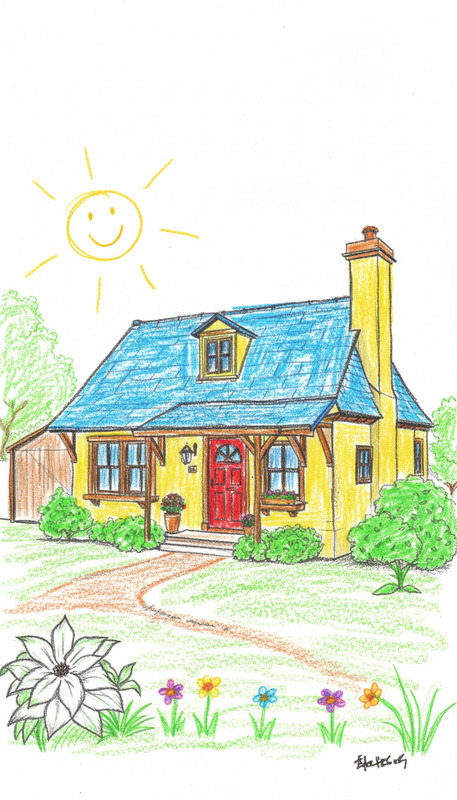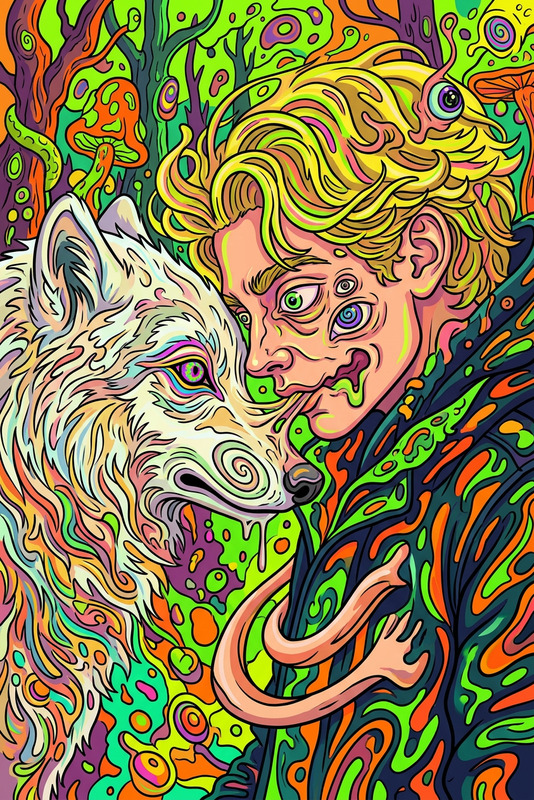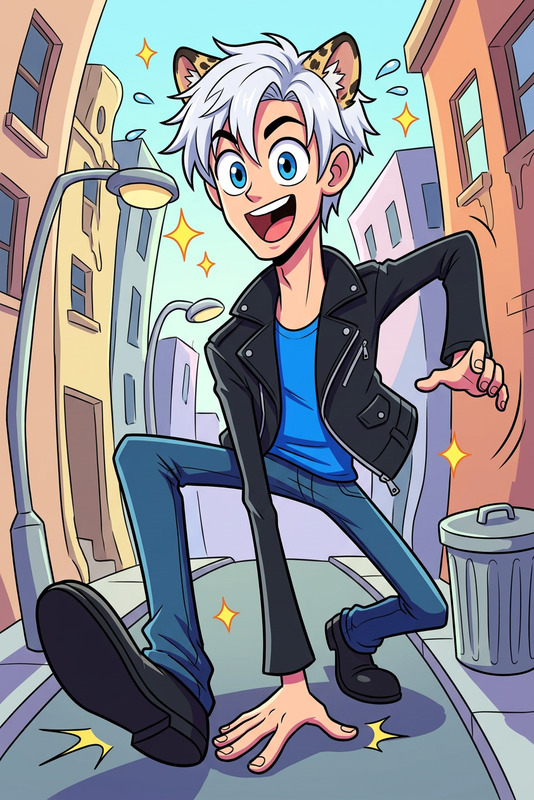
Yellow Toon Vibe
- Model
- Nano Banana 2
- Image
- 864 × 1243 px
Prompt
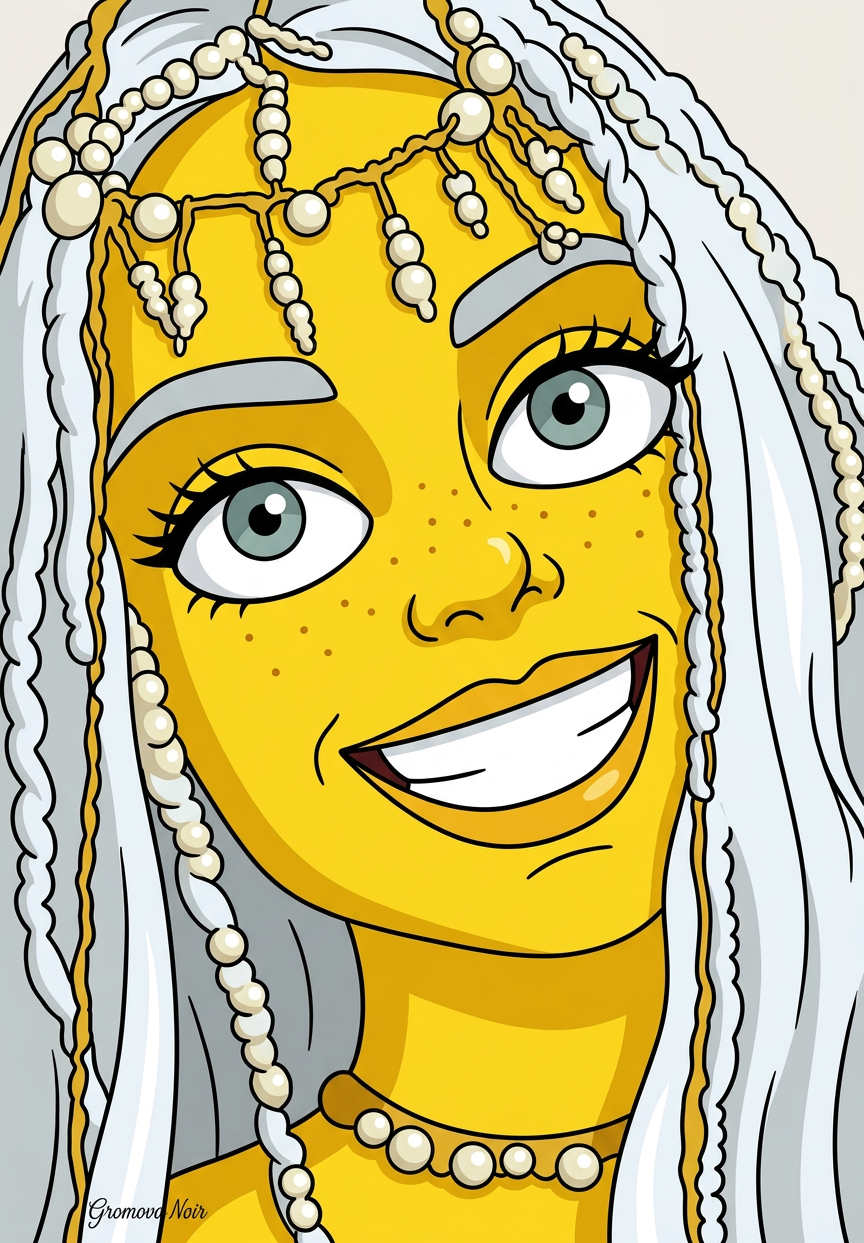
Transform the subject into a cartoon character with yellow skin, a big bright smile, and exaggerated features—large eyes, simple shapes, and bold outlines in a classic TV animation style. Clean colors, flat shading, and a playful, iconic look.
Any aspect ratio
Overview
The Yellow Toon Vibe template transforms your images into dynamic and playful cartoon characters. Utilizing the AI Image Editor, this template creates characters with yellow skin, big smiles, and exaggerated features, delivering a classic TV animation style.
What It Does
With the Yellow Toon Vibe template, convert ordinary photos into cartoonish depictions that resonate familiarity with classic animations. The output maintains simple shapes and bold outlines, perfect for creating engaging visuals with clean colors and flat shading.
Whether you're an artist looking to reinvent portraits or a content creator aiming for playful imagery, this tool provides a unique, eye-catching result every time.
Who It's For
This template is ideal for content creators in need of unique, stylistic visuals. Social media influencers can use this to enhance engagement with quirky, animated posts. Additionally, businesses aiming for personalized mascot designs or educational content will find it incredibly useful.
The template also accommodates those in the AI Product Photography sector looking to vary presentations with fun characterizations.
Summary
Embody the spirit of animation with the Yellow Toon Vibe template. It's your go-to tool for converting images into lively cartoons, helping captivate your audience with a delightful, stand-out style. Create characters that pop against any background while maintaining aesthetic simplicity.
Find more inspiration in the AI Image Generator to complement your animated transformations.
How-to Guide
Choose Your Template

Customize Your Image

Generate and Download

Use Cases
Social Media Content
- Instagram profile enhancements
- Fun Facebook avatars
Character Design
- Mascot visuals for brands
- Comics and storyboards
Educational Content
- Interactive cartoons for e-learning
- Playful diagrams and illustrations
Best Practices
High-Quality Images
Start with high-resolution images to ensure the generated cartoons retain clarity and detail.Consistent Features
When using multiple cartoon images, maintain consistency in exaggerated features for uniformity across your project.Bright Backgrounds
Use vibrant backgrounds to enhance the cartoon's playful vibe and ensure it stands out visually.