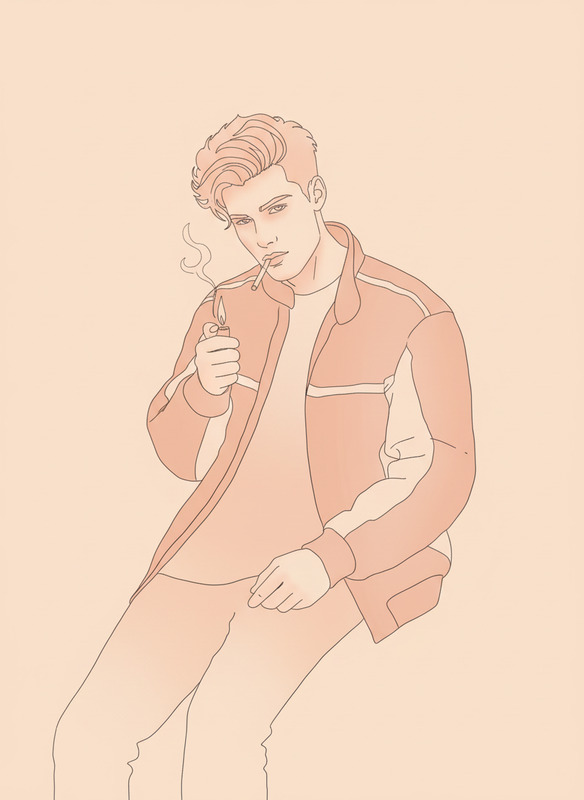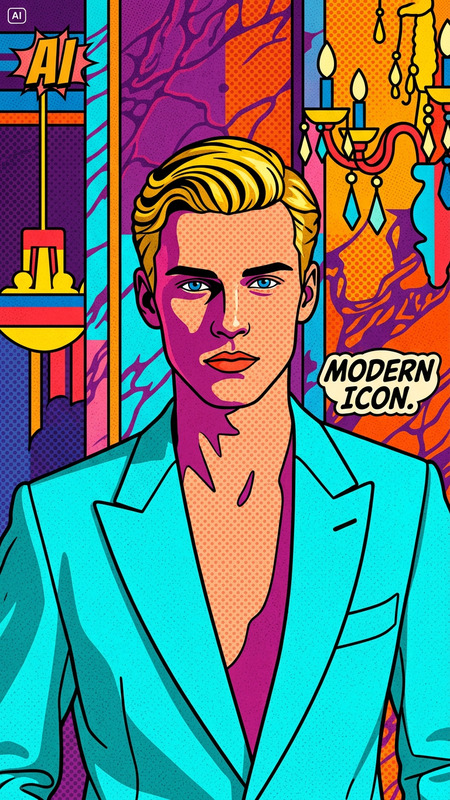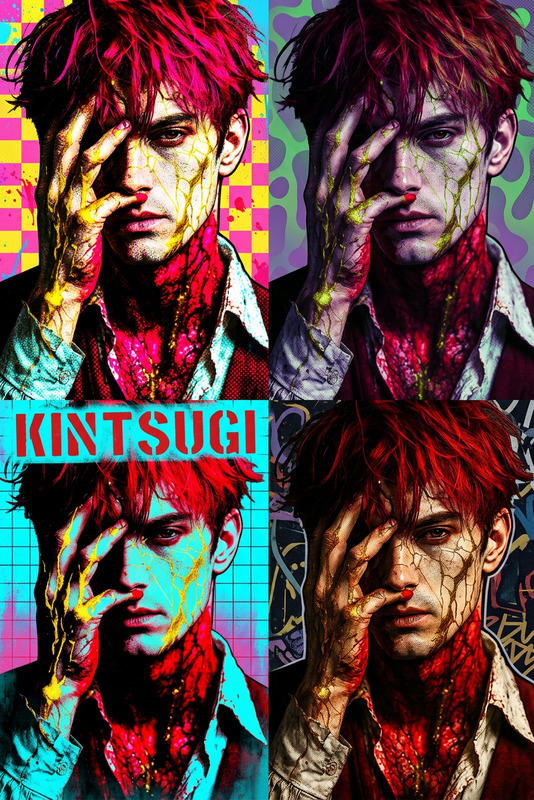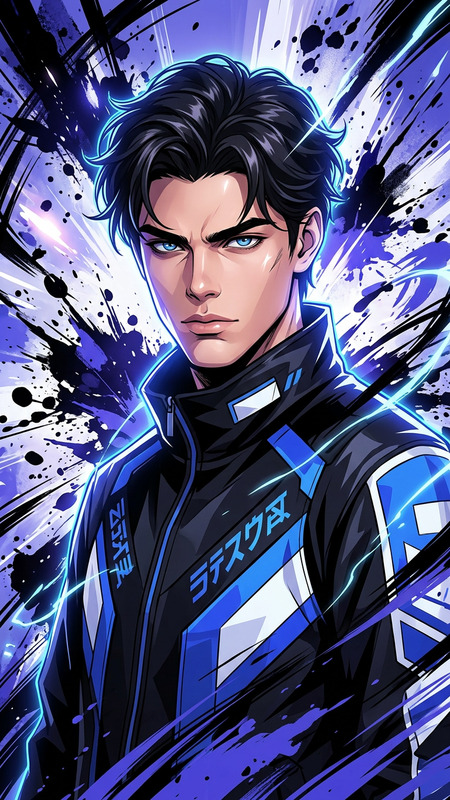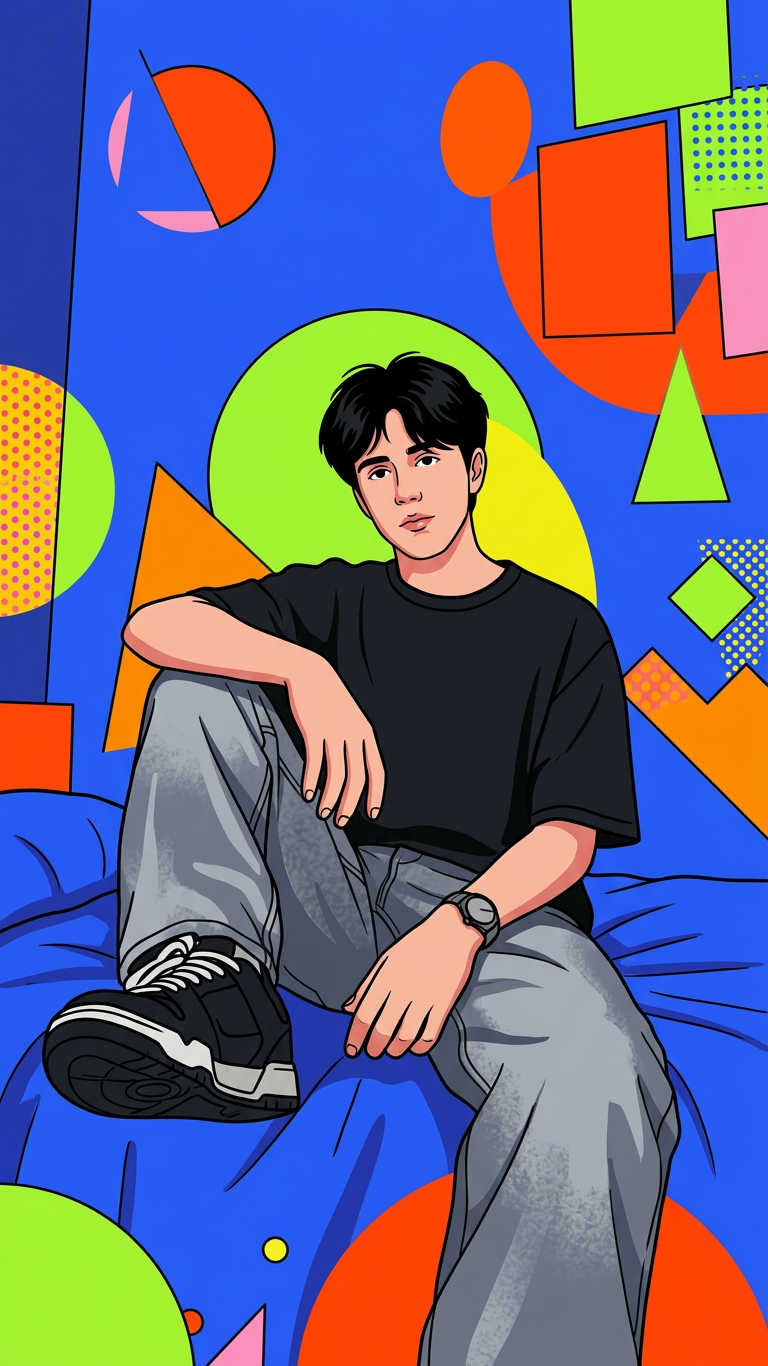
Pop Illustration Style
- Model
- Nano Banana 2
- Image
- 768 × 1366 px
Prompt
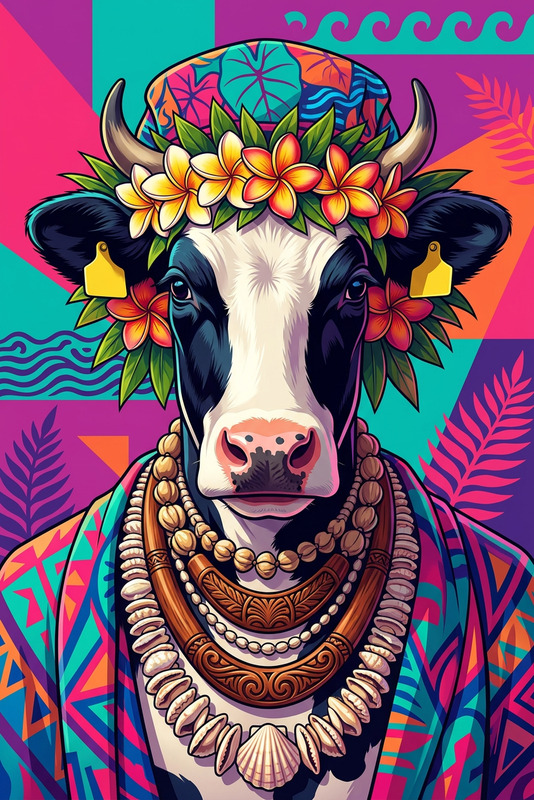
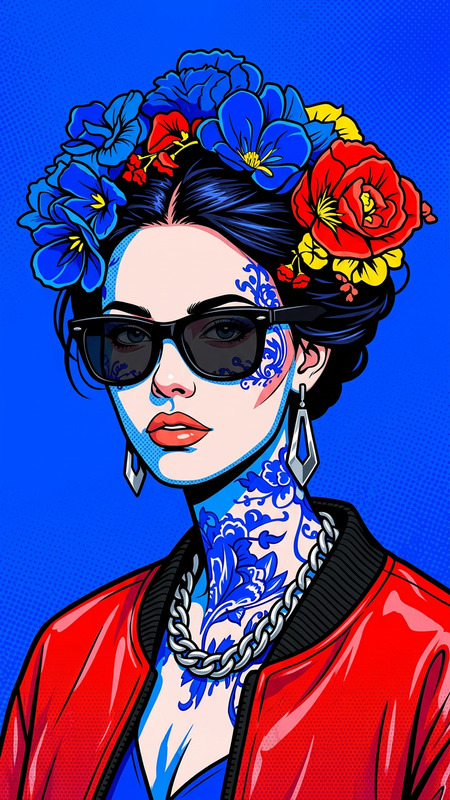
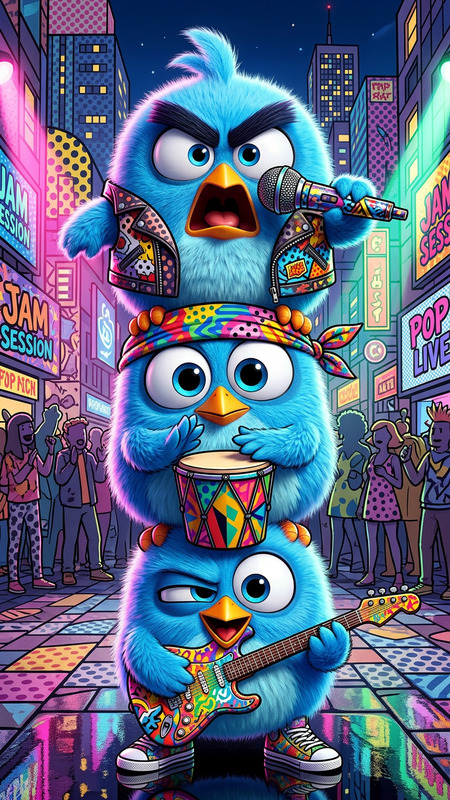
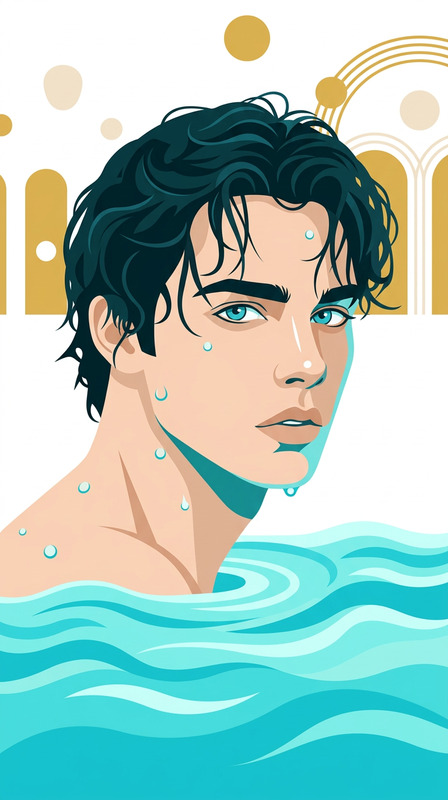
A subject transformed into a bold pop illustration, with clean black outlines, flat vibrant colors, and simplified shapes. The background features abstract geometric forms in bright contrasting hues, creating a playful, graphic composition. Smooth shading, high contrast, minimal texture, and a stylized, cartoon-like aesthetic with a modern editorial feel.
Any aspect ratio
Overview
The Pop Illustration Style template leverages the power of the AI Image Editor, utilizing the nano-banana-2 model. It transforms subjects into vivid pop illustrations with bold outlines, vibrant colors, and simplified shapes.
What It Does
This template allows you to transform standard images into dynamic pop art illustrations. The process focuses on rendering clean black outlines, flat vibrant colors, and geometric backgrounds. It gives your visuals a playful, cartoon-like aesthetic with smooth shading and minimal texture, perfect for modern editorial visuals.
Who It's For
Ideal for graphic designers, content creators, and social media influencers seeking a bold artistic style. Whether you're crafting unique advertisements or looking to make animated sequences more engaging, this template integrates perfectly with tools like Image to Video and AI Video Generator to bring your illustrations to life.
Summary
With the AI Image Editor, you can easily apply the Pop Illustration Style to your images. Utilize its features to create eye-catching and vibrant visuals suitable for storytelling and animations. Its high contrast and modern style make it distinctive for various creative projects.
How-To
Choose

Customize

Generate

Use Cases
Social Media Content
- Eye-catching profile pictures
- Vibrant Instagram stories
Marketing Campaigns
- Bold advertisement banners
- Creative social media ads
Editorial Graphics
- Striking cover images
- Illustrative article visuals
Best Practices
Choose the Right Subject
Opt for subjects with clear outlines for best results. Avoid overly detailed images to better align with the pop art style.Color Harmony
Ensure that your background and subject colors complement each other to maintain a balanced and engaging composition.Experiment with Mixing
Combine this style with other templates like the AI Clothes Changer for diverse and dynamic outputs.