Modern Office Insert
ai-image-editor
Any aspect ratio
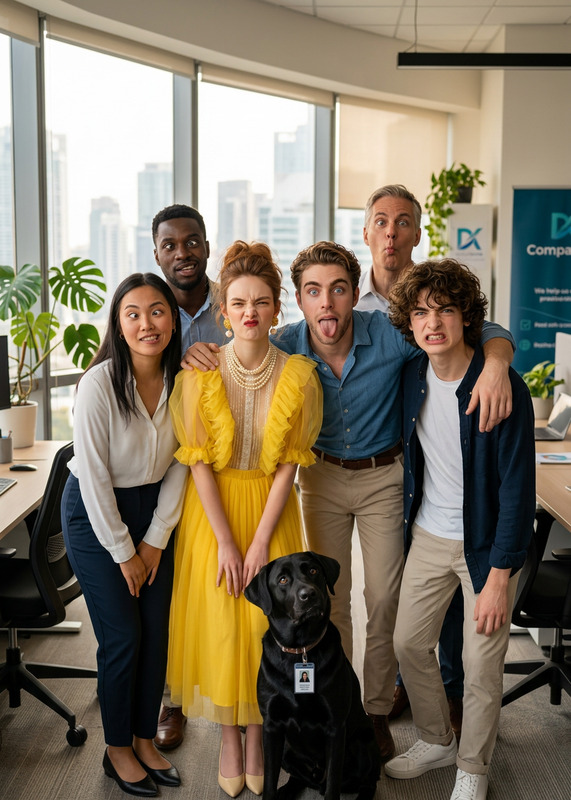
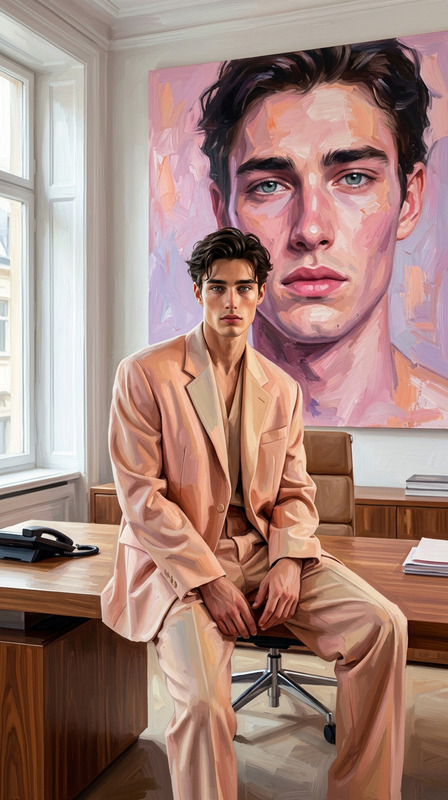
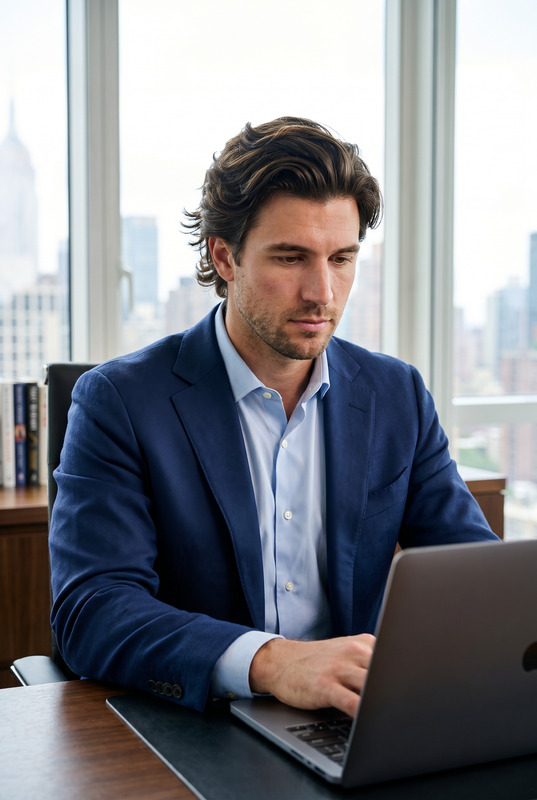
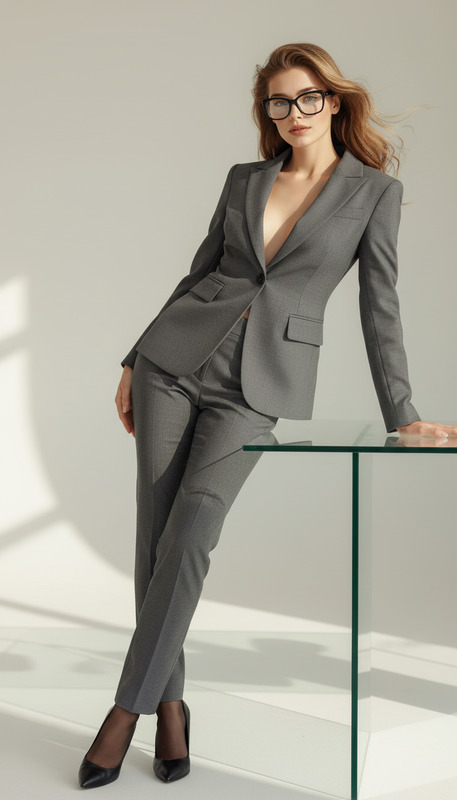
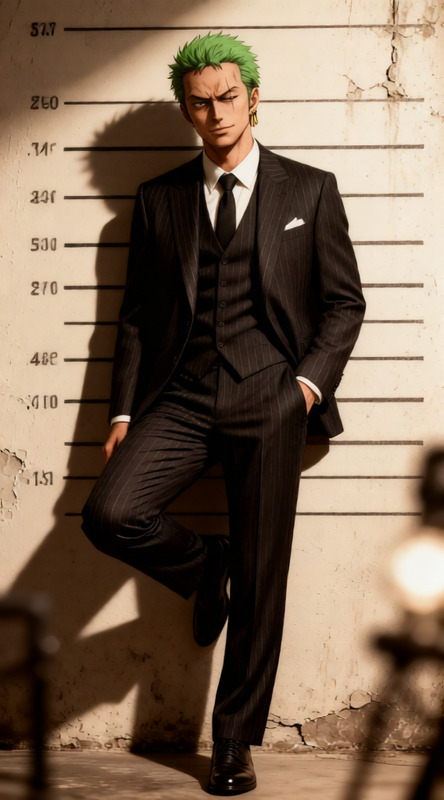
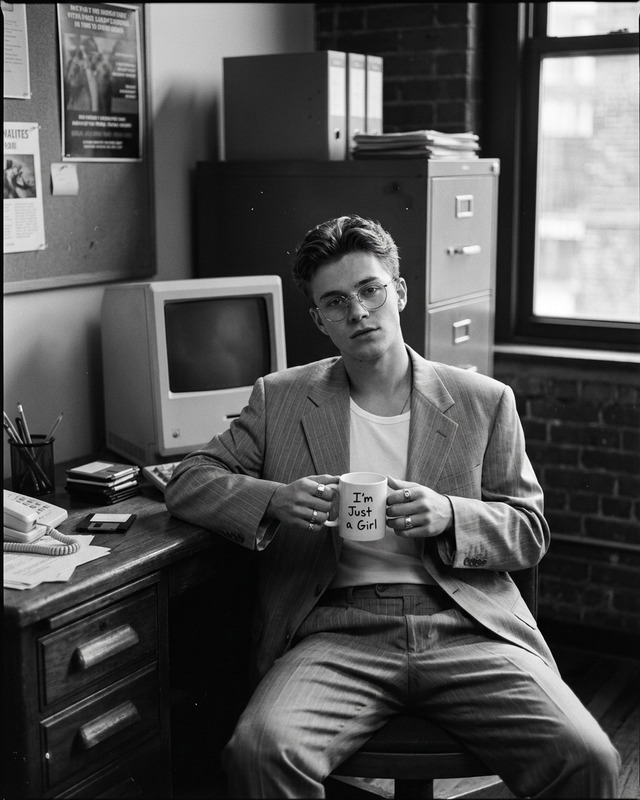
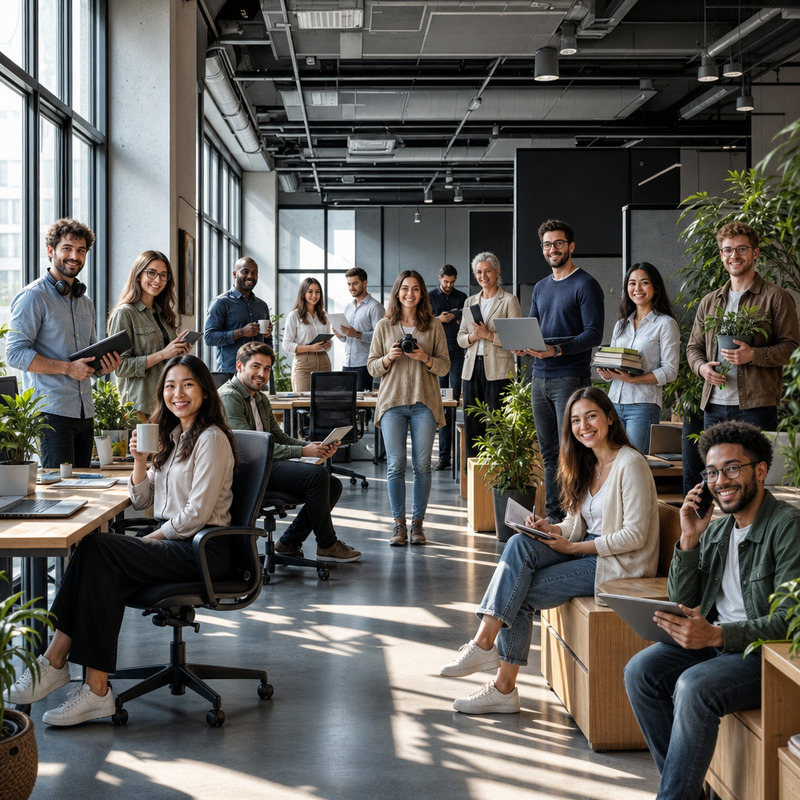
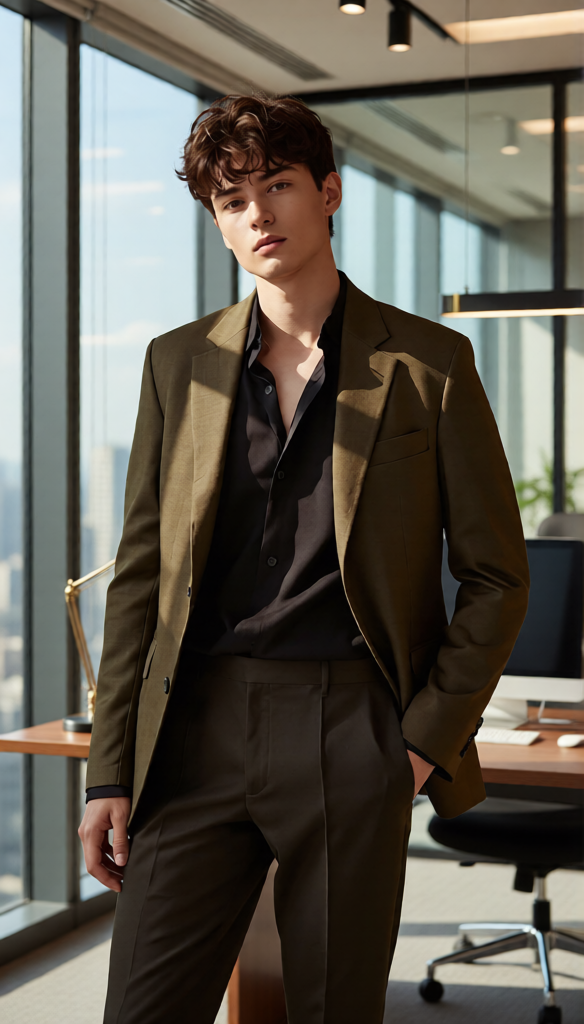
Insert the person into a modern office environment with glass walls, warm desk lighting, and a clean professional setting. Maintain realistic reflections on glass surfaces, accurate shadows, and natural depth with shallow focus. Ensure the subject blends seamlessly with the environment in terms of lighting, perspective, and color. High detail, photorealistic, corporate aesthetic.
AI Image Editor Template: Clean Removals & Smart Retouching
Use this AI Image Editor–based template to quickly remove objects, clean up backgrounds, and retouch product or lifestyle photos with studio-level precision—directly in your browser.
Whether you’re a creator, marketer, or founder, this template gives you a repeatable workflow you can remix in Magic Hour to handle common tasks like:
- Removing distractions, logos, or people from photos
- Fixing product photos for ads, landing pages, and marketplaces
- Tidying up UGC, social posts, or thumbnails
- Creating clean source images you can later animate or turn into video
What this template is built on
This template uses the AI Image Editor as its core engine. Under the hood, it combines:
- Object-aware inpainting – to remove or replace selected regions
- Background understanding – to reconstruct what's behind removed objects
- High-res image handling – so edits hold up in paid ads, print, and product pages
You can pair results from this template with other Magic Hour tools, for example:
- Turn cleaned-up stills into motion with Image to Video
- Scale visuals into a full video concept with Text to Video
- Generate new creative variations with the AI Image Generator or AI Art Generator
- Create scroll-stopping GIFs from your edited images with the AI GIF Generator
When to use this template
This AI Image Editor template is especially useful for:
E‑commerce & product marketers
- Remove cluttered props or price tags
- Clean reflections or unwanted objects from packshots
- Prepare images for marketplaces, landing pages, and performance creatives
Social media & content teams
- Delete random bystanders or brand conflicts from lifestyle shots
- Clean up backgrounds for Instagram, TikTok, and LinkedIn posts
- Prep images to later animate with AI Talking Photo or Animation templates
Founders, designers & growth teams
- Fix hero imagery for pitch decks and product pages
- Remove placeholder elements before handing off to design
- Rapidly iterate on visuals for experiments and A/B tests
Creators & personal brands
- Remove photobombers or background distractions
- Tidy up portraits before turning them into AI headshots
- Clean source images for Avatar Generator or AI Selfie Generator
If you need one-click background removal instead of localized edits, pair this with the Image Background Remover or AI Background Generator.
How to remix this template in Magic Hour
You can clone the core workflow of this template directly inside Magic Hour. To create your own version:
Start with the AI Image Editor
- Open the AI Image Editor.
- Upload the image you want to clean up (product photo, portrait, lifestyle shot, etc.).
Define what you want to remove or fix
- Identify the target: objects, people, logos, wires, trash, date stamps, or text you want gone.
- For more advanced workflows, you can also plan multiple passes: first remove, then subtly rebuild or stylize.
Select regions to edit
- Use the editor’s selection tools to highlight only the unwanted elements.
- Keep selections focused so the model has clear context about what should remain untouched.
Apply object removal / inpainting
- Run the removal on the selected region; the model will reconstruct the missing area to match lighting, depth, and texture.
- If you’re iterating toward a particular aesthetic, you can prompt the editor to guide the inpainting toward a specific style or material.
Refine and iterate
- Repeat on smaller regions to fix artifacts or refine edges.
- Zoom in around fine details (hair, transparent surfaces, edges of objects).
- For portraits, combine with the AI Face Editor to subtly adjust facial details without over-editing.
Export and connect to other workflows
- Export the cleaned image for immediate use in ads, decks, or content.
- Optionally:
- Turn the cleaned image into a short motion clip with Image to Video.
- Animate the subject’s face using AI Talking Photo or Lip Sync.
- Upscale for print or high-res campaigns with the AI Image Upscaler.
Once you’ve run this sequence once, you can reuse it as a personal “template” for similar image types—product shots, UGC, thumbnails, or portraits.
Example workflows you can build from this template
You can adapt this AI Image Editor template into specialized pipelines inside Magic Hour:
Clean product photos → animated showcase
- Step 1: Use this template to strip away distractions and unify your product background.
- Step 2: Upscale with AI Image Upscaler for sharpness.
- Step 3: Turn your still into a rotating or dynamic shot via Image to Video or Video to Video templates.
Portrait cleanup → brand avatar or talking head
- Step 1: Remove background clutter and unwanted elements with this template.
- Step 2: Refine facial details via AI Face Editor or generate on-brand headshots via AI Headshot Generator.
- Step 3: Create branded avatars via Avatar Generator or animate with AI Talking Photo.
UGC & social content cleanup → repurposed creatives
- Step 1: Remove brand conflicts or sensitive content using this template and, if needed, AI Remover.
- Step 2: Reframe or stylize backgrounds with AI Background Generator.
- Step 3: Turn high-performing frames into memes or GIFs with the AI Meme Generator or AI GIF Generator.
Related tools and templates that work well together
To extend what you can do with this AI Image Editor template, consider combining it with:
Video & animation
- Video to Video template – restyle footage after you’ve cleaned key frames.
- Animation templates – turn cleaned characters or objects into full animated sequences.
- Face Swap Video and Face Swap (GIF) – swap faces using images you’ve prepared with this template.
Creative generation & branding
- AI Icon Generator, AI Logo Generator, and Album Cover Generator – create branded assets that match your cleaned visual style.
- Book Cover Generator or Thumbnail Maker – use cleaned photos as the basis for covers and thumbnails.
Quality & restoration
- Old Photo Restoration – repair damaged images, then use this template to remove remaining artifacts.
- Unblur Image and Photo Colorizer – fix blur and color before or after object removal.
- Video Upscaler – after using image-based edits to design your look, upscale final video content.
Practical tips for better results
Work from highest-quality sources available
Higher resolution input images give the AI more signal to reconstruct realistic textures and edges.Edit in passes, not all at once
Remove major objects first, then refine with smaller selections. This typically yields more natural fills and fewer artifacts.Match your end-use
- Ads / landing pages: prioritize sharpness and clean lines; consider pairing with AI Image Upscaler.
- Organic social: you can allow more stylization or creative fills to stand out visually.
- Technical or product imagery: keep edits minimal and consistent across a set.
Chain tools intentionally
Clean first, then stylize, then upscale or animate. This sequence usually gives better results than trying to fix issues after heavy stylization or motion.
Build your own version
You don’t need to rely on a single preset. Use this template as a starting point, then:
- Save your own “playbook” for product shots, portraits, or UGC.
- Combine AI Image Editor with tools like AI Background Generator, AI Art Generator, or AI Clothes Changer to build specialized internal workflows.
- Hand off consistent, cleaned assets to your design or growth team so they can layer on brand and motion with Text to Video, Lip Sync templates, or Animation templates.
Use this AI Image Editor template as your core “cleanup and retouch” layer in Magic Hour, then remix and extend it as your projects evolve.