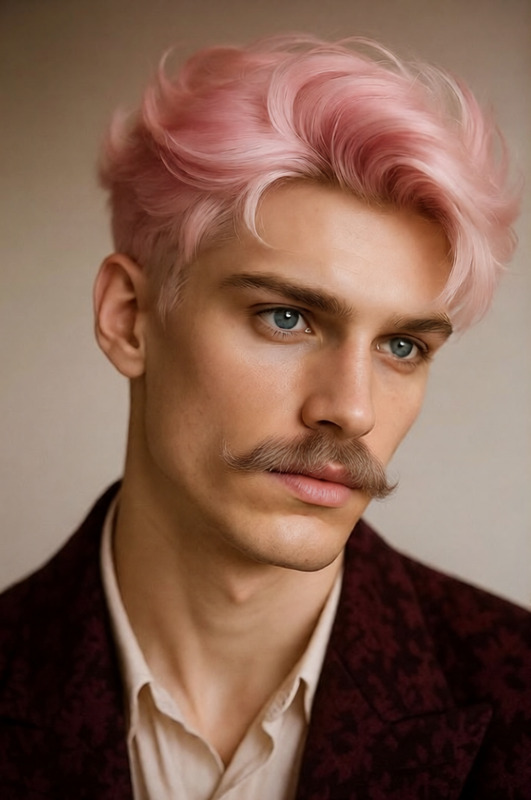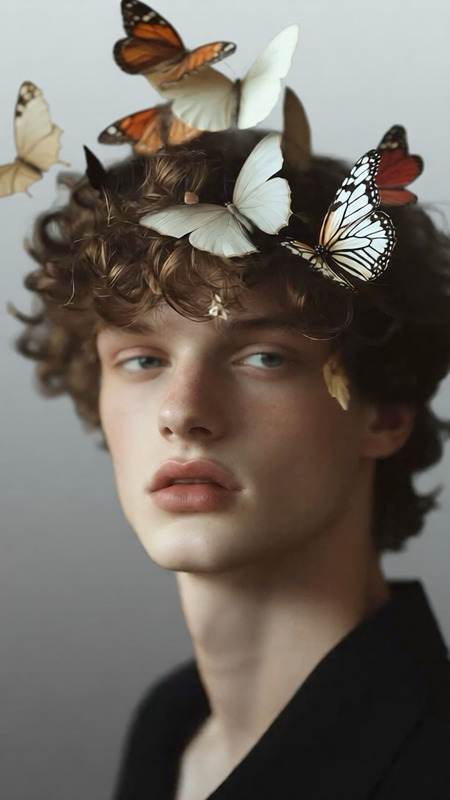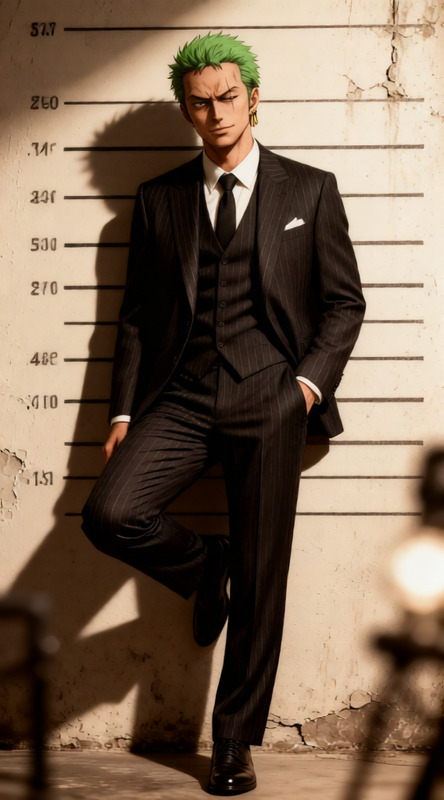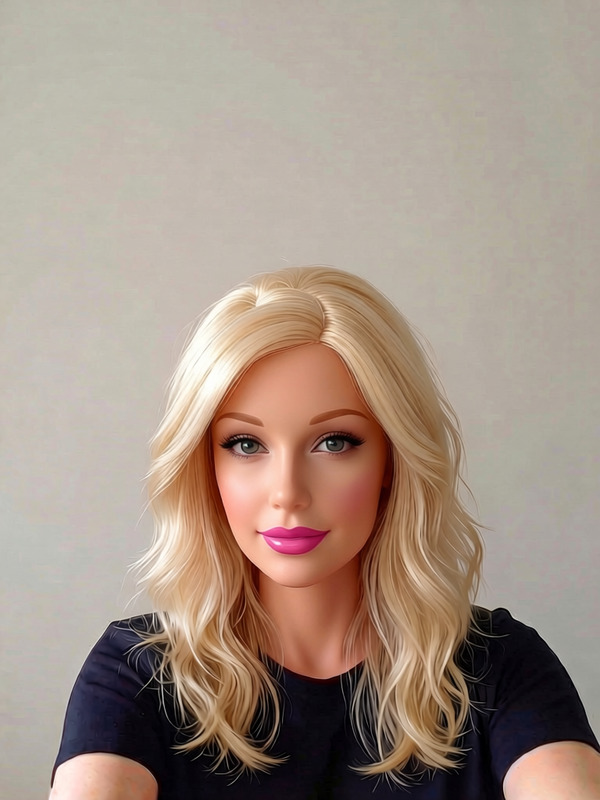
Smart Look Upgrade
- Model
- Qwen Edit
- Image
- 680 × 1024 px
Prompt
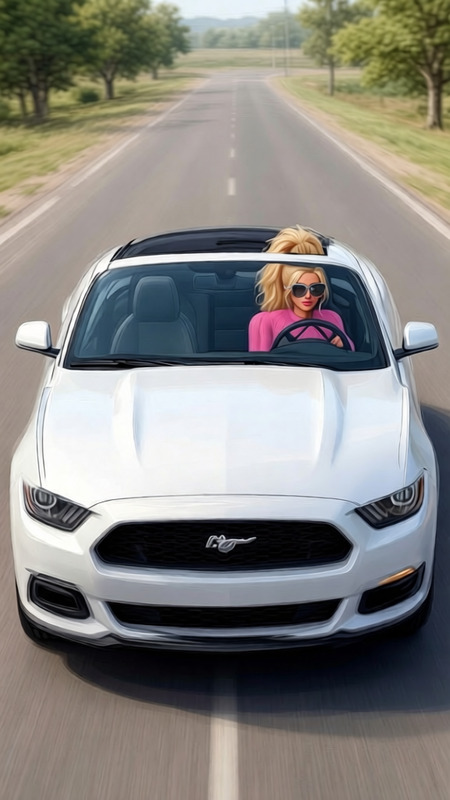
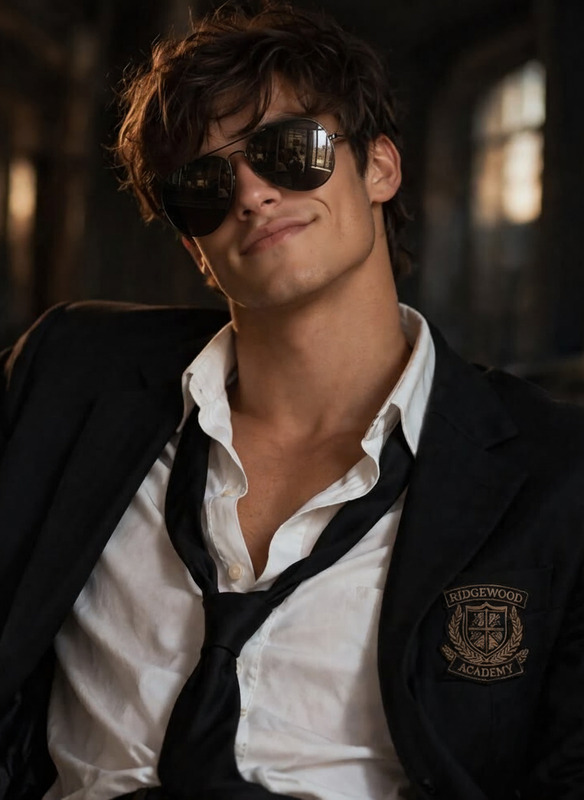
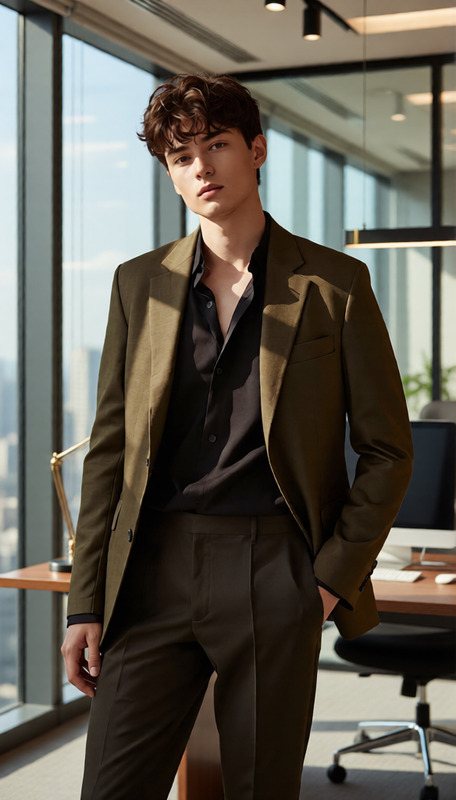
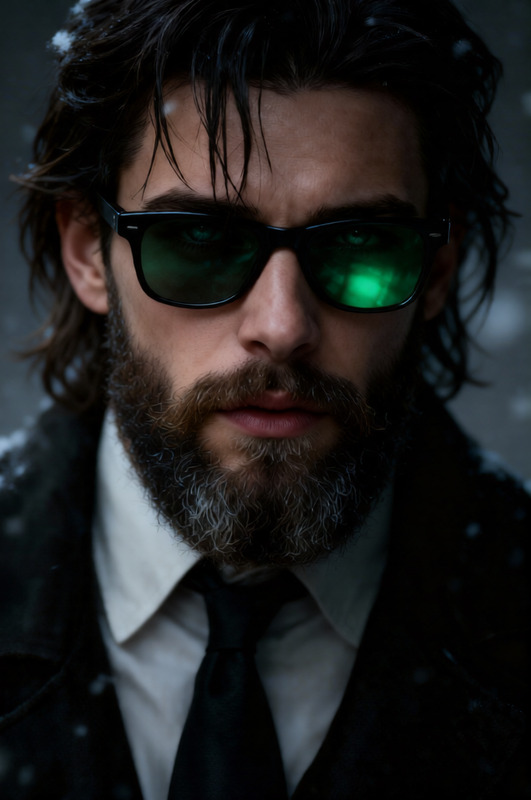
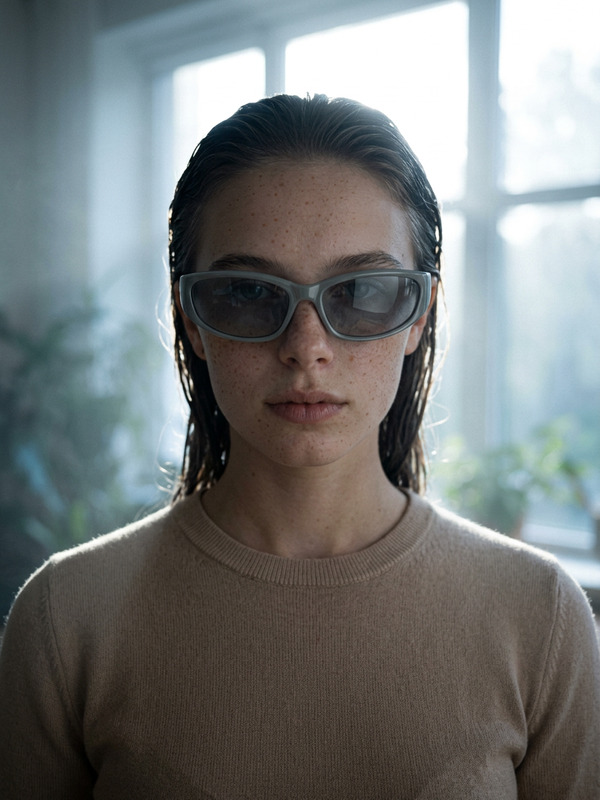
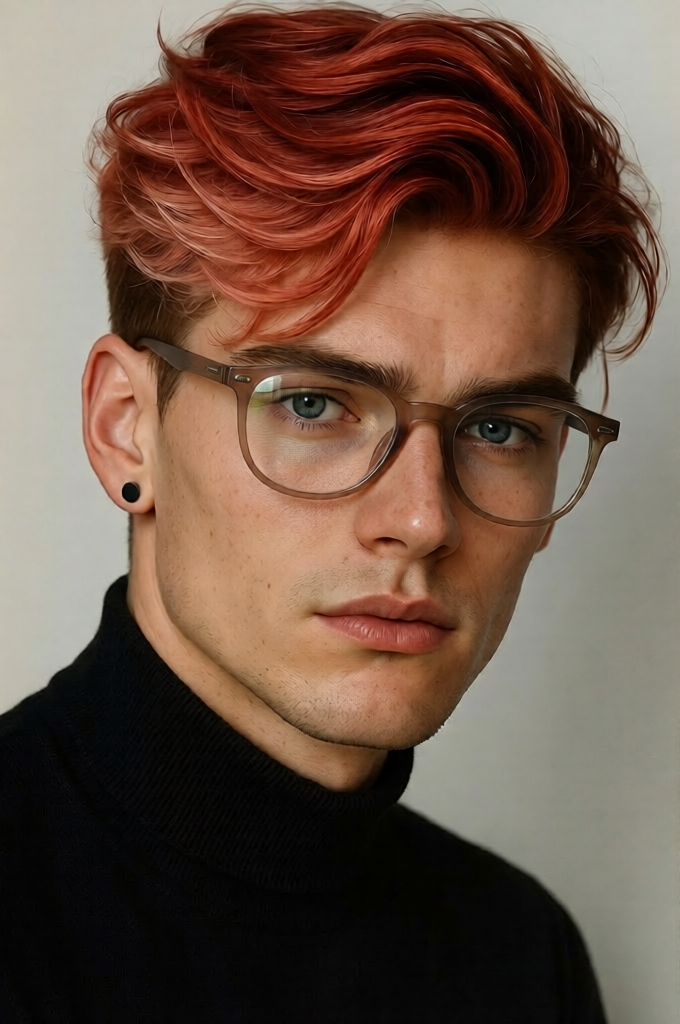
Add a pair of natural-looking glasses to the subject, ensuring they fit the face shape and align with the correct perspective. Include subtle reflections on the lenses, realistic frame details, and proper shadows so the glasses blend seamlessly with the subject’s lighting and overall appearance
Any aspect ratio
Overview
The Smart Look Upgrade template leverages AI Image Editor capabilities to enhance the subject's appearance by adding natural-looking glasses. Utilizing the qwen-edit model, this template ensures accurate fitting and perspective alignment, delivering visually appealing results.
What It Does
This template intelligently adds realistic eyeglasses to subjects in your images. Every detail is considered, from frame design to lens reflections, achieving a convincing and cohesive look. Additionally, it aligns the glasses with the face shape and lighting conditions, ensuring the final output is harmonious and professional-grade.
Who It's For
Perfect for content creators, marketers, and designers who want to elevate their images with sophisticated touches. Whether you're enhancing product photos or personal branding materials, this tool helps you create an enhanced visual appeal. Users of the AI Clothes Changer and AI Face Editor might also find this template beneficial in achieving comprehensive style transformations.
Summary
Summing up, the Smart Look Upgrade template offers a simple way to add stylish glasses to your subjects using advanced AI capabilities. By maintaining realistic perspectives and detailing, this template integrates seamlessly into the workflow of anyone using tools like the Face Swap or AI GIF Generator, supporting a wide range of creative projects.
How to Use
Choose Your Template

Customize the Input

Generate the Final Image

Use Cases
Product Photography
- Improve online product catalogs
- Create appealing marketing materials
Personal Branding
- Upgrade LinkedIn profile pictures
- Enhance social media visuals
Creative Projects
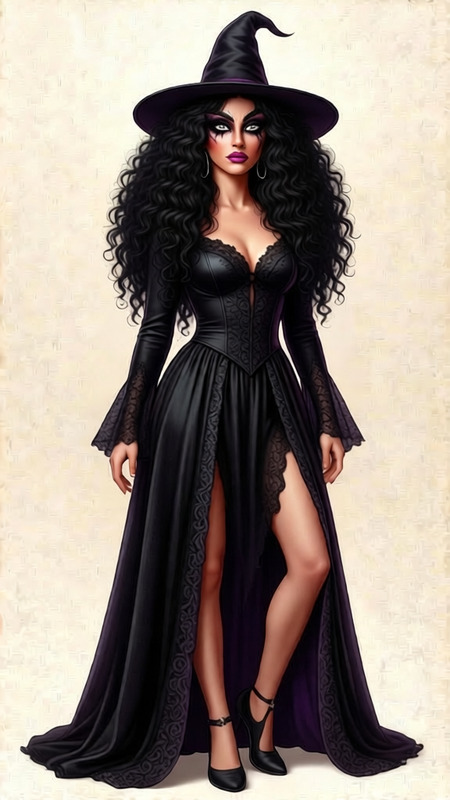
- Add personality to digital avatars
- Augment characters in graphic novels
Best Practices
Select Appropriate Frames
Choose glasses frames that match the subject's style and context for a more authentic look.Consider Lighting Angles
Pay attention to existing lighting in your image to align the shadows and reflections on the glasses accurately.Preview Before Finalizing
Always preview the outcome to ensure the glasses enhance, rather than dominate, the image's focal point.