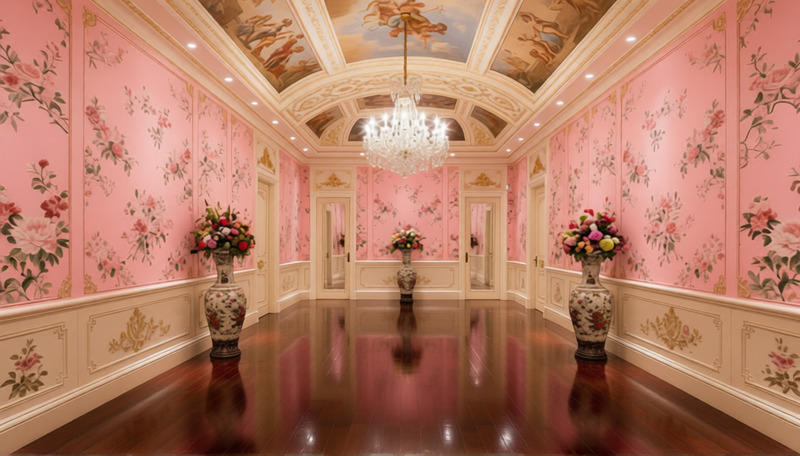
Upload an image and change its background to a professional office setting. This tool transforms the photo seamlessly, giving your images a polished and corporate look.
How to Use
Follow these steps to transform your photo's background to an office setting.
01
Choose an Image
Upload your photo that you want to transform.
02
Generate
Click 'Generate' to start the background change process.
03
Review and Download
Check the transformed image and download it if satisfied.