Graphic Sticker Conversion
- Model
- Nano Banana 2
- Image
- 768 × 1370 px
Prompt
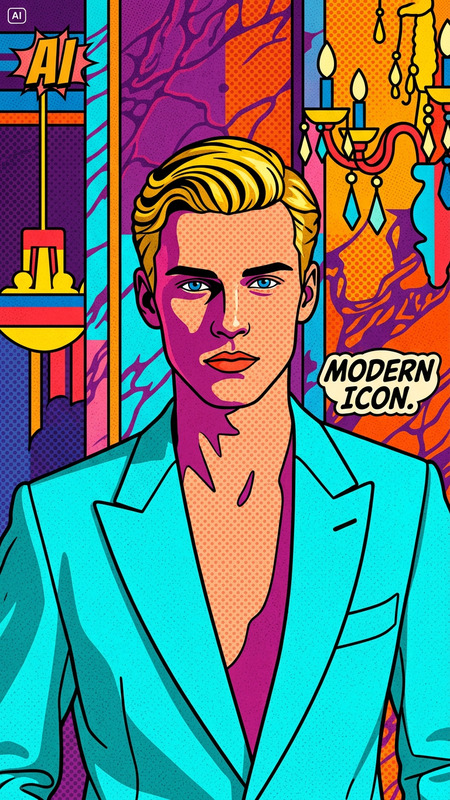
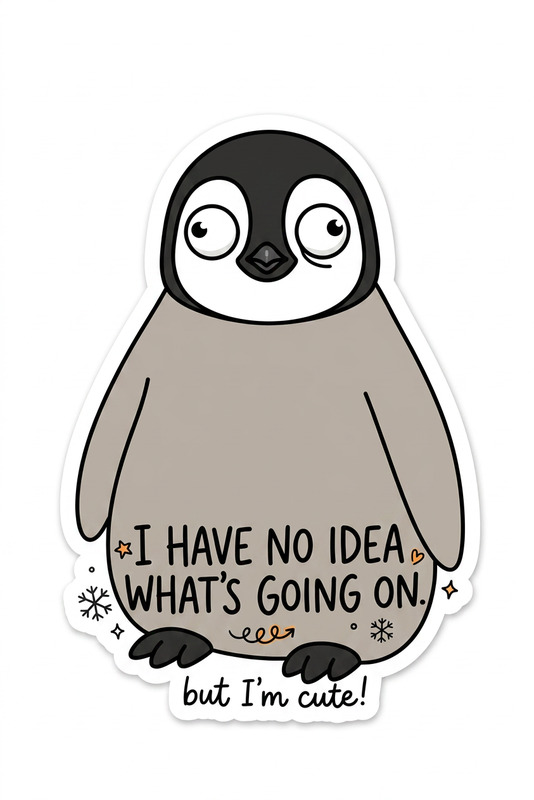
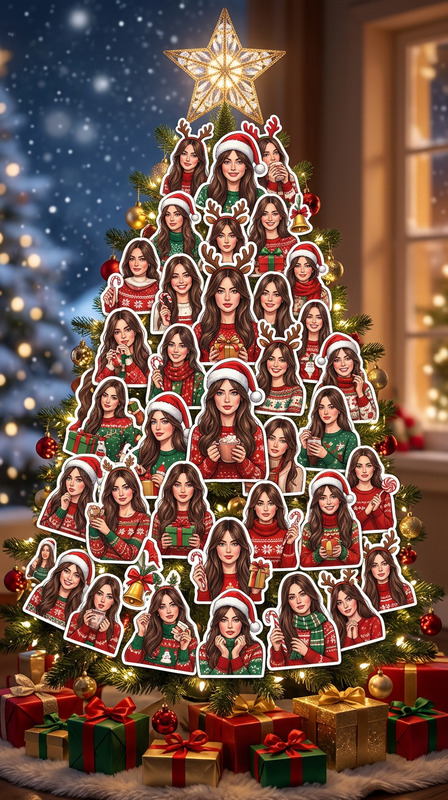
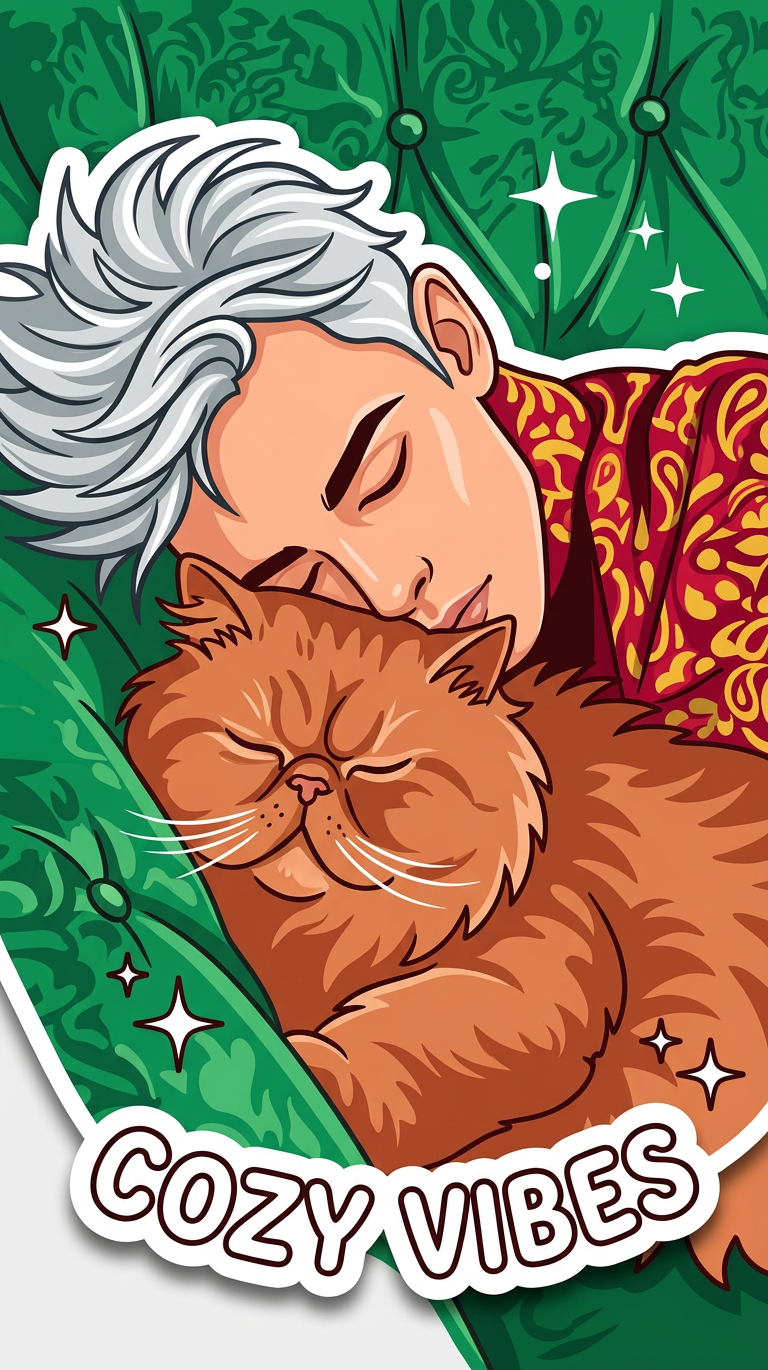
Transform the subject into a bold graphical sticker. Use clean, simplified shapes with strong outlines and smooth color fills. Add a white or contrasting sticker border with a slight drop shadow to simulate a cut-out decal. Keep key features recognizable while stylizing for a fun, modern look. High contrast, vibrant colors, and crisp edges for a printable sticker aesthetic.
Any aspect ratio
Overview
Transform your images into vibrant, eye-catching graphic stickers with the Graphic Sticker Conversion template. Leveraging the AI Image Editor and driven by the nano-banana-2 model, this tool converts any subject into a bold, sticker-ready format. Perfect for creators aiming to stand out in social media or personalizing print projects.
What It Does
This template stylizes your images into graphic stickers with enhanced shapes and vibrant color fills. It emphasizes clean outlines and smooth color transitions, adding a contrasting border with a drop shadow for a cut-out decal effect. This technique ensures that while the image is stylized, key features remain recognizable, delivering a contemporary sticker aesthetic.
Who It's For
The Graphic Sticker Conversion template is ideal for social media marketers, graphic designers, and content creators looking to enhance their visual content. It's particularly useful for those in need of eye-catching designs for meme videos or social media posts, offering a unique visual appeal that can capture attention and engagement.
Summary
Use this template to convert ordinary images into distinctive stickers that shine on both digital and physical platforms. Compatible with the AI Image Generator, it’s built for ease of use and creative flexibility, making your design process as seamless as possible. Whether for professional or personal use, this tool helps bring your visions to life with high-quality output.
How to Use
Choose Your Template

Customize Your Input

Generate and Download

Use Cases
Social Media Posts
- Highlight special promotions.
- Create memorable profile images.
- Add flair to everyday posts.
Printable Stickers
- Decorate personal items.
- Market your brand with giveaways.
- Design unique labelings.
Creative Design Projects
- Illustrate promotional materials.
- Develop themed collages.
- Craft engaging presentations.
Best Practices
Focus on Clarity
Ensure that your original image is clear and well-lit to enhance the transformation process. High-quality inputs yield the best sticker outputs.Emphasize Key Features
When customizing, prioritize maintaining recognizable elements like facial features or brand logos to ensure the final product matches your vision.Leverage Color Contrast
Use contrasting colors to make your stickers pop and stand out in both digital and print formats.