Doodle Sticker Pet
- Model
- Nano Banana 2
- Image
- 843 × 1264 px
Prompt
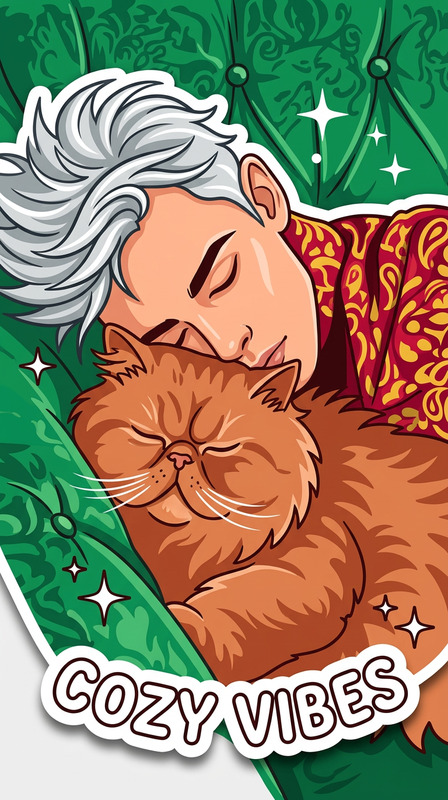
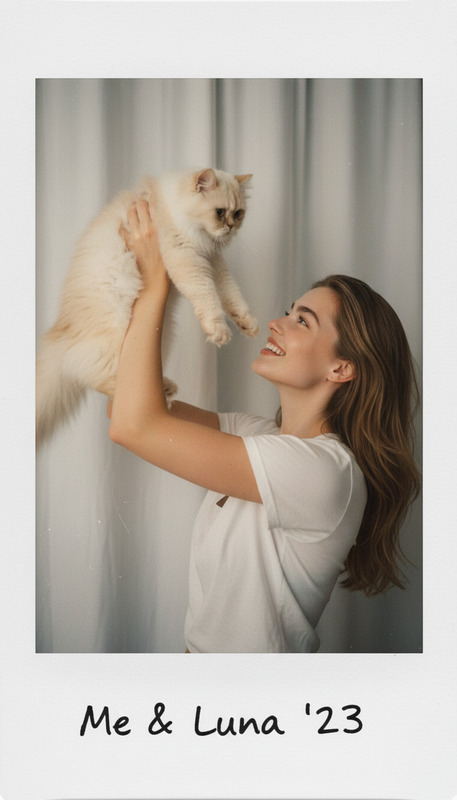
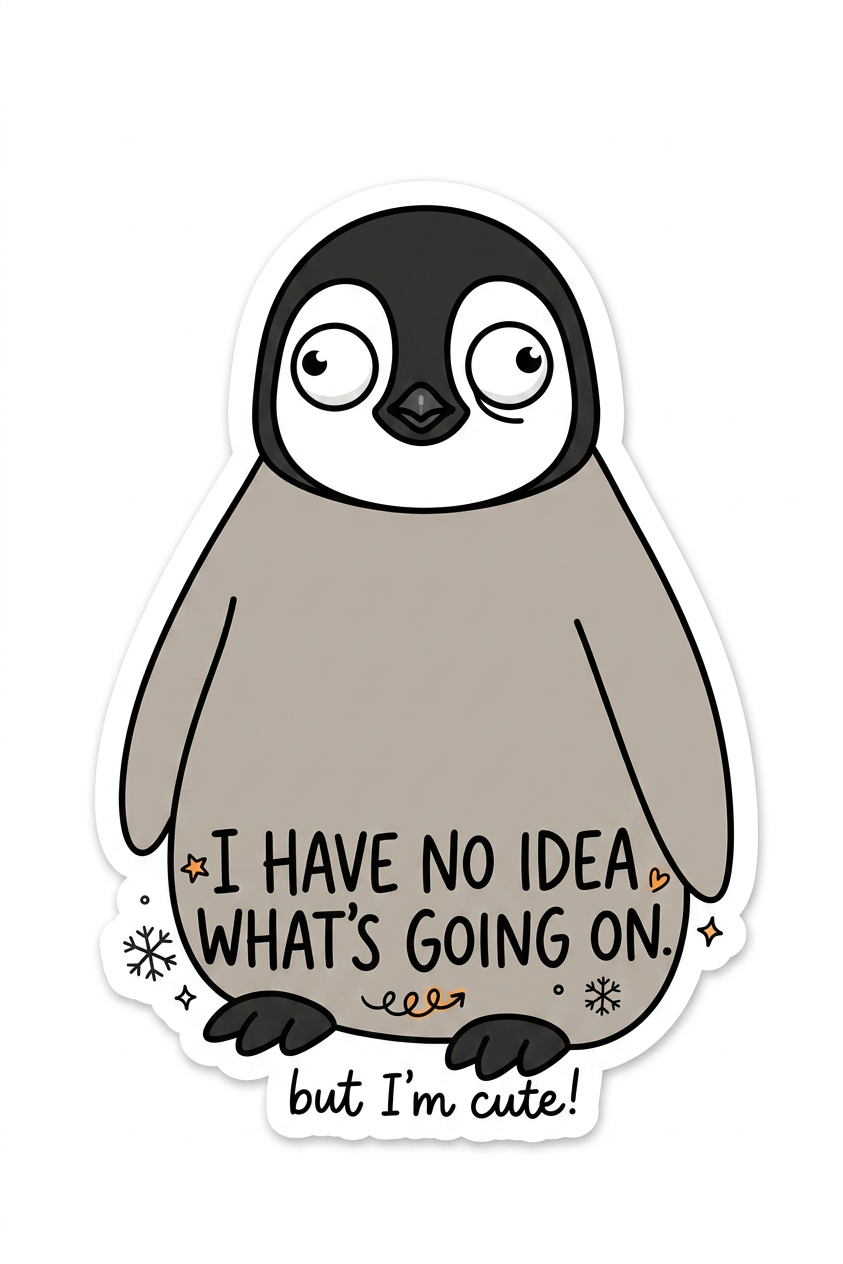
Convert the pet photo into a minimalist doodle-style sticker. Simplify shapes, use clean bold outlines, and slightly exaggerate facial expression for a cute, humorous effect. Keep the pet recognizable while reducing detail to a playful sketch style. Add a handwritten-style funny caption that matches the pet’s expression. Use simple, expressive typography integrated naturally into the sticker design. Ensure a clean, sticker-like cutout with a white or transparent background.
Any aspect ratio
Overview
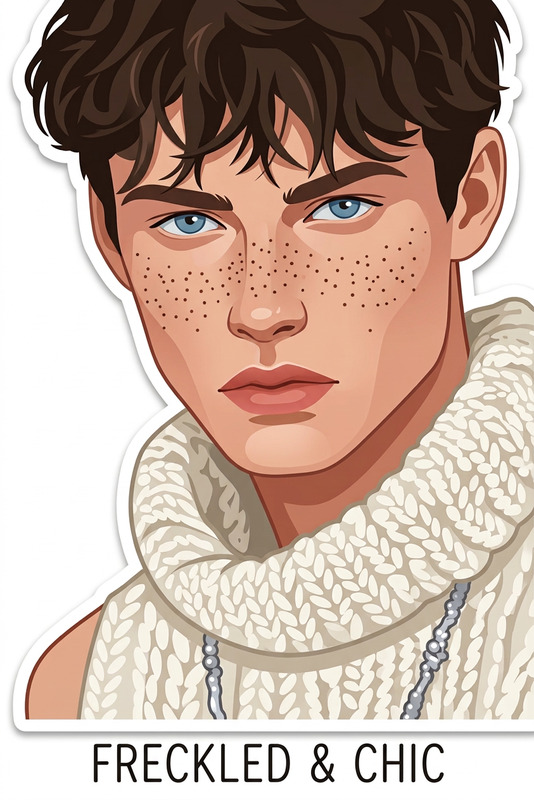
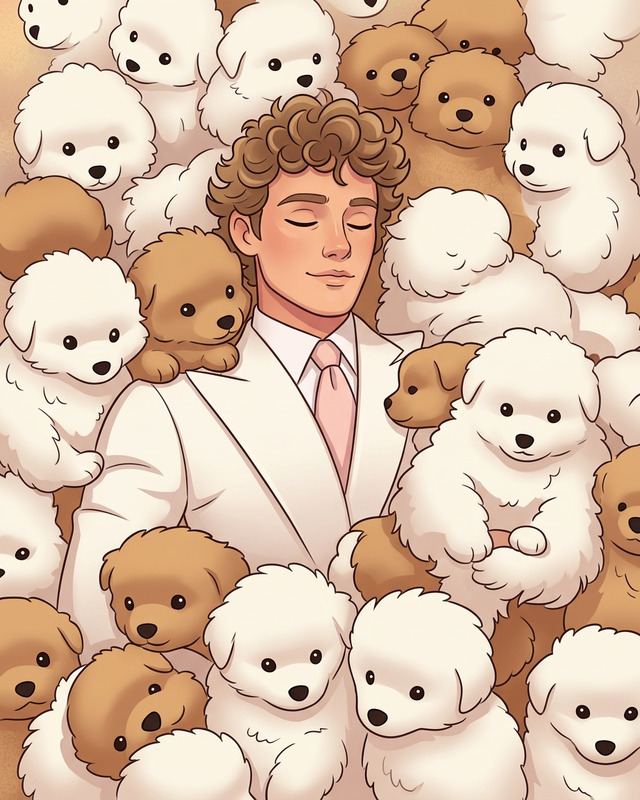
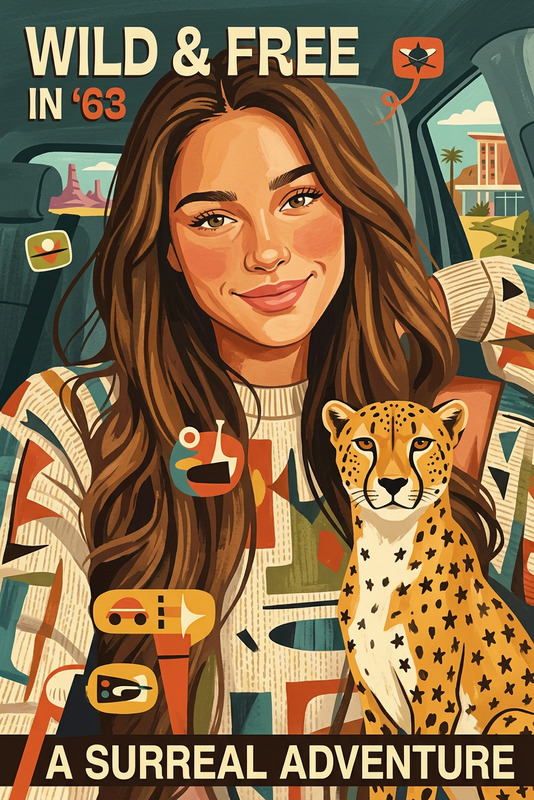
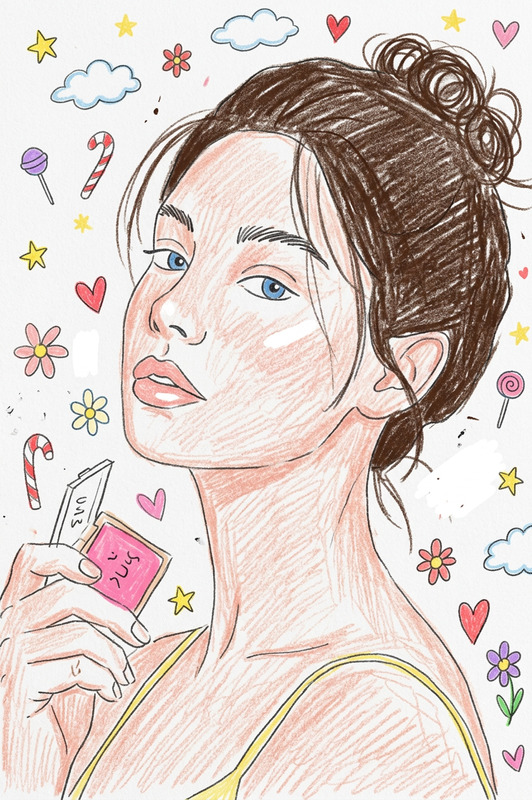
The Doodle Sticker Pet template in the AI Image Editor category transforms your pet's photo into a minimalist doodle-style sticker. Designed with the nano-banana-2 model, this template simplifies shapes, uses bold outlines, and adds humorous expressions while maintaining your pet's recognizable features.
What It Does
The template turns pet photos into stylish doodle stickers by simplifying details and highlighting key features with a playful sketch style. It integrates a handwritten-style caption that complements your pet's expression, creating a cohesive sticker design with a playful touch. The final output is a polished sticker-ready image with a white or transparent background.
Who It's For
This template is ideal for pet owners, social media enthusiasts, and anyone involved in DIY projects or marketing campaigns. If you're looking to create engaging social media content or customize personal items with unique pet stickers, the Doodle Sticker Pet template is designed for you.
Summary
With the AI Image Editor tools, turning photos of your pets into charming doodle stickers has never been easier. The Doodle Sticker Pet template simplifies your workflow, allowing you to create visually appealing and entertaining graphics effortlessly. Explore more about the AI Image Editor suite to enhance your creative projects.
How to Use the Doodle Sticker Pet Template
Choose the Template

Customize Your Design

Generate the Sticker

Use Cases
Social Media Enhancements
DIY Projects
Personal Branding
Best Practices
Choose High-Quality Images
Select clear and focused photos of your pets for the best doodle output.Experiment with Captions
Match funny and expressive captions to your pet’s expression for added humor and appeal.Use Contrasting Backgrounds
Ensure the doodle’s cutout pops by using a contrasting background that highlights the design.