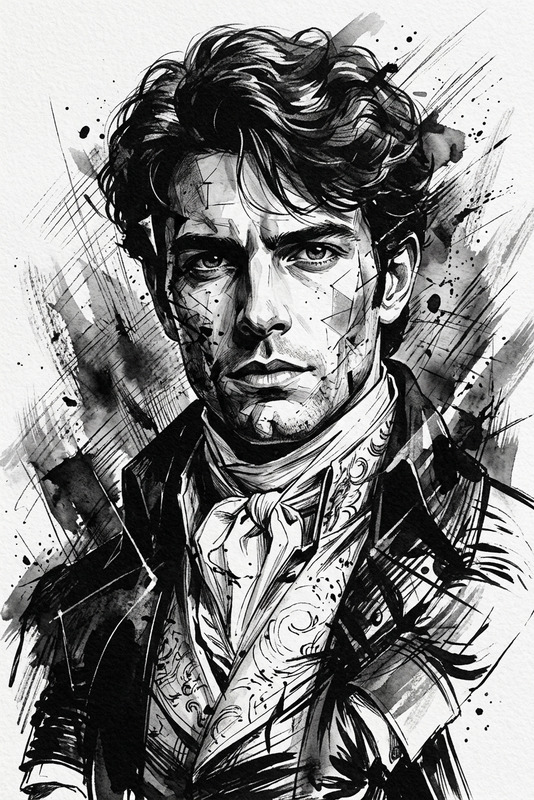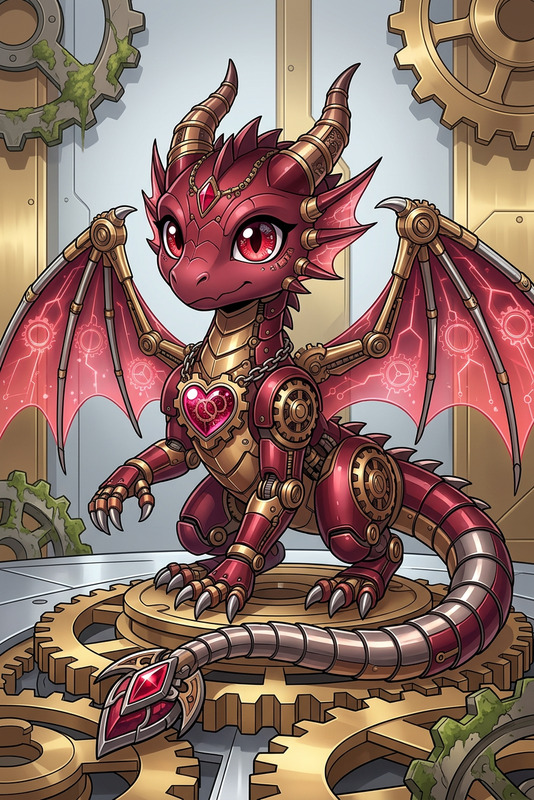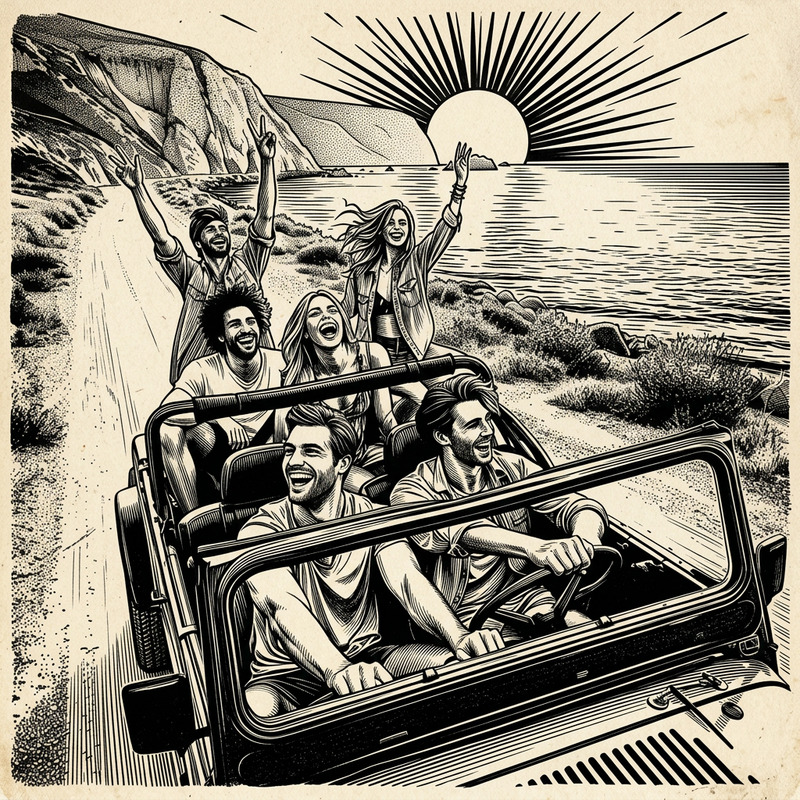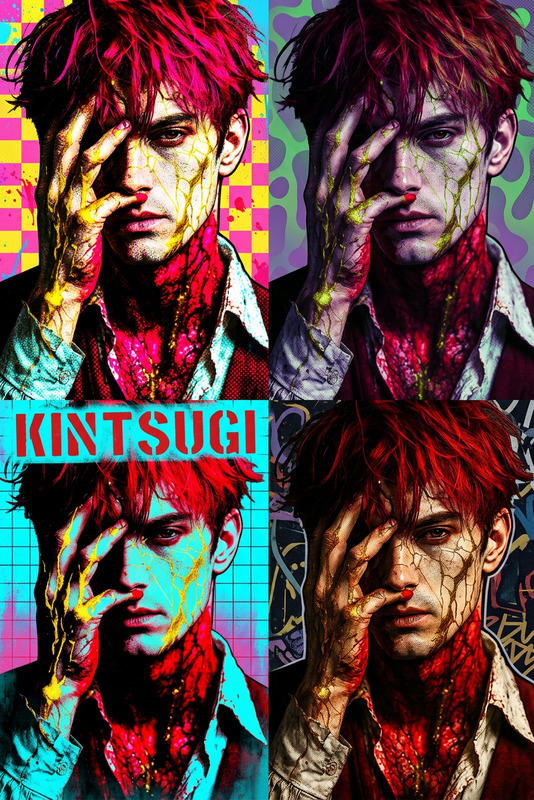
Startup Flat Illustration

Startup Flat Illustration

ai-image-editor

1 clip
1 uses

Any aspect ratio

Prompt

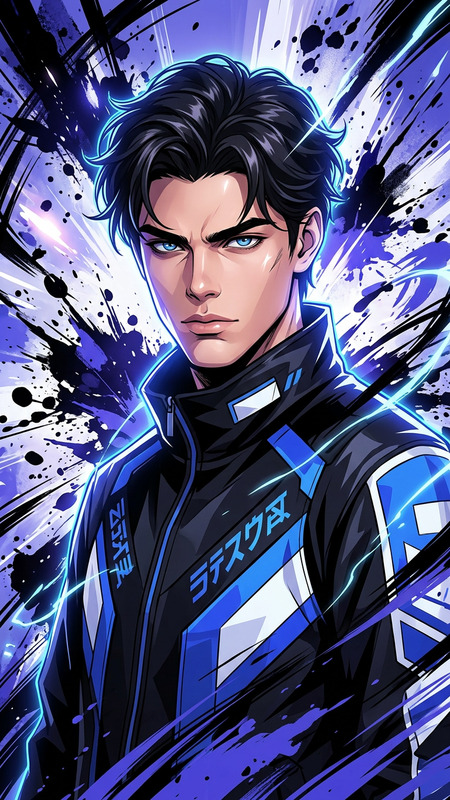
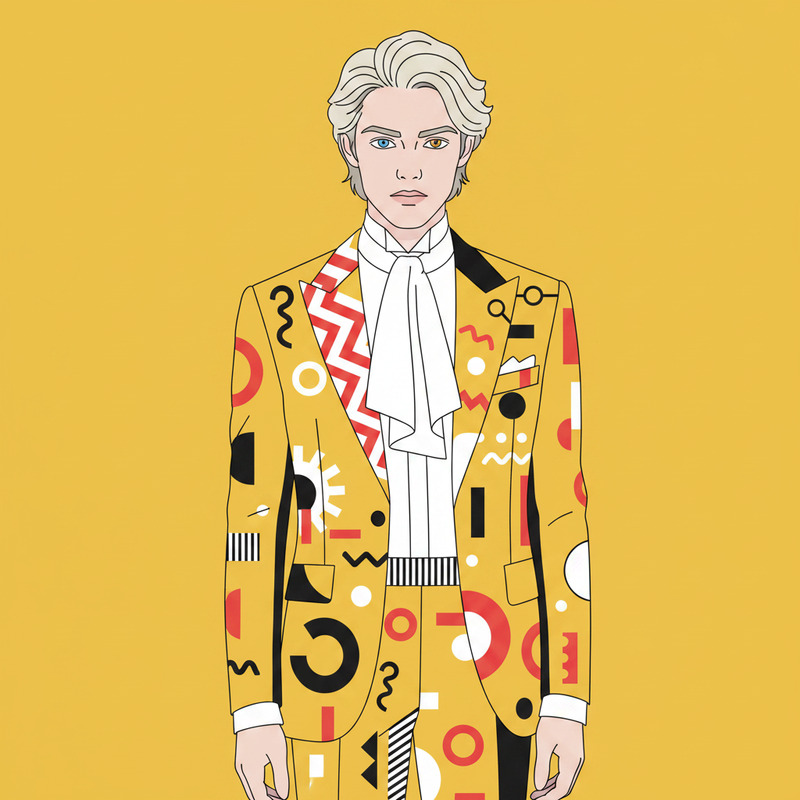
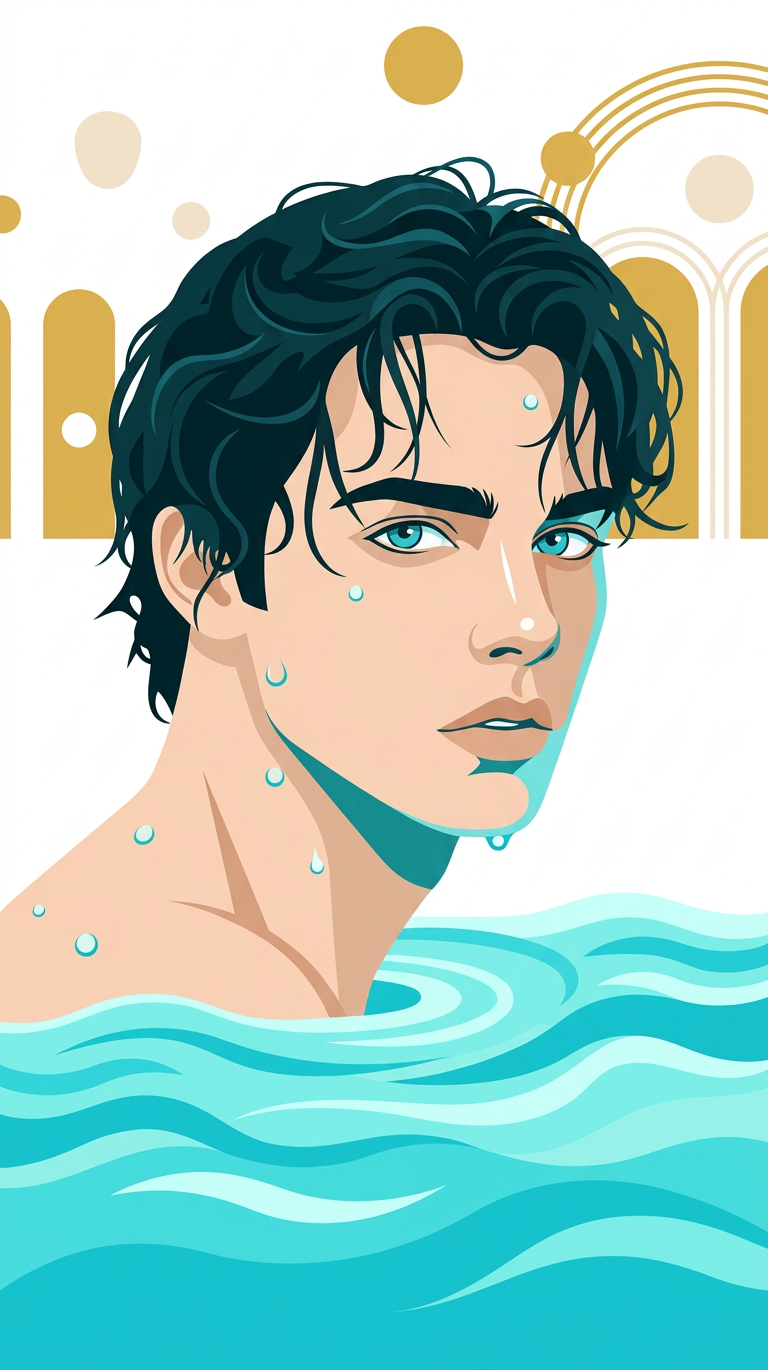
Subject transforms into a flat vector illustration of [subject], using a startup-style design language with bright colors, simple geometric shapes, and clean, professional composition. White background, minimal aesthetic, smooth edges, no text, modern and polished visual style.

Transform any image in seconds with this Magic Hour AI Image Editor template. Remix it, customize it for your brand or workflow, and chain it with other Magic Hour tools to build powerful AI-first content pipelines.


What this template does

This template demonstrates how to use the AI Image Editor to:

  • Edit or re-style any existing image with natural language prompts
  • Add, replace, or remove visual elements while preserving lighting and perspective
  • Clean up photos for social, ads, landing pages, or product shots
  • Prepare assets you can later animate, swap faces onto, or turn into video

It’s built to be remixable: you can duplicate the flow, swap out the images, adjust the prompts, and combine it with other Magic Hour tools to match your specific use case.


How to remix this template in Magic Hour

You can build your own version of this AI Image Editor template in a few minutes:

  1. Start from the template

    • Open this template inside Magic Hour.
    • Click “Remix” or “Duplicate” to create your own editable version.
  2. Swap in your own source images

    • Upload product photos, portraits, logos, screenshots, or design mockups.
    • Use consistent angles and lighting if you plan to generate a series.
  3. Edit with natural language prompts

    • Describe what you want changed:
      • “Replace the background with a minimalist studio backdrop”
      • “Turn this outfit into a formal business suit”
      • “Convert this into a clean, flat illustration style”
    • You can iterate quickly: run several variations and keep the best.
  4. Refine and batch-produce variants

    • Duplicate the flow to create multiple versions of the same base asset:
      • Different backgrounds for A/B tests
      • Seasonal variants (summer, winter, holiday)
      • Localization variants for different markets
  5. Export and route to other Magic Hour tools


High-value use cases for this template

1. Marketing & growth teams

Use the AI Image Editor template to speed up creative production without blocking on design:


2. Creators & content studios

This template is ideal for creators who need consistent, scalable visuals:


3. Product & e‑commerce teams

Turn basic product photos into polished, on-brand assets:

  • Product photography at scale

    • Replace messy backgrounds with clean studio scenes using AI Image Editor
    • Generate multiple contextual backgrounds (home, office, outdoors) in one flow
    • When needed, remove watermarks via Watermark Remover
  • Virtual try-ons & fashion visuals


4. Founders, indie hackers & product builders

Integrate this template into your product or internal workflows:


How this template fits into a full Magic Hour workflow

This AI Image Editor template is most powerful when combined with other tools in the Magic Hour ecosystem. Here are some effective chains you can recreate:

  1. Concept → Edit → Animate

  2. Portrait → Face edit → Talking head video

  3. Old assets → Restoration → Modernization


Integrating with other Magic Hour templates

If you’re working primarily with video or animation, this AI Image Editor template is a strong pre-processing step:


Tips for getting high-quality edits

  • Be explicit in your prompts

    • Specify style (photo-realistic, flat vector, cinematic, comic-book)
    • Call out composition details (“centered subject,” “wide shot,” “close-up”)
    • Mention mood and lighting (“soft natural light,” “studio lighting,” “dramatic shadows”)
  • Use consistent language for series work

    • If you’re producing a campaign or product line, reuse the same style descriptors across runs to keep assets visually coherent.
  • Combine with specialized tools when needed


Who this template is for

This AI Image Editor template is designed for:

  • Marketers who need fast, testable creative variations
  • Creators and studios building character-driven or visual-first content
  • Founders and product teams who want to prototype and ship visuals without a large design team
  • Developers exploring how to integrate AI-native editing flows into their products

Remix this template to match your pipeline, connect it to other Magic Hour tools, and treat it as a reusable building block for AI-native visual creation.

More Like This