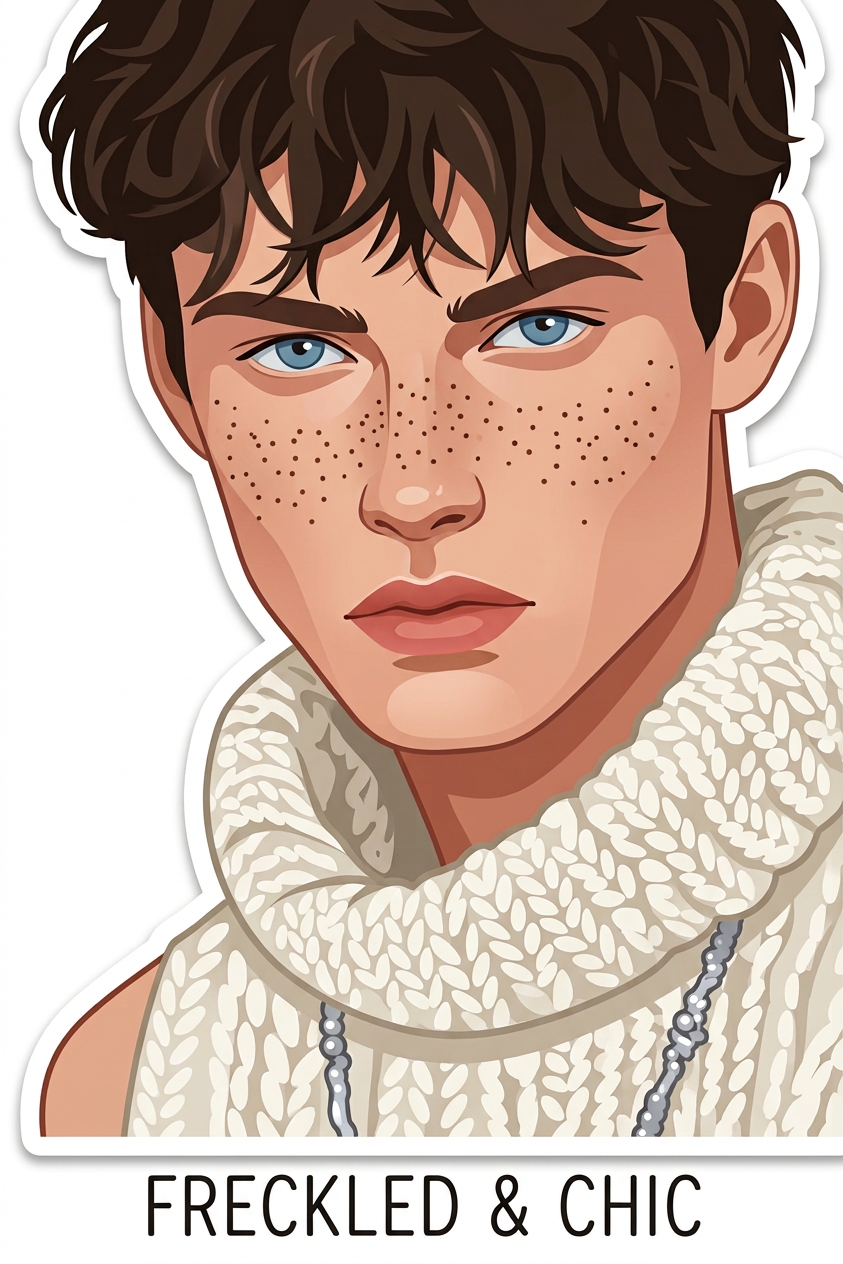
White Outline Sticker
ai-image-editor
Any aspect ratio
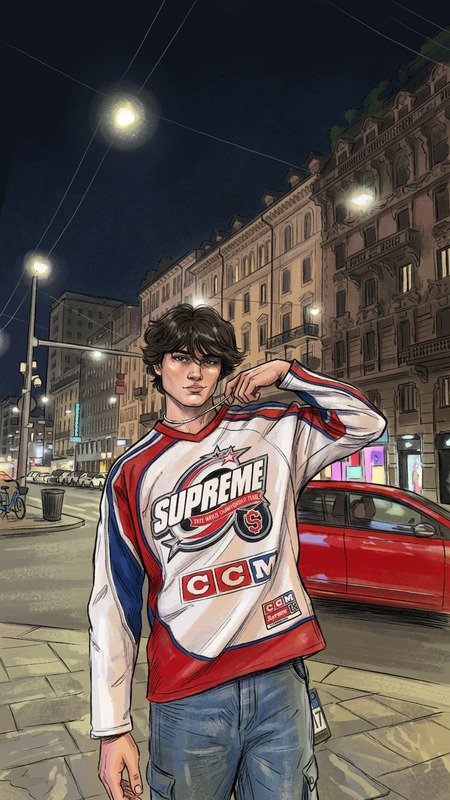
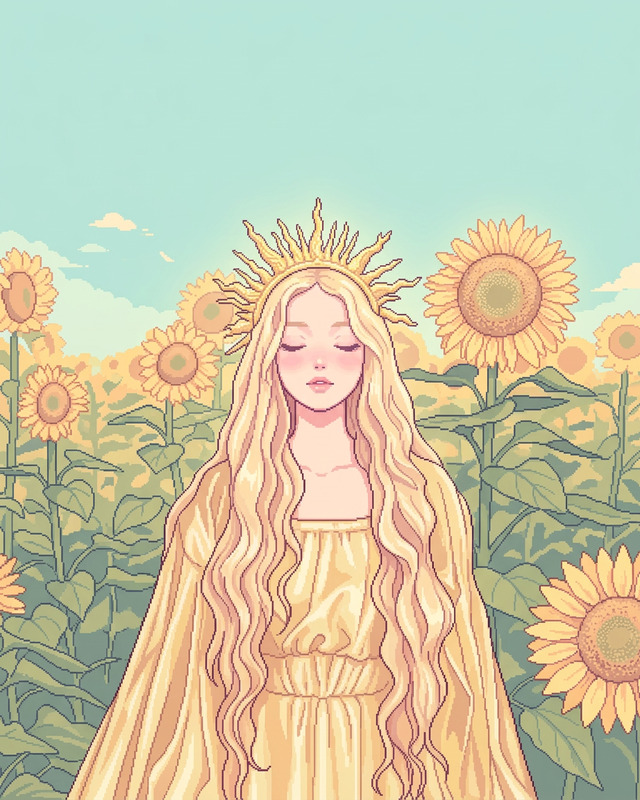
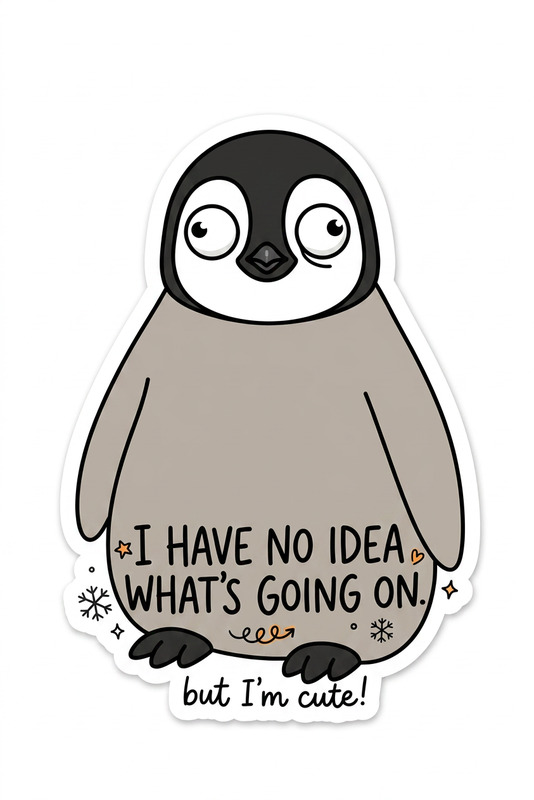
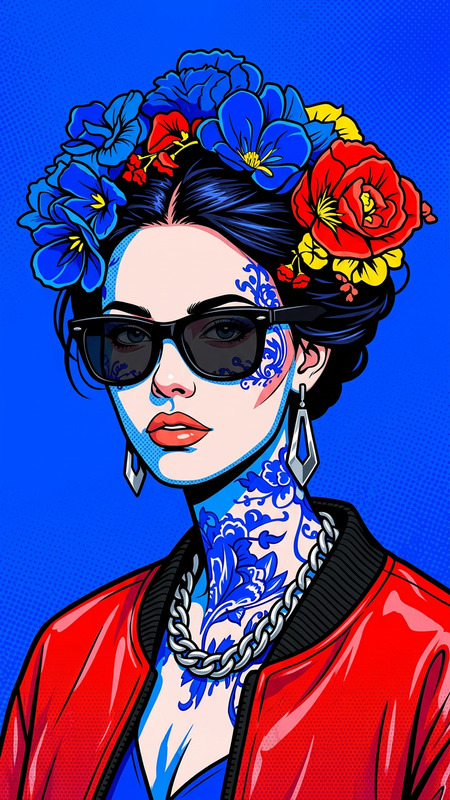
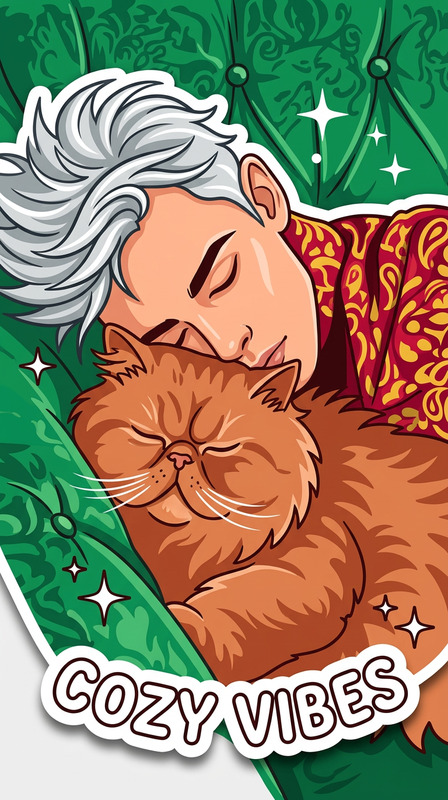
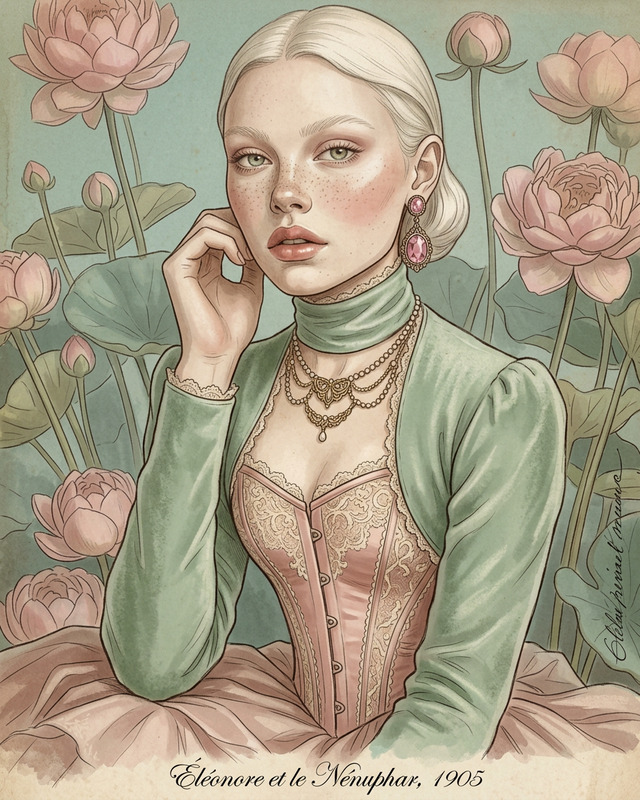
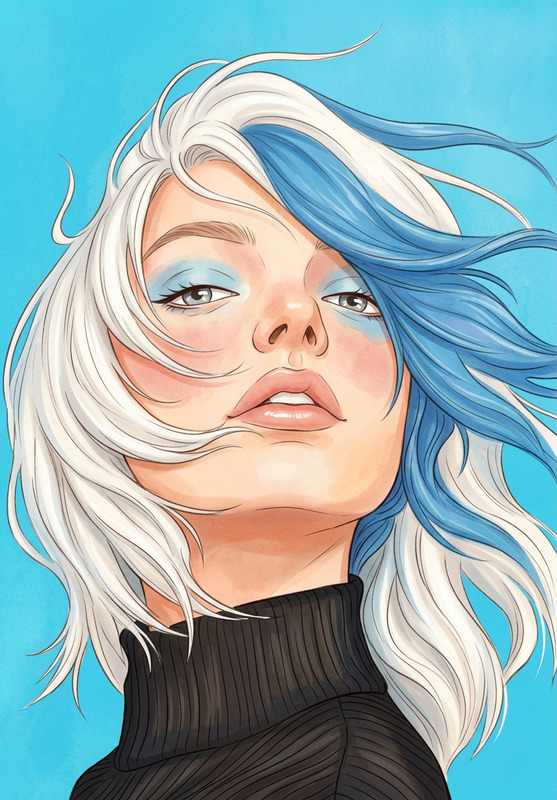
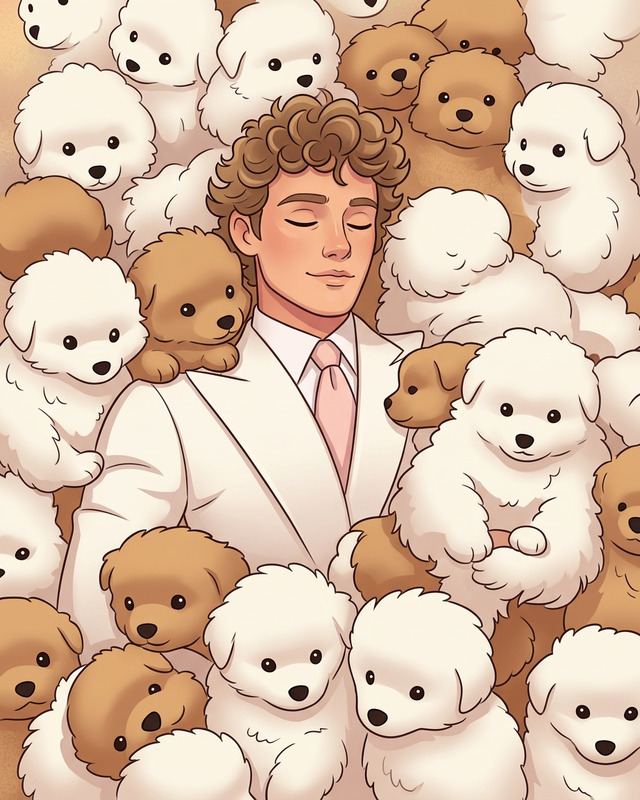
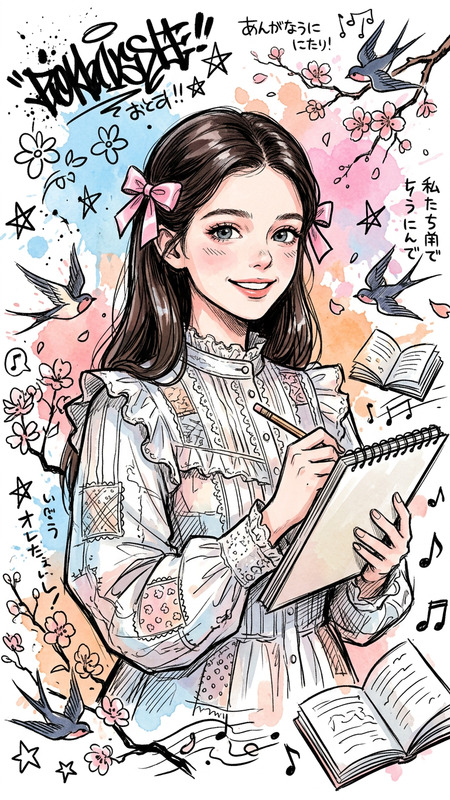
Transform the character into a clean web illustration sticker style similar to Figure 2. Convert the character into a simplified, stylized graphic with bold shapes and smooth edges. Add a consistent white outline around the entire character to create a sticker effect. Maintain recognizable features and expression while slightly simplifying details for clarity and readability. Include a short, playful caption phrase describing the character, styled in a matching web illustration font, placed neatly near or below the figure. Keep the overall design fun, minimal, and suitable for digital sticker use.
Tags
stylesAI Image Editor Template: Turn Any Photo Into a Polished, On-Brand Visual in Minutes
Use this template to quickly retouch, enhance, and transform images with the AI Image Editor. Whether you’re a marketer, founder, designer, or creator, it gives you a repeatable workflow you can remix and adapt for your own brand, campaigns, and content.
What This Template Is For
This template is ideal if you need to:
- Clean up and enhance photos for websites, pitches, decks, and social media
- Remove distracting elements, fix small issues, or adjust composition
- Replace or refine backgrounds to match your brand or campaign theme
- Create multiple consistent variations of a hero asset for different channels
- Prepare images for further use in video, animation, or generative workflows
It’s built around the AI Image Editor, but plays well with other Magic Hour tools, so you can move from a single still image to complete content systems (video, avatars, animations, etc.).
How to Remix This Template in Magic Hour
You can recreate and adapt this template in a few minutes. Here’s a practical remix workflow:
Start from an Image (Upload or Generate)
- Upload your photo directly into the AI Image Editor.
- Or, generate a fresh base image with:
- AI Image Generator
- AI Photo Generator
- AI Art Generator for more stylized assets
- For faces or people, you can also start from:
Clean Up and Correct the Photo
- Use the editor to remove small distractions or objects. If you need specialized removal:
- Restore or repair older or low-quality images with:
Edit Faces, Outfits, and Details
- Adjust or refine faces with:
- AI Face Editor
- AI Face Generator
- Gender Swap for concept exploration
- Change clothing or overall look for brand alignment or campaign variants using:
- For more stylized characters:
- Adjust or refine faces with:
Adjust or Replace Backgrounds
- Quickly isolate your subject and transform the setting:
- Create environments for specific verticals:
- AI Interior Design Generator for indoor scenes
- Architecture Generator for exteriors and structures
- Fantasy Map Generator, Dark Fantasy AI, or Disney AI Generator for fictional worlds
Apply Style for Brand and Channel Consistency Use the AI Image Editor plus style-focused tools to build a unified visual language:
Create Variations for Campaigns and Experiments For performance-focused teams (growth, performance marketing, founders testing angles), use the edited image as a base and rapidly produce variants:
- Different crops, backgrounds, and personas from the same core image
- A/B creative concepts for landing pages, ads, and social carousels
- Alternate moods or genres (professional, cinematic, playful, fantasy, etc.)
Complement with: - AI Meme Generator for rapid social tests
- Emoji Generator for micro-assets
- AI QR Code Generator to embed scannable CTAs into visuals
Go Beyond Images: Turn Edited Photos Into Video, Avatars, and Animated Content
Once your image is polished in the AI Image Editor, you can extend it across richer media:
Image to Video Pipelines
- Animate your static image using Image to Video
- Turn it into narrative video with Text to Video
- Use Video to Video to stylize or transform existing footage with your edited look
- Enhance final outputs with Video Upscaler
Talking Photos and Lip Sync
- Make your edited portrait speak with AI Talking Photo
- Synchronize speech with Lip Sync
- Combine with AI Voice Generator or AI Voice Cloner to match the exact voice you need
Face Swap and Character-Driven Content
- Use Face Swap and Face Swap GIF to reuse your edited face in different contexts
- Try Face Swap Video to map that face onto video content
- Build animated or stylized stories with:
Avatars and Full-Body Visuals
- Create consistent personas and models from your edited image using:
Practical Use Cases for Creators, Marketers, and Founders
This AI Image Editor template is optimized for high-leverage work. Common use cases:
Landing Pages and Product Shots
- Clean, consistent hero images, backgrounds, and lifestyle scenes
- Variant testing for pricing pages, hero sections, and feature callouts
Pitch Decks and Investor Docs
- Quickly build sharp visuals that match narrative (market diagrams, product previews, mockups)
- Convert rough sketches or references using Photo to Sketch and refine in the AI Image Editor
Personal Branding and Thought Leadership
- Upgrade profile photos, headshots, and social banners using:
- AI Headshot Generator
- Photo Colorizer for older images
- Use consistent styles across LinkedIn, personal sites, and newsletters
- Upgrade profile photos, headshots, and social banners using:
Content Marketing and Social Feeds
- Design repeatable visual systems for posts, threads, and carousels
- Generate covers with:
Creative Experiments and Exploratory Work
- Explore worldbuilding, fiction, or brand universes:
- Rapidly visualize characters, scenes, or prototypes, then refine in the AI Image Editor
Niche or Fun Visuals
- Tattoos and body art concepts with AI Tattoo Generator
- Niche icon systems or packs with AI Icon Generator
- Stylized universes with Pokemon Generator or Disney AI Generator
Why Use an AI Image Editor Template Instead of Starting From Scratch?
For busy teams and solo builders, templates compress decision-making and reduce setup cost:
Consistency by Default
Keep faces, styles, and compositions aligned across assets, campaigns, and channels without manual retouching.Speed and Iteration
Move from concept → first draft → polished image in minutes, not hours. This enables more experiments and faster feedback loops.Composability Across Tools
The AI Image Editor sits at the center of your visual stack:- Generate (AI Image Generator, AI Photo Generator)
- Edit and enhance (AI Image Editor, AI Image Upscaler, AI Remover)
- Extend to video, GIFs, and interactive formats (Image to Video, Animation, Lip Sync, Face Swap Video)
Scalable Workflows
Once you have a template you like, you can:- Swap in new subjects, backgrounds, or outfits
- Repurpose the same structure for multiple brands or clients
- Feed outputs directly into other Magic Hour tools for multi-format campaigns
How to Create Your Own Version of This Template
To clone and customize a similar workflow in Magic Hour:
- Pick a representative image for your use case (e.g., product, founder portrait, UI mockup).
- Open it in the AI Image Editor.
- Decide on your “template rules”:
- What should remain constant? (e.g., camera angle, pose, base color palette)
- What should be variable? (e.g., outfit, background theme, copy overlays)
- Save a set of “base” assets: the cleaned-up subject, a few preferred backgrounds, and a couple of stylistic treatments.
- Use those base assets as the starting point whenever you need a new variant. Feed the results into other tools (e.g. Image to Video, Face Swap Video, Animation) to turn your static template into a full motion system.
Related Magic Hour Tools Worth Exploring
If you’re building a robust visual or content pipeline around this AI Image Editor template, these tools pair especially well:
- AI Image Editor – central hub for edits
- AI Image Generator – generate base concepts
- AI Photo Generator – photorealistic scenes
- AI Image Upscaler – final quality pass
- Image Background Remover + AI Background Generator – rapid scene changes
- Image to Video, Video to Video, Animation – motion and storytelling layers
- AI Talking Photo, Lip Sync, Face Swap Video – personality and talking-head content
Use this template as your starting point, then evolve it into a reusable system tailored to your brand, your clients, or your product.