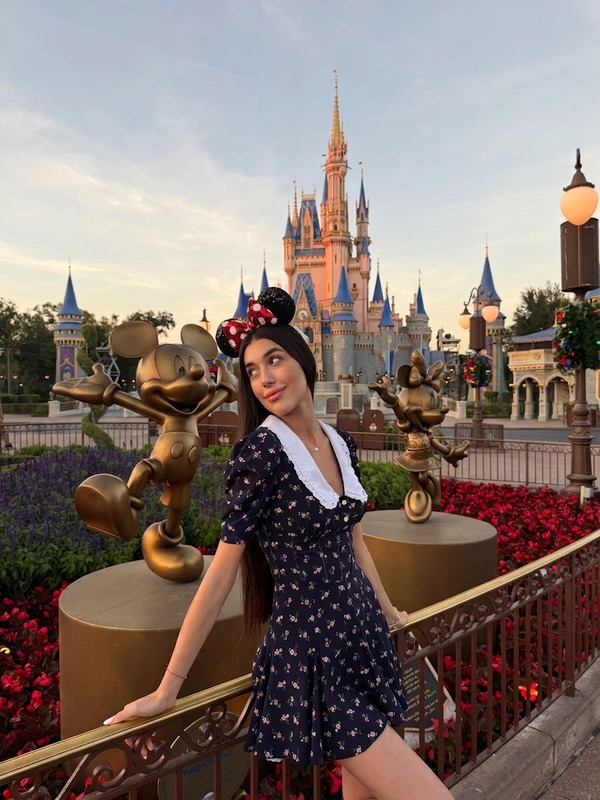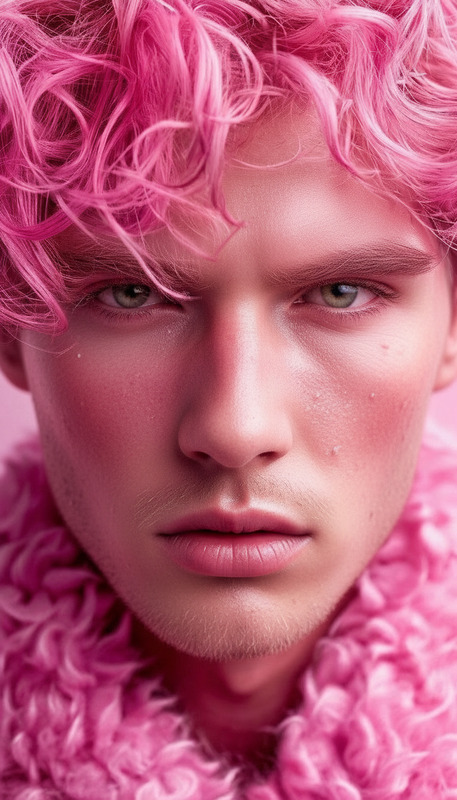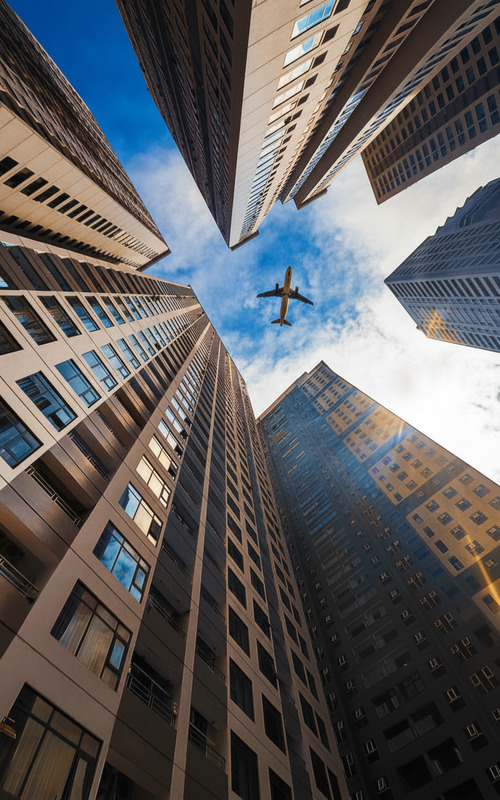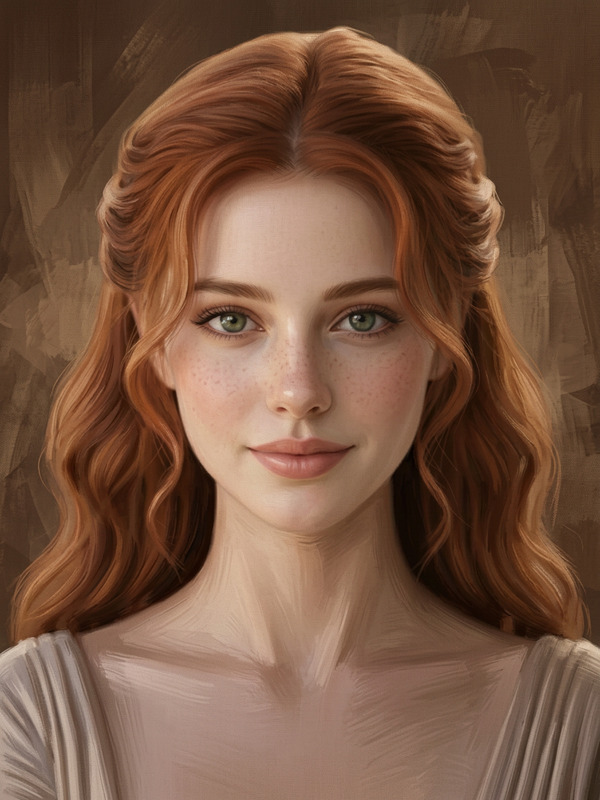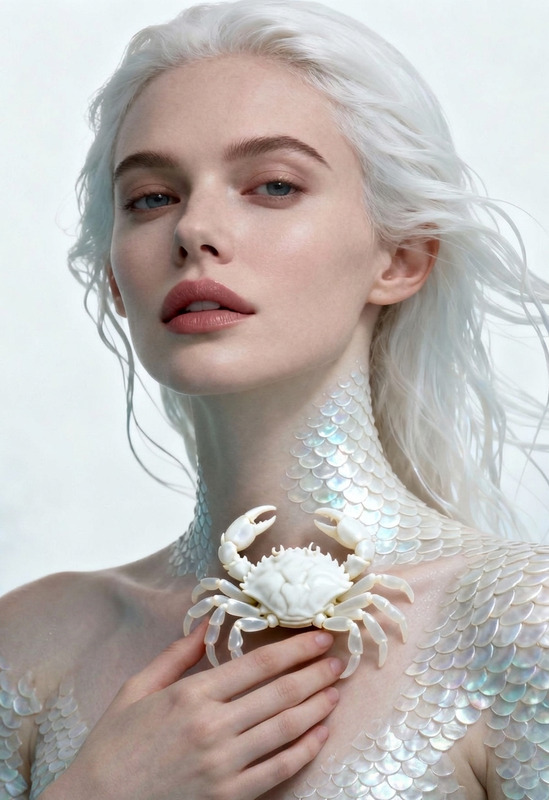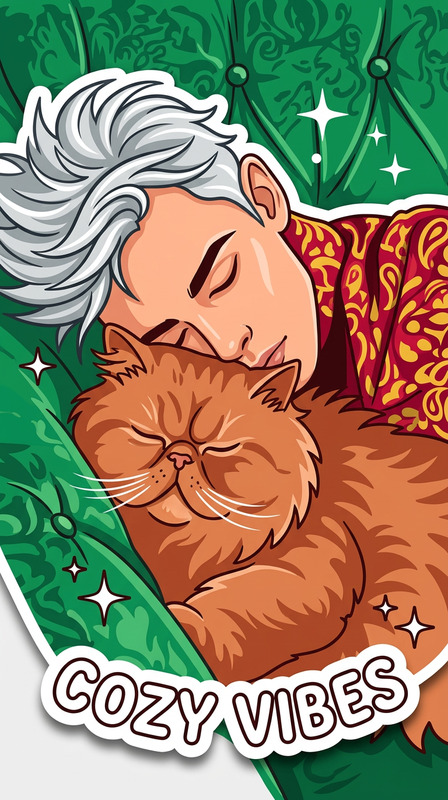
Clean Image De-Decoration
- Model
- Nano Banana 2
- Image
- 864 × 1223 px
Prompt
Remove all emojis, stickers, overlays, and decorative graphic elements from the image. Preserve the original photo content, including subjects, background, lighting, and composition. Ensure clean restoration with natural blending where elements were removed, maintaining realistic texture, color consistency, and no visible artifacts. High-quality, unobtrusive cleanup with a natural, unedited appearance.
Any aspect ratio
Overview
The Clean Image De-Decoration template is a part of our AI Image Editor suite, leveraging the power of the nano-banana-2 model to efficiently remove unnecessary decorative elements from images. Whether it's for personal use or professional projects, this tool ensures images look pristine without compromising the original content.
What It Does
This template effectively eliminates all emojis, stickers, overlays, and any decorative graphic elements in a photo while preserving the critical aspects like subjects, background, lighting, and composition. The goal is to provide a seamless and high-quality restoration that looks as if the image was never altered, maintaining AI Image Generator level quality in texture and color consistency.
Who It's For
This template is essential for photographers, designers, and social media managers who require clutter-free images. It's also beneficial for marketing professionals needing clean visuals for presentations or advertisements, especially those aligned with eCommerce Ads and other marketing applications.
Summary
With the Clean Image De-Decoration template, users can quickly and effectively enhance image quality by removing distracting elements. It's a reliable tool for maintaining a professional appearance in digital content, ensuring your photos remain untouched in appearance while removing the clutter.
How To
Choose Your Image

Customize the Settings

Generate the Clean Image

Use Cases
Professional Photography
- Remove unwanted graphic elements post-shoot
- Preserve photo authenticity
Social Media Management
- Declutter images before posting
- Maintain brand aesthetics
Marketing and Advertising
- Focus on product and messaging
- Eliminate unnecessary distractions
Best Practices
Select High-Quality Images
For best results, use images with good lighting and resolution.Review Before Finalizing
Always preview the image to ensure elements were removed as expected.Use in Tandem with Other Tools
Combine with AI GIF Generator for animated projects requiring clean frames.