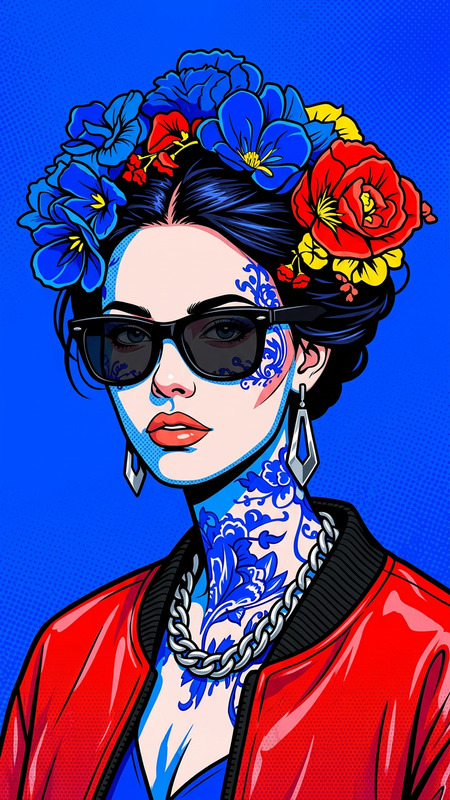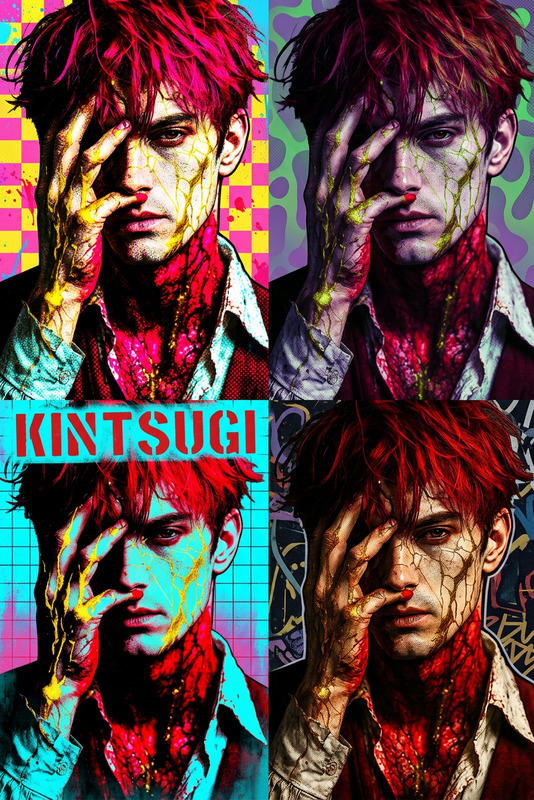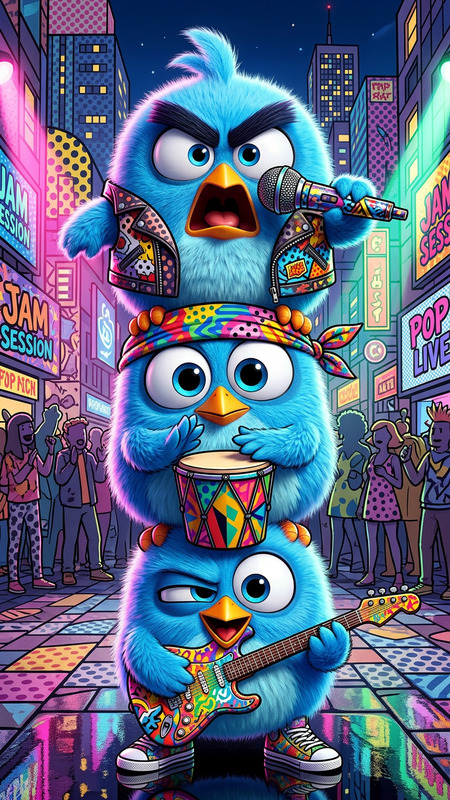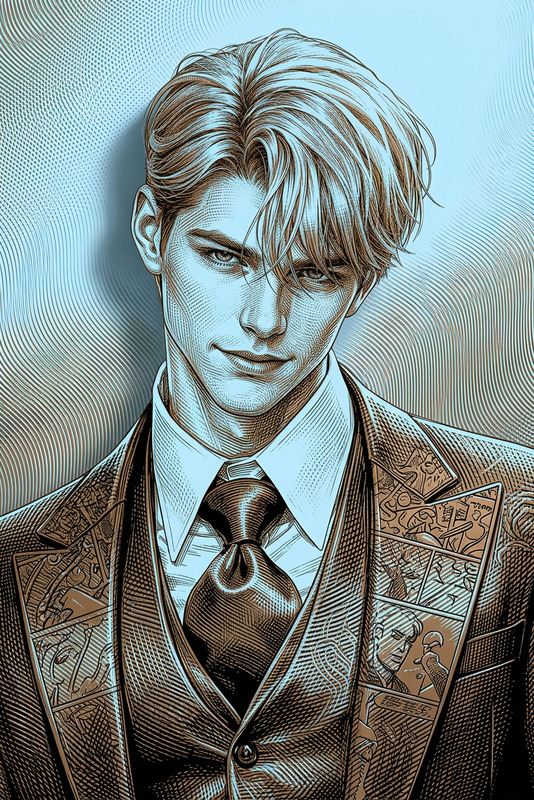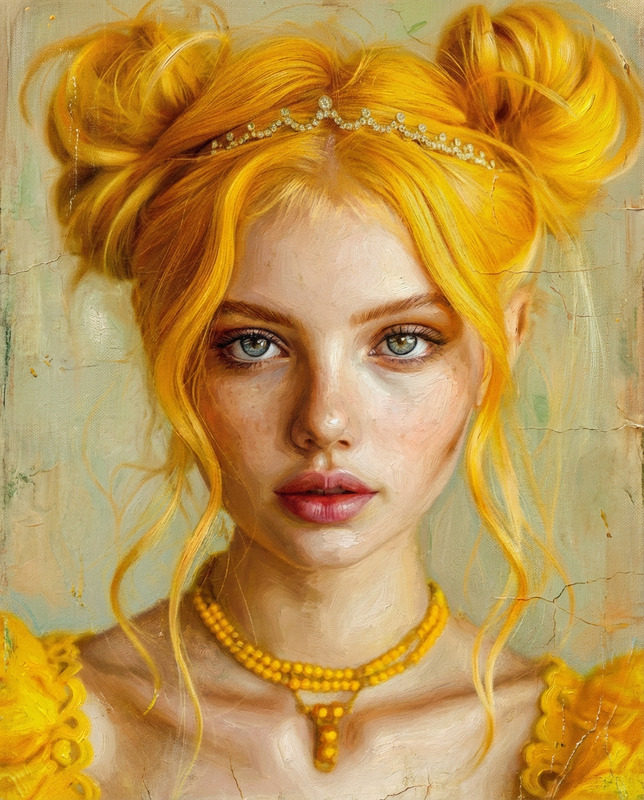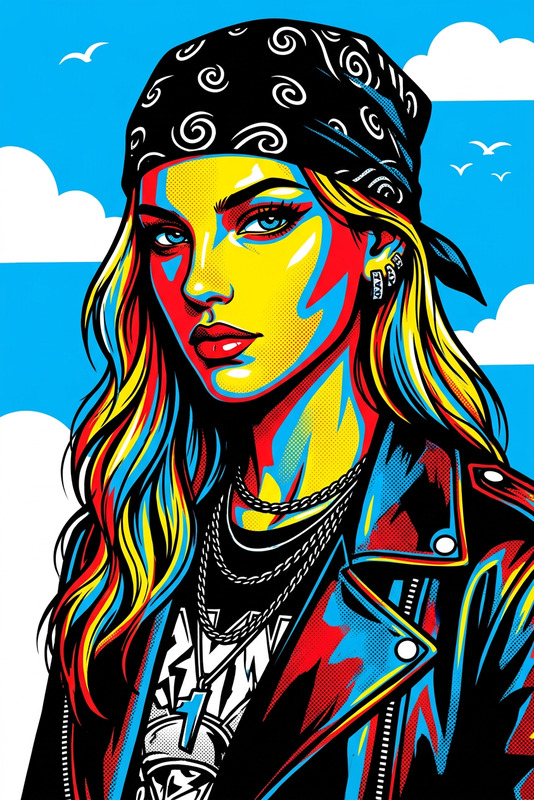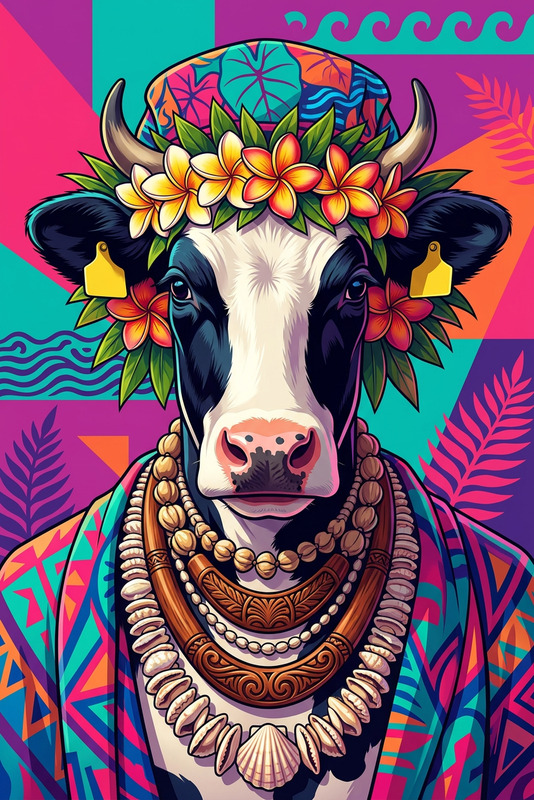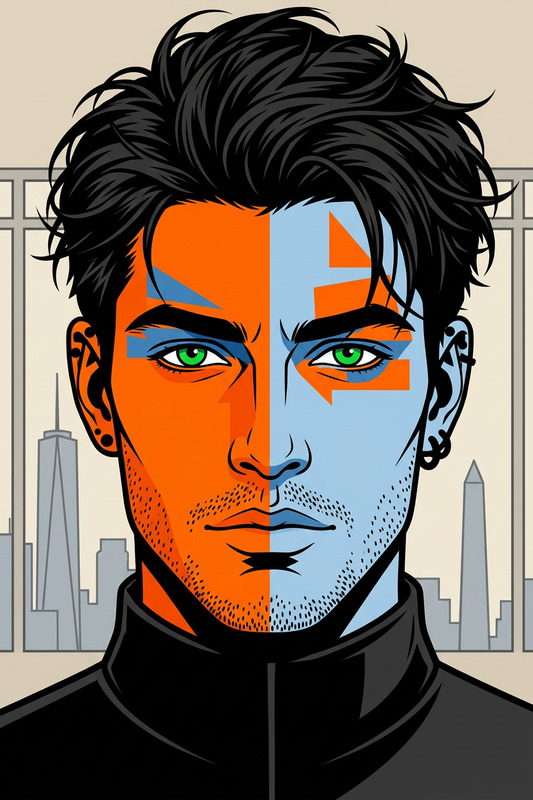
Bold Pop Art
- Model
- Nano Banana 2
- Image
- 768 × 1365 px
Prompt
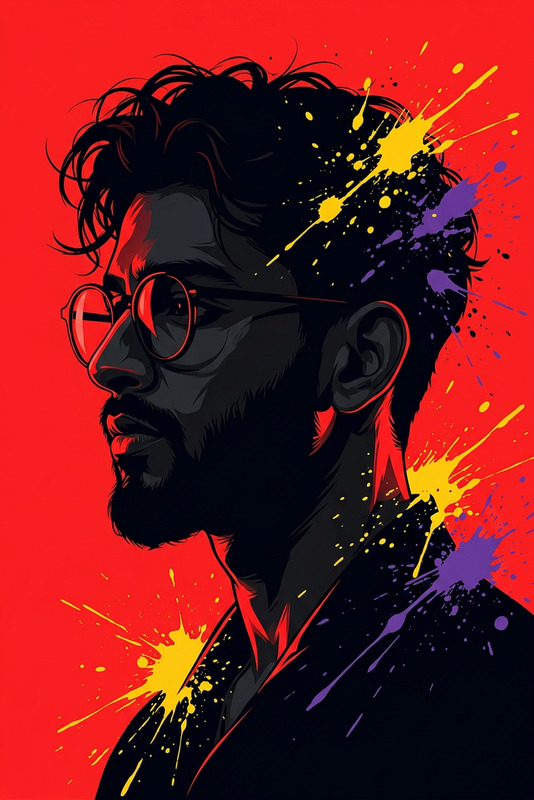
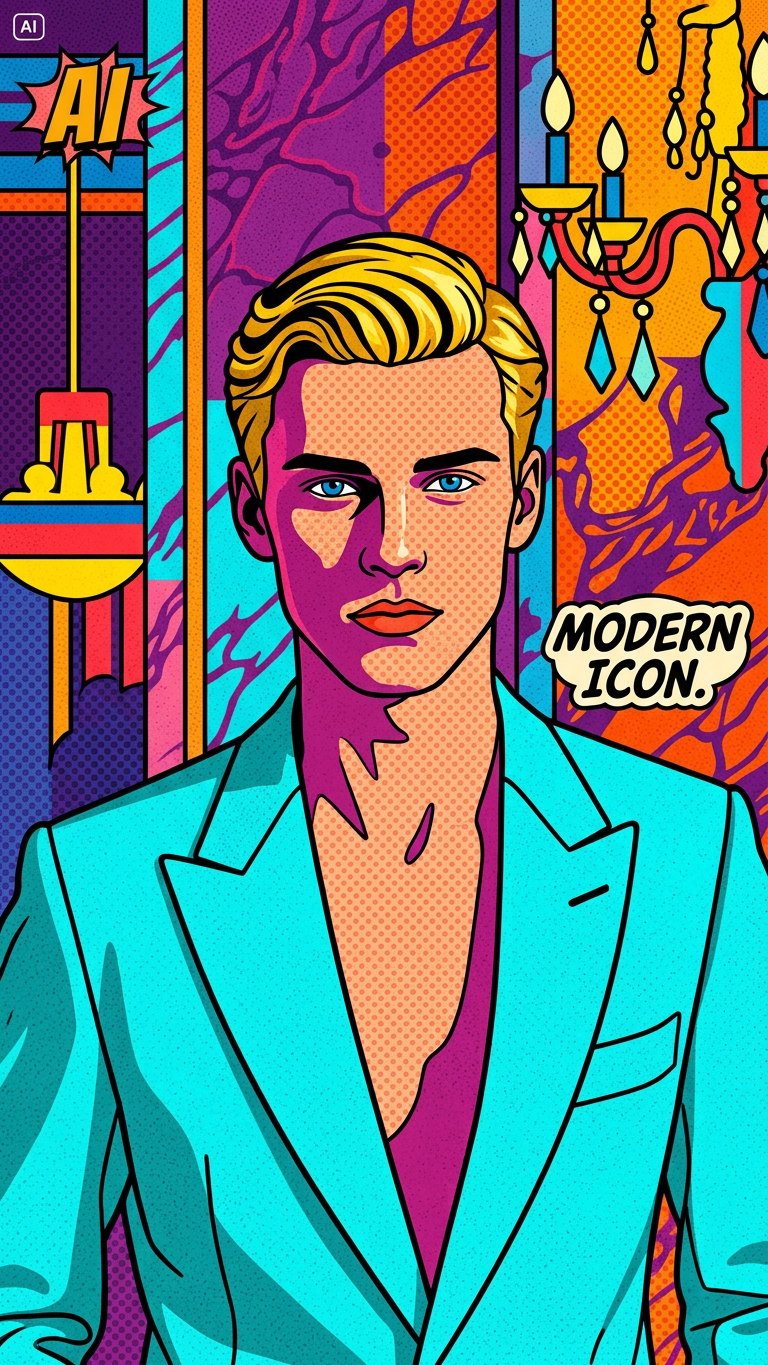
Transform the photo into a pop art style using bold, vibrant colors and high contrast. Simplify shapes, use thick outlines, and apply flat color blocks with minimal shading. Optionally add halftone dots and graphic patterns for a classic pop art look while preserving the subject’s recognizable features.
Any aspect ratio
Overview
The Bold Pop Art template in our AI Image Editor offers a dynamic way to infuse your images with the vibrant energy of pop art. This template transforms pictures with bold, vibrant colors, high contrast, thick outlines, and flat color blocks, perfect for creating standout visuals.
What It Does
This template applies a pop art style to your images. It features bold, vibrant colors, high contrast shapes and forms, and graphic patterns like halftone dots. It ensures your subject remains recognizable, while adopting the signature style elements of pop art.
For those interested in expanding their creative toolbox, explore other style transformation tools like the AI Talking Photo or Lip Sync to complement your creations.
Who It's For
This template is ideal for marketers, graphic designers, and content creators looking to differentiate their visual content. Whether you're working on advertisements, presentations, or personal projects, this pop art effect can give your visuals a unique and captivating look, standing out in any medium.
Summary
The Bold Pop Art template is a versatile tool in any creative professional's kit. With its emphasis on vibrant colors and graphic patterns, it offers a distinctive way to present ideas and stories visually. To further enhance your visuals, consider using the AI Image Upscaler for high-quality output.
How To

Customize Settings

Generate Image

Use Cases
Marketing Campaigns
- Social media ads
- Email newsletters
- Event posters
Graphic Design Projects
- Branding materials
- Illustrated stories
- Catalogs
Content Creation
- Thumbnail images
- Stylistic blog headers
- Video intros
Best Practices
Select High-Quality Images
Ensure your base images are high resolution to maintain detail through the transformation process.Focus on Simplicity
Keep the shapes and lines simple for a more pronounced pop art effect, which captures the essence of the style.Experiment with Features
Try different combinations of graphic patterns and color schemes to see what best highlights your subject.