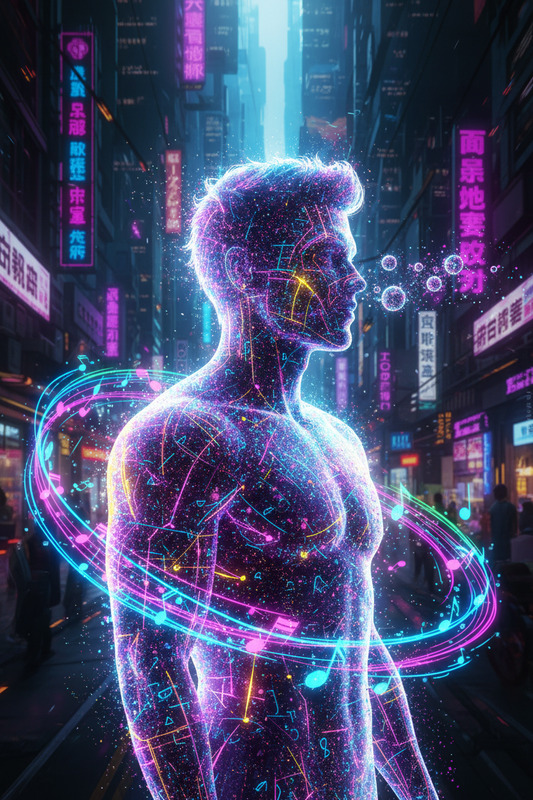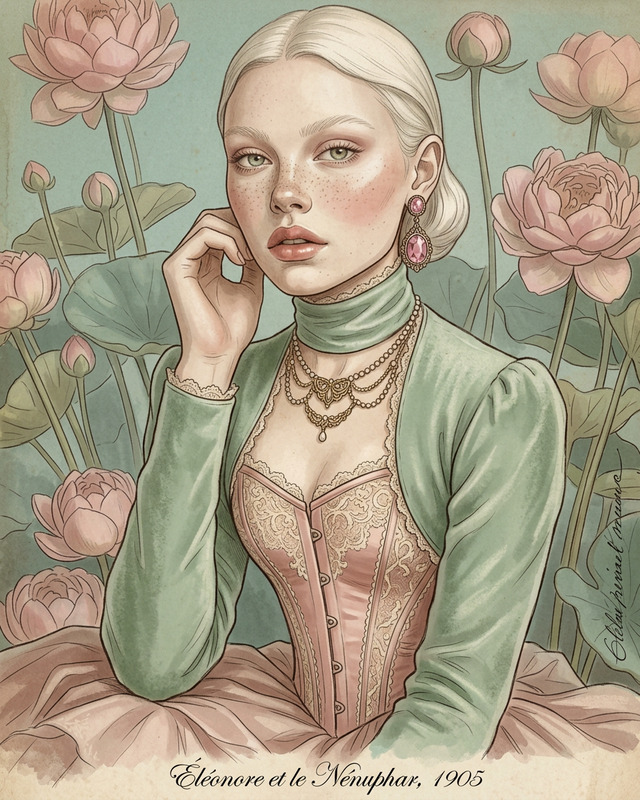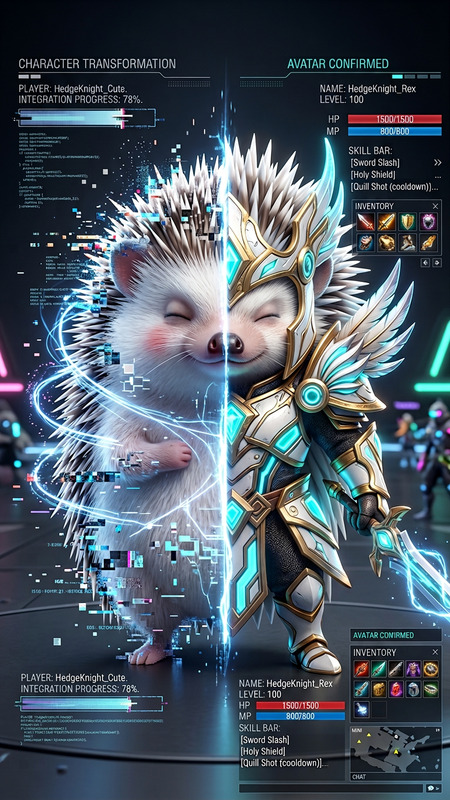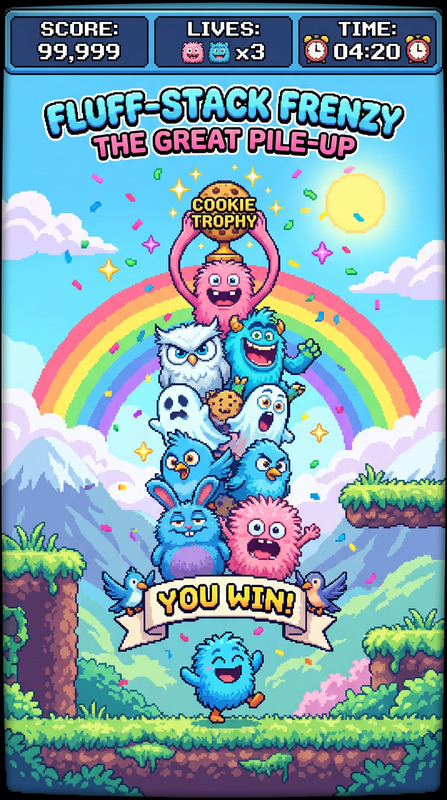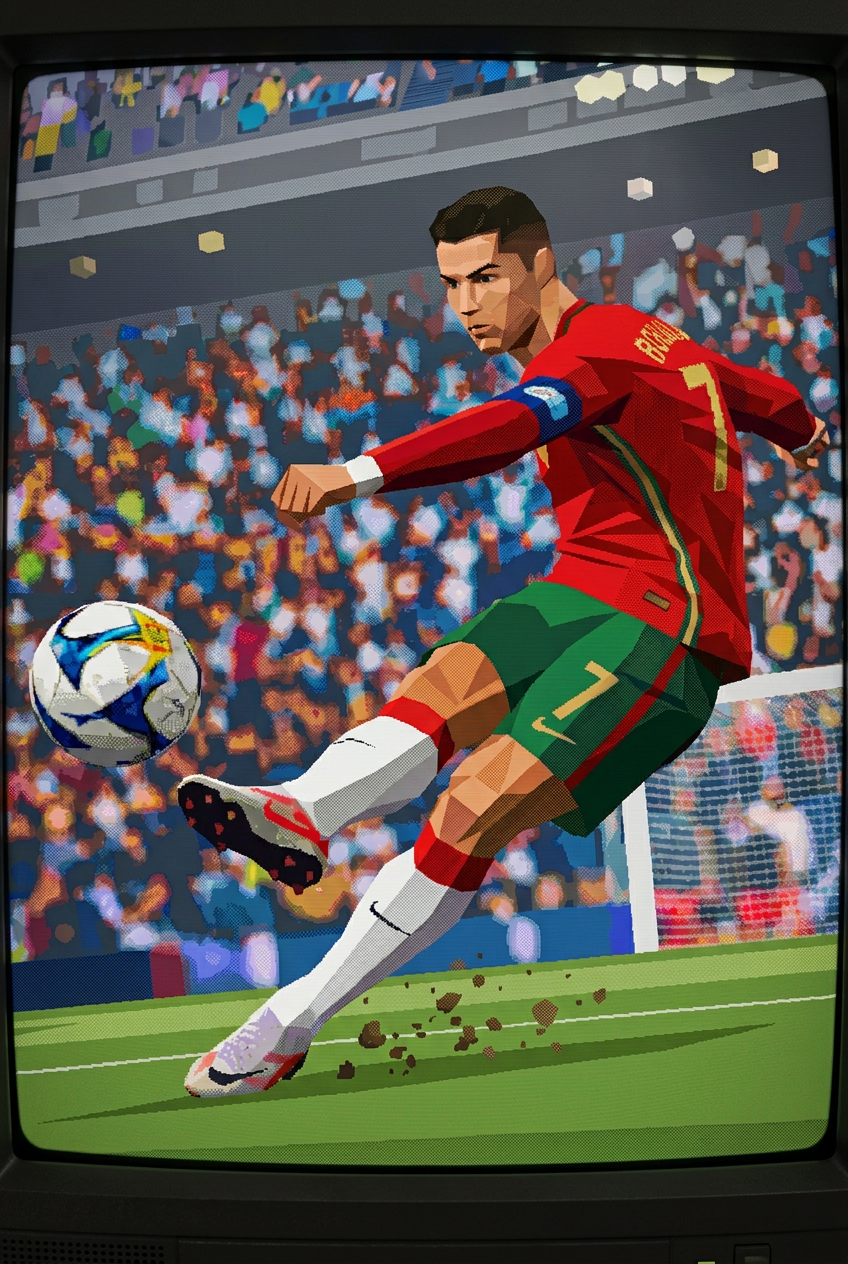
PS1 Retro Render
- Model
- Nano Banana 2
- Image
- 848 × 1264 px
Prompt
Transform the entire scene into a raw late-90s PS1-style game screenshot while preserving the original composition and camera; re-render all elements as low-polygon 3D models with visible triangular geometry and no smoothing; use very low-resolution textures (256×256 or lower) with pixelation, compression artifacts, and visible seams; apply affine texture mapping so surfaces warp and distort with perspective; disable anti-aliasing, keeping jagged edges; use flat or simple vertex shading with no modern lighting, shadows, or effects; simulate 16-bit color with dithering patterns; include retro artifacts like vertex jitter, minor pop-in, Z-fighting, and limited draw distance with fog; final output resembles a 320×240–640×480 framebuffer, soft yet crunchy pixel aesthetic, no UI or overlays.
Any aspect ratio
Overview
Dive into the nostalgia of late-90s gaming with the PS1 Retro Render template. This AI Image Editor template meticulously transforms modern images into retro game visuals reminiscent of classic PlayStation aesthetics. From low-polygon models to dithering effects and compressed textures, relive the iconic graphical quirks of the past.
What It Does
The PS1 Retro Render template transforms your images by applying a suite of retro visual effects. It reduces modern visuals to low-polygon models, employs affine texture mapping, and adds pixelated, low-resolution textures. Expect visible triangular geometry, jagged edges, and vintage video game artifacts such as vertex jitter and fog-limited draw distances. The result is a soft yet crunchy pixel aesthetic reminiscent of classic PS1 games.
Who It's For
This template is ideal for visual artists, game developers, and content creators looking to evoke nostalgia with a high level of authenticity. Whether you're producing assets for a game or striving to capture the retro essence in marketing visuals, the PS1 Retro Render offers a detailed and accurate representation of the era's unique look.
Summary
The PS1 Retro Render is a specialized AI Image Editor template designed for those who want to render their images as classic low-poly game art. By using the nano-banana-2 model, it offers a precise transformation that remains true to the limitations and characteristics of late-90s video games.
How To
Choose Template

Customize Inputs

Generate Image

Use Cases
Game Asset Creation
- Design low-poly characters for indie games
- Create atmospheric in-game environments
- Develop nostalgic cut scenes
Marketing and Promotion
- Design vintage-style promotional materials
- Create engaging social media content
- Develop throwback ad visuals
Content Creation
- Create retro-themed digital art
- Develop video content with PS1 aesthetics
- Produce stylized illustrations for blogs
Best Practices
Use High-Quality Source Images
Start with high-resolution images to ensure that resolution reduction and texture mapping faithfully reproduce retro effects.Adjust Scene Elements Carefully
Position key visual elements appropriately in the scene to minimize conflicts with retro artifacts like pop-in or Z-fighting.Experiment with Textures
Experiment by swapping different textures and resolutions within the tool to find the perfect retro style that suits your vision.