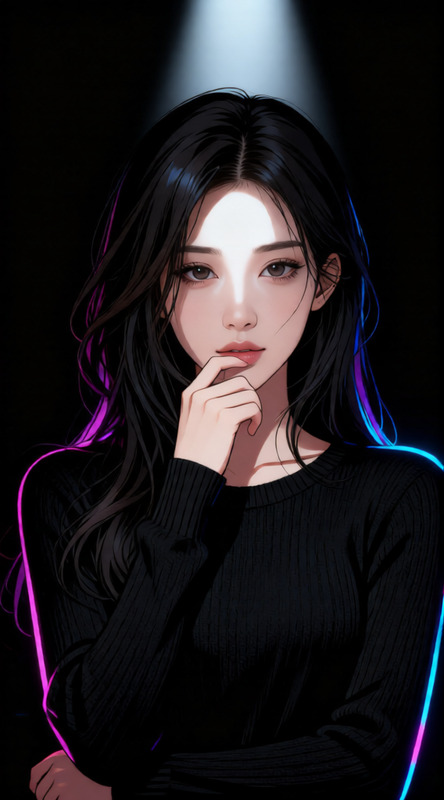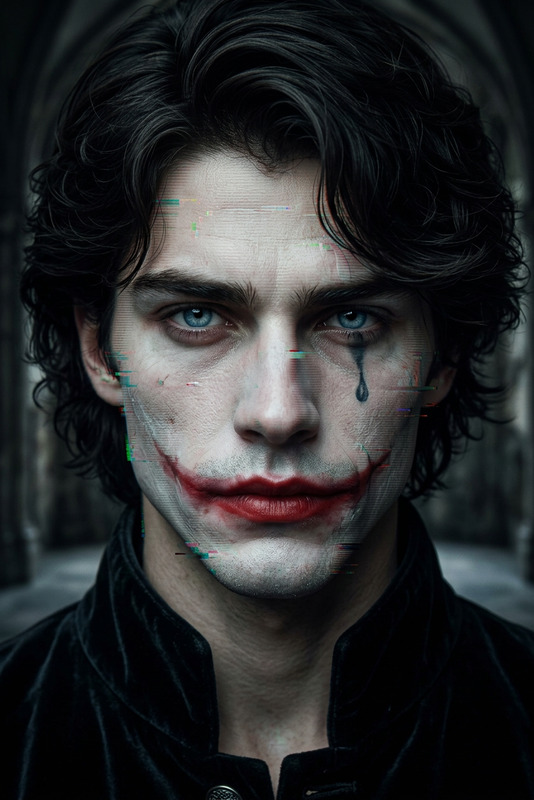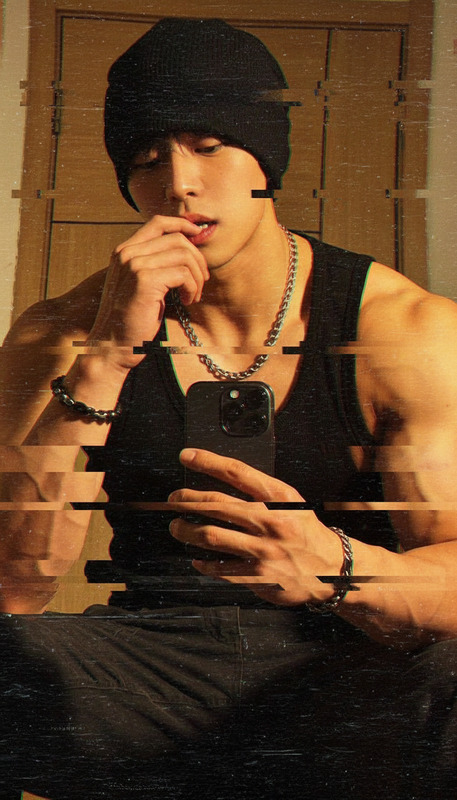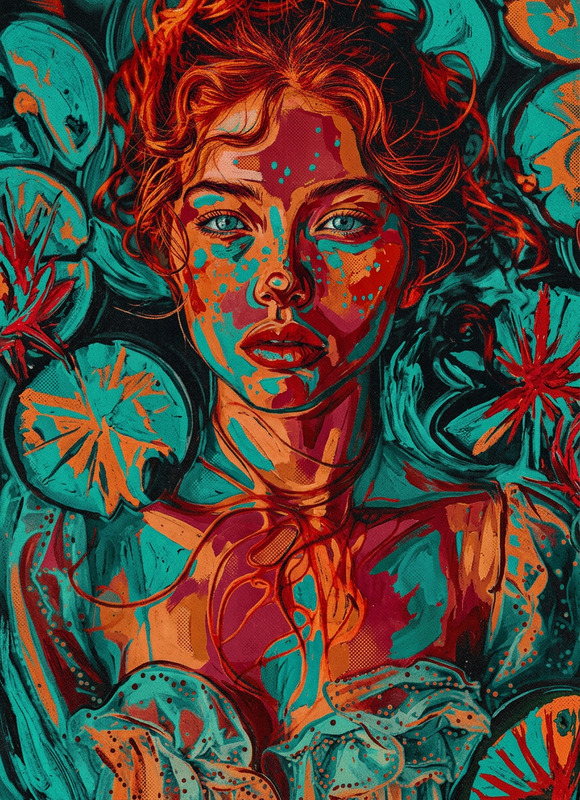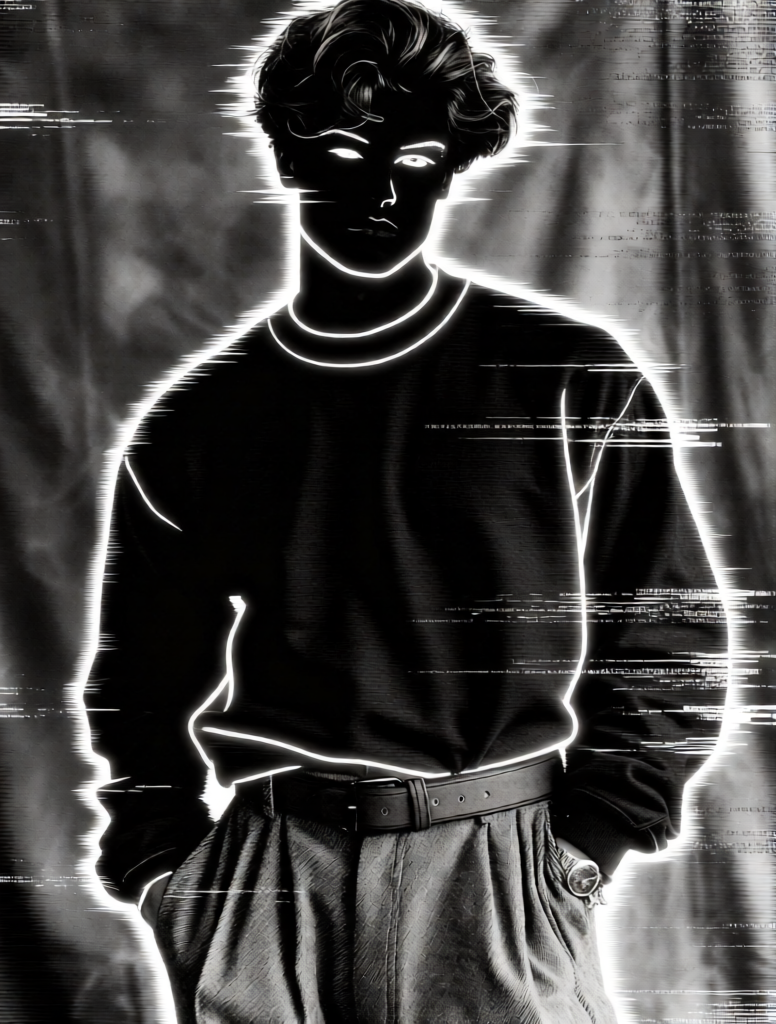
Analog Horror Negative Glitch
- Model
- Qwen Edit
- Image
- 776 × 1024 px
Prompt
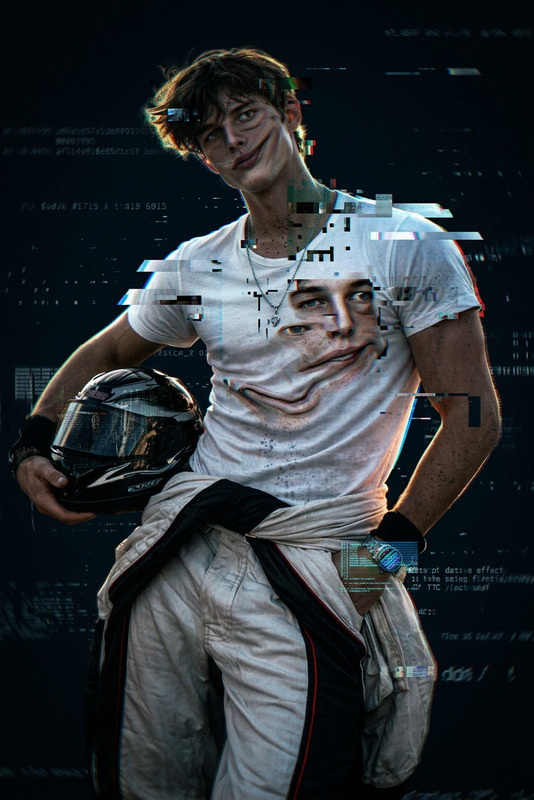
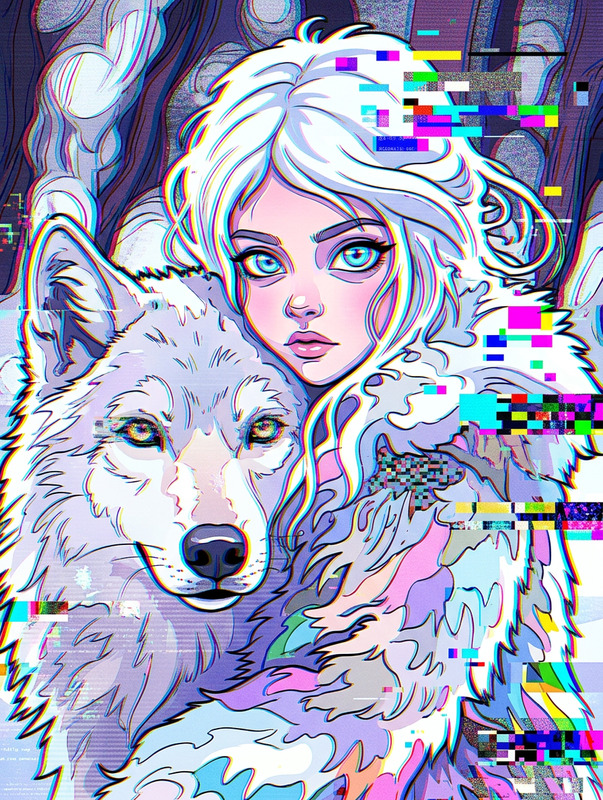
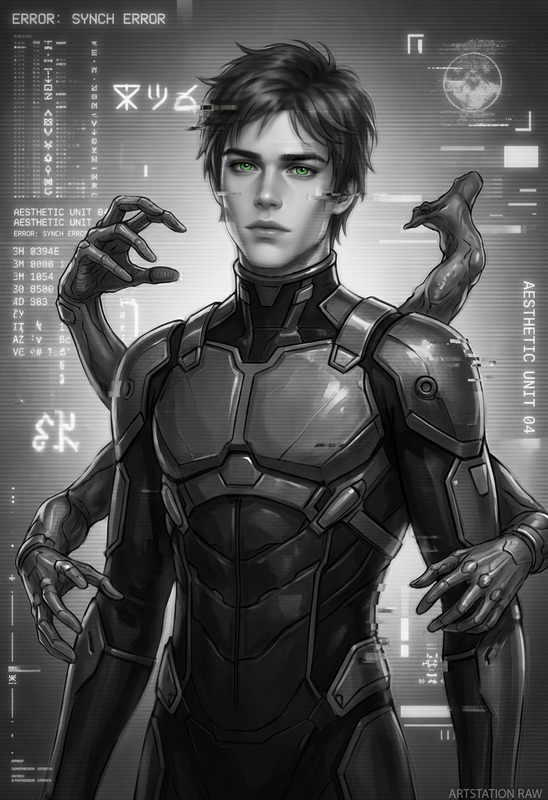
A glitchy transformation into a high-contrast black-and-white negative image. The subject’s face becomes inverted into deep black shadows with sharp white outlines, as if traced with glowing lines. Facial features appear fragmented and distorted, with digital noise, scanline artifacts, and harsh contrast. The background fades into abstract grayscale shapes with blurred text and static interference. Analog horror aesthetic, glitch art, distorted signal, VHS noise, eerie and unsettling atmosphere, minimal color, high contrast, surreal and fragmented, highly detailed.
Any aspect ratio
Overview
Step into the surreal with the Analog Horror Negative Glitch template, designed for the AI Image Editor environment. Leveraging the advanced capabilities of the qwen-edit model, this template transforms faces into eerie shadows and high-contrast figures, achieving an unsettling analog horror look perfect for spine-chilling visual creations.
What It Does
This template applies a glitchy transformation to your images, converting them into high-contrast black-and-white negatives. Faces transform into deep black shadows with sharp white outlines, enhanced by digital noise and scanline artifacts. The background descends into abstract grayscale patterns, creating a surreal, fragmented aesthetic that speaks to the essence of glitch art and analog horror.
Who It's For
This template is ideal for creators who thrive in the world of horror and sci-fi aesthetics. Whether you're crafting a unique meme video with a dark edge or enhancing a VFX Previs project, the negative glitch style will add a captivating and unsettling dimension. Perfect for digital artists, filmmakers, and content creators looking to experiment with a distinctive visual theme.
Summary
Experience an artistic shift with the Analog Horror Negative Glitch template. By transforming ordinary images into surreal, fragmented visuals, this template offers a powerful tool for creating suspenseful and eerie imagery. Integrated into the AI Image Editor, it makes intricate glitch art accessible to all creators.
How To
Choose Template

Customize Inputs

Generate Image

Use Cases
Promo Videos
- Perfect for movie trailers and teaser videos.
- Ideal for spooky holiday marketing campaigns.
Album Art
- Great for alternative and electronic music genres.
- Capture the gritty feel of analog technology.
Experimental Shorts
- Craft engaging short films with a distinctive aesthetic.
- Ideal for creators in the film and animation industry.
Best Practices
Choose Contrasting Images
Select images with clear contrast between subject and background for the most striking effects.Experiment with Intensity
Adjust glitch intensity to find the perfect balance between subtlety and dramatic impact.Combine with Other Styles
Integrate with AI Talking Photo effects for dynamic presentations.