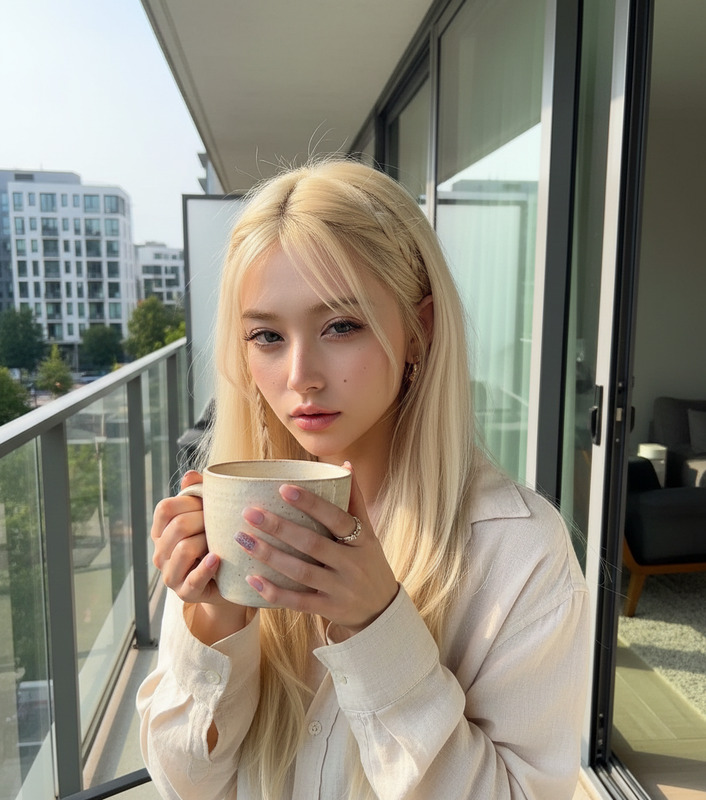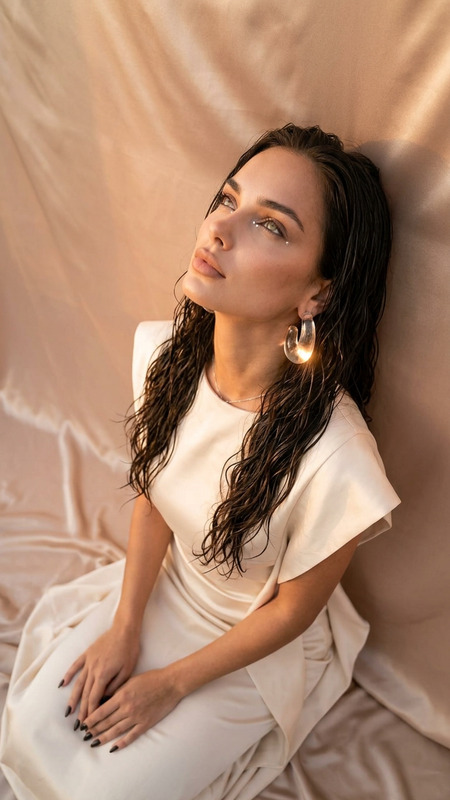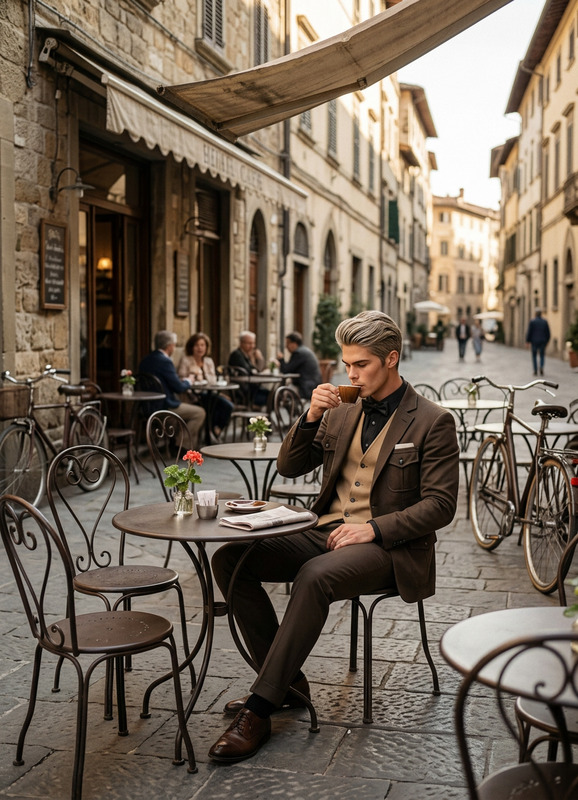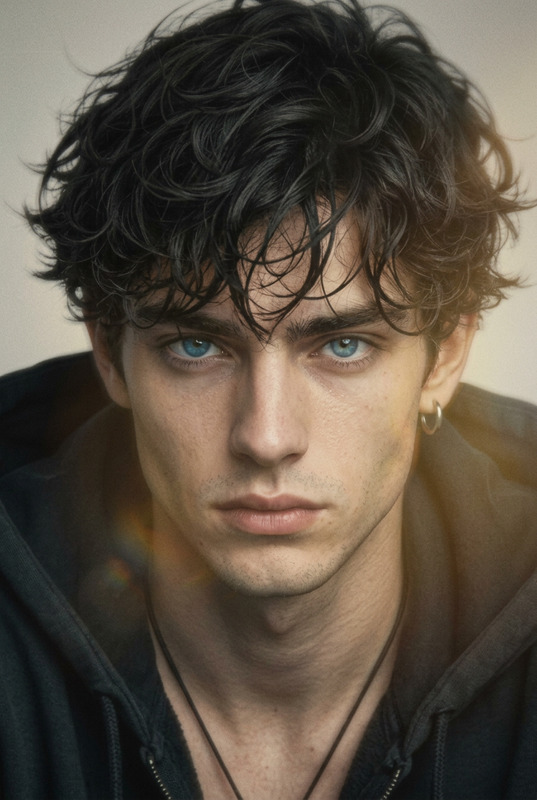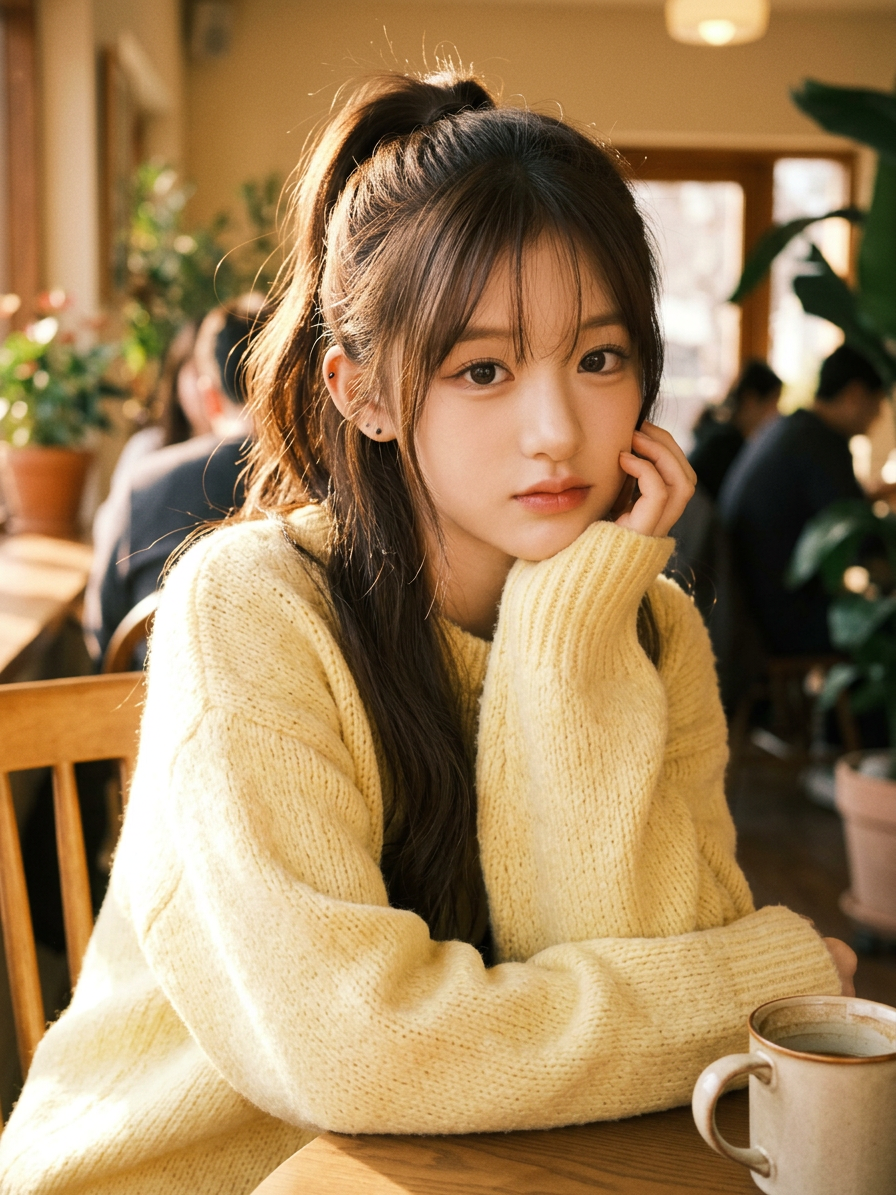
Lo-fi Café Golden Hour
- Model
- Nano Banana 2
- Image
- 896 × 1195 px
Prompt
High-resolution photorealistic lo-fi aesthetic portrait of a subject sitting at a wooden table in a sunlit café, soft warm bokeh background suggesting a cozy interior. Wearing a chunky oversized pastel yellow knit sweater, long soft brown hair tied in a high loose ponytail with wispy bangs framing the face. Pose: leaning forward with elbows on the table, chin resting in hands, looking directly at the camera with a soft calm expression. A white ceramic coffee mug sits in the foreground. Warm golden hour sunlight creates strong cinematic shadows and highlights, cozy intimate mood, soft focus, 8K ultra-detailed, nostalgic lo-fi atmosphere.
Any aspect ratio
Overview
The Lo-fi Café Golden Hour template provides an unparalleled opportunity to transform ordinary images into warm, nostalgic pieces. Utilizing the capabilities of the AI Image Editor and powered by the efficient nano-banana-2 model, this template enriches photos with a golden hour aesthetic that evokes a cozy, intimate feeling.
What It Does
This template converts your images into high-resolution photorealistic portraits with a lo-fi aesthetic, specifically tailored to evoke the golden hour ambiance of a sunlit café. It emphasizes a play of light and shadow that adds cinematic depth to your photos, complete with soft bokeh effects to suggest a cozy interior environment.
Who It's For
This template is ideal for content creators, photographers, and artists looking to stylize their imagery with a nostalgic lo-fi atmosphere. It's particularly useful for those working in lifestyle and fashion photography that wish to introduce warmth and intimacy into their visuals.
Summary
Enhance your portraits with golden hour warmth using the Lo-fi Café Golden Hour template. Ideal for creating compelling visuals that capture the soft, nostalgic feel of afternoon light in a café setting. Explore more template options and tools to craft unique visuals in our AI Talking Photo and AI Background Changer products.
How to Use the Template
Choose the Template

Customize Your Inputs

Generate Your Image

Use Cases
Fashion Photography
Lifestyle Blogging
Social Media Content
Personal Projects
Best Practices
Lighting Considerations
Ensure that the source images are well-lit, as natural light enhances the effect and retains detail during processing.Subject Positioning
Follow the template’s pose guidelines to maximize the nostalgic impact and make the photo more relatable.Testing Prompts
Experiment with different prompts to see varying outcomes and adjust them to match your desired emotional tone.