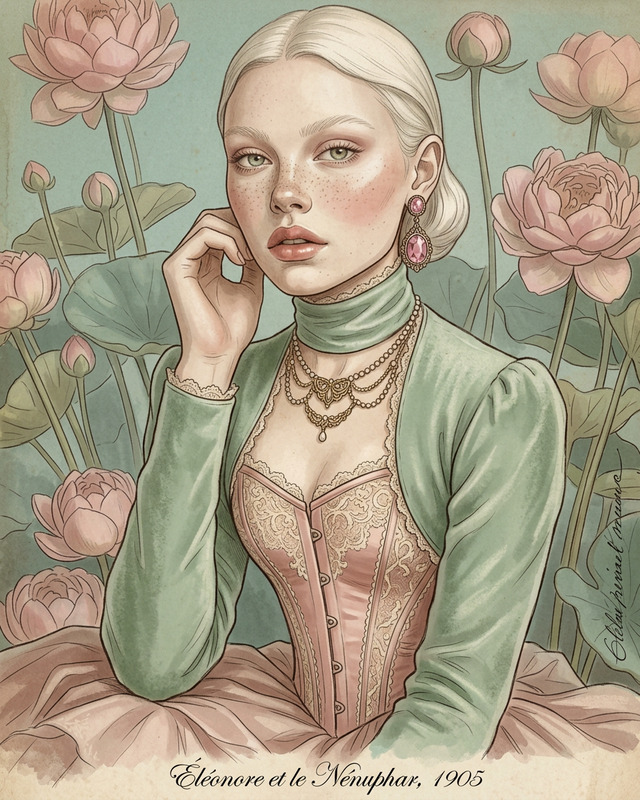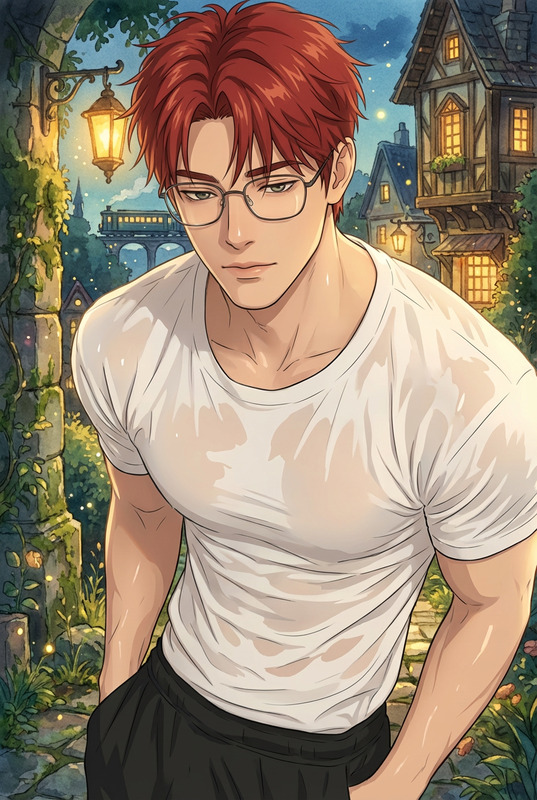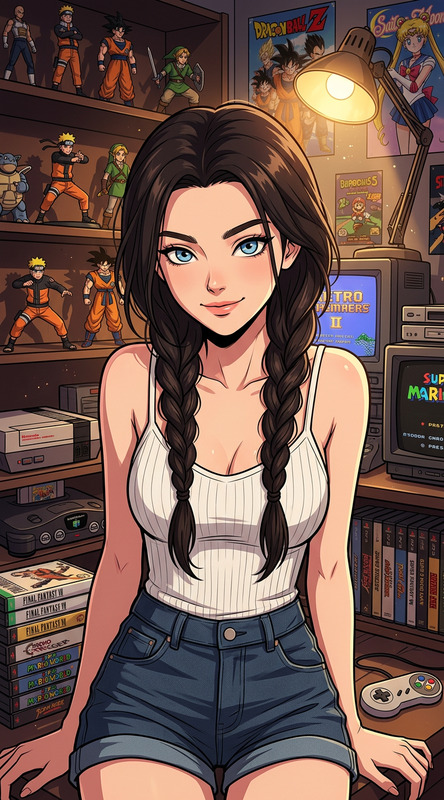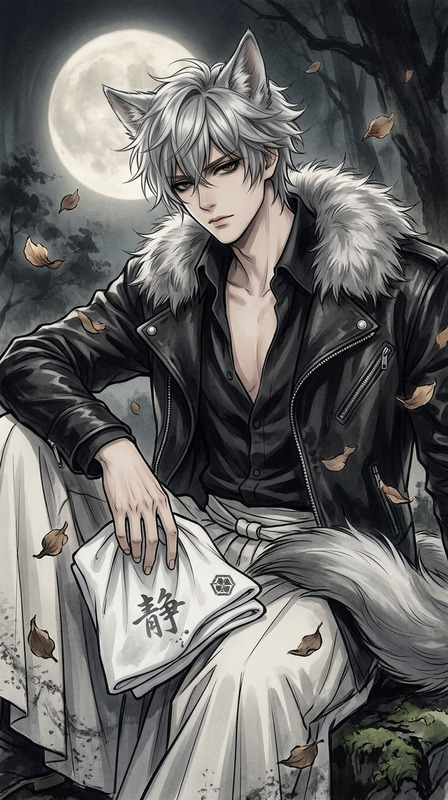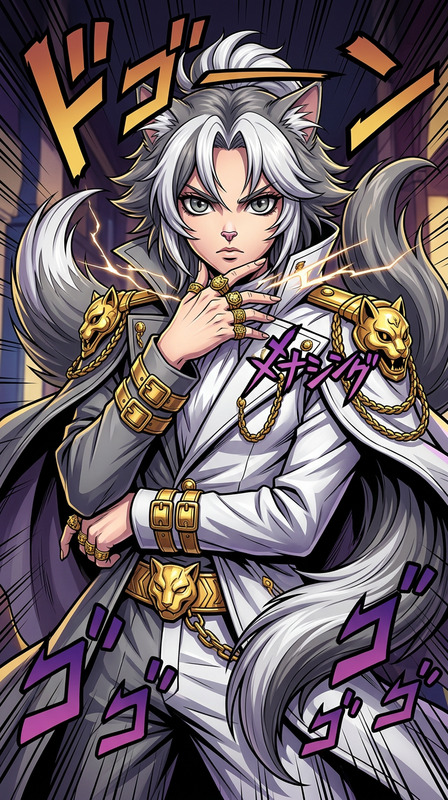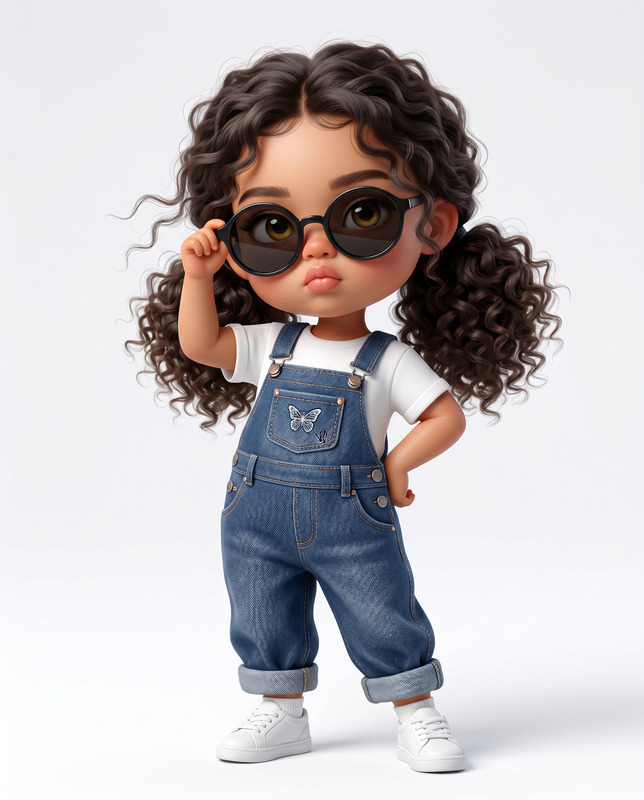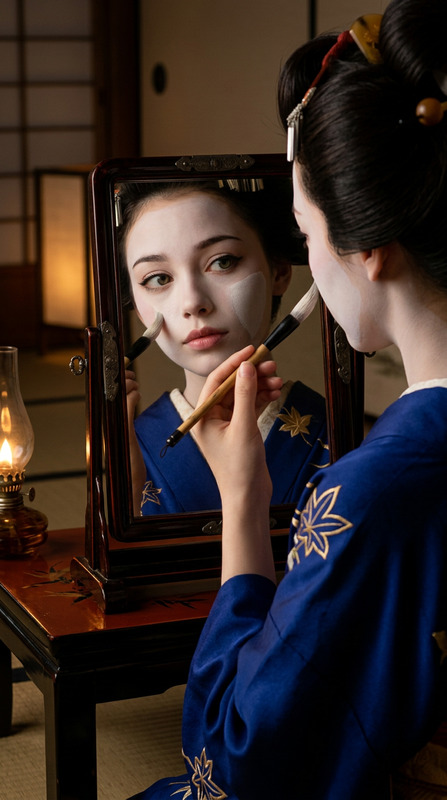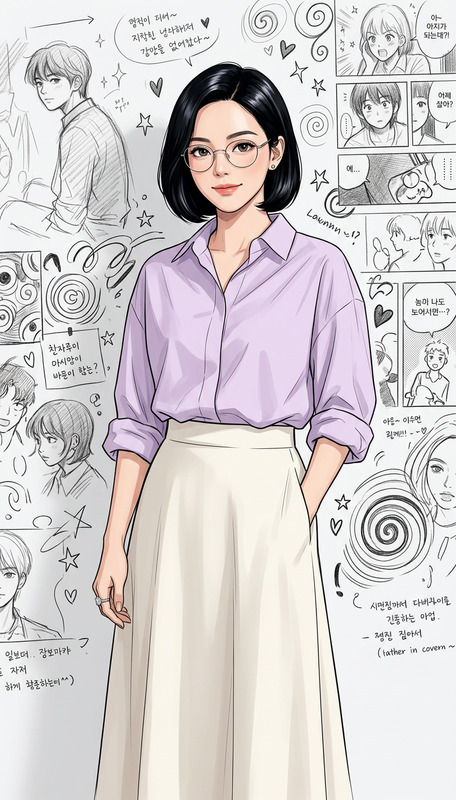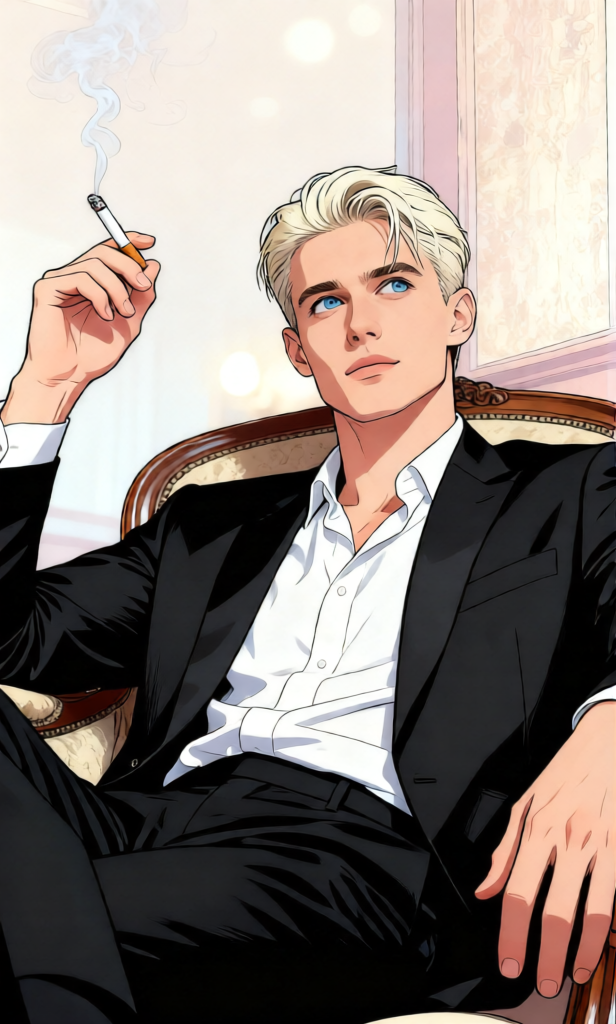
Shoujo-Inspired Likeness Manga
ai-image-editor
Any aspect ratio
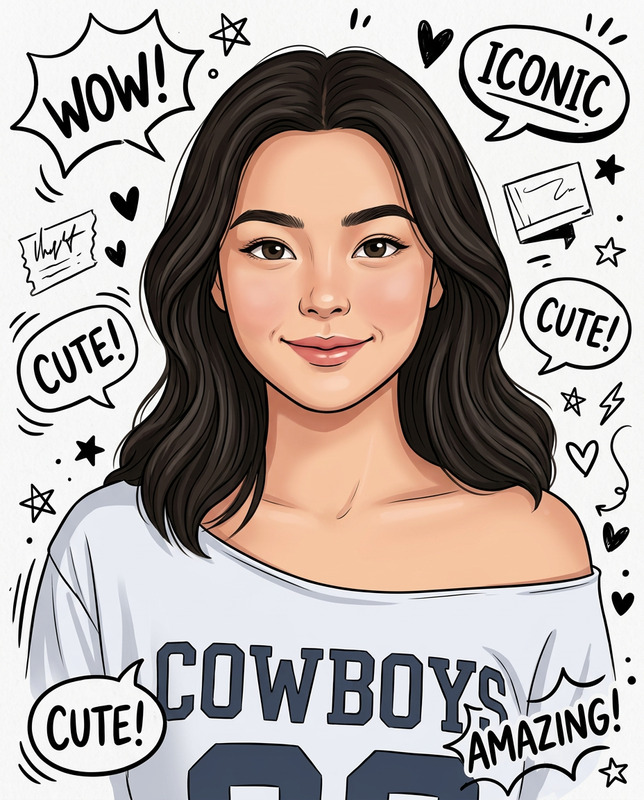
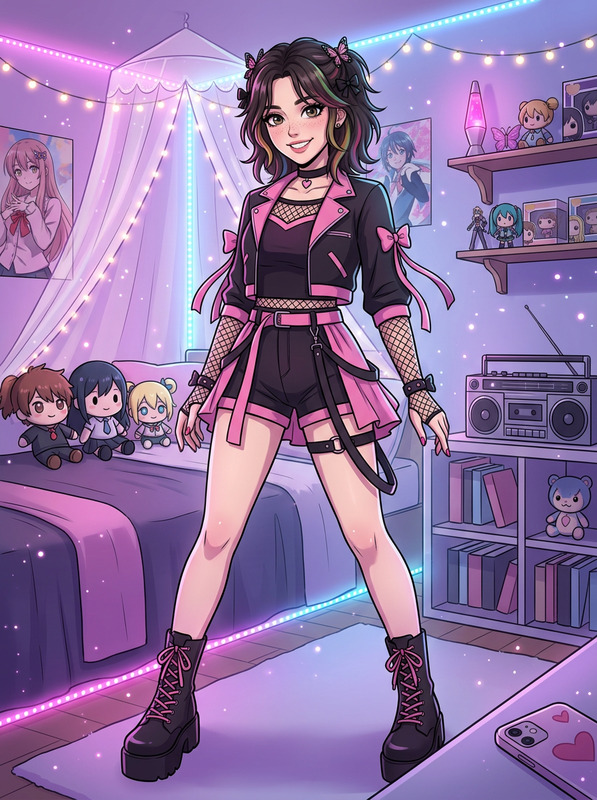
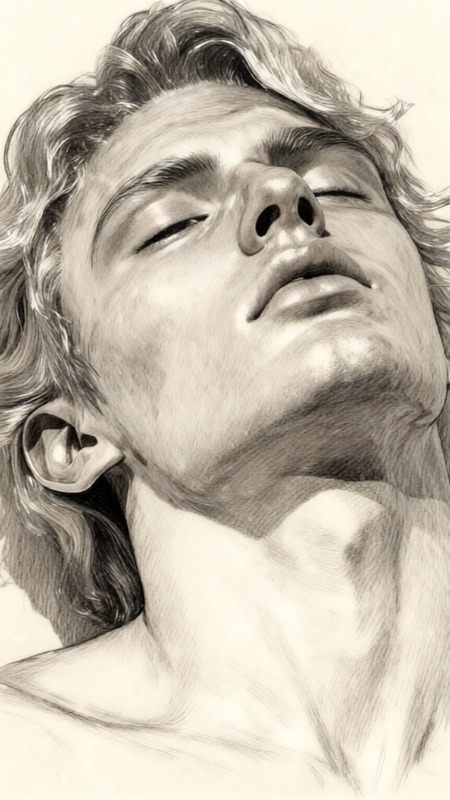
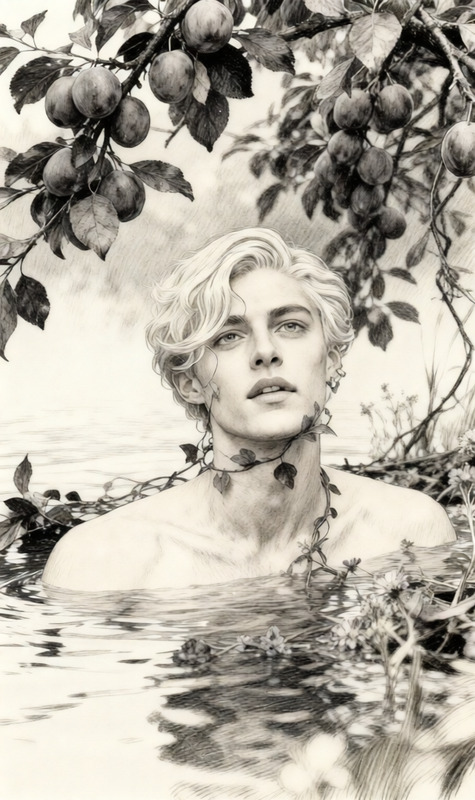
"""{ """"title"""": """"Likeness-Preserved Color Manga Illustration (Shoujo-Inspired, Gender-Neutral)"""", """"input"""": { """"type"""": """"image"""", """"description"""": """"A well-lit image of a person, with clear visibility of the face and upper body"""" }, """"output"""": { """"style"""": """"Modern color manga illustration with soft, expressive features"""", """"rendering"""": """"Clean, inked line art with pastel or watercolor-style coloring; subtle screen tones and shading"""", """"character design"""": """"Naturalistic eyes with soft highlights, gentle facial contours, and proportional features"""", """"emotion"""": """"Mildly expressive (e.g. calm, thoughtful, confident); not overly romantic or stylized"""", """"hair"""": """"Maintains original color and shape, with added depth and manga-style shading"""", """"background"""": """"Simple or abstract—light gradients, patterns, or bokeh used to enhance atmosphere without distraction"""", """"resolution"""": """"High-resolution, publication-quality output"""" }, """"mandate"""": { """"likeness"""": """"Top priority. Preserve the subject’s exact facial structure, eye shape, skin tone, hairline, and overall identity. Do not alter recognizable features."""", """"style consistency"""": """"Apply a manga style that draws inspiration from shoujo art, but avoids gendered exaggeration—balanced, clean, and elegant."""", """"coherence"""": """"Ensure the transformation feels cohesive and respectful to the original image, enhancing without reinventing."""" } } """
Tags
stylesAI Image Editor Template: Transform Any Image in Minutes
Use this template to instantly remix, enhance, or reimagine any image with the AI Image Editor. It’s built for fast, practical workflows: marketing visuals, product shots, thumbnails, social posts, concept art, and UX mockups—without needing Photoshop-level skills.
What this template does
This template gives you a ready-made workflow for:
- Editing existing images with AI
- Remove or swap objects
- Change backgrounds
- Clean up distractions
- Adjust style, vibe, or composition
- Iterating on concepts quickly
- Generate multiple variations from one source
- Test different visual directions for campaigns, landing pages, or content
- Preparing assets for production
- Create cleaner, more polished versions of raw images
- Make assets consistent with your brand or project style
Under the hood, it uses the same engine as the core AI Image Editor, so anything you see here can be extended, remixed, and combined with other Magic Hour tools.
How to remix this template in Magic Hour
You can treat this page as a starting point and adapt it to your own use case. To create your own version of this template:
Open the AI Image Editor
Go to the AI Image Editor.Upload your base image
- Product photo
- Portrait or headshot
- UI mockup or landing page screenshot
- Illustration, concept art, or logo draft
Decide what you want to change
Common remix ideas:- Swap a messy background for a clean studio or brand-colored backdrop
- Remove unwanted objects or people (pair with the AI Remover or Remove Object from Photo)
- Turn a photo into a sketch or illustration (see also Photo to Sketch)
- Change outfits, styles, or aesthetics (combine with AI Clothes Changer or AI Fashion Generator)
Iterate like a design system
- Save multiple variants for A/B testing (e.g., different hero images or ad creatives)
- Keep “families” of images consistent using similar prompts and edits
- Export and then upscale with the AI Image Upscaler if you need larger formats (web hero, print, slides)
Turn your edited images into other assets
Once you’re happy with an edited image, you can:- Animate it with Image to Video
- Convert characters or scenes into short animations using Animation
- Generate avatars based on your edited portraits via the Avatar Generator
- Turn it into stylized art with the AI Art Generator or AI Illustration Generator
For developers and teams, this “template” is essentially a repeatable workflow: same editor, same source assets, different prompts and targets. You can document your own internal steps (e.g., for blog graphics or product mockups) and reuse them across campaigns.
Best use cases for this template
This AI Image Editor template is especially effective for:
1. Marketing & growth teams
- Clean up or restyle product screenshots for landing pages
- Generate multiple ad asset variations in minutes
- Create blog and newsletter visuals from a single base image
- Build consistent thumbnail sets (combine with Thumbnail Maker and Album Cover Generator for content brands)
2. Product & startup teams
- Rapidly prototype UI mockups or product images
- Visualize new concepts or features before design time is committed
- Create investor deck visuals from raw sketches or rough screenshots
- Generate internal documentation images with consistent styling
3. Creators & content builders
- Clean up personal or brand photos for profiles and banners
- Turn one shoot into many looks (use alongside AI Outfit Generator or AI Face Editor)
- Convert illustrations into comic or manga-style panels with the Comic Book Generator or AI Manga Generator
4. Visual storytelling & character work
- Edit character designs and environments, then:
- Turn them into animated characters with the Animated Characters Generator
- Build fantasy maps (Fantasy Map Generator) and dark fantasy scenes (Dark Fantasy AI)
- Create game assets with the DND AI Art Generator, AI Character Generator, or Superhero Generator
How this compares to other Magic Hour tools
Use this template when you already have an image and want to refine, extend, or manipulate it. For other workflows:
- Start from text only → use the AI Image Generator or AI Photo Generator
- Go from image to short video → use Image to Video or the Animation template
- Transform one video into another style → use the Video-to-Video template
- Create AI voices and talking content → use AI Voice Generator, AI Voice Cloner, AI Talking Photo, or the Lip Sync template
- Swap faces across photos, GIFs, or video → use Face Swap, Face Swap GIF, or the Face Swap Video template
Example remix workflows you can build from this template
Use this template as a “hub” and chain it into more advanced pipelines:
Brand hero pipeline
- Generate rough concept art with AI Art Generator
- Refine composition, clean up details with this AI Image Editor template
- Upscale for production using AI Image Upscaler
- Adapt for different channels (web hero, slide cover, social header)
Character-to-animation pipeline
- Design the character in the AI Image Editor (or AI Face Generator)
- Create a full-body variation with the Full Body Generator
- Animate using Animation or Image to Video
- Add voice via AI Voice Generator
Content thumbnail / cover pipeline
- Edit a still image or screenshot with this template
- Style it for YouTube or podcast using Thumbnail Maker or Album Cover Generator
- Generate matching social or newsletter art via Book Cover Generator or AI Logo Generator
Quality, restoration, and cleanup helpers
Pair this AI Image Editor template with:
Restoration & cleanup
Color and resolution
- Photo Colorizer for black-and-white to color
- Video Upscaler if you later convert your images into video
Tips for getting production-ready results
Think in systems, not one-offs
Define a visual language—lighting, color palette, framing—and reuse it across all edits. This makes campaigns and product pages look intentional and cohesive.Start from the highest-quality source you have
Higher resolution, cleanly lit images tend to produce more reliable, controllable edits. If needed, sharpen first with Unblur Image or upscale before heavy editing.Chain small edits instead of one giant leap
For complex transformations (e.g., new background, outfit, pose, and style), do them as a sequence of smaller edits. This keeps artifacts low and makes it easier to revert or branch.Save “versioned” assets
Treat each major change (v1, v2, v3) as a version. This mirrors how design teams work in Figma and lets you A/B test images in ads, landing pages, and emails.
Build your own template on top of this
Once you’ve run this AI Image Editor template a few times, you’ll have a repeatable pattern tailored to your use case:
- For headshots and avatars → combine with AI Headshot Generator, AI Selfie Generator, and Avatar Generator
- For brand or app visuals → pair with AI Icon Generator, AI Background Generator, and Architecture Generator
- For creative and niche formats → explore AI Tattoo Generator, Optical Illusion Generator, Graffiti Generator, Pokemon Generator, or Disney AI Generator
Use this template as your base, then refine it into a private, documented workflow your team can run over and over for consistent, high-quality image edits.