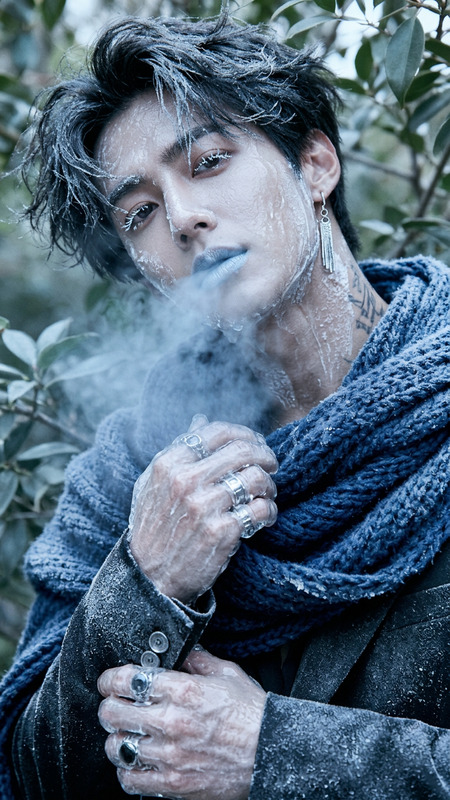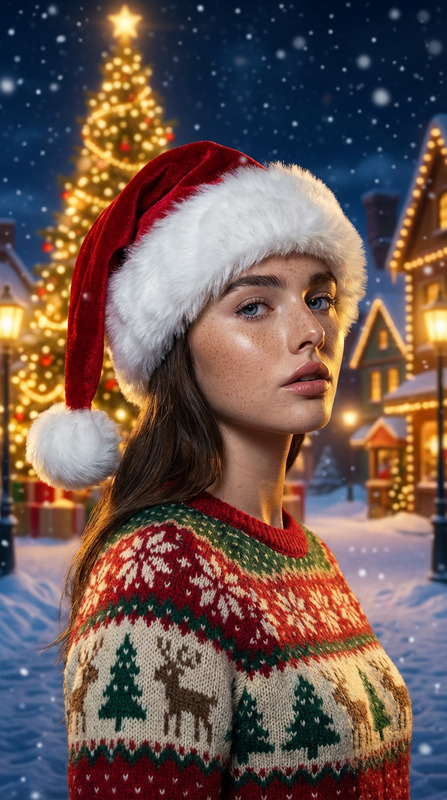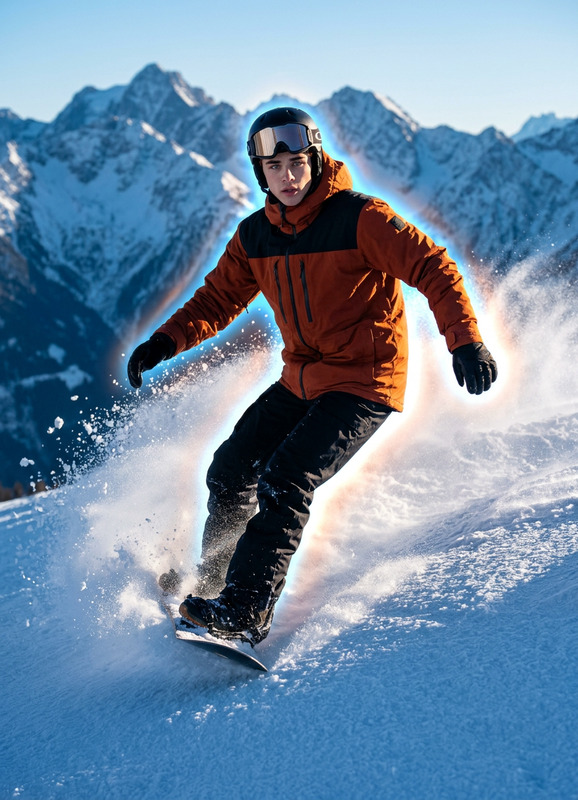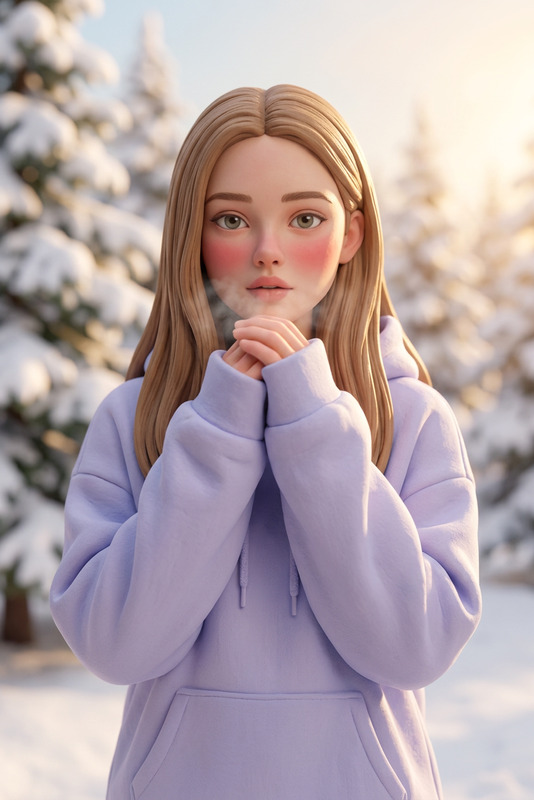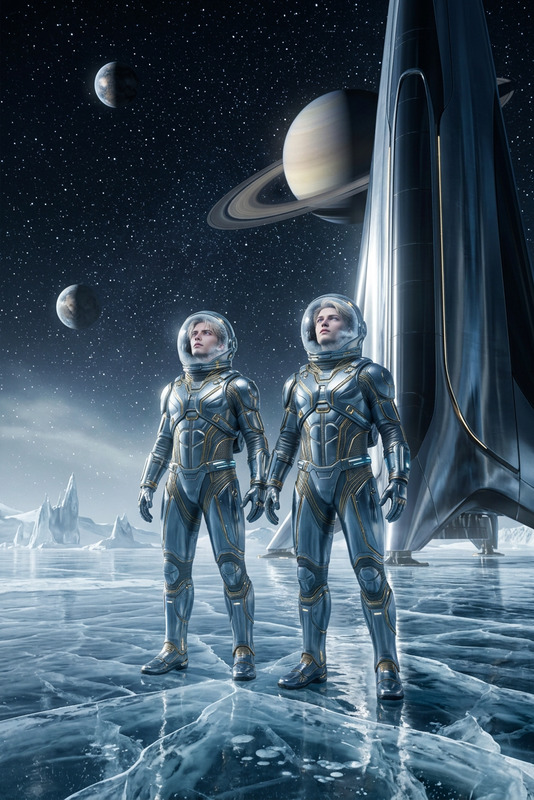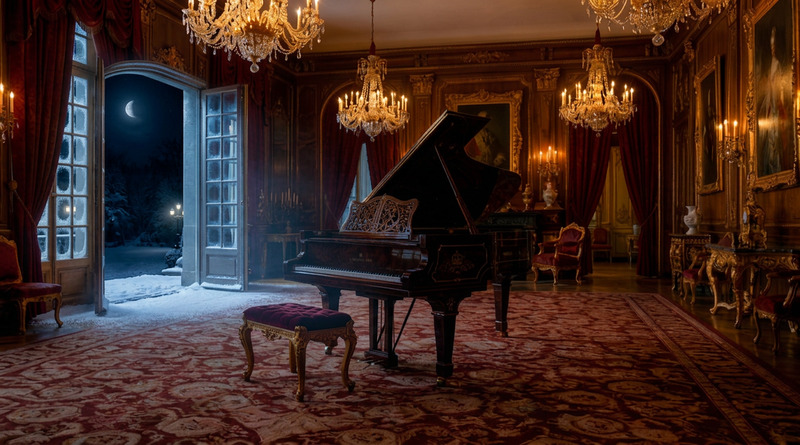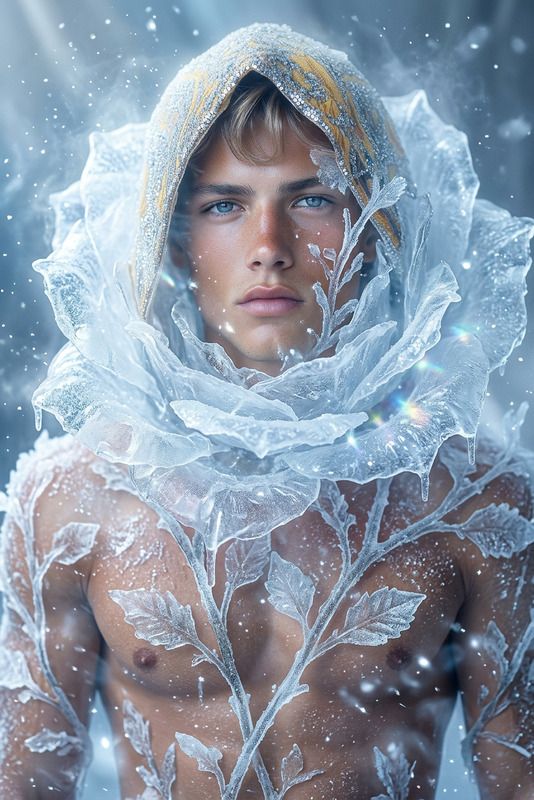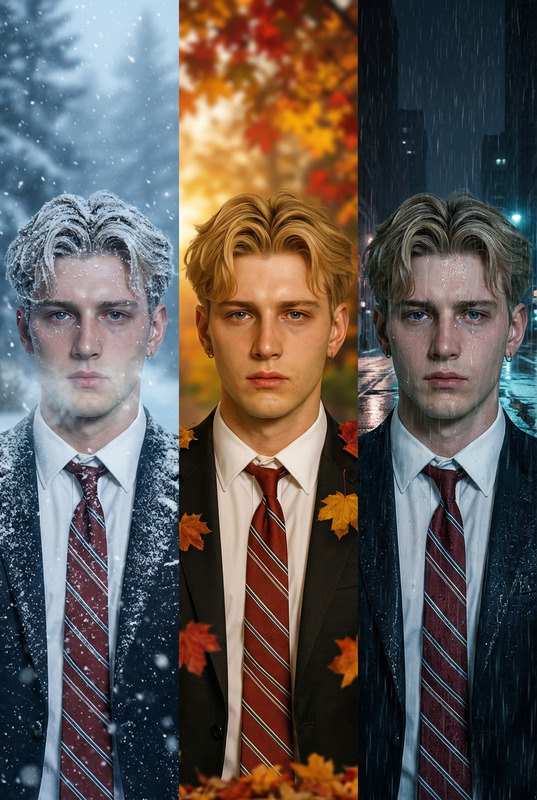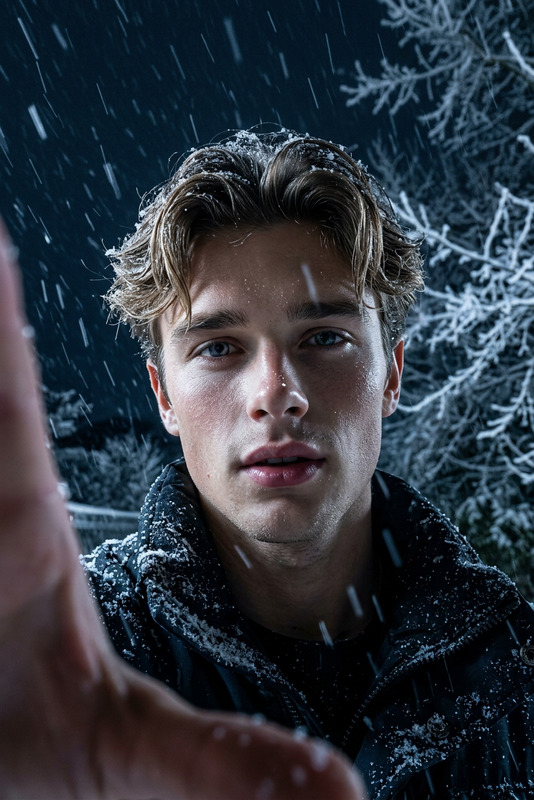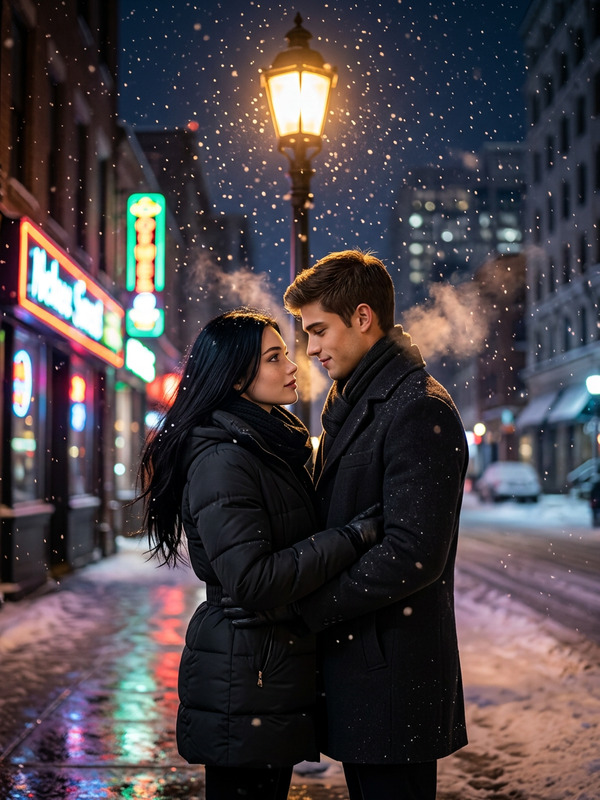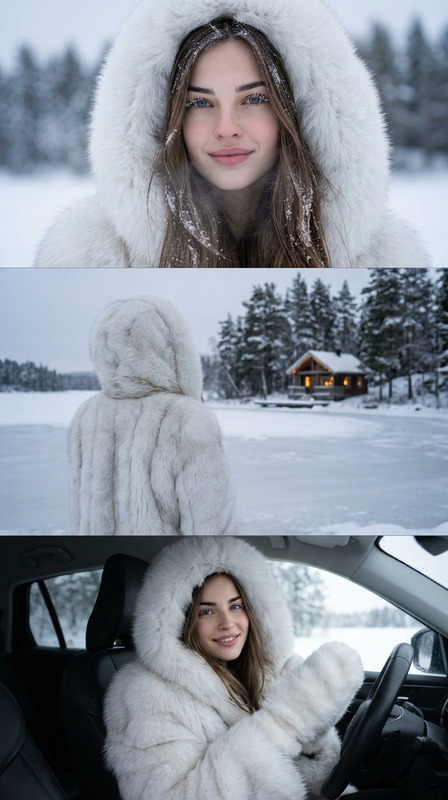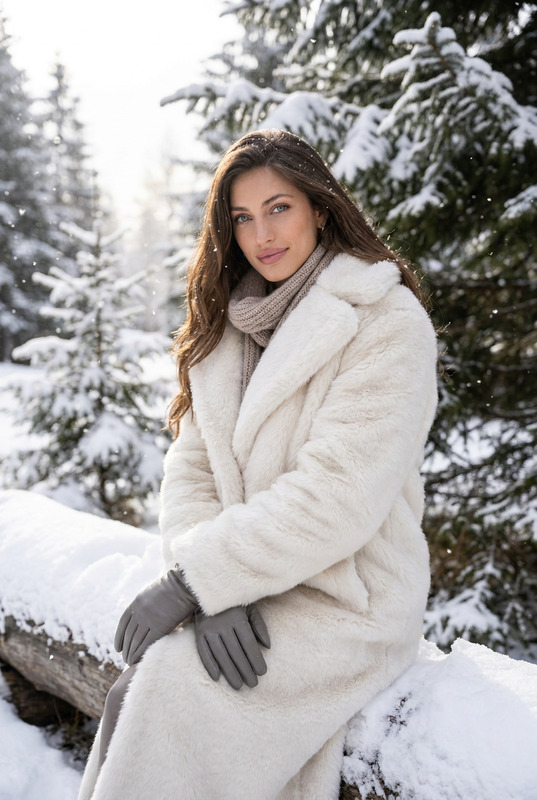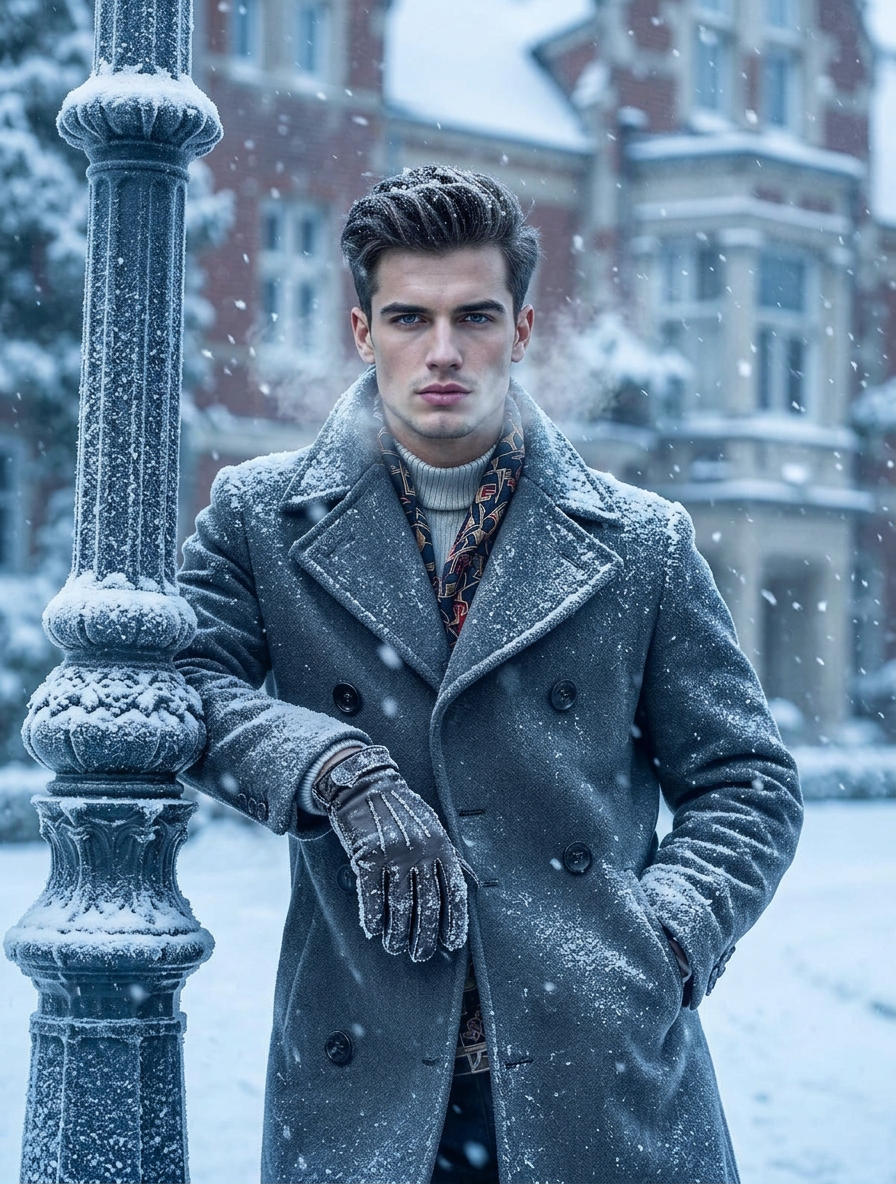
Winter Atmosphere
- Model
- Nano Banana 2
- Image
- 896 × 1184 px
Prompt
Transform the scene into a winter setting. Add cold, snowy elements such as falling snow, frosty surfaces, and visible breath vapor. Adjust lighting to a cool tone with soft blue/white hues, creating a crisp winter atmosphere. Update clothing or materials with subtle winter details (cozy textures, slight frost accumulation). Enhance the environment with snow-covered elements and gentle haze, while preserving the subject’s identity and overall composition. High detail, cinematic, and immersive winter mood.
Any aspect ratio
Overview
The "Winter Atmosphere" template is part of our AI Image Editor suite, offering you tools to transform any scene into a picturesque winter wonderland. With cutting-edge AI technology built on the nano-banana-2 model, users can add snowy elements, enhance lighting to cool hues, and introduce frost details to images effortlessly.
What It Does
This template skillfully overlays winter effects onto your images. It introduces falling snow, frosty textures, and cool lighting to craft a crisp winter ambiance. Customize elements like clothing textures or add subtle frost for the perfect seasonal touch. The AI Image Editor preserves subject integrity while updating the scene with cinematic quality.
Who It's For
The "Winter Atmosphere" template is ideal for creators looking to enhance holiday marketing materials, filmmakers seeking seasonal backdrops, or photographers wanting to add a winter touch to their work. It's also perfect for content creators focusing on cozy, winter-themed social media visuals.
Summary
With the "Winter Atmosphere" template, transforming any scene into a winter delight is straightforward and efficient. Designed for versatility, this template adds a unique, immersive winter mood to images while maintaining high detail and composition fidelity. Discover more in our AI Image Editor collection, where creativity meets innovation.
How To
Choose Your Template

Customize Inputs

Generate Your Winter Scene

Use Cases
Holiday Marketing
- Create appealing holiday-themed advertisements.
- Add winter effects to product imagery.
Social Media Content
- Transform images for Instagram winter posts.
- Craft cozy visuals for blog articles.
Digital Art Projects
- Develop scenic winter landscapes.
- Add frosty elements to digital paintings.
Best Practices
Select High-Quality Images
Ensure your original image is of high quality to achieve the best winter transformation results.Adjust Lighting Thoughtfully
Experiment with the lighting settings to perfectly capture a chilly, crisp winter atmosphere.Focus on Subtle Details
Incorporate minor tweaks, like frost on surfaces or a light snow haze, to enhance realism.