Cozy Winter Claymation
- Model
- Nano Banana 2
- Image
- 843 × 1264 px
Prompt
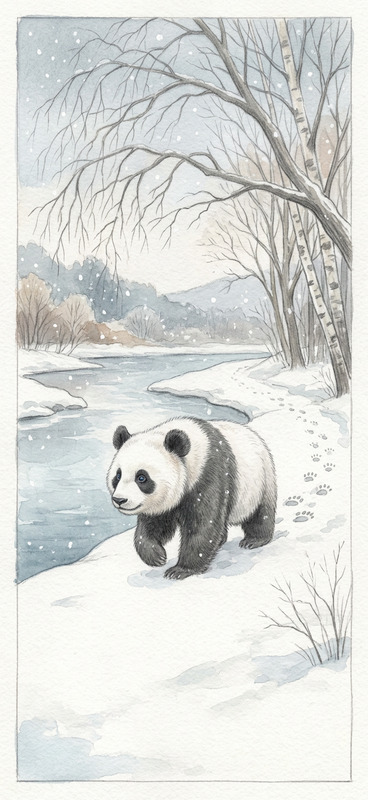
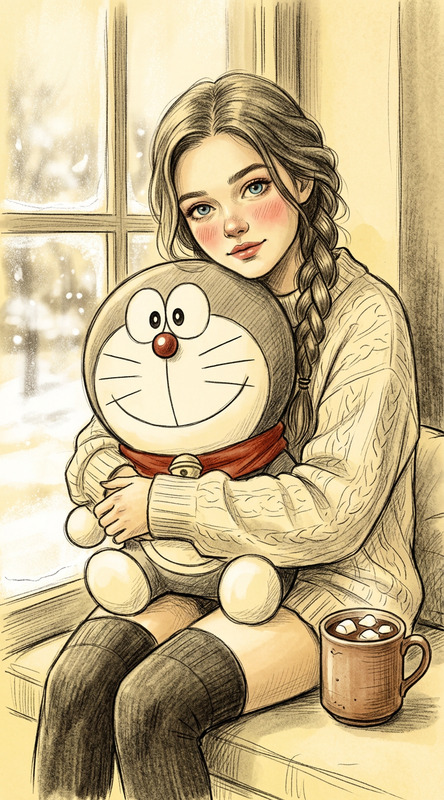
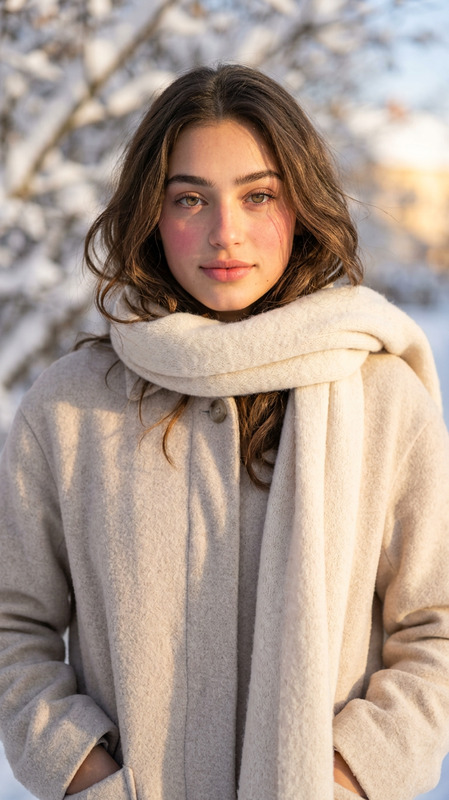
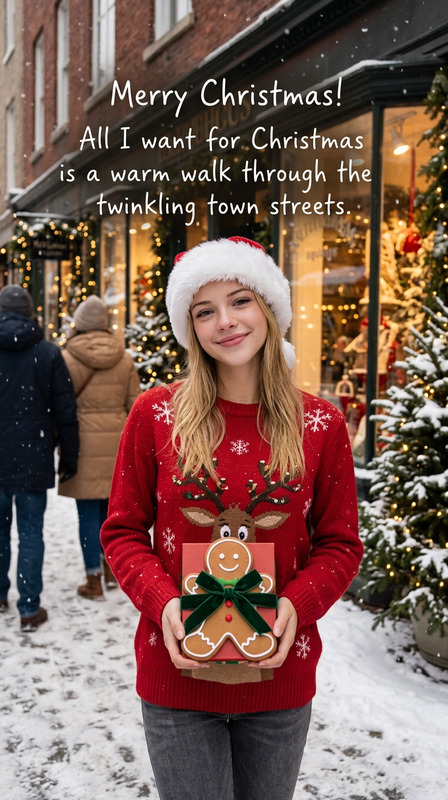
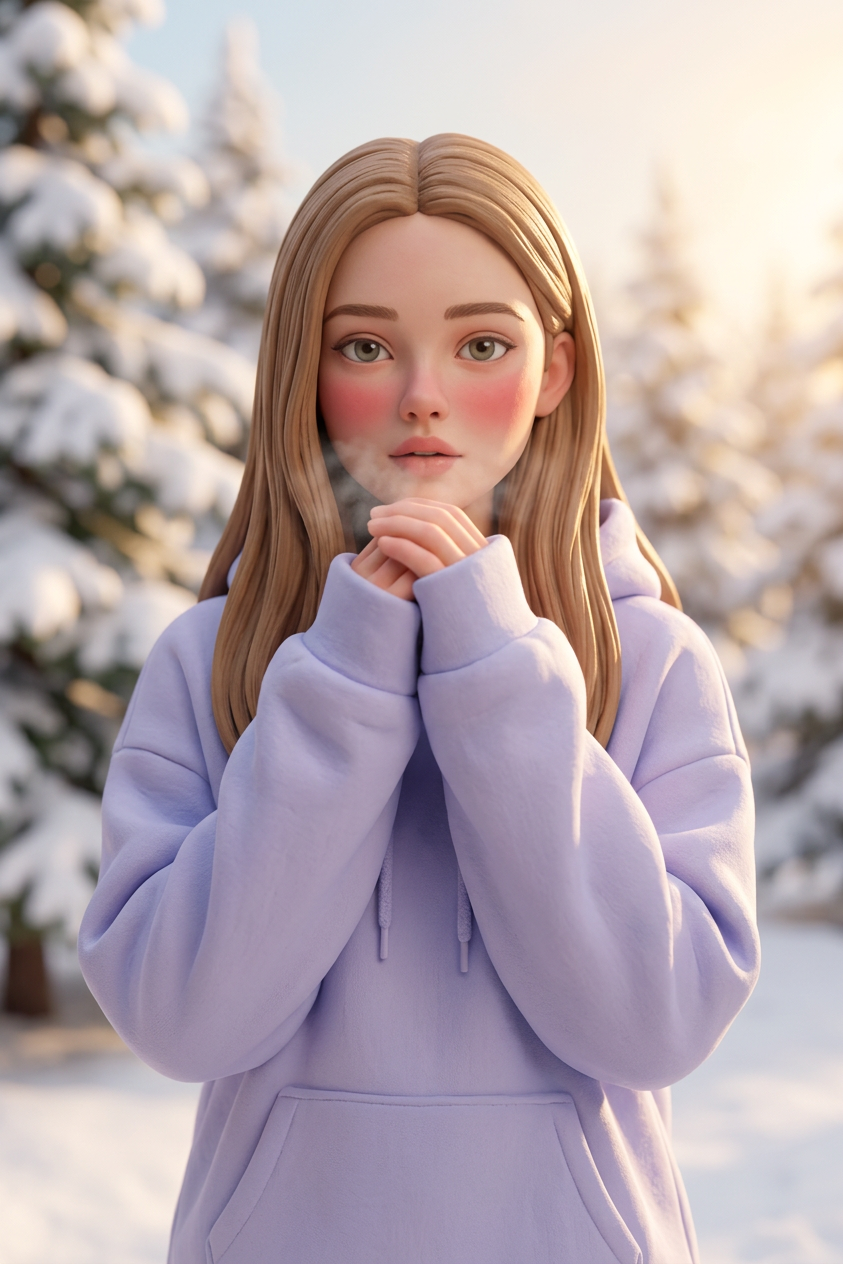
A winter portrait of a subject in claymation style, wearing an oversized pastel hoodie with sleeves covering the hands as the subject warms them with their breath. The subject has minimal makeup, soft cold-blush cheeks, and straight hair falling naturally. The mood is warm, youthful, and US cozy-inspired. Background features blurred snowy trees with warm sunlight creating a dreamy winter glow, soft lighting, detailed clay texture, handcrafted aesthetic.
Any aspect ratio
Overview
The Cozy Winter Claymation template offers an AI-driven approach to transform your images into heartwarming, winter-themed claymation scenes. Utilizing the AI Image Editor capabilities, this template captures the essence of the season with a handcrafted aesthetic.
What It Does
This template uses the power of the nano-banana-2 model to create a claymation-style winter portrait. The focus is on capturing warm, cozy vibes through detailed clay textures and soft lighting that simulates a handcrafted aesthetic.
Who It's For
Ideal for digital artists, video creators, and marketers seeking to evoke a warm, youthful winter mood in their visual projects. Whether it's for social media content, advertisements, or personal projects, this template helps produce captivating imagery that highlights seasonal warmth.
Summary
By using the Cozy Winter Claymation template, you can bring a unique, cozy aesthetic to your digital projects. Excellent for enhancing content with a stop-motion feel, it is especially suited for creatives looking to add a gentle winter charm. Get started with our AI Image Generator to bring your visions to life.
How-To
Choose

Customize

Generate

Use Cases
Social Media Campaigns
- Intimate seasonal promotions
- Storytelling through cozy, youthful aesthetics
Advertising
- Seasonal product launches
- Thematic ad visuals
Personal Projects
- Customized holiday greetings
- Personalized winter imagery
Best Practices
Leverage Lighting
Experiment with lighting settings to enhance the dreamy glow effect and create a warmer ambiance.Add Personal Touches
Incorporate personal details in the subject's attire or background to make the imagery more relatable.Balance Elements
Maintain a balance between the clay texture detailing and the overall composition to ensure a cohesive aesthetic.