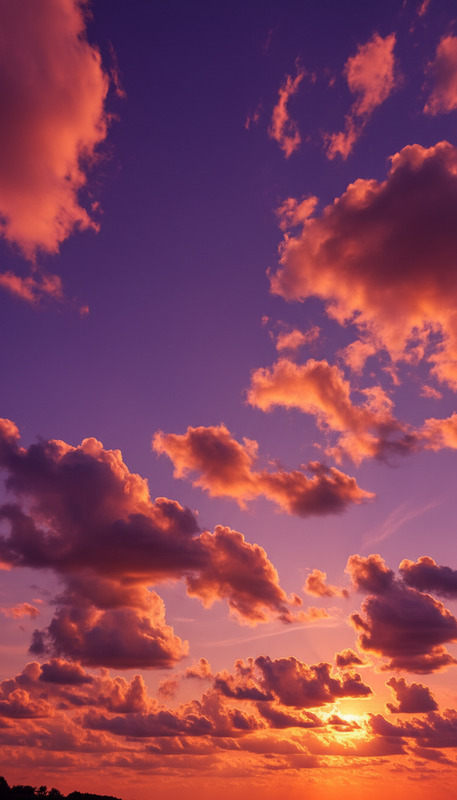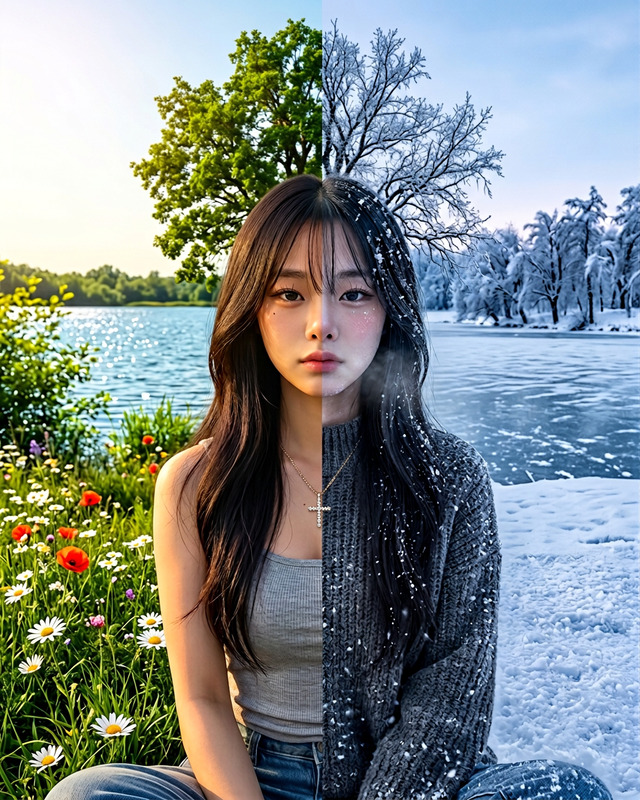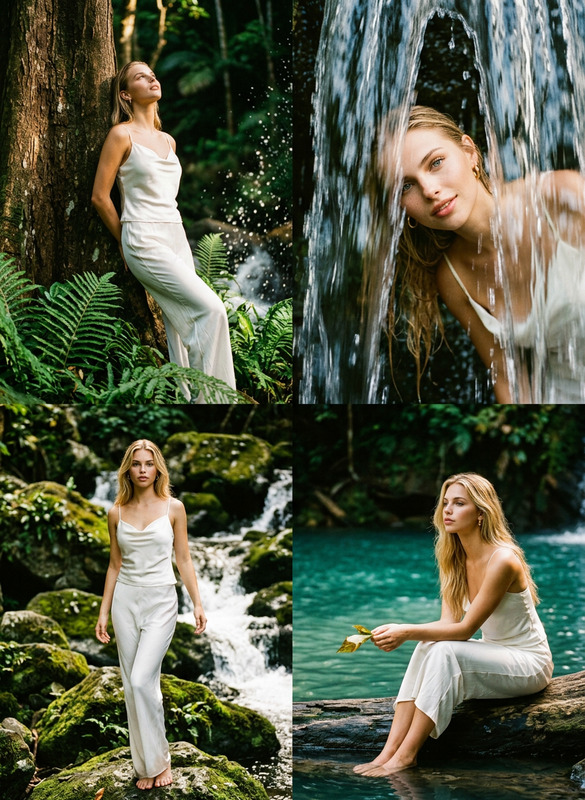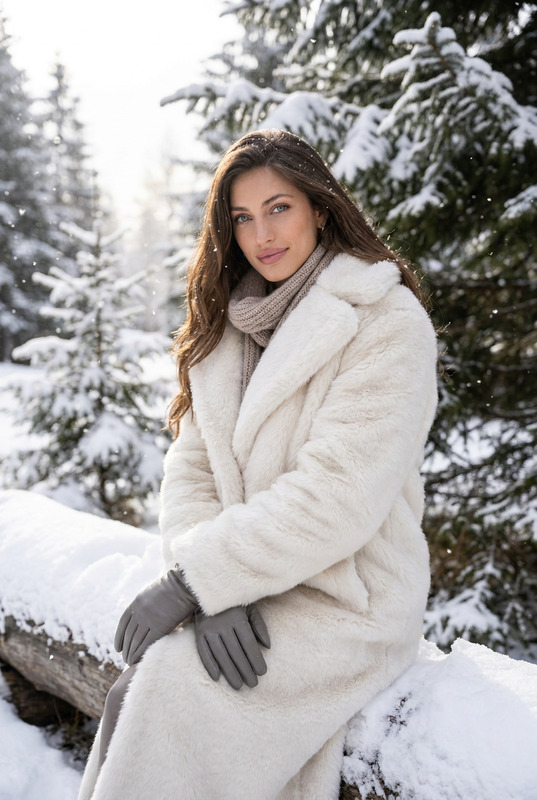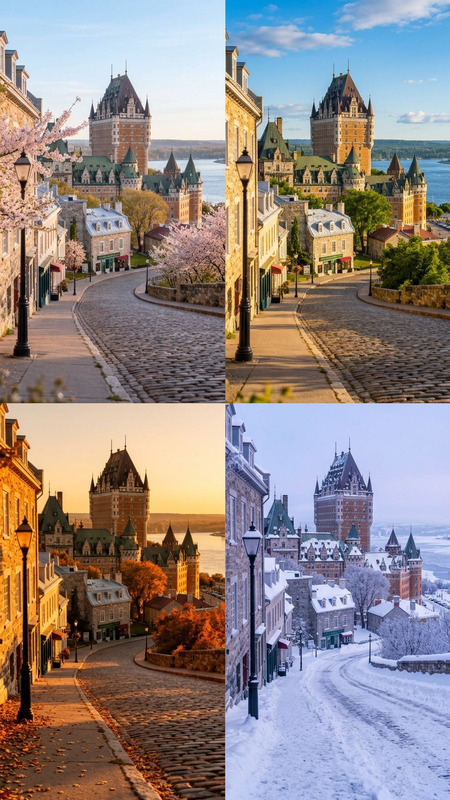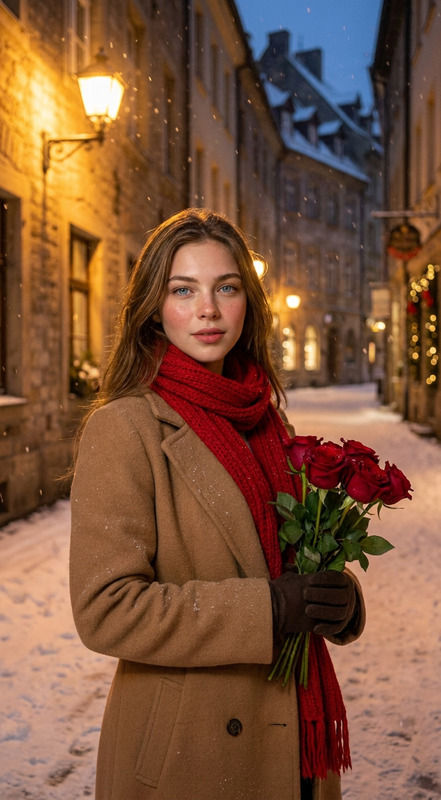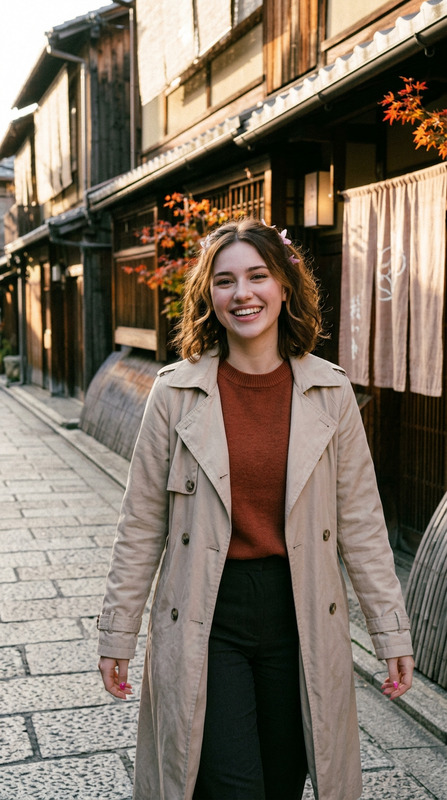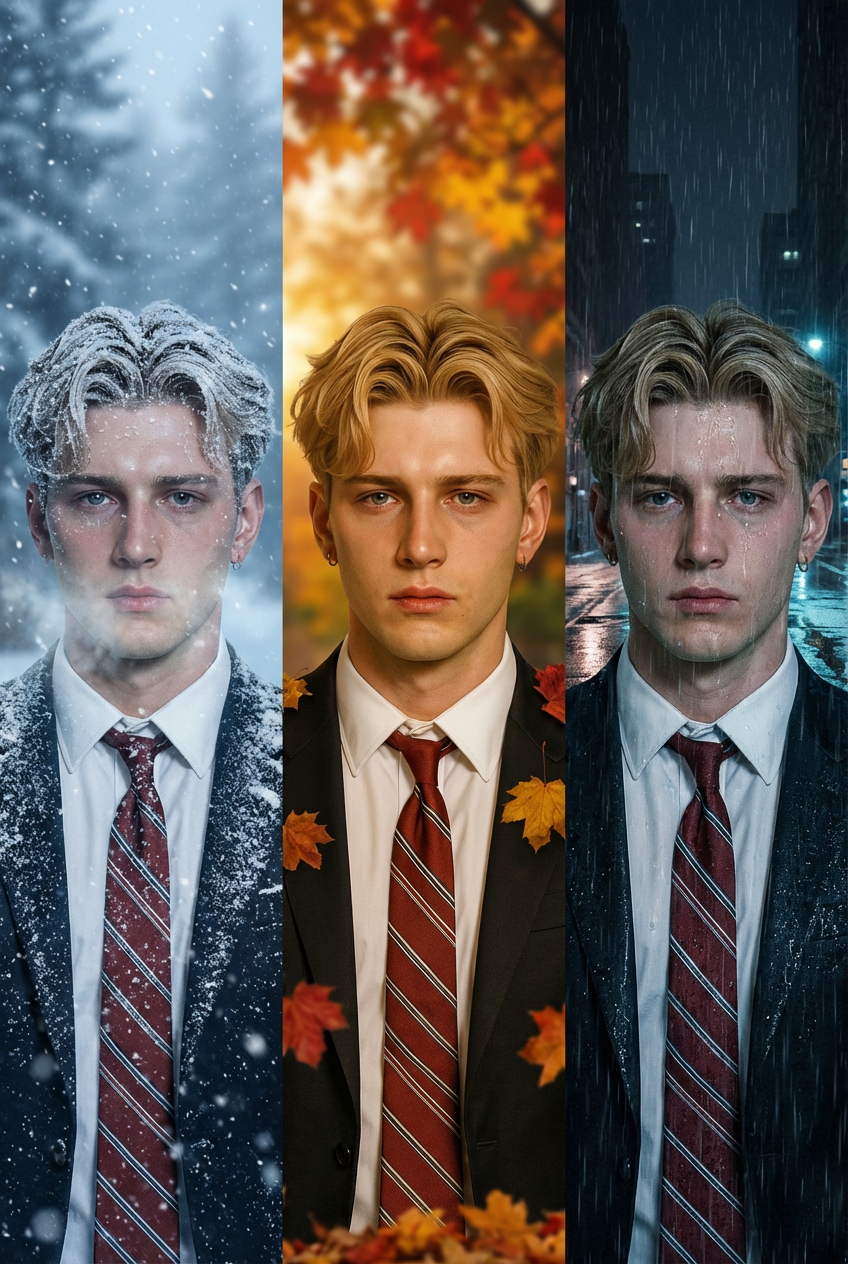
Seasonal Variations
- Model
- Nano Banana Pro
- Image
- 848 × 1264 px
Prompt
Transform the original photo into three distinct versions while preserving the composition and subject placement: Winter Version: Cover the scene in snow with frosted trees and soft snowfall. Adjust lighting to cool blue tones with gentle haze and visible breath vapor if applicable. Autumn Version: Replace greenery with warm fall colors (red, orange, yellow leaves), add fallen leaves on the ground, and use golden-hour lighting for a cozy atmosphere. Rainy Evening Version: Create a wet environment with rain falling, puddles on the ground, and reflective surfaces. Use dim, moody lighting with cool tones and reflections of lights on the wet pavement. Ensure each version is photorealistic with accurate lighting, shadows, and environmental details, while maintaining the original scene structure.
Any aspect ratio
Overview
Experience the magic of dynamic season changes with the Seasonal Variations template. Powered by the nano-banana-pro model, this template in the AI Image Editor revolutionizes your images by transforming them into stunning seasonal variations. Whether you're illustrating a winter wonderland or a cozy autumn scene, this tool provides photorealistic transitions while maintaining the integrity of the original photo.
What It Does
The Seasonal Variations template generates three distinct seasonal versions of any image. It covers the scene in snow and frost for winter, utilizes warm autumn colors and golden-hour lighting for fall, and creates a rainy evening ambiance. Each version includes accurate lighting and shadows to ensure a photorealistic outcome. The template preserves composition and subject placement, ensuring environmental details are true to the original scene.
Who It's For
Ideal for creatives seeking to add seasonal flair to their projects, this template is a valuable asset for graphic designers, social media managers, and content creators. It especially benefits those working in the advertising industry or producing engaging content for social media platforms. Anyone looking to enhance storytelling with visual atmosphere changes will find this tool indispensable.
Summary
With the AI Image Editor's Seasonal Variations template, your images will captivate audiences through stunning seasonal transformations. By maintaining the original composition and subject placement, it offers versatile visual options for a wide range of creative projects. Discover background scenes from other tools like the AI Background Changer to further diversify your visual narratives.
How-To

Customize Your Scene

Generate Your Images

Use Cases
Social Media Campaigns
- Winter-themed promotional posts
- Autumn-inspired story sequences
- Rainy day mood boards
Marketing and Advertising
- Seasonal product launches
- Festive greeting visuals
- Season-specific ad campaigns
Creative Storytelling
- Illustrated children's books
- Narrative-driven presentations
- Thematic short films
Best Practices
Maintain Consistent Composition
Ensure your original photo has clear subject placement to maximize template effectiveness.Leverage Lighting and Tone
Adjust lighting settings based on seasonal needs; cool tones for winter, warm for autumn, and dim for rainy scenes.Consider Contextual Details
Incorporate additional elements like falling leaves or puddles for enhanced realism in your seasonal transformations.