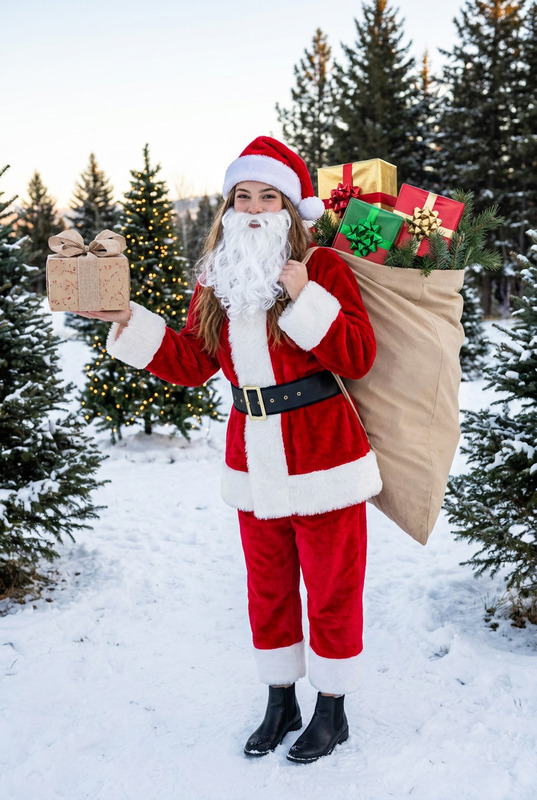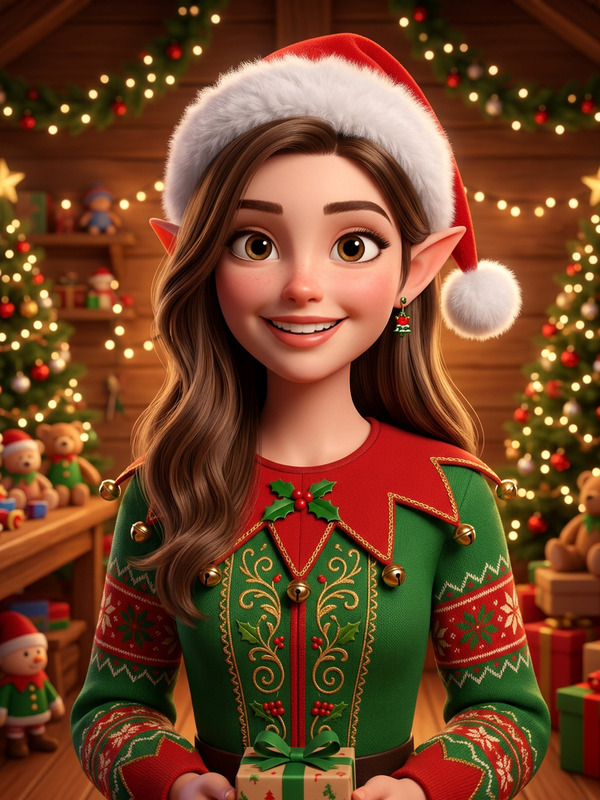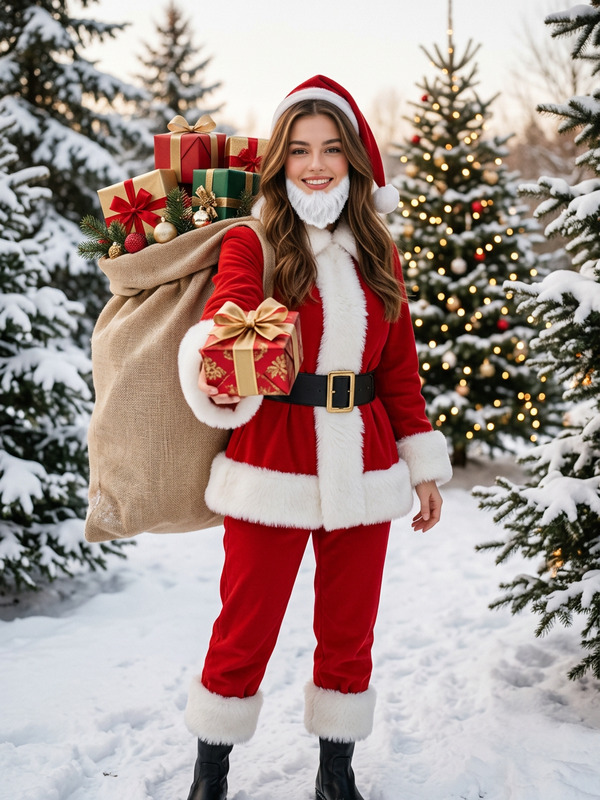
Christmas Outfit & Background
- Model
- Nano Banana Pro
- Image
- 768 × 1376 px
Prompt
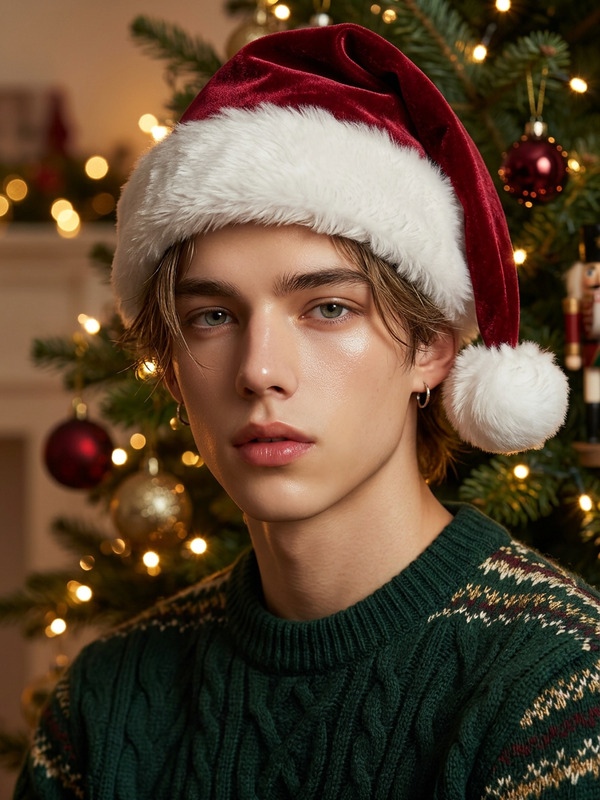
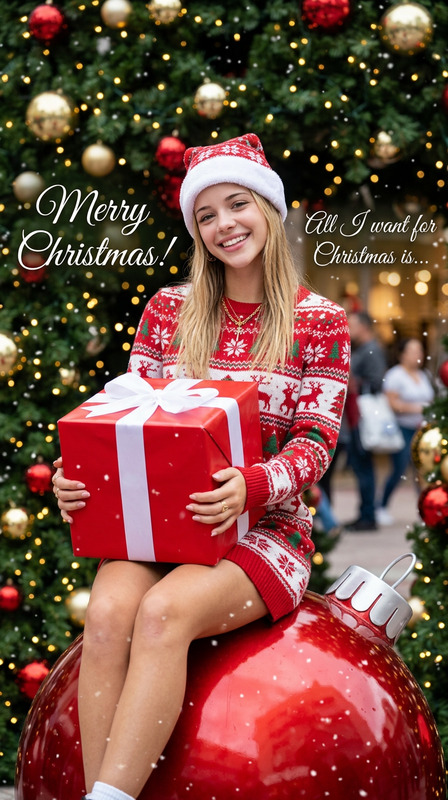
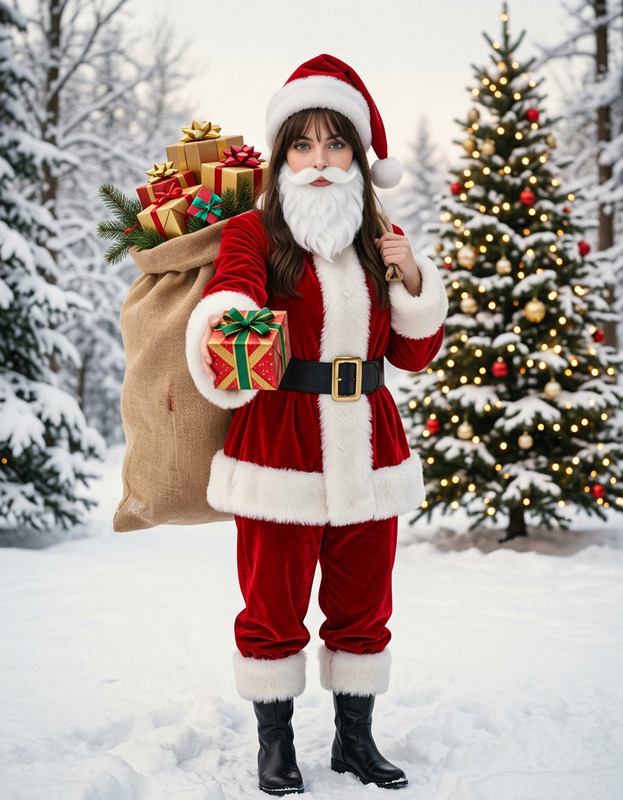
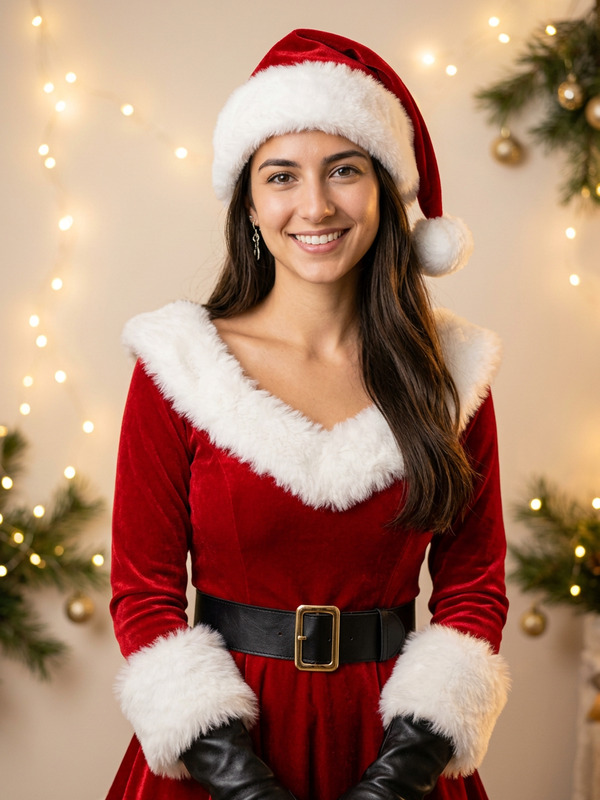
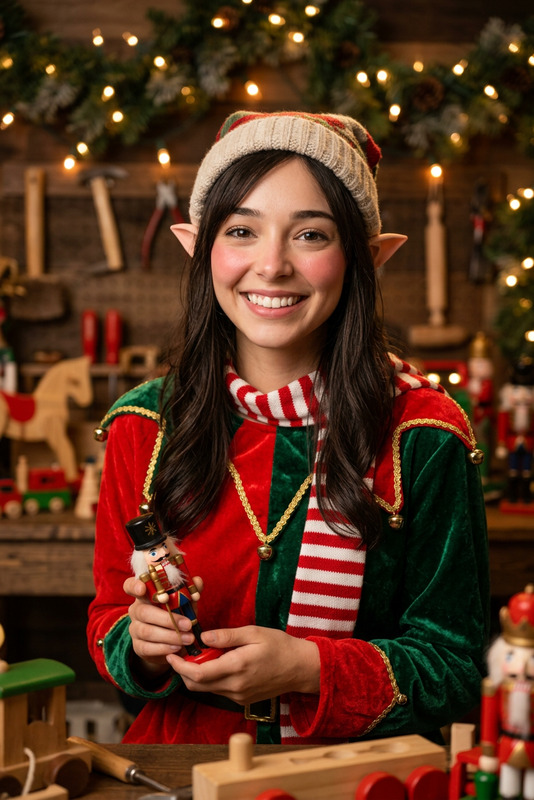
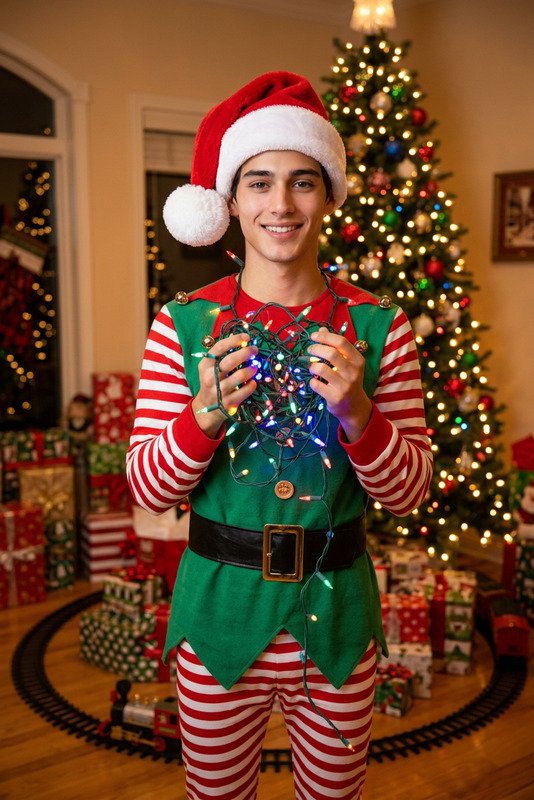
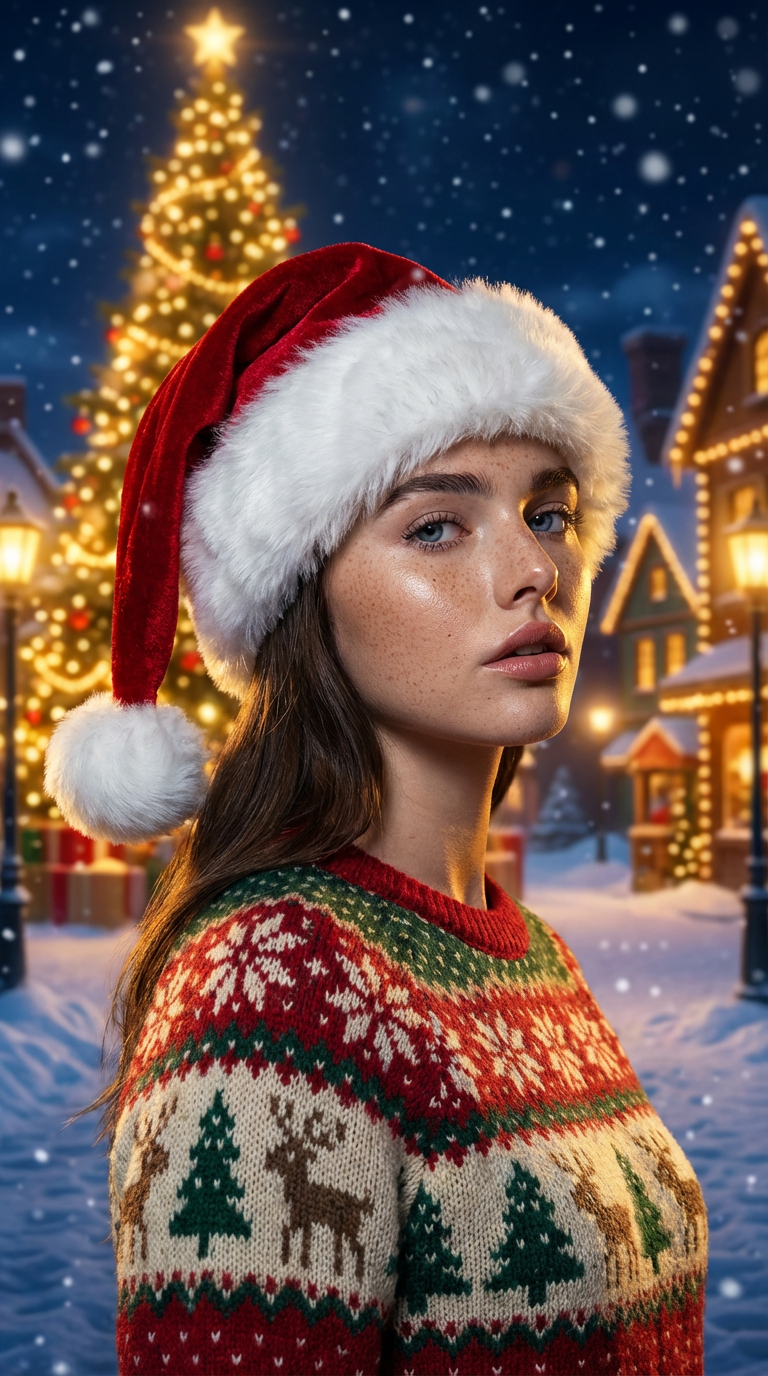
Transform the portrait into a photorealistic Christmas scene. Preserve the subject’s exact facial features, proportions, and identity. Add a realistic Santa hat (red velvet, white fur trim) and replace clothing with a cozy Christmas sweater featuring visible knit patterns (snowflakes, reindeer, pine trees). Place the subject in a cinematic North Pole setting inspired by The Polar Express: a grand glowing Christmas tree, warm golden lights, snowy plaza, toy-like buildings, and falling snow. Use nighttime lighting with warm highlights and cool blue shadows, matching the subject naturally. Apply subtle depth of field for realism.
Any aspect ratio
Overview
Immerse your audience in the magic of Christmas with the Christmas Outfit & Background template. This tool transforms portraits with festive cheer, perfect for enhancing holiday imagery. By utilizing advanced AI from the AI Image Editor suite, your subjects are seamlessly outfitted in Christmas attire, set against an enchanting North Pole backdrop.
What It Does
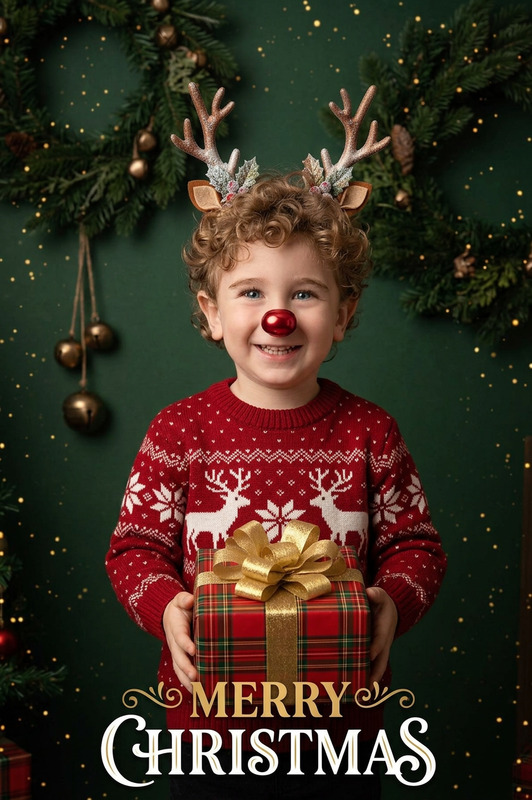
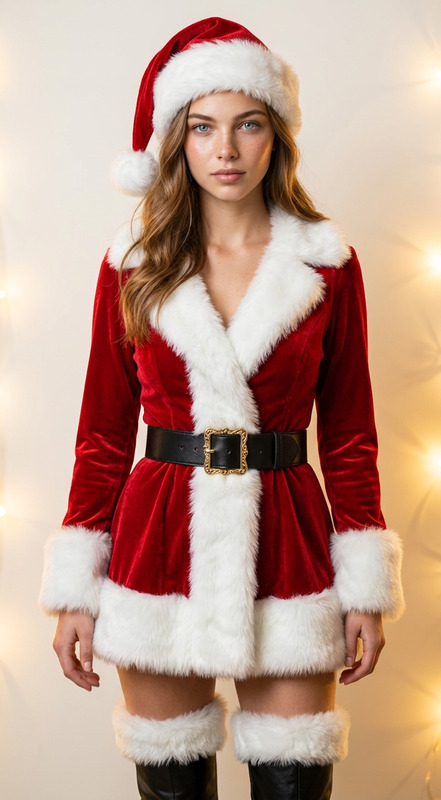
The template turns your portrait images into festive Christmas scenes. A realistic Santa hat and Christmas sweater are added to the subject, preserving their identity and features. The scene is completed with a cinematic North Pole setting, incorporating elements such as a glowing Christmas tree and snowy surroundings. The AI Clothes Changer technology ensures that all clothing transformations look natural and convincing.
Who It’s For
This template is tailored for content creators, marketers, and anyone looking to add a festive touch to their visual projects. It's ideal for holiday card designs, social media posts, and promotional materials that celebrate the Christmas spirit. If you're exploring more advanced transformations, the AI Talking Photo functionality might also be of interest.
Summary
Capture the essence of Christmas with the Christmas Outfit & Background template. Effortlessly convert simple portraits into warm, holiday-themed visuals that charm and engage. For those seeking more creative options, consider exploring our AI Background Changer for diverse scene settings.
How to Use
Choose the Template

Customize Your Scene

Generate and Download

Use Cases
Holiday Cards
- Add festive apparel and backgrounds to photos
- Use personalized cards for family and clients
Social Media Content
- Create eye-catching images for Instagram and Facebook
- Enhance engagement with holiday-themed visuals
Marketing Campaigns
- Prepare seasonal imagery for advertisements
- Align visuals with Christmas marketing strategies
Best Practices
Choose High-Quality Portraits
For optimal results, use high-resolution images to ensure clarity in transformed elements.Maintain Consistent Lighting
Adjust lighting settings to match the North Pole backdrop, maintaining a coherent and realistic scene.Preview Before Downloading
Always preview the final result to ensure every element aligns correctly with the intended outcome.